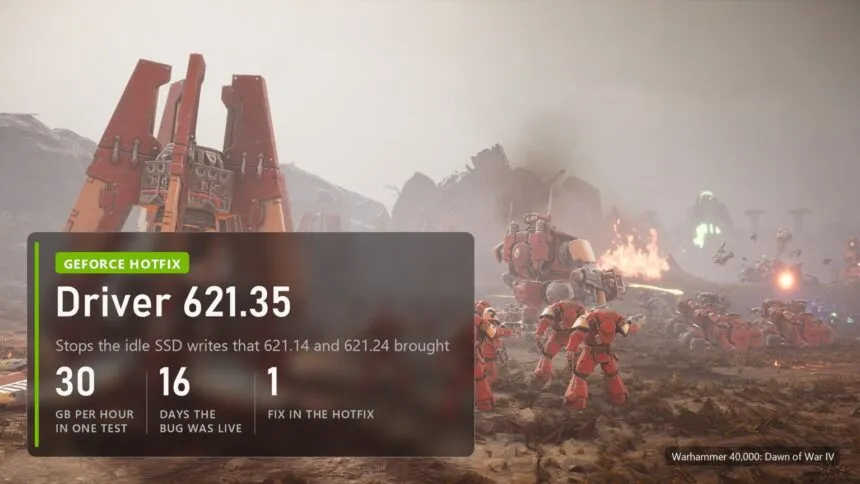
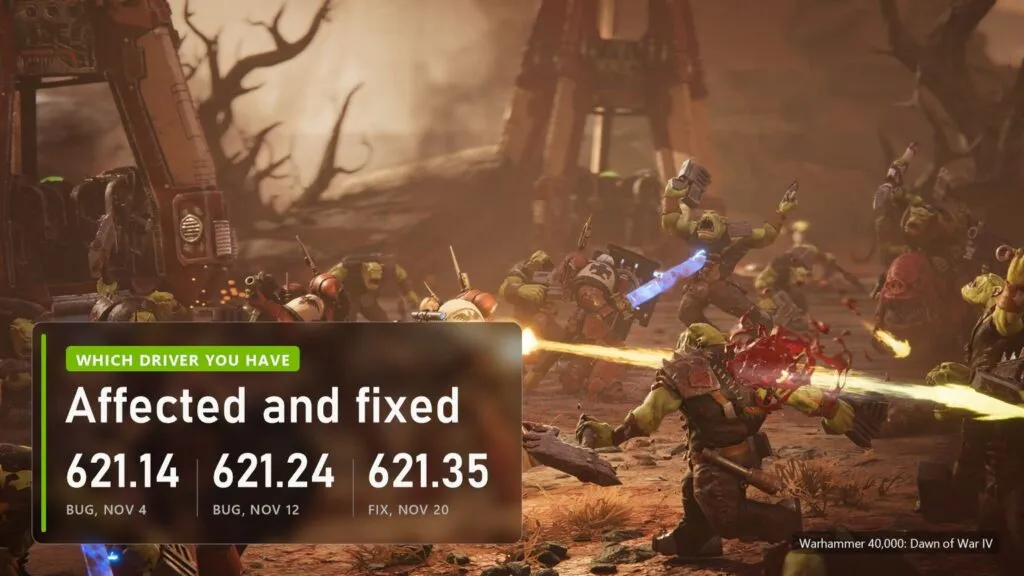
NVIDIA has shipped hotfix driver 621.35, and it does one thing: the driver stops rewriting a file called nvlog.nvlgstg on your system drive over and over. The bug came with 621.14 on November 4, stayed in 621.24 on November 12 and lived for 16 days. On an idle PC with either driver, users measured anywhere from a few gigabytes to roughly 30 GB of writes an hour.
Read next:
What the driver writes, and how much
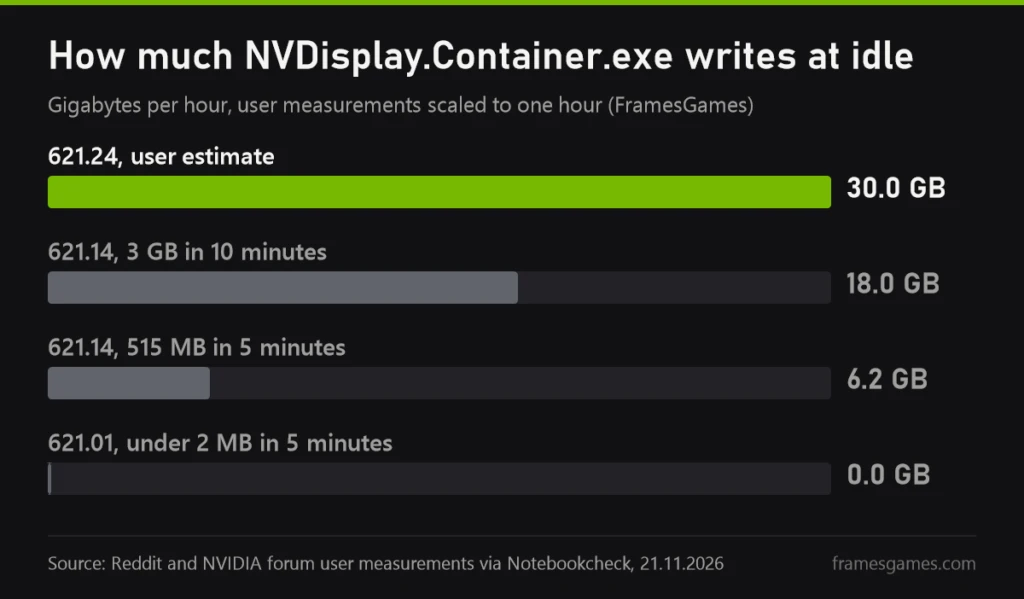
The culprit is NVDisplay.Container.exe, the process behind the NVIDIA Display Container LS service. It keeps rewriting a binary log, nvlog.nvlgstg, on the drive Windows lives on. NVIDIA tracks it as bug 7116722, and the hotfix release notes list exactly one line: "Excessive writes to file nvlog.nvlgstg may occur in background".
How bad it gets depends on the machine. Notebookcheck rounded up readings from Reddit and the NVIDIA forums: 515 MB after five idle minutes on 621.14, more than 3 GB in ten minutes on another PC, and an estimated 30 GB an hour on 621.24. The same idle test on 621.01 stayed under 2 MB. I scaled everything to one hour for the chart so the bars line up.
Some perspective. Windows process counters do not always match what physically reaches the NAND, and in that same five-minute test the whole C: drive logged 270 MB. Take the worst case anyway, 30 GB an hour for eight hours a day, and Notebookcheck works out about 15% of a 1 TB drive's 600 TBW rating per year. That is a lot of wear for a log file nobody reads.
How to check your own PC
First the driver version. In PowerShell:
nvidia-smi --query-gpu=driver_version --format=csv,noheaderIf it says 621.14 or 621.24, see how much the process has written since it started:
Get-CimInstance Win32_Process | Where-Object Name -eq NVDisplay.Container.exe | Select-Object ProcessId, @{n="WrittenMB";e={[math]::Round($_.WriteTransferCount/1MB)}}Run it, leave the PC alone for five minutes, run it again. A few extra megabytes is normal. Hundreds means you have the bug.
Install the hotfix or wait?
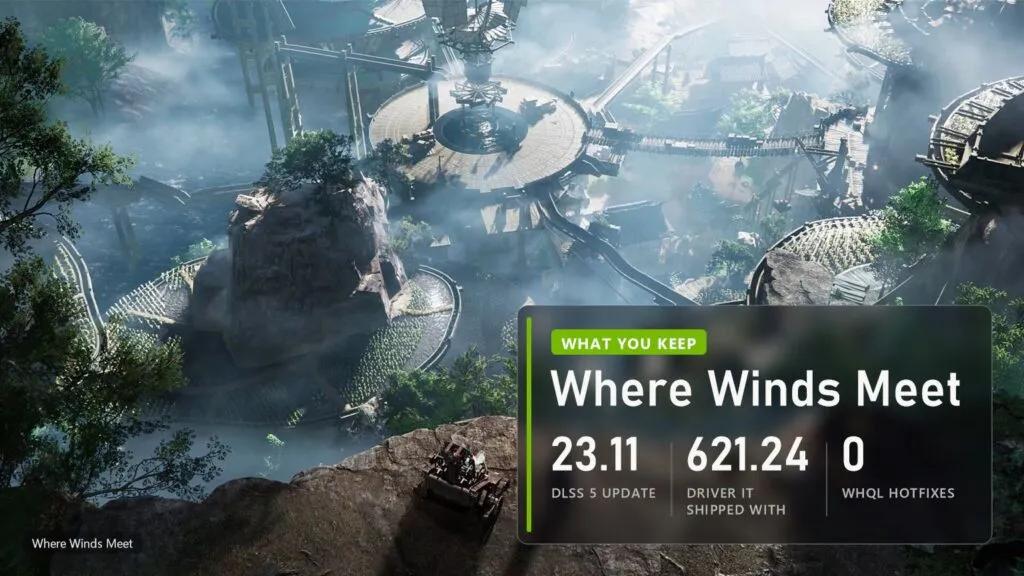
621.35 is built on 621.24, so you keep everything that driver added: the Warhammer 40,000: Dawn of War IV optimizations, DLSS 5 support for Where Winds Meet (the game update is due on November 23) and DLSS 4.5 Dynamic Multi Frame Generation in Assetto Corsa Rally. The download is about 1 GB, one package for desktops and laptops on Windows 10 and 11, and you install it by hand from NVIDIA's support site.
The usual hotfix fine print applies: it is a beta without WHQL certification, NVIDIA says the safest route is to wait for the next certified driver, the fix will be rolled into it and the hotfix pulled. My take: if the check above showed hundreds of megabytes, install 621.35 now. It beats rolling back to 621.01, which brings back video freezes and black screens on some RTX 50 cards. Stopping the service and deleting the log only lasts until the next reboot, and disabling the service outright stops the NVIDIA Control Panel and the NVIDIA app from opening.
AMD dealt with its version of this faster. Adrenalin 26.11.1 fixed idle SSD writes on RX 7000 and newer on November 12, and 26.11.2 brought the fix to older Radeon cards on Windows 10 on November 18. NVIDIA said nothing until the hotfix arrived.
Sources
GeForce Hotfix Driver 621.35 on NVIDIA's support site (20.11.2026; on 22.11 the support site returned an error, so the fix line was checked against the reports below and the driver file on NVIDIA's download server, dated 20.11.2026); Notebookcheck (21.11.2026: user measurements, SSD endurance maths, rollback and workarounds); Back2Gaming (21.11.2026: fixed issues and hotfix terms); NVIDIA's article on driver 621.24. Chart by FramesGames, measurements scaled to one hour. Images: screenshots from the Steam pages of Warhammer 40,000: Dawn of War IV and Where Winds Meet.