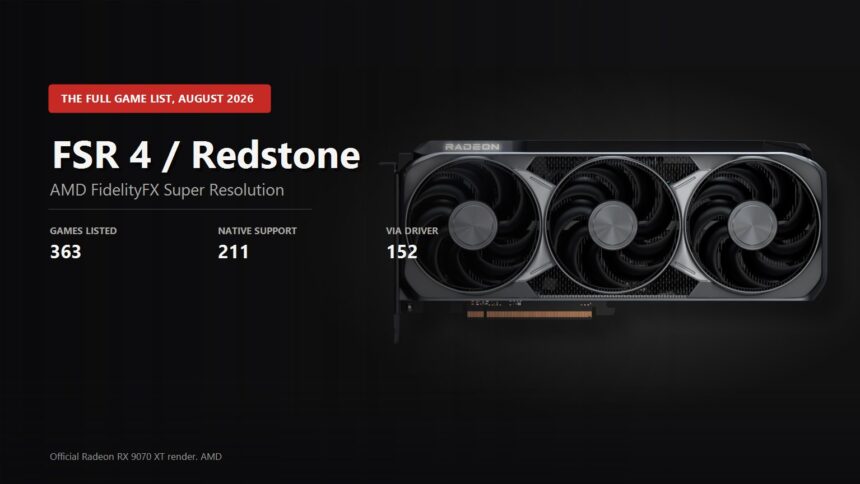
The question "which games have FSR 4" got harder to answer than it was a year ago. AMD no longer has one technology but a set of four, collected under the name Redstone, and the parts of it need different hardware. On top of that there is now a second route to FSR 4 in games where the developer never integrated it. Here is the picture from AMD official list, checked on 22 August 2026.
363 games, with one important caveat
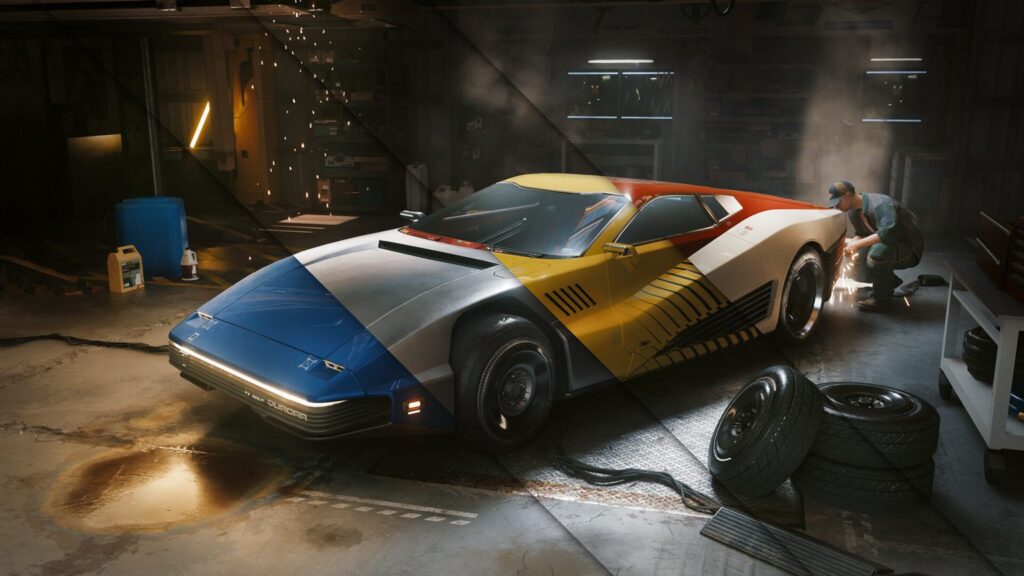
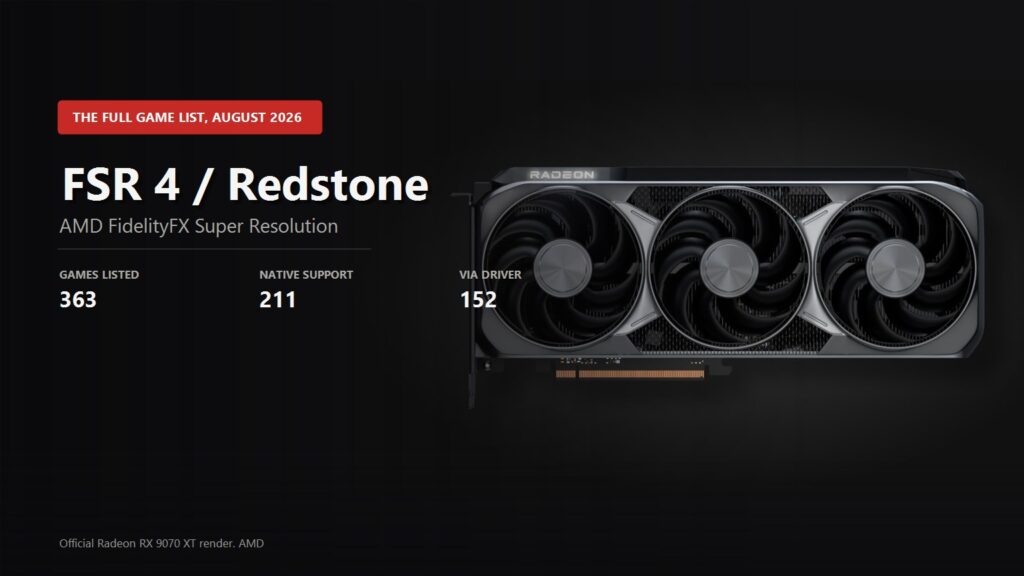
AMD official list currently holds 363 games that support at least one Redstone technology. That number is made of two different things, and the difference matters.
| How it works | Games | What it means |
|---|---|---|
| Native integration | 211 | the developer built Redstone in, you switch it on in the game settings |
| Through the driver | 152 | the game ships with FSR 3.1 and the AMD driver upgrade feature swaps it for FSR 4 |
| Total on the list | 363 |
The second route does not work with just any game. AMD requires a proper built-in FSR 3.1 integration for upscaling, or FSR 3.1.4 for frame generation, and it has to be DirectX 12. A game on Vulkan or on an older FSR version cannot be upgraded from the driver.
About FSR 4.1, since that is probably what you typed. Officially there is no such version: on its own page AMD calls the technology FSR 4 and the new batch of improvements Redstone. The name "FSR 4.1" came from the community and the news cycle, and it is used for exactly that Redstone update and the fresh FSR libraries that arrive separately from the driver. So if you are looking for a list of FSR 4.1 games, this is the list: the game supports FSR 4, and which library version actually runs inside it is decided by the FSR OTA Control switch in Adrenalin.
Who gets what: cards and drivers
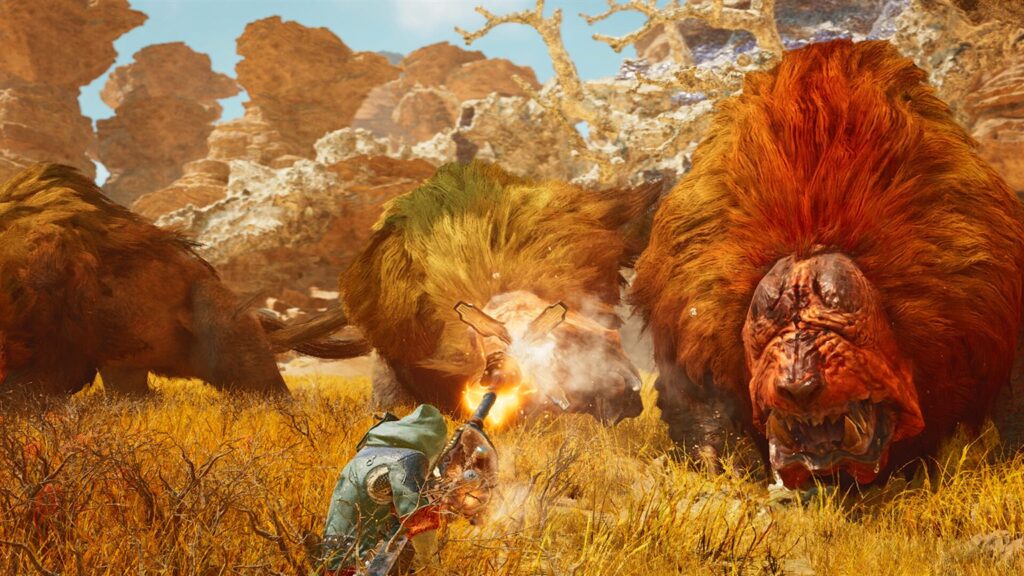
This is where most of the confusion lives. Redstone is not one button but four separate technologies, and until recently all of them were RDNA 4 only. In the summer AMD handed the upscaler to the previous generation and kept the rest for the newer cards.
| Technology | Version | Cards | Driver |
|---|---|---|---|
| Upscaling | FSR Upscaling 4.1.1 | RX 9000 and RX 7000 | 25.12.1, RX 7000 needs 26.6.2 |
| Frame generation | FSR Frame Generation 4.0.1 | RX 9000 and above only | 25.12.1 |
| Ray Regeneration | 1.2.0 | RX 9000 and above only | 25.12.1 |
| Radiance Caching | 0.9.0, technical preview | RX 9000 and above only | 25.12.1 |
So a Radeon RX 7000 owner gets machine learning in the upscaler and a visibly cleaner image, but frame generation and ray denoising stay out of reach. We looked at the quality gap between generations in our FSR 4.1 blind test and put it against NVIDIA in FSR 4 versus DLSS 4.5.
The big games on the list
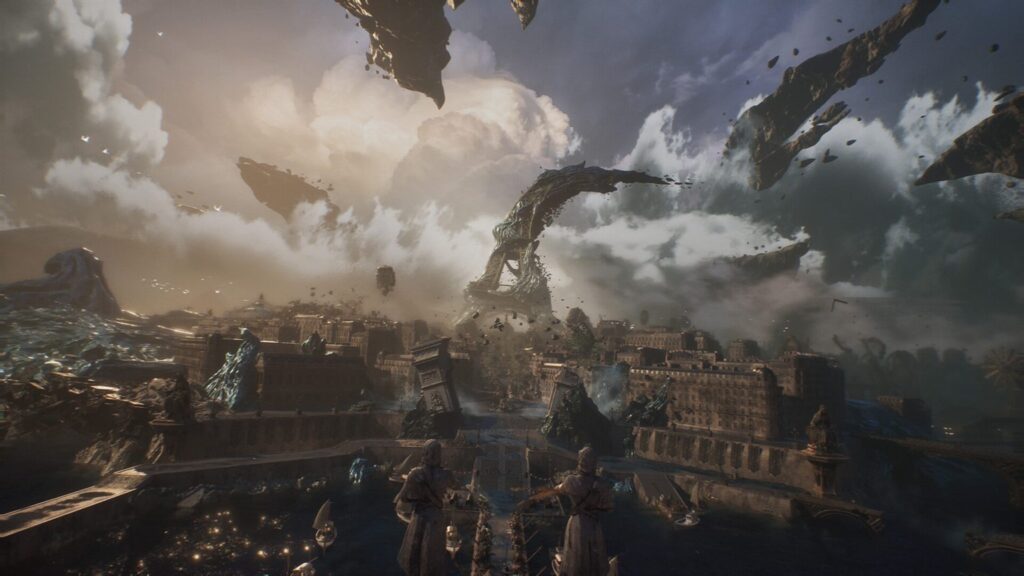
Reading all 363 entries is pointless, a good share of them are small projects and simulators. Here are the ones people actually search for, split by how the support is delivered.
| Native integration | Through the AMD driver |
|---|---|
| Battlefield 6 | Cyberpunk 2077 |
| Call of Duty: Black Ops 7 | Call of Duty: Black Ops 6 |
| Monster Hunter Wilds | S.T.A.L.K.E.R. 2: Heart of Chornobyl |
| Kingdom Come: Deliverance II | Hogwarts Legacy |
| Clair Obscur: Expedition 33 | Black Myth: Wukong |
| ARC Raiders | God of War Ragnarok |
| Crimson Desert | Horizon Forbidden West Complete Edition |
| Resident Evil Requiem | SILENT HILL 2 and SILENT HILL f |
| Dying Light: The Beast | Mafia: The Old Country |
| Forza Horizon 6 | Assassin's Creed Shadows and Mirage |
| HELLDIVERS 2 | Star Wars Outlaws |
| Frostpunk 2 | Warhammer 40,000: Space Marine 2 |
| Dune: Awakening | Borderlands 4 |
| FINAL FANTASY VII REBIRTH | FINAL FANTASY XVI |
| Warhammer 40,000: Darktide | Hunt: Showdown 1896 |
Worth noting that all three Enhanced Edition remasters of the old trilogy are there as well, Shadow of Chornobyl, Clear Sky and Call of Prypiat, all of them through the driver. S.T.A.L.K.E.R. 2 after Update 2.0 is on the list too, also starred.
How to turn it on
If a game has native support there is nothing to hunt for: FSR 4 or Redstone shows up right in the graphics settings next to the quality mode selector.
The starred ones work differently. Open AMD Software: Adrenalin Edition, find the game in the list, enable the FSR upgrade, then pick FSR 3.1 inside the game itself. The driver swaps it for the machine learning version. If the toggle is missing, check three things: your driver version, that the game runs on DirectX 12, and that its settings really are set to FSR 3.1 rather than FSR 2 or TSR.
If your card is not on the guest list
For Radeon RX 6000 and older, and for NVIDIA and Intel cards, there is no official route: FSR 4 runs on machine learning and these cards cannot execute it fast enough. A workaround exists, it is called OptiScaler and it swaps one upscaler call for another. How to install it and what it gets you is in our OptiScaler guide.
AMD keeps the full 363-entry list on its own site and refreshes it alongside driver releases, the link is in the sources below. We will keep an eye on what gets added.