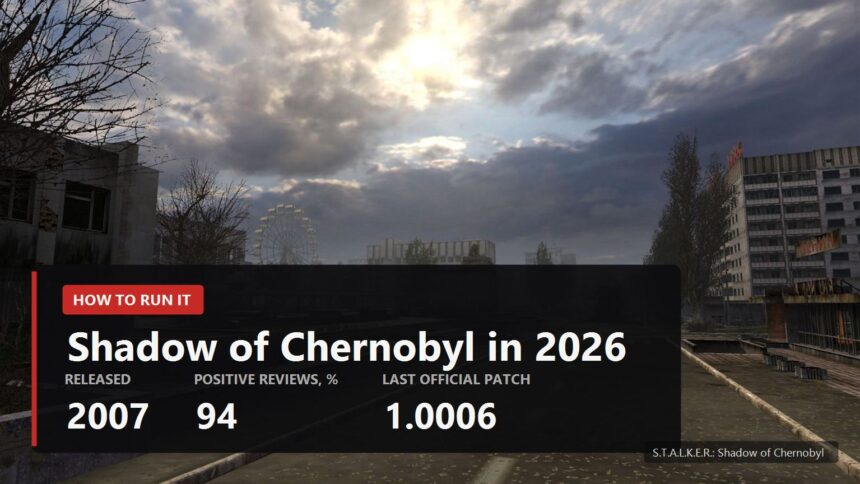
Getting Shadow of Chernobyl running in 2026 is harder than it sounds, and hardware has nothing to do with it. A 2007 game runs on anything modern, yet it refuses to launch, greets you with a black screen, or swims under the mouse. Buying it got confusing too: the original is hidden from the Steam store, the Enhanced Edition is what sells now, and the one fan patch everybody recommends does not install on that edition. Here is the order of operations: what to buy, what to fix, what to install before the first run.
Which version to buy in 2026
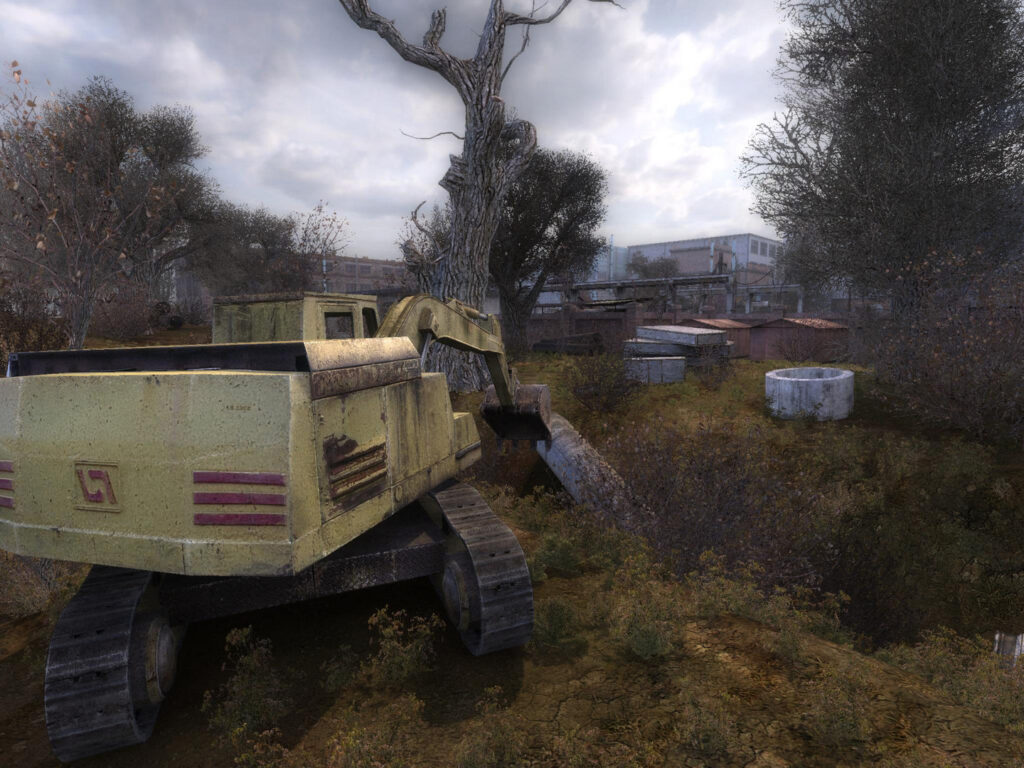
The original's Steam page carries a notice: at the publisher's request the game is unlisted and will not show up in search. The page still opens through a direct link, but you cannot buy it on its own. What sells instead is S.T.A.L.K.E.R.: Shadow of Chornobyl Enhanced Edition, $19.99, released 20 May 2025. Buying the Enhanced Edition puts the old version in your library as well, and both Steam and GOG say so plainly.
- GOG. No DRM, installs anywhere, and the build already has GSC's Multi-Patch applied, so vertical sync works out of the box. Both versions and the soundtrack are included. The classic build was last updated on 20 November 2024, which also removed the admin rights requirement.
- Steam. The Enhanced Edition with Workshop and Cloud, original included. The Enhanced Edition's own reviews are Mixed: 5,437 positive out of 8,701. The original sits at 45,584 positive out of 48,148.
- Consoles. The Legends of the Zone collection arrived on 6 March 2024 for PS4, Xbox One and Xbox Series, and on 31 October 2024 for Switch. Mods there go through mod.io and are cosmetic only: animations, textures, models, sound and video. Scripts and configs are off limits.
If modding is the plan, get the classic version and treat the Enhanced Edition as a separate game. Classic mods live in a folder inside the game directory, while the Enhanced Edition runs on Steam Workshop and mod.io, and the old packs do not load there at all.
It will not launch: start here
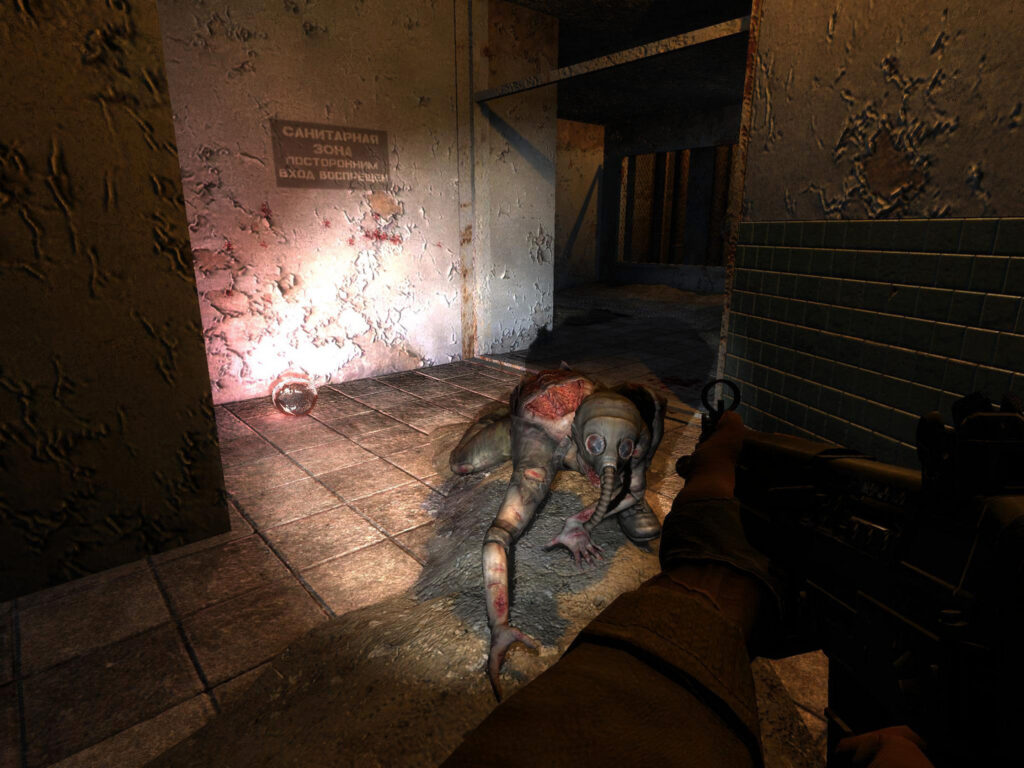
The most common failure on Windows 10 and 11 looks like this: a BugTrap window with an error address pops up on startup and the game closes. Reinstalling does nothing; one system checkbox does. Open Windows Security, App and browser control, Exploit protection settings, Program settings, add XR_3DA.exe and turn off Force randomization for images, better known as Mandatory ASLR.
Second on the list is a black screen or a complaint about the refresh rate. The line rs_refresh_60hz on in user.ltx handles it. Worth knowing in advance: you leave the invisible menu with the Q key, otherwise you are killing the process. Long loads are cured by the -noprefetch launch option, and on Steam it also helps to clear compatibility mode from Steam.exe and XR_3DA.exe and switch the overlay off for a while.
One myth deserves its own paragraph. Forums keep telling people to limit CPU cores, as if the engine chokes on modern chips. Neither PCGamingWiki nor the ZRP author's documentation describes anything of the sort. What they do describe is different: with full dynamic lighting the game saturates exactly one core, and that is where the stutter comes from. Static lighting removes the effect, and for 2007 it still looks decent.
Six things that break and the commands for them
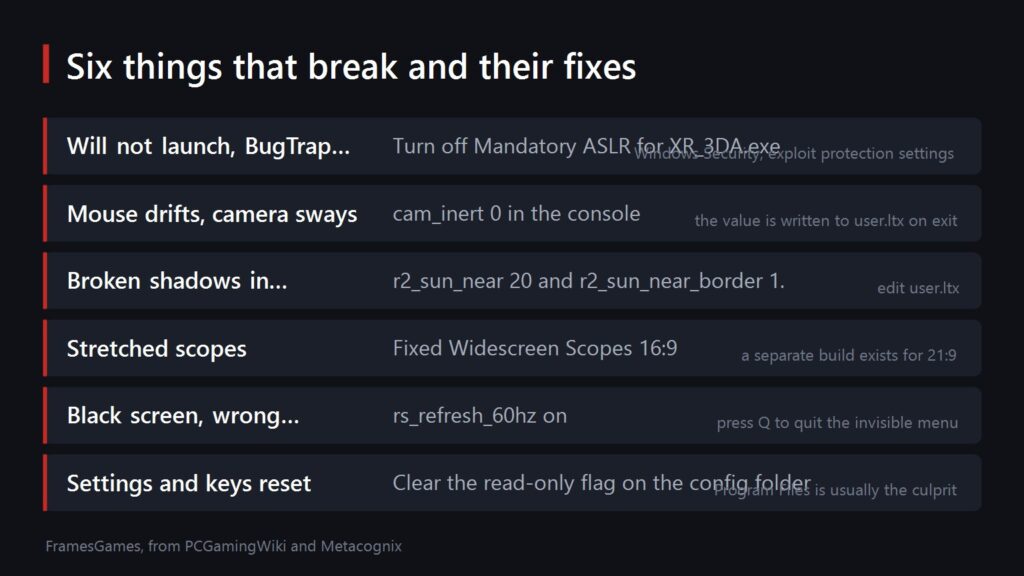
Most of these edits happen in user.ltx or straight in the game console. The file lives in the config folder: %PUBLIC%\Documents\stalker-shoc\ on Steam, Documents\Stalker-SHOC\ on GOG. If your settings and key bindings reset after every session, clear the read-only attribute on that folder; nine times out of ten the culprit is Program Files and write permissions.
Field of view needs a word of its own. The default is 67.5 degrees vertical and there is no slider. Three routes exist: the FOV Switcher utility dropped into BIN, the unofficial 1.0008 patch which adds the console command fov 90, or a hex edit of xrGame.dll. The first is the safest, the third needs a backup of the file. The 1.0008 patch has one known quirk: the main menu can freeze for a minute, which menu_fps_cap 0 clears.
As for frame rate, the engine happily spits out hundreds of frames on a modern card, and the ZRP author recommends capping it at 250 or below. Alt-tab crashes are not documented anywhere official and have no known fix, so play fullscreen and resist the urge to switch away in the middle of a firefight.
ZRP: the patch this whole thing is about
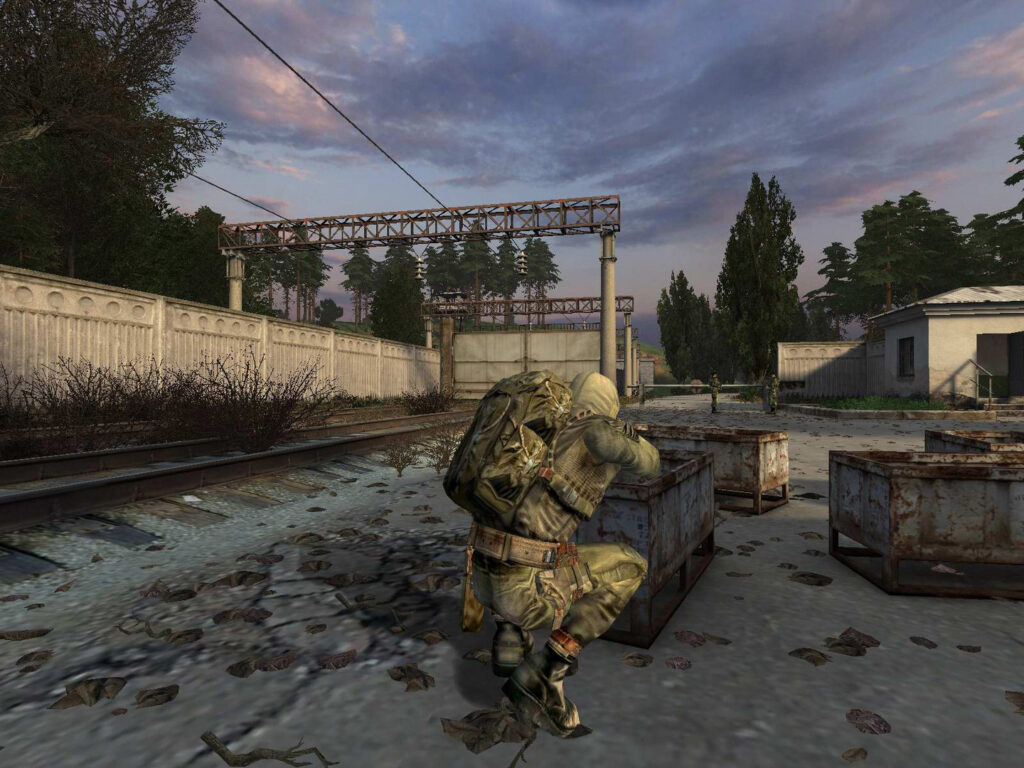
The Zone Reclamation Project is a fan-made fix pack that repairs the game without touching its spirit. PCGamingWiki recommends it right on the game page. The current stable release is 1.07 R5 RC from 8 April 2015, hosted on the author's metacognix site. There is an experimental 1.09 XR3a too, but start with the stable one.
- What it fixes. Nearly every crash to desktop, broken quests, the permanent radiation bug, the Pripyat stadium cutscene that teleports you straight to the power plant, wildly swinging reputation, crates falling through the floor, stalkers spawning dead at campfires.
- What it adds. Saves named after the level, per-level quicksaves, skippable cutscenes, travel inside a level and free play after the ending. All of it hangs off the Esc menu.
- Compatibility. Works with patches 1.0004, 1.0005 and 1.0006, which covers both Steam and GOG. Russian and Ukrainian language packs have been available since November 2024.
- What it cannot do. It does not install on the Enhanced Edition at all, and the author says so on the download page. ZRP saves do not go back into a clean game either, that road runs one way.
Achievements are a non-issue here: the 2007 original has none. The 44 achievements only exist in the Enhanced Edition, and ZRP will not install there anyway.
How to install mods without breaking your saves
The game's content sits inside compressed gamedata.db* archives. A gamedata folder in the game root overrides those archives file by file, and that is where mods unpack. The folder does not exist by default, either a mod creates it or you do. To make the game read it, one line in fsgame.ltx changes:
before: $game_data$ = false| true| $fs_root$| gamedata\
after:  $game_data$ = true| true| $fs_root$| gamedata\
Only the first value changes. Spacing differs between builds, so go by the word false at the start of the line rather than an exact match. Some builds already ship with true there, in which case leave it alone.
Three rules save an evening. Before switching mods, delete the whole gamedata folder along with anything the mod dropped into bin. Copy bin somewhere safe before installing anything heavy: mods that replace the executable do not roll back. And saves from one mod will not open under another, which nothing can fix.
What to install on a first run, and what to save for later
For a first run, install ZRP and stop. The point of the first Shadow of Chernobyl is its own balance, not somebody else's vision of it. If you want the picture freshened up, add an HD character models pack, which only touches looks. A separate widescreen scopes mod matters only if ZRP did not work out for you, since ZRP already carries widescreen interface fixes.
The big compilations belong to a second playthrough. Autumn Aurora 2.1 repaints the Zone into autumn and reworks the sound, and it already contains ZRP inside, so it does not go on top of ZRP. O.G.S.E. is a different school entirely, a huge Russian-origin overhaul living on its own engine build. And to be clear: Anomaly is not a Shadow of Chernobyl mod but a free standalone game built on Call of Pripyat, which needs nothing bought at all.
If the original leaves you curious about what the series turned into seventeen years later, we have a full review of the sequel after a hundred hours and a breakdown of how A-Life changed from 2007 to now. The second game does plenty differently, and comparing them beats arguing about which one wins.
Sources
The unlisting notice, the Enhanced Edition price and release date and the review counts: the original and Enhanced Edition Steam pages as of 19 September 2026. What the GOG package contains, its last classic build update and the absence of DRM: the GOG store page.
The BugTrap error and the Mandatory ASLR fix, dynamic lighting behaviour, the cam_inert, r2_sun_near and rs_refresh_60hz edits, field of view, config folder permissions and file paths: PCGamingWiki, page last edited 13 August 2026. The frame rate cap recommendation, ZRP's contents and compatibility, version 1.07 R5 RC and the Enhanced Edition restriction: the ZRP download page and the author's FAQ.
The $game_data$ line in fsgame.ltx: GSC's own first modification guide. Legends of the Zone release dates and the console modding limits: the series wiki.