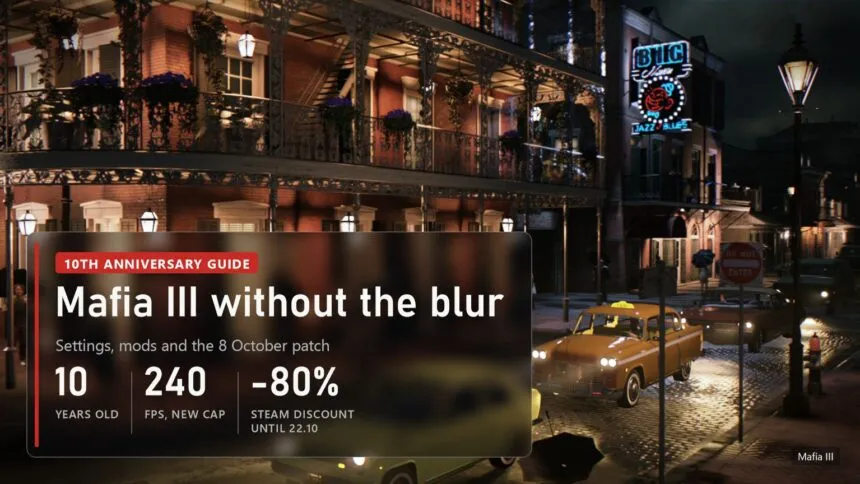
Mafia III came out on 7 October 2016, and for ten years the PC version has had the same problem: a soft, smeary image, and streetlights and shadows popping out of nowhere right in front of your car. This guide goes through what actually helps today: which menu settings matter, how to clear the blur with and without mods, what can and can't be done about draw distance, and how to stop the stutter on a fast PC.
- The 8 October patch: what it already fixed
- Menu settings: the six that matter
- The real blur fix: render above your screen resolution
- Luma: sharpness and proper colour without swapping the exe
- The Remove TAA blur mod: sharpest of all, with a catch
- Draw distance: what you can and can't change
- Stutter on a fast PC with Windows 11
- What to use for your setup
It's a good moment to go back to New Bordeaux. On 8 October, for the anniversary, Hangar 13 shipped a PC patch that touches the graphics for the first time in years, and Mafia III: Definitive Edition is 5.99 dollars instead of 29.99 on Steam until 22 October. For a city like that and a soundtrack like that, it's close to free.
The 8 October patch: what it already fixed
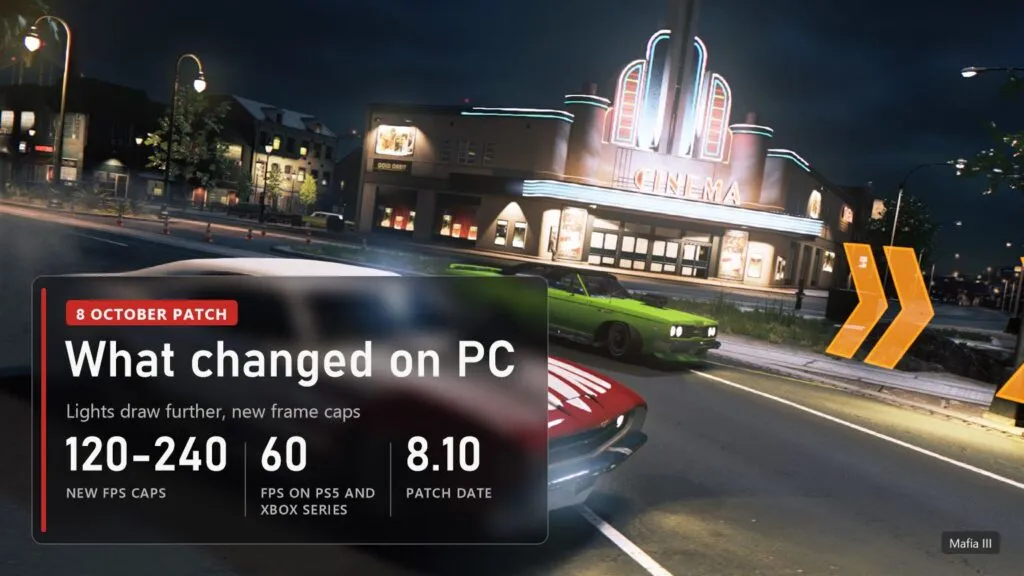
Most of the patch deals with mission blockers and achievements, but the Visuals section has things players have been asking for since 2016. Here's what matters for image quality and frame rate on PC, per the official Steam notes:
- Light draw distance. Lighting on buildings, streetlights and gas stations now shows from further away, so there's less pop-in while driving.
- New frame caps: 120, 144, 180 and 240 FPS on top of the old 30, 60 and unlimited.
- Borderless window as its own toggle, plus better windowed mode on multi-monitor setups.
- Lighting bugs: flickering interior and exterior lighting, square artifacts and objects that looked like polished metal are fixed.
- Story: progress blockers in "Get Enzo Conti", "Kill Tommy Marcano" and the Epilogue are fixed.
What the patch didn't do: the TAA still can't be switched off, there's still no render scale slider, and no DLSS or FSR either. The blur is still there, so it's on you to remove it. The same day, consoles got native PS5 and Xbox Series X|S versions running at 60 frames, free for existing owners.
 The video loads from YouTube (Google) when you press play. Privacy policy
Menu settings: the six that matter
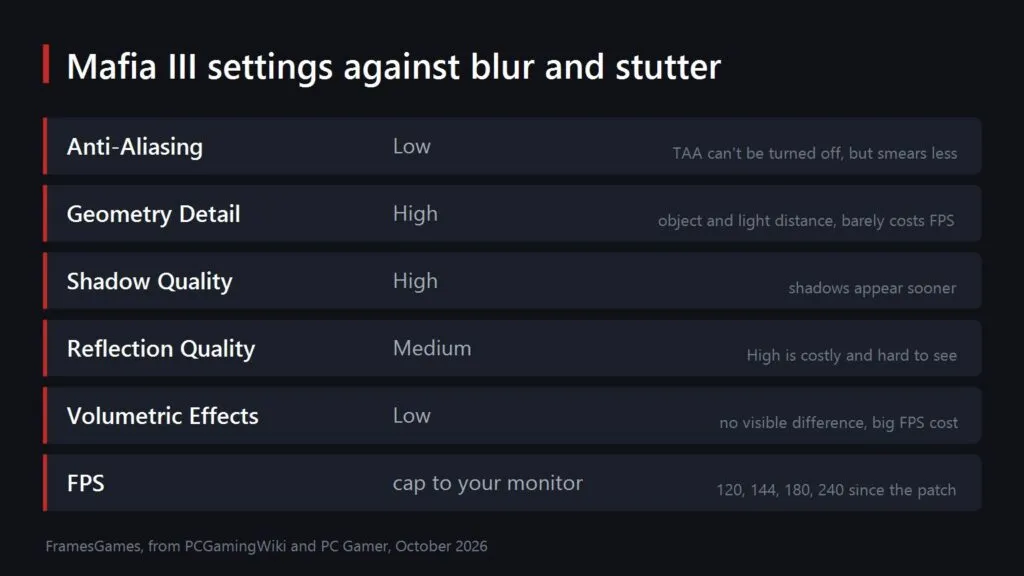
The main source of the blur is TAA, temporal anti-aliasing that the game won't let you disable completely. On High it smears anything that moves, and the textures along with it. Set Anti-Aliasing to Low: PCGamingWiki notes that TAA stays on, but most of the blurring goes away. Edges will shimmer a bit more, and the next section takes care of that.
The rest comes from PCGamingWiki's settings breakdown and PC Gamer's 2016 tests. Keep Geometry Detail on High: it controls the distance for objects, lights and shadows and costs next to nothing. Shadow Quality on High too, it decides how far away shadows start to appear. Reflection Quality on Medium, because High hits frame rate hard and barely looks different. Volumetric Effects on Low: no visible difference, a big cost. Cap your frame rate to your monitor, and since the patch there are 120, 144, 180 and 240 options for that.
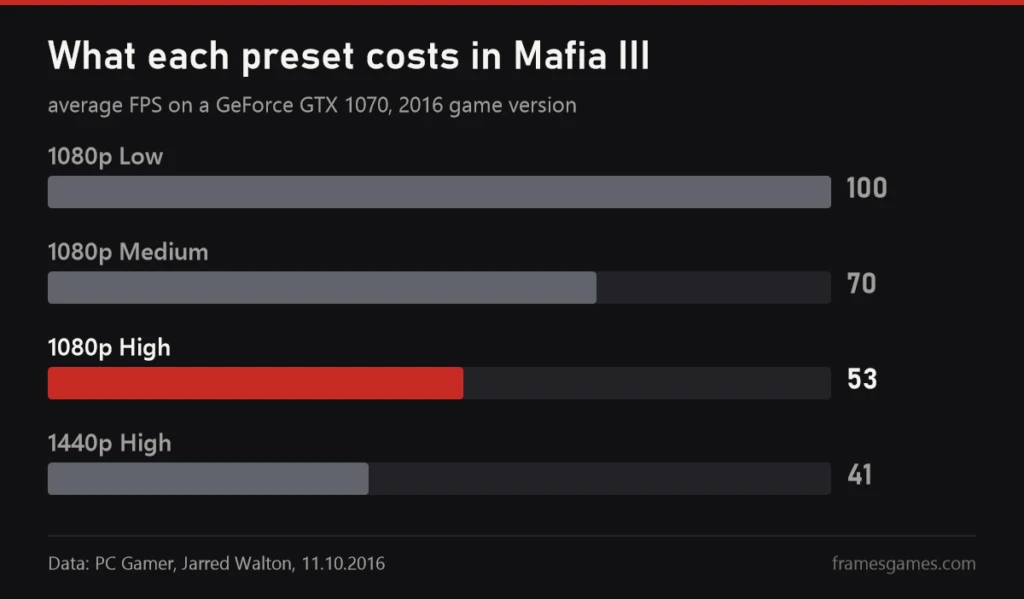
Presets are expensive in this game. In 2016 PC Gamer measured a GTX 1070 at 1080p doing 100 frames on Low, 70 on Medium and 53 on High. Today's cards handle High easily, but you'll want the headroom for the next step. Two small fixes from PCGamingWiki: if the image looks blurry after a resolution change, toggle fullscreen off and back on, and if fullscreen keeps forcing 60 Hz, use the new borderless mode or tick "Disable fullscreen optimizations" in the properties of Mafia3DefinitiveEdition.exe.
The real blur fix: render above your screen resolution
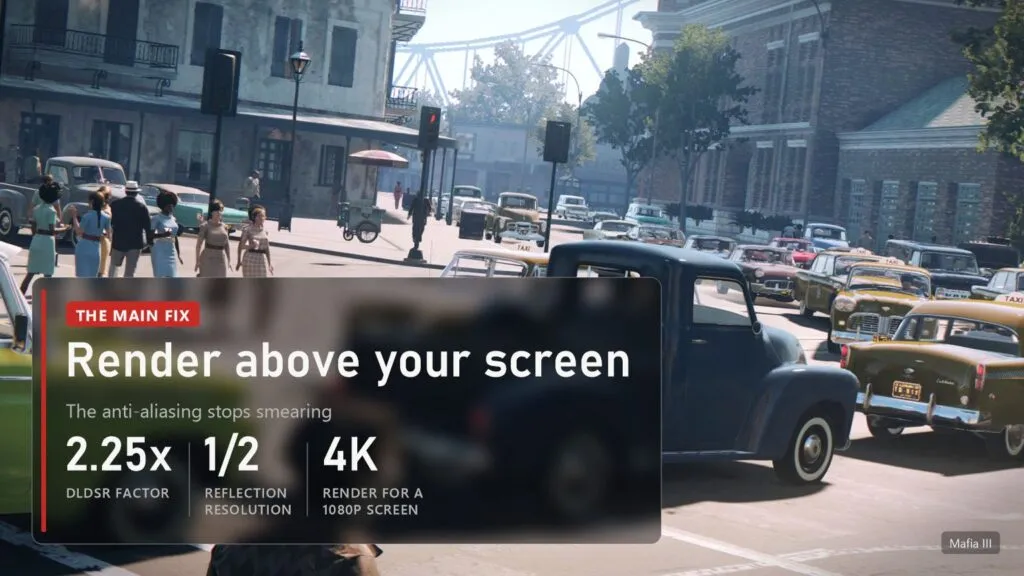
There's no render scale in the game, so you do it from outside: the game draws each frame at a resolution above your screen and the GPU scales it back down. That's proper supersampling, and the TAA smear mostly disappears under it. There's a second benefit too. The author of the Remove TAA blur mod explains that Mafia III renders reflections at half resolution, so rendering at 4K gives you full 1080p reflections.
- NVIDIA RTX. In the NVIDIA Control Panel, under "Manage 3D settings", enable DSR with the 2.25x DL factor. A 1080p monitor gets 2880x1620 in the game menu, a 1440p monitor gets 4K.
- AMD Radeon. In Adrenalin, on the Display tab, turn on Virtual Super Resolution and pick a resolution above native in the game.
- Without the driver. The mod author suggests setting 3840 2160 in %LOCALAPPDATA%\2K Games\Mafia III\Saves\videoconfig.cfg. Back the file up first: PCGamingWiki warns that editing it by hand can corrupt it.
The only cost is frame rate. 2880x1620 is 2.25 times the pixels of 1080p, so on a mid-range card drop a couple of the heavy settings from the table above. I think it's the best trade in the game, it clears the blur better than any slider does.
Luma: sharpness and proper colour without swapping the exe
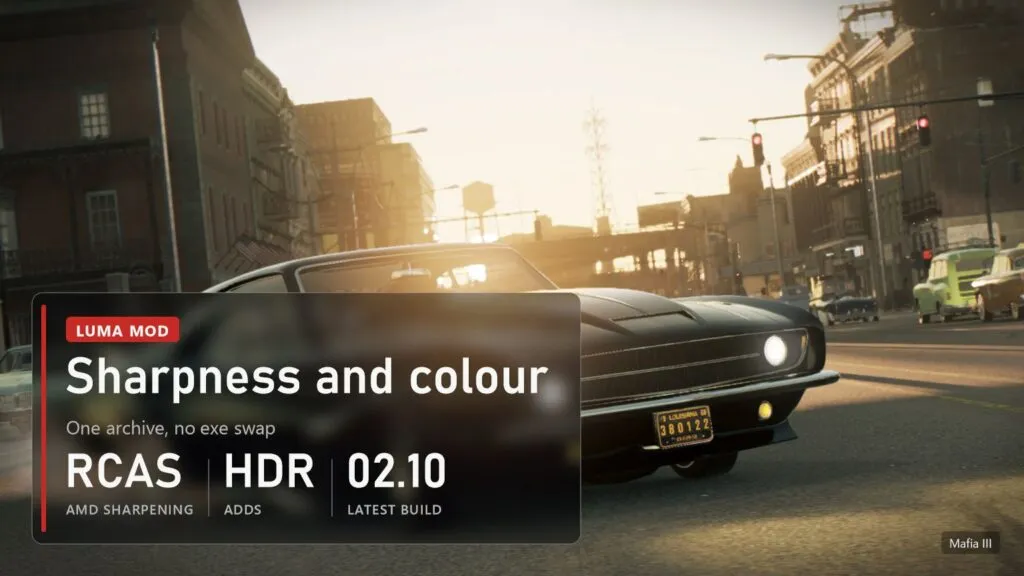
Luma is an open set of mods built on ReShade, and the Mafia III one is made by a modder called Pumbo. It doesn't touch the game's exe, it swaps individual shaders, so Steam patches usually don't get in its way. The latest build on GitHub came out on 2 October 2026, and the Luma-Mafia_III.zip archive has 1,130 downloads. Here's what it does, per the author's list:
- AMD RCAS sharpening, on by default. This is the mod's main answer to the blur.
- Colour. Removes the yellow filter and fixes the tonemapping that shifted hues and crushed blacks.
- Toggles for the forced chromatic aberration, dithering, vignette, FXAA on top of TAA, and film grain.
- HDR and correct colour in the movies. Without it, skin looks red in the videos because they're decoded in the wrong colour space, and there's over an hour of them.
- Refresh rate: removes the forced 60 Hz in exclusive fullscreen.
Installing it is simple: extract the archive into the folder with Mafia3DefinitiveEdition.exe, start the game and press Home to open the ReShade and Luma menu. There's a DLSS toggle in there too, but don't count on it. In January 2026 Filoppi, one of the Luma authors, wrote plainly that DLSS for Mafia III isn't finished and advised against using it. Mind the date as well: the build predates the 8 October patch. If the game misbehaves after updating, delete the mod files and you're back to vanilla.
The Remove TAA blur mod: sharpest of all, with a catch
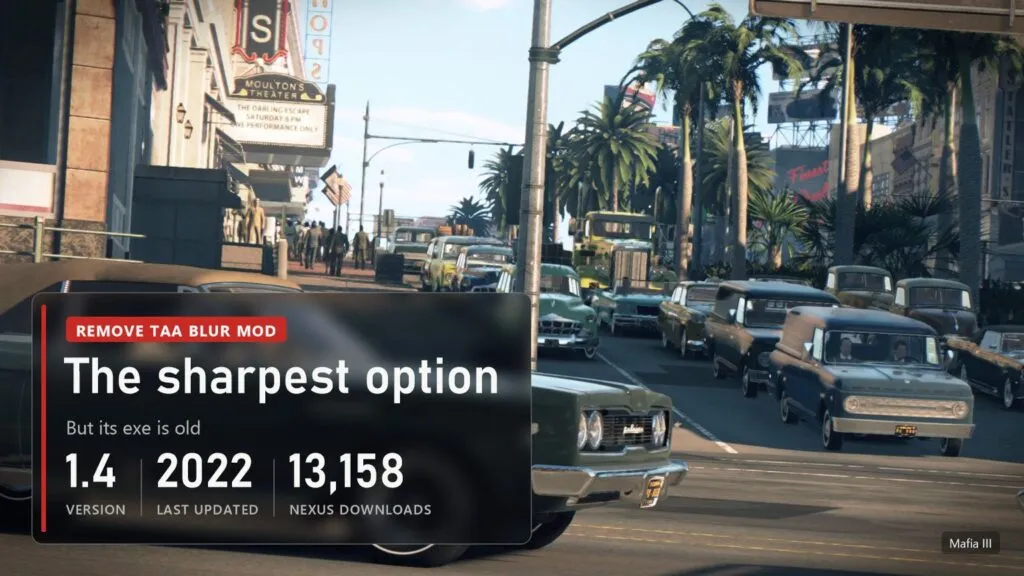
This is the most popular blur fix on Nexus Mods, by rocketman1331. Version 1.4, last updated on 10 November 2022, 13,158 unique downloads. It switches TAA off entirely, along with fog, colour correction and chromatic aberration, and tones down bloom. The result is the sharpest image of anything in this guide, but without anti-aliasing the edges start to crawl, which is why the author recommends pairing it with the 4K render trick above.
Now the catch, and it's worth reading before you install. The mod replaces Mafia3DefinitiveEdition.exe with its own 2022 build. Install it today and you lose what the 8 October patch added: the new frame caps, the borderless toggle and the mission fixes. If you still want it, back up the exe and sds_retail\city_univers\postprocess.sds first, and you can always restore the originals with Steam's "Verify integrity of game files". PCGamingWiki also lists a hex edit that disables TAA in the exe, but those offsets were checked on the May 2024 version. We haven't checked whether they still match the new exe, so don't apply them blind.
Draw distance: what you can and can't change
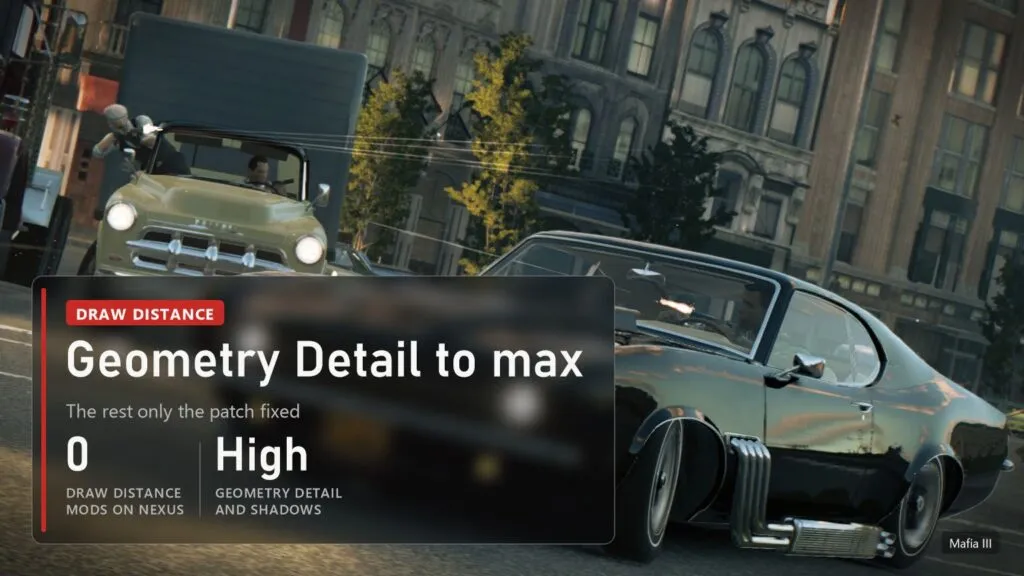
Let's be upfront so nobody's disappointed: there's currently no way to push draw distance in Mafia III beyond what the menu offers. On 10 October, searching Nexus Mods for "distance" and "LOD" under Mafia III returns zero mods. Only two settings help. Geometry Detail on High pushes back the pop-in of road decals, lights, objects and their shadows, and at lower values distant trees turn blocky. Shadow Quality on High makes shadows appear earlier. Back in 2016 PCGamingWiki was honest that even maxed out the gain is small, and lights still pop if you swing the camera quickly.
That's why the 8 October patch matters more here than any mod. It raised the light draw distance for buildings, streetlights and gas stations, exactly the things that popped the most on a night drive. Objects and shadows still show up late, which the patch never promised to fix. If you gave up on the game before the anniversary because of streetlights blinking on, now's the time to look again.
Stutter on a fast PC with Windows 11
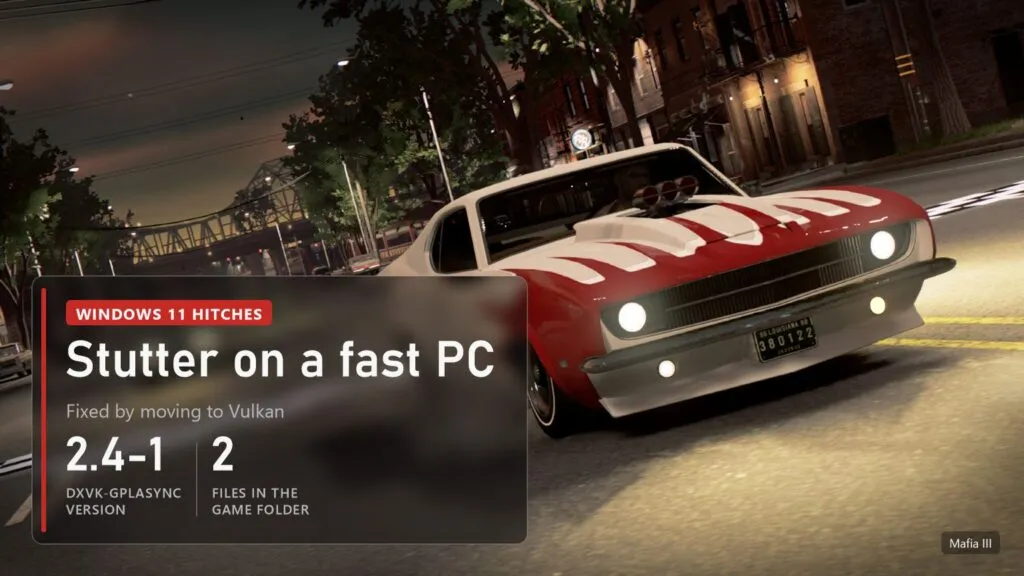
Lag on a powerful PC is a common complaint, and there's a specific cause. On newer Windows 11 installs the game hits long, multi-second hitches, whether it's on an SSD or a hard drive. PCGamingWiki found a fix that works: move the game from DirectX 11 to Vulkan with dxvk-gplasync, a DXVK build with asynchronous shader compilation. Regular DXVK doesn't help.
- Version. Use v2.4-1 or anything before 2.7: version 2.7 removed the cache this trick depends on.
- Install. Take d3d11.dll and dxgi.dll from the archive and drop them into the game folder.
- Clash with Luma. Luma installs its own dxgi.dll, so the two won't run together without extra setup. Pick what matters more to you: sharpness or smoothness.
If you don't get the hitches, don't install anything: a translation layer can add input latency. One more old tip from PCGamingWiki: if the game crashes with an unlimited frame rate, set a cap of 60 or one of the new ones.
What to use for your setup
| Situation | What to do | Risk |
|---|---|---|
| Mid-range PC, 1080p monitor | Anti-Aliasing Low, the settings above, Luma with sharpening | None, the mod comes off in a minute |
| Fast GPU, 1080p or 1440p | All of the above plus DLDSR 2.25x or VSR | None, only frame rate |
| Maximum sharpness | Remove TAA blur plus a 4K render | You lose the 8 October patch fixes |
| HDR monitor | Luma, it has HDR built in | The build predates the patch |
| Stutter on Windows 11 | dxvk-gplasync v2.4-1 | Doesn't work with Luma without setup |
| Streetlights popping in on the road | Update to the 8 October patch, Geometry Detail and Shadow Quality on High | None |
I'd start with the first row myself and add supersampling after an evening if the card can take it. The exe-swapping mod I'd only suggest for a second playthrough where you don't need the new fixes. And if you came to the series through Mafia: The Old Country and want to see how far Hangar 13 has come in nine years, here's our Mafia: The Old Country review.
 The video loads from YouTube (Google) when you press play. Privacy policy
- Update first: the 8 October patch already improved light draw distance and added caps up to 240 frames.
- Anti-Aliasing on Low, Geometry Detail and Shadow Quality on High, reflections on Medium, volumetrics on Low.
- Rendering above your screen resolution with DLDSR or VSR clears the blur best.
- Luma adds sharpening, colour fixes and HDR without touching the exe. Remove TAA blur is sharper but brings back a 2022 exe.
- There are no draw distance mods, and dxvk-gplasync v2.4-1 fixes the Windows 11 hitches.

Sources
Mafia III: Definitive Edition update notes for 8 October 2026 and the 10th anniversary announcement on Steam, 08.10 and 09.10.2026. PCGamingWiki, Mafia III page. PCGamingWiki, Mafia III optimized video settings, 03.10.2016. PC Gamer, Jarred Walton, PC port analysis, 11.10.2016. Luma Framework mods list and Mafia III features, Luma builds, Filoppi on DLSS in Mafia III, 11.01.2026. Remove TAA blur - Fog - Color Correction on Nexus Mods. dxvk-gplasync releases. Push Square on the PS5 version. Mafia III screenshots from the game's Steam page.