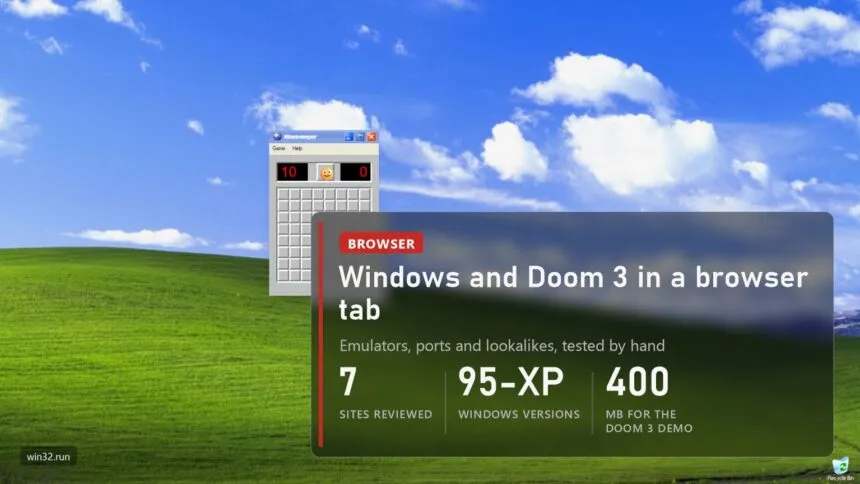
Windows 98 boots in a regular Chrome tab in about ten seconds. In the next tab sits Windows XP with Minesweeper open, and in a third, the 2004 Doom 3 demo, with no install and no virtual machine anywhere. I went through seven sites like this and ran every one. Here is what works where, how real emulation differs from a convincing lookalike, and how something like GTA can run in a browser at all.
- How it works: emulation, port or lookalike
- EmuOS: Windows 98 with Doom 3 and Quake on the desktop
- Doom 3 in a browser: the D3wasm port
- v86: real Windows from 1.01 to 2000
- PCjs: Windows 95 on an emulated 1995 Compaq
- win32.run: Windows XP without an emulator
- 98.js: Windows 98, rebuilt by hand
- Windows 93: a parody that's been running since 2014
- Which one to pick
- Things to know: data, saves and rights
Read next:
How it works: emulation, port or lookalike
All of these sites lean on WebAssembly, a format that C or C++ code can be compiled into and that browsers run at close to native speed. After that the paths split, and the path decides everything else: what's actually inside, how much you download and how legal it is.
| Approach | What happens | Examples | What's inside |
|---|---|---|---|
| Emulation | the browser pretends to be a whole PC and a real OS is installed on it | v86, PCjs | the original Windows and its programs |
| Port | a game's source or reconstructed code is rebuilt for WebAssembly | Doom 3 (D3wasm), GTA: Vice City (revcDOS) | the game itself, with data downloaded separately |
| Lookalike | the interface is redrawn in HTML and JavaScript | win32.run, 98.js, Windows 93 | look-alike programs written from scratch |
| Showcase | one site wraps all of the above under one shell | EmuOS, Ported2Browser | links to and embedded windows of other projects |
That also answers how Ported2Browser can launch GTA. The directory runs nothing itself, it sends you to a port's page. GTA: Vice City in a browser is revcDOS by the DOS.Zone team: reVC, the fan-reconstructed game code, compiled into a WebAssembly module, with models, textures and sound coming from the original game. After a copyright complaint in late 2025 the team published the build on GitHub, and now various sites host it. That is why links in these directories work one week and vanish the next.
EmuOS: Windows 98 with Doom 3 and Quake on the desktop
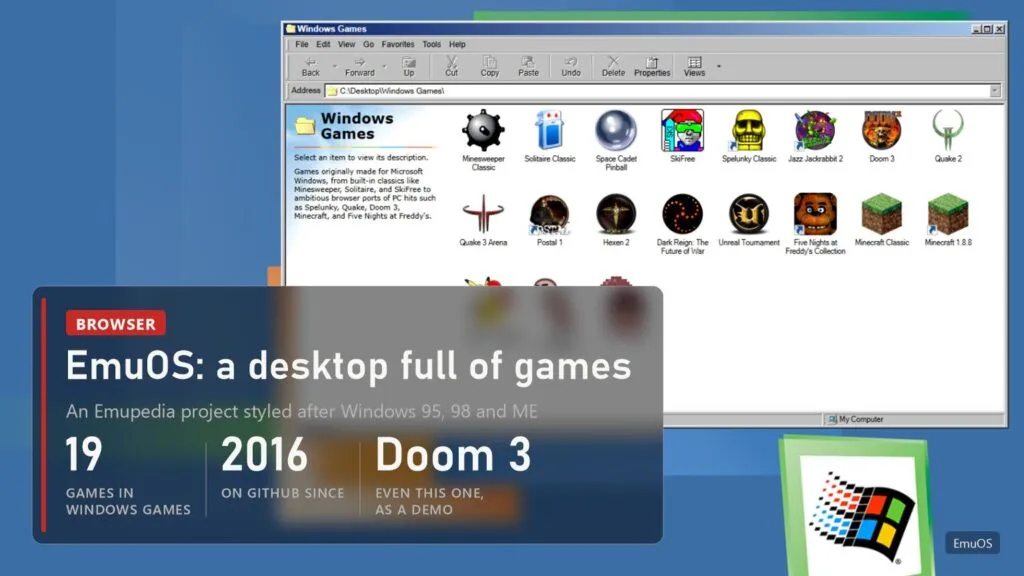
If you remember a site where you pick Windows 95 or 98 and then launch games from it, it was most likely EmuOS. It comes from Emupedia, a nonprofit game preservation project whose repository has been on GitHub since 2016. You get a BIOS screen first, then a choice of looks in the style of Windows 95, 98 or ME, and a desktop full of folders: DOS games, console games, Flash, browser games and a separate Windows Games folder.
I counted 19 games in Windows Games. There are the classics, Minesweeper, Solitaire, Space Cadet Pinball and SkiFree, plus browser ports of heavier stuff: Quake 2, Quake 3 Arena, Unreal Tournament, Hexen 2, Minecraft, Worms Armageddon, Five Nights at Freddy's. And Doom 3, more on that below. Games open in windows inside this fake Windows, so you can drag and minimize them.
The downside is that it's a showcase rather than one program. Every game comes from different people, quality varies, Doom 3 carries an Under Development tooltip, and the licensing on some of the content is an open question, to put it gently. Still, of everything I opened, it's the best place to try dozens of old games in one evening.
Doom 3 in a browser: the D3wasm port
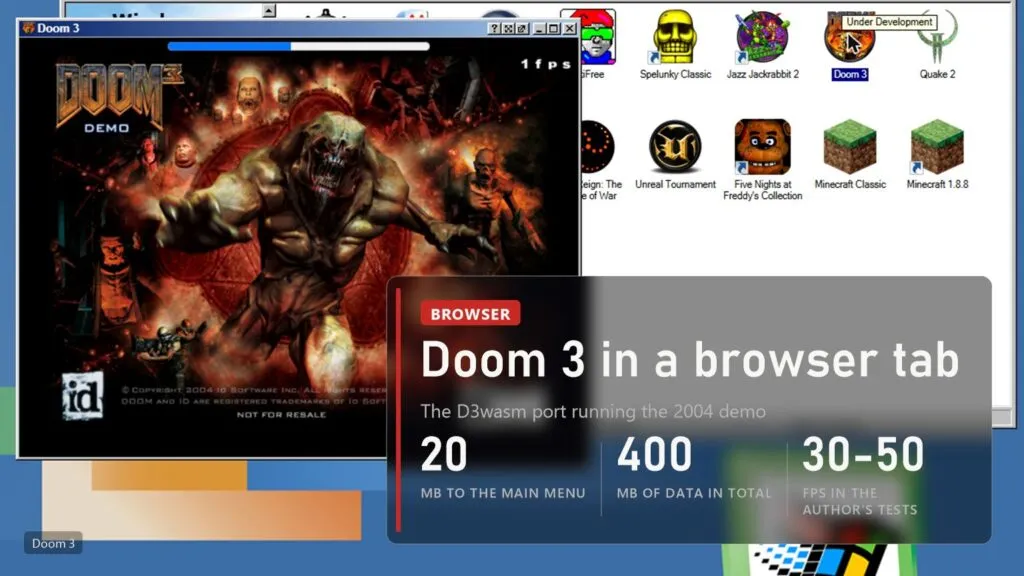
The Doom 3 in EmuOS comes from D3wasm by Gabriel Cuvillier. It's the id Tech 4 engine built for WebAssembly from Doom 3's open source code (via the dhewm3 project), running the 2004 demo. The first working version landed in January 2019, and the author said plainly that the point was to show a very large, demanding C++ program could run inside a browser.
Numbers from the project page: a 5 MB executable, then another 15 MB to reach the main menu, then roughly 380 MB more streamed in the background. It's all cached, so you only download it once. You need a good CPU and around 850 MB of RAM. The author measured 30-40 FPS on a desktop, about 20 in Edge, 40 in Firefox and 50 in Chrome. Those are his own 2019 numbers and there are no fresh independent tests. Inside EmuOS my counter showed 1 FPS, but that was the splash screen while loading.
Two nice touches. You can open the demo on its own at the D3wasm page, without the shell around it. And the rights are clean: the engine code is GPL, and the demo data ships under the demo's own license.
v86: real Windows from 1.01 to 2000
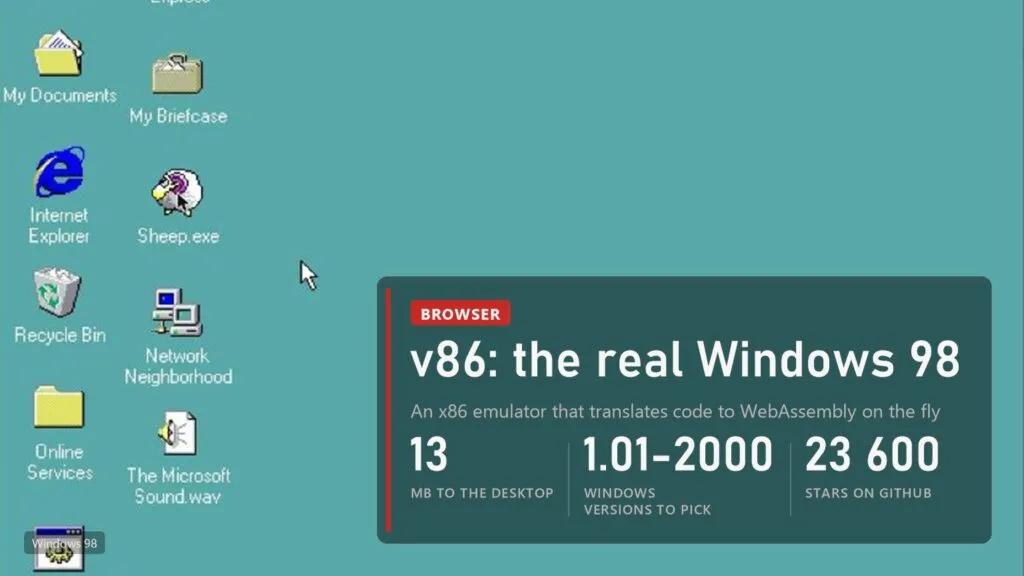
v86 is the most serious project here: an x86 emulator that translates machine code into WebAssembly on the fly. It has about 23,600 stars on GitHub, a BSD license and was last updated on October 30, 2026. The front page lists ready-made images, and almost every old Windows is there: 1.01, 2.03, 3.0, 3.1, 95, 98, ME, NT 3.1, NT 4.0 and 2000.
The images come with period software. Windows 95 has Age of Empires and POV-Ray, 98 has FreeCell, Hearts, Internet Explorer 5 and sheep.exe (yes, the sheep that runs around your screen), ME has Office 97, and 2000 has Winamp, IE 6 and NetHack. Windows 98 was up for me in ten seconds, because v86 restores a saved machine state instead of booting from scratch. Downloads run from 13 MB for 98 to 28 MB for 2000.
One practical caveat. When the tab goes to the background, the browser throttles it, and my emulation speed dropped to 0.5 MIPS with the cursor frozen in place. Keep the tab active. Windows XP isn't among v86's ready-made images.
PCjs: Windows 95 on an emulated 1995 Compaq
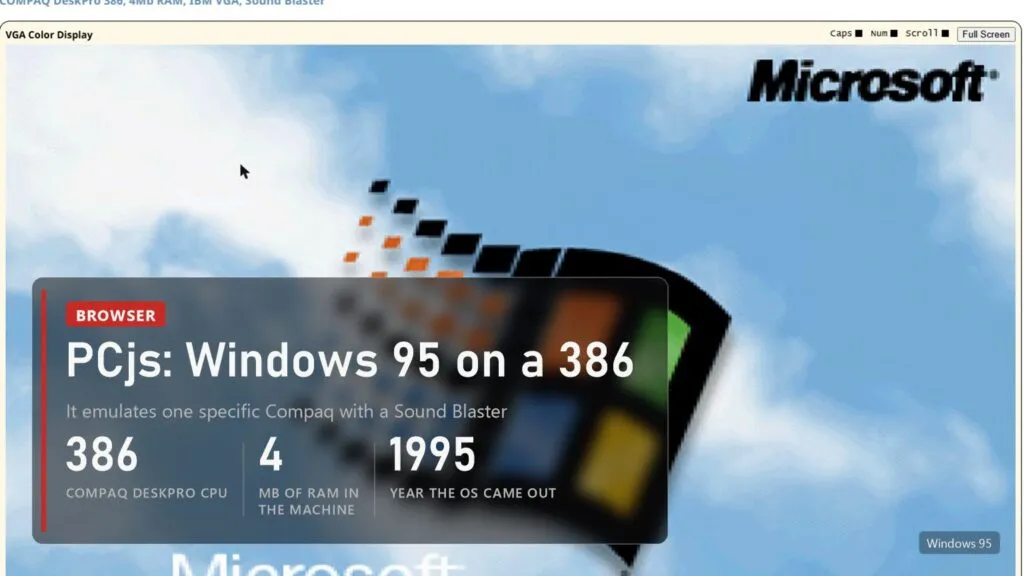
Jeff Parsons' PCjs treats this like a museum. It emulates specific machines rather than a generic PC. Windows 95 runs on a Compaq DeskPro 386 with 4 MB of RAM, IBM VGA graphics and a Sound Blaster, after a "Compact Installation" onto a 68 MB hard disk. It downloads the disk image first, and the site warns that can take a minute or two.
The page also recaps the history: Windows 95 was released to manufacturing on July 14, 1995 and went on sale at midnight on August 24. The site has Windows 1.0 through 3.x as well, the original IBM PCs and a pile of period software. Playing games here is slow and awkward, but nothing else gets the "this is what a 386 felt like" part quite as right.
win32.run: Windows XP without an emulator
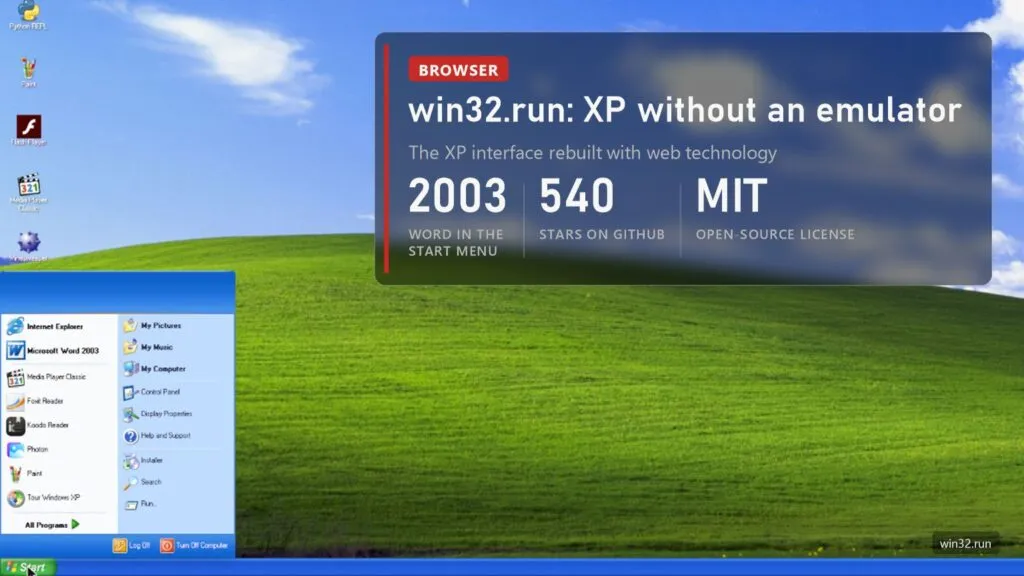
For XP in a browser, the easiest stand-in right now is win32.run. It isn't emulation. It's the XP interface rebuilt with web technology, but with its own file system and programs. You start at a BIOS screen and a boot menu, then get the familiar Bliss wallpaper and Start menu, with Internet Explorer, a Word 2003-style editor, Media Player Classic, Paint and Foxit Reader, plus a Python REPL, Flash Player and Minesweeper on the desktop.
The project is open source under MIT, on GitHub since February 2023 with about 540 stars. Files are processed in the browser and nothing goes to a server. The programs are web recreations, not Microsoft originals, so you can't run a real .exe here. For nostalgia, or to show kids what a computer looked like in 2003, it does the job and then some.
98.js: Windows 98, rebuilt by hand
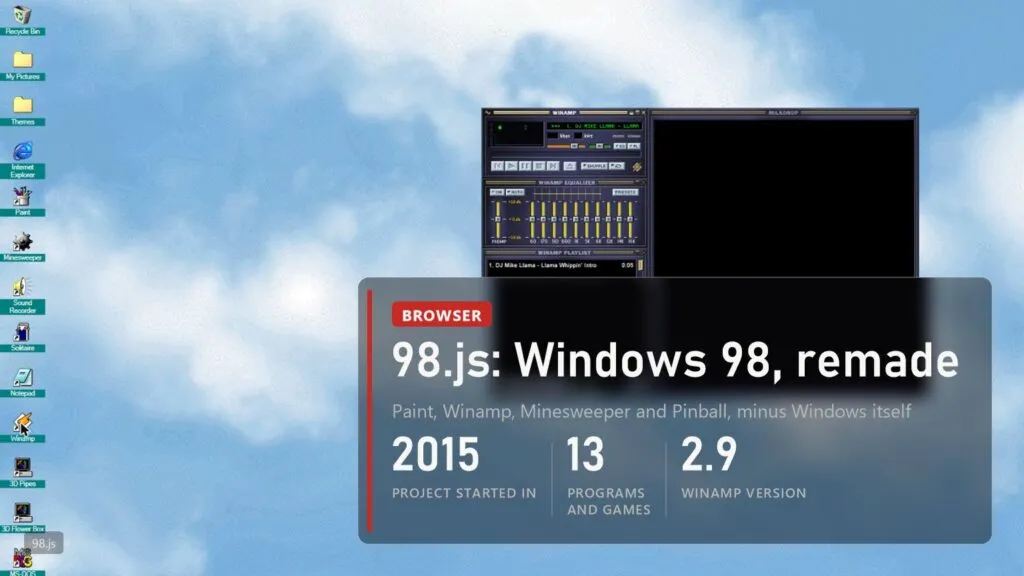
98.js by Isaiah Odhner (1j01 on GitHub) has been around since 2015 and doesn't emulate anything either. What it has is loving detail. It ships with Paint (the separate JS Paint project, which does nearly everything the original did), Notepad, Sound Recorder, Calculator, Minesweeper, Solitaire, Space Cadet Pinball and Winamp 2.9 with its equalizer and playlist. There are 3D Pipes and 3D FlowerBox screensavers and even Clippy.
You can drag files onto the desktop and they land in a virtual file system, switch themes from the Themes folder, and a famous cheat code triggers an easter egg. The project has no open-source license yet, the code is only source-available.
Windows 93: a parody that's been running since 2014
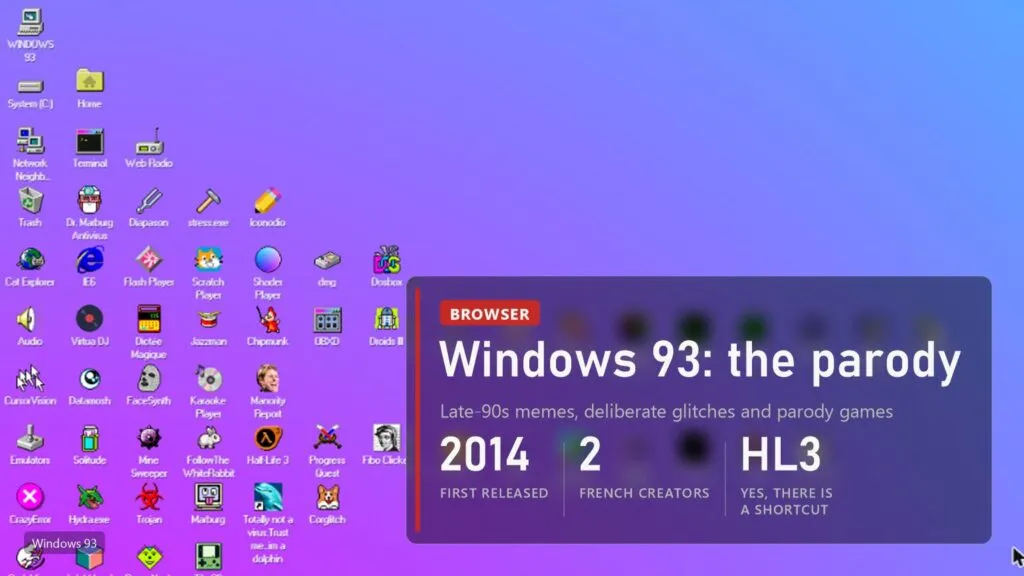
Windows 93 was made by two French artists, jankenpopp and Zombectro, with the first version out on November 1, 2014. It's a joke from the start, "a version of Windows that never existed", where half the programs poke fun at the late-90s internet. The desktop has Virtua DJ, Dosbox, Dr. Marburg Antivirus, Trojan, "Totally not a virus. Trust me... im a dolphin" and, naturally, Half Life 3.
Useless, and a lot of fun. Errors and glitches are part of the design, so if something breaks, it's probably meant to. It's still updated, too: Wikipedia cites a post by jankenpopp from February 2026.
Which one to pick
| Site | What it is | Systems | Approach | Best for |
|---|---|---|---|---|
| EmuOS | game showcase in a Windows shell | 95, 98, ME looks | showcase | old games without hunting for them |
| v86 | x86 emulator | Windows 1.01-2000, Linux, BSD, DOS | emulation | a real OS and its software |
| PCjs | emulator of specific machines | Windows 1.0-95, IBM PC | emulation | history, museum style |
| D3wasm | Doom 3 port | the 2004 demo | port | seeing what a browser can handle |
| win32.run | XP interface | XP | lookalike | instant nostalgia |
| 98.js | 98 interface | 98 | lookalike | Paint, Winamp, Minesweeper |
| Windows 93 | parody | fictional 93 | lookalike | a laugh |
| Infinite Mac | classic Mac emulator | System Software to early Mac OS X, NeXTSTEP | emulation | the same idea, for Apple |
If you want real Windows to check whether an old program still runs, go with v86. If you want to play rather than tinker, head to EmuOS. For XP atmosphere, win32.run is plenty, and if you want the same for Apple, there's Infinite Mac by Mihai Parparita, with Apple systems from the 1984 original to early Mac OS X, plus NeXTSTEP. I opened it too, but emulating Mac OS 8.1 loaded the tab so heavily that the browser stopped answering screenshot requests, so on a weak laptop expect some waiting.
Things to know: data, saves and rights
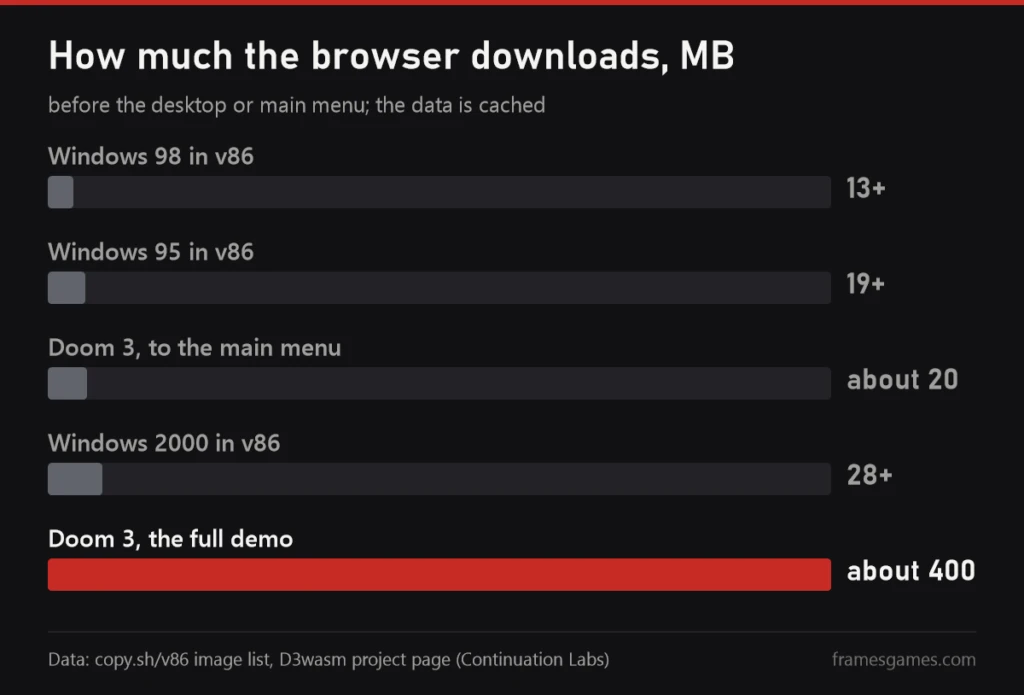
- Data. Old Windows is light at 13-28 MB. Doom 3 pulls around 400 MB, and the browser version of Need for Speed Underground 2 offers a 2 GB preload. On mobile data you'll notice.
- Saves live in the browser. Clear the site's data, or let the browser free up space on its own, and they're gone. Where there's an export option, use it.
- Keep the tab active. Background tabs get throttled, and emulators suffer most. I saw it happen.
- Rights. The Windows images on these sites are Microsoft code, and v86 openly labels them proprietary. Sites keep them as museum pieces, not under a license. Lookalikes and D3wasm are the cleanest. Ports of big games like GTA get taken down after complaints, which we covered separately.
- Personal files and passwords. Don't upload documents to these systems or type real passwords into them, least of all into an old Internet Explorer.
In short:
- EmuOS for games, including Doom 3, Quake 3 and Unreal Tournament.
- v86 for real Windows 95, 98 and 2000 with their own software.
- win32.run and 98.js for nostalgia: quick and pretty, but not real Windows.
- GTA and other big games in a browser are ports built on reconstructed code, and they last until the first complaint.
Sources
EmuOS and the Emupedia repository. D3wasm project page: history, download sizes, requirements, FPS from the author's tests, licenses; code on GitHub. v86: image and software list; v86 repository. PCjs, Windows 95. win32.run on GitHub; Gigazine. 98.js on GitHub. Windows 93 on Wikipedia. Infinite Mac on GitHub. revcDOS on GitHub: how the browser Vice City is built. All sites tested by hand on November 2, 2026. Images: FramesGames screenshots of these sites, FramesGames chart.