Updated October 19, 2026: Linux 0.6 is out as a stable release, Windows 1.9.2 adds frame generation and fixes, and a new section on low FPS and stutter.
Read next:
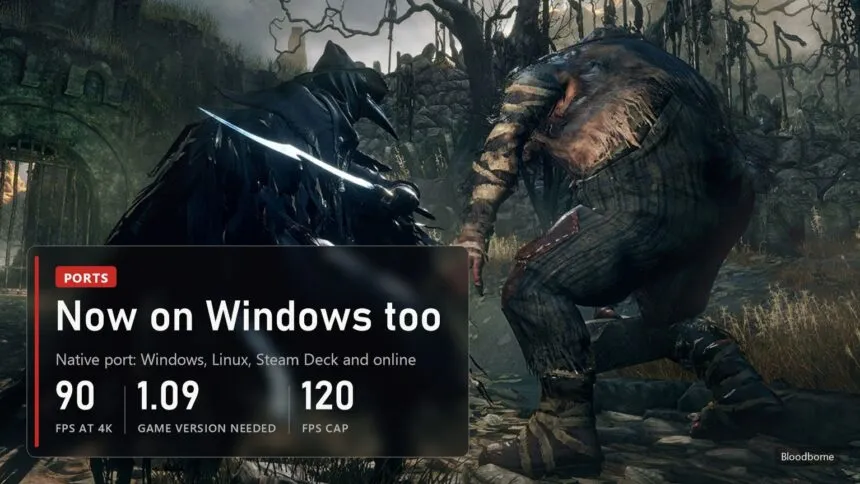
Bloodborne now runs natively on PC, without CPU emulation, and since this week not only on Linux. The fan port bbport takes the original code of the PS4 version and runs it directly on the computer's processor, while the graphics are translated to Vulkan. In a week and a half the project got online play, DLSS and a Windows fork that already has more GitHub stars than many commercial tools. One thing has not changed: no game files are included, and you need your own dump of Bloodborne with update 1.09. Sony and FromSoftware have never released an official PC version in 11 years.
Windows, Linux or Steam Deck: which version to pick
| System | Project | Latest version | What it adds |
|---|---|---|---|
| Linux and Steam Deck | bbport by deadinside28, the original | 0.6, October 19 | GTK4 launcher, AppImage for the Deck, online, DLSS on RTX cards |
| Windows 10 and 11 | Supermedo/bloodborne_pc, a bbport fork | 1.9.2, October 18 | one zip, launcher in 13 languages, DLSS, FSR 3.1 and 4, keyboard and mouse, online, Add to Steam |
| Mac, Android, ARM | several smaller forks | experimental | we have not checked them, treat them with caution |
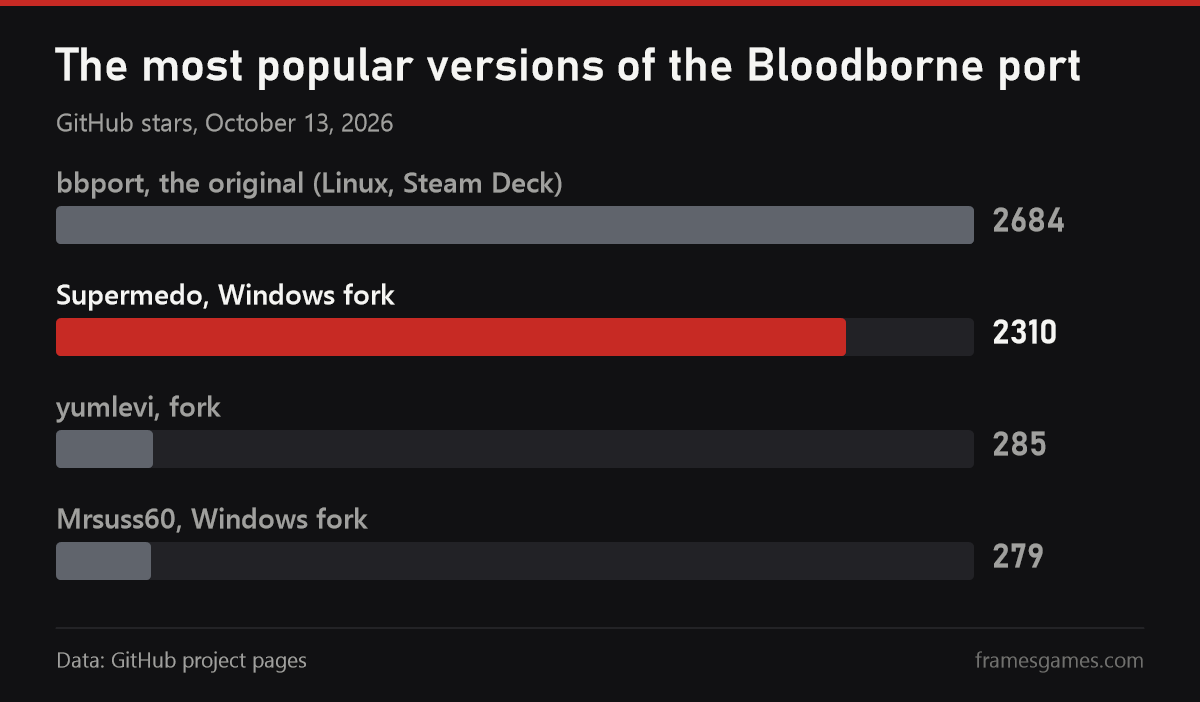
The short answer: on Windows take the Supermedo fork, on Linux and the Steam Deck take the original bbport. The Windows build is the most polished right now: you unpack a zip, start Bloodborne.exe, point it at your game folder and press Play. A week after it was created it already has 2,310 GitHub stars, close to the original's 2,684. Both are GPL-2.0 and download only from GitHub. There are already lookalike repositories with "one-click" builds, and we would not touch anything that is not linked from the projects themselves.
System requirements
- Windows. Windows 10 version 1903 or newer, or Windows 11, 64-bit.
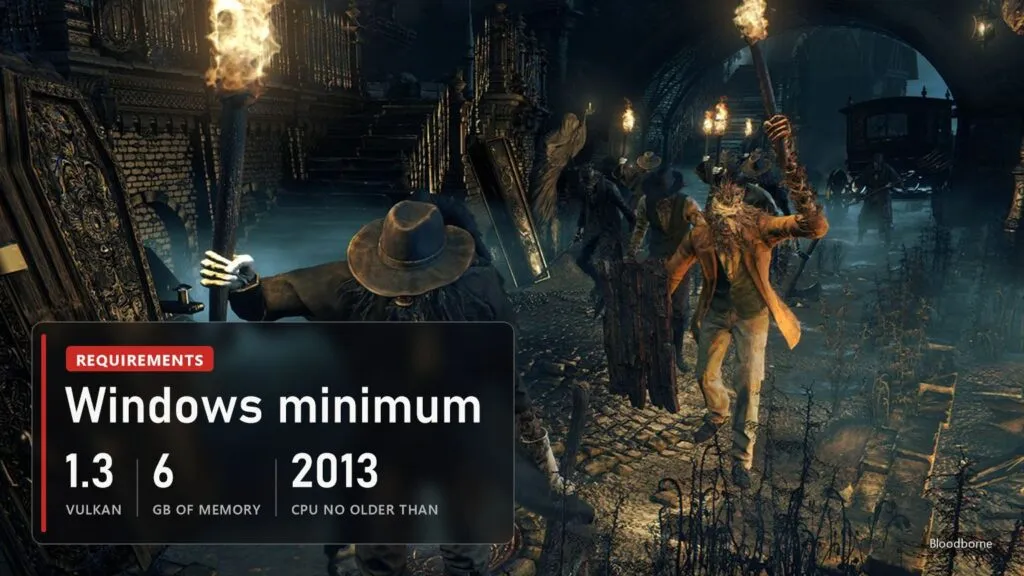
- Processor. Intel Core 4th generation (Haswell, 2013) or newer, or any AMD Ryzen. The game uses PS4 CPU instructions (AVX, BMI1, MOVBE, LZCNT). Intel 2nd and 3rd generation run with translated instructions on a best-effort basis, and CPUs without AVX, such as many Pentium and Celeron models, cannot run it at all.
- Graphics card. Vulkan 1.3 with a current driver. DLSS needs a GeForce RTX 20 series or newer. FSR 4 needs specific shader features, and the original bbport falls back to FSR 3.1 automatically if your card lacks them.
- Memory. About 6 GB free (RAM plus page file), 10 GB for 1440p or 4K output.
- Linux. x86-64 and a Vulkan 1.3 GPU. The author tested thoroughly on one machine, a Radeon RX 7800 XT with Mesa 26 (RADV).
- The game. A decrypted dump of Bloodborne with update 1.09. Since 0.51 every retail release is accepted: the US CUSA00900, the European Game of the Year edition CUSA03173, Japanese, Asian and The Old Hunters editions.
A dump can only be made from your own console, which in practice means a jailbroken PS4. We will not explain how to do that, and we will not link to game files: that is the line between a port and piracy, and the projects themselves draw it the same way.
What changed: online, DLSS and the new memory model
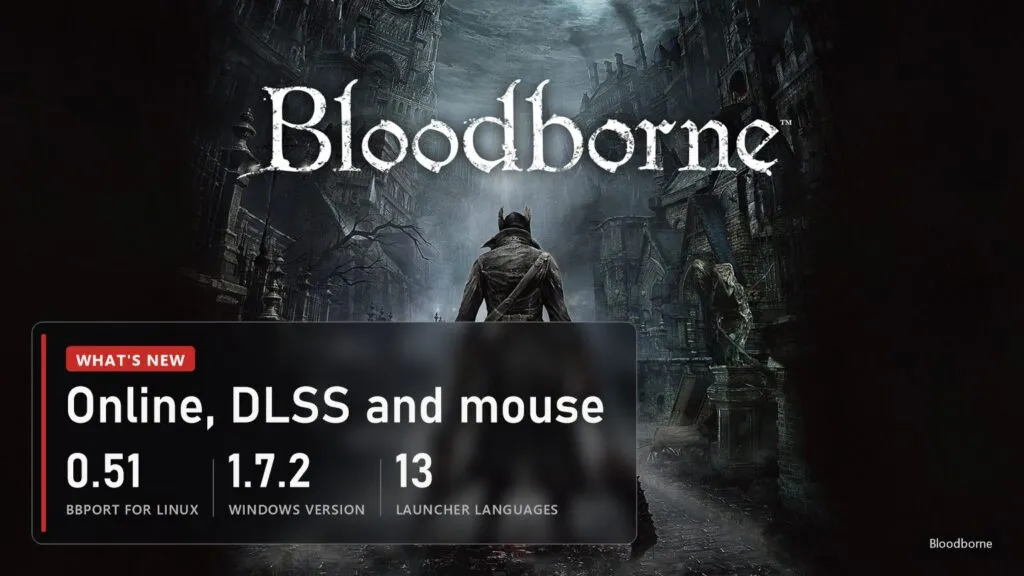
- Online play (beta). Messages, bloodstains and ghosts through The Hunter's Dream, bells and summons through a shadNet server. You need a free shadNet account, and everyone you play with needs version 1.09 and the same server.
- DLSS. On GeForce RTX cards in both versions, alongside FSR 3.1, FSR 4 and, on Linux, FSR 4.1.1 built from your own AMD DLL.
- Keyboard and mouse. Mouse look and full rebinding in both versions. The Windows launcher also has a direct 1:1 mouse camera.
- New memory model (0.5). On AMD cards the game's memory now works like a normal PC game's buffers instead of being copied around, which is smoother. NVIDIA and Intel still use the older model by default in 0.51; in the 0.6-pre1 test build the new model is the default on every GPU.
- Frame rate. 30, 60, 90 FPS or unlocked. On Windows the cap is 120 by default.
The only performance numbers come from the bbport author and one machine: about 90 FPS at 4K with FSR 4 Balanced and about 150 FPS at 1440p with FSR 4 Quality on a Radeon RX 7800 XT. Independent tests across different cards do not exist yet.
New on October 15. The Linux port got its first 0.6 test build, 0.6-pre1. It turns on seamless co-op (BBSC) by default: the session survives deaths, lamps, area changes and bosses, with up to five hunters, as long as every player has it and uses the same server; the default servers are now Seamless Hunt. The new memory model becomes the default on every GPU, which the author says removes the multi-second freezes NVIDIA cards got from sparse binding. On his RX 7800 XT it is faster too: a route in Yharnam takes 4.30 instead of 4.60 ms a frame, and Oedon Chapel runs at 234 instead of 213 FPS. It is a pre-release, and the author asks NVIDIA and Intel owners to report FPS, stutter and VRAM use with a log. On Windows, versions 1.7.7 and 1.7.8 came out the same day: messages, bloodstains and summon signs now go over plain HTTP straight to the game server, as in bbhost; a broken texture or an "Unimplemented PM4 type 0" graphics command no longer stops the game; the title menu stops flickering above 1080p; and if DLSS fails to start, the game launches without it instead of not opening.
Low FPS and stutter: what to check
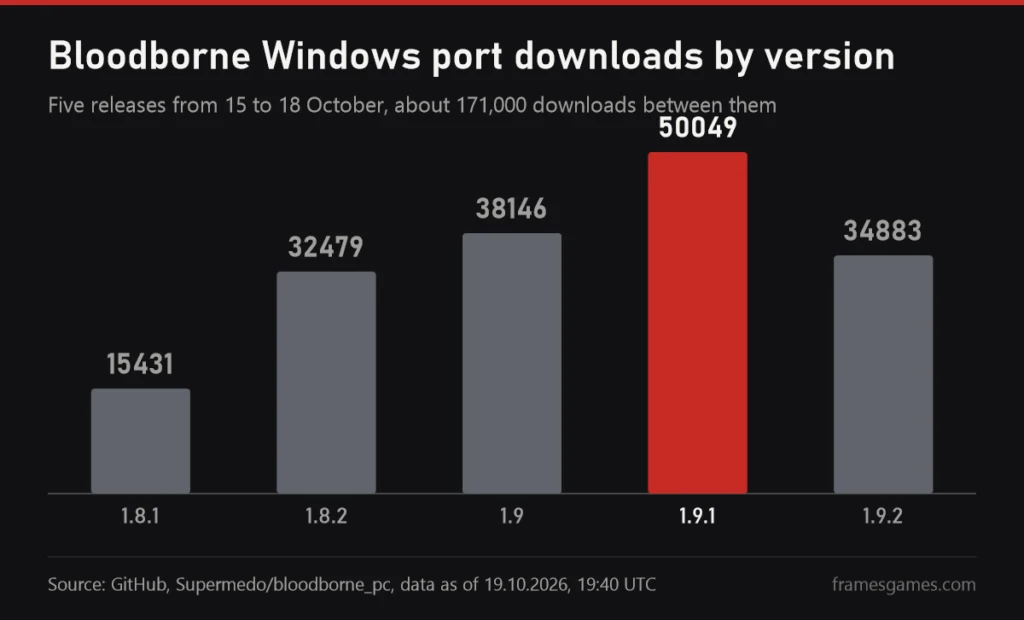
Most complaints about low frame rates in the last week were fixed in updates, so the first step is always the newest version. The Windows port alone went through five releases between 15 and 18 October, and 1.9.1 was downloaded about 50,000 times. Then go through the list:
- FPS falls to 10-25 after dying or loading an area (Windows). Fixed in 1.9.1, along with the lower frame rate on 4-8 GB cards that came with 1.9. Update and the drop goes away without a restart.
- Frame generation (Windows 1.9 and newer). FSR 3.1 on any card at 2x, DLSS Frame Generation at 2x on RTX 40 and up to 4x on RTX 50, in the launcher or the in-game menu (Insert or L3+R3). It adds a little input delay. Before 1.9.2, FSR 3.1 frame generation leaked video memory every frame until the game crashed with "device lost", so do not use it on older builds.
- 4 GB graphics cards. Big areas and the Hunter's Dream used to crash with ErrorOutOfDeviceMemory; since 1.9.2 the game frees unused textures and stutters briefly instead. The author recommends FSR 3.1 Performance and a 60 FPS cap for long sessions.
- Stutter in the first minutes after an update. 1.9.2 rebuilds the shader cache once, so the opening minutes may hitch. That is expected and passes.
- NVIDIA freezes on Linux. In 0.6 the new memory model is the default on every GPU and no longer uses sparse binding, which froze NVIDIA cards for seconds. If something gets worse, the old model is still in the launcher: Memory model, Old.
- Laptops with two GPUs (Linux). The 0.6 launcher has a GPU choice. Make sure the game runs on the discrete card, not the integrated one.
- Heavy effects. In 0.6 chromatic aberration, depth of field, motion blur, SSAO, the game's anti-aliasing and dynamic shadows switch on and off without a restart, from the game menu or the overlay. SSAO and shadows are the first to try.
- Physics above 30 FPS. Since 0.6 the game loop and 48 places tied to 30 FPS use the real frame time; before that, body physics ran six to seven times too fast at 200 FPS and running turned into walking above about 90 FPS. F3 toggles a 30 FPS limit while you play if you want to compare.
Common crashes and how to fix them
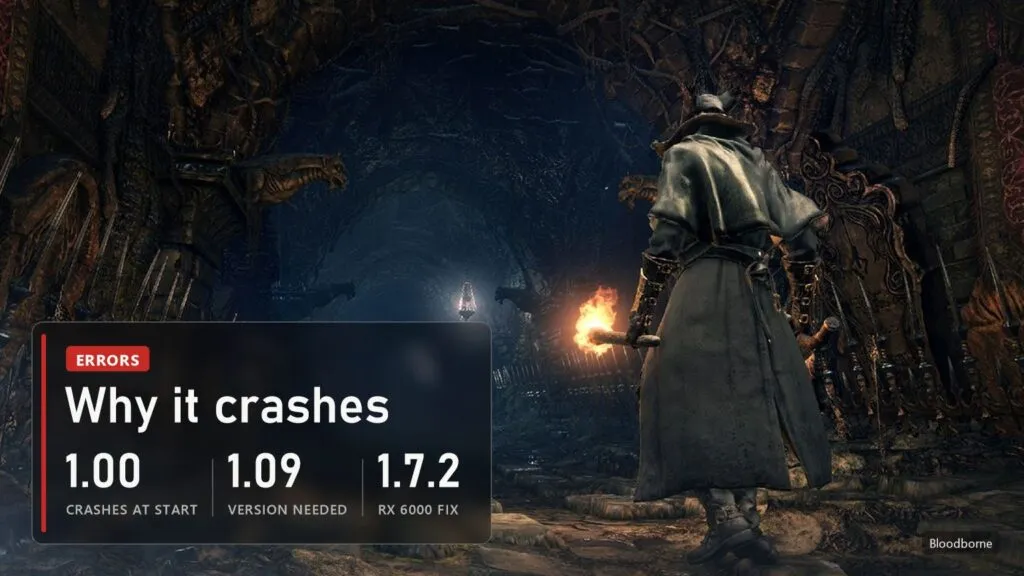
- Crashes right at start. Almost always the base game 1.00 without the update. Copy the 1.09 update folder over the base game, replacing files. The launcher checks the executable and tells you what is missing.
- Crashes when the gestures menu opens. Your dump has Lance McDonald's 60 FPS patch baked into eboot.bin. Use a clean eboot.bin: the port has its own frame rate settings.
- "Device lost during submit" on Radeon RX 6000 and older. Fixed in the Windows version 1.7.2: object motion vectors now turn off on these cards, and FSR keeps working.
- Crash when you get hit on Intel 12th gen or newer, VRAM filling up until the game dies. Both fixed in Windows version 1.7. Update from the launcher.
- "Failed to allocate 64 MiB" on 4 GB NVIDIA cards, code 139 with the US release. Fixed in bbport 0.51.
- Online: "Login rejected error code 5". The public server rejects old clients. Update to Windows version 1.7.1 or newer.
Both projects move fast, with several releases a day at times, so the first thing to do after any crash is update and only then look for a fix. If it still crashes, the authors ask for the log on GitHub or in their Discord servers, and they are separate servers: questions about bbport do not belong on the shadPS4 server.
How it works and what it is not
The PS4's processor uses the same x86-64 architecture as a regular PC, which is what makes this possible. The game's code is not emulated but executed as is, while a small runtime written just for Bloodborne stands in for the PS4's system libraries. The author compares it to Wine and DXVK, only for a single game. The graphics core comes from the shadPS4 emulator and has been heavily reworked, with about two hundred marked changes plus its own motion vectors for the upscalers. If you just want Bloodborne on Windows with the minimum of steps and do not care about native code, the emulator route still exists: we covered the BB PC Remaster mod for shadPS4 separately.
The status is honest: experimental but playable. The game boots, loads saves and plays with sound, gamepad and saving, but a full playthrough has not been verified. An official PC port never came in 11 years, and enthusiasts got from a first build to online play and a polished Windows launcher in under two weeks.
Sources
The README and release notes of deadinside28/bloodborne_pc (bbport) on GitHub, versions 0.1 to 0.51, October 1-10, 2026, GPL-2.0. The README and release notes of the Windows fork Supermedo/bloodborne_pc, versions up to 1.7.2, October 13, 2026, GPL-2.0. Star counts as of October 13, 2026. First reports of the release: iXBT Games, October 4, 2026, Wccftech and DSOGaming.
Images: Bloodborne, the same frames as in our BB PC Remaster piece.
Read next
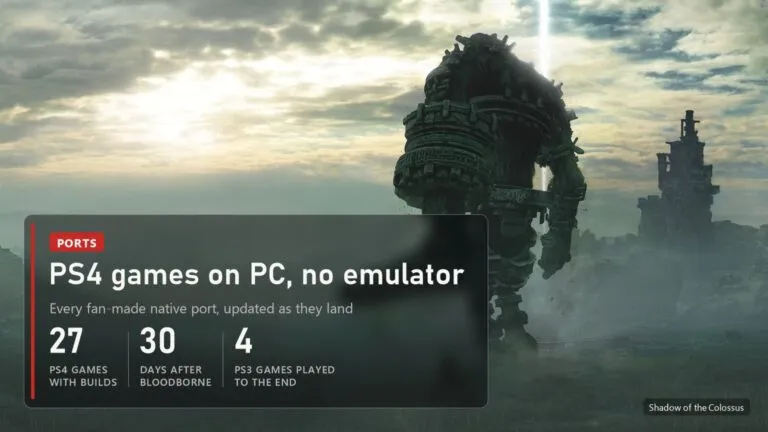 PS4 games on PC without an emulator: every port, from Bloodborne to Uncharted and GT Sport
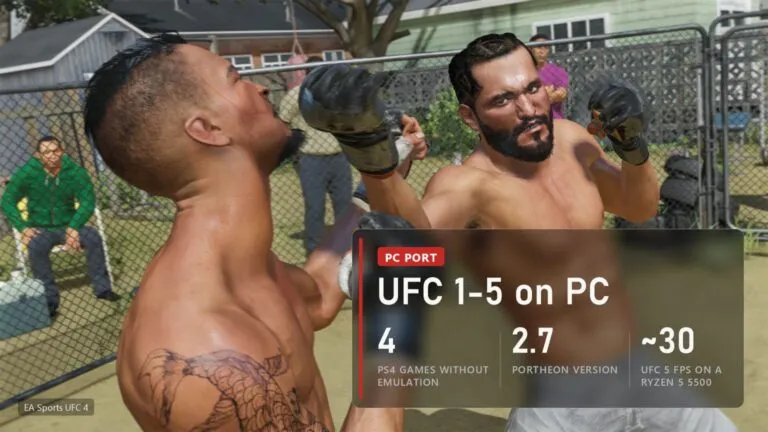 UFC 4 on PC: PORTHEON runs UFC 1-4 natively, UFC 5 and UFC 6 from PS5
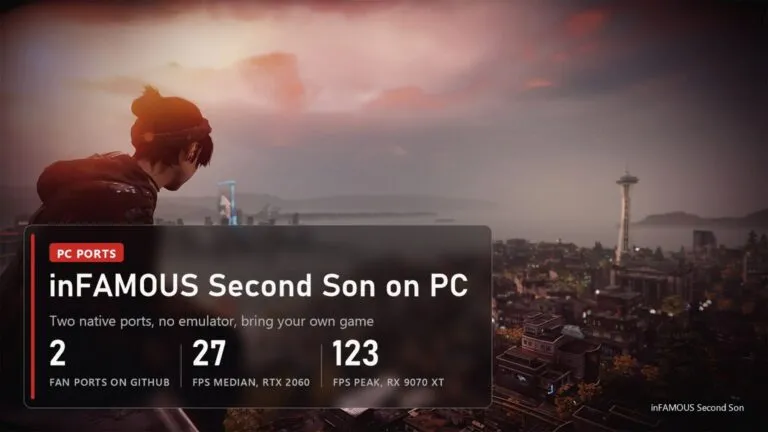 inFAMOUS Second Son on PC: two fan ports, requirements, download and crash fixes
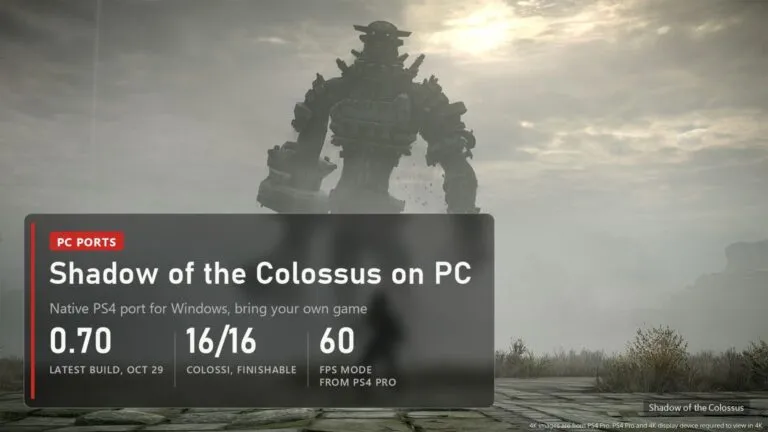 Shadow of the Colossus on PC: download, requirements and fixes for the fan port