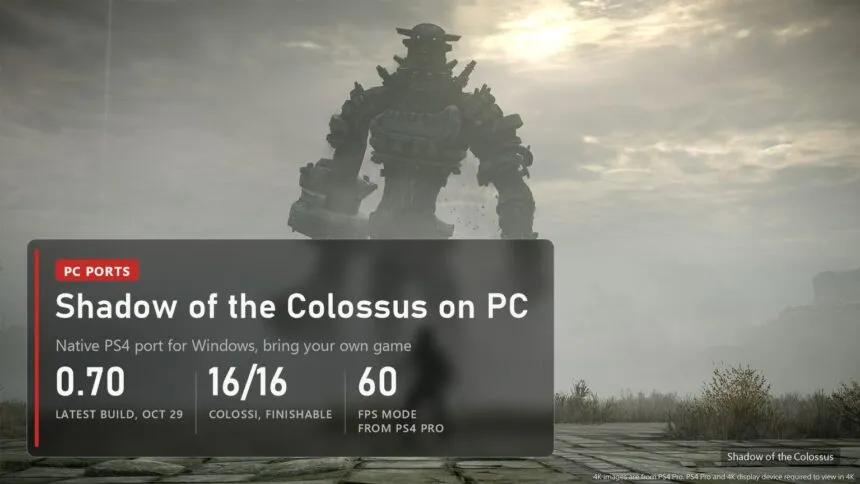
Updated on November 3, 2026: version 0.71 fixes the Time Attack crash around the 5th colossus and the colour mosaic after loading a save; 0.70 before it removed the near-zero FPS drops when a new area loads.
Bluepoint's 2018 remake of Shadow of the Colossus came out on PS4 only, and Sony never brought it to PC. Since mid-October a fan port does that job: AjncSystem's ShadowOfTheColossus-PC runs the PS4 version natively on Windows, and since October 20 you can play it from the first colossus to the credits. It contains no game files and no Sony firmware, so you need your own copy of the game and two sound files from your own console. Both are covered below, along with the settings and the crashes people run into.
Read next:
What works and how far you can play
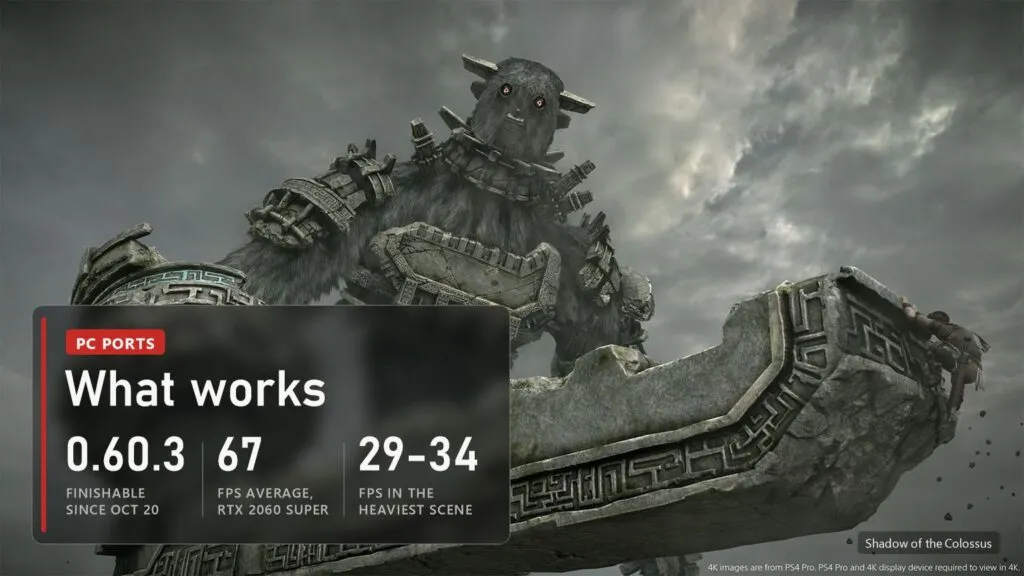
The README states it plainly: the game can be finished from start to end. The team played the last colossus, the ending and the credits on version 0.60.3 with high quality textures, PS4 Pro mode and 60 FPS turned on. Every release since then has been about crashes, frame rate and image quality rather than about getting further into the game.
It is not an emulator. The PS4 runs on an x86-64 processor like your PC, so the game's own code runs straight on your CPU. The port supplies the system functions the game expects and translates the console's graphics to Vulkan through the shadPS4 video core. The loader and launcher come from the Windows Bloodborne port, bloodborne_pc, and several fixes came from the Pink-shadPS4 fork. Since version 0.58 it has been a group effort: the releases credit more than ten contributors with pull requests and forks.
| Scene | Result |
|---|---|
| Title screen demo, 60 FPS mode, RTX 2060 SUPER | about 67 FPS on average |
| Heaviest part of the same demo | 29-34 FPS |
| The bridge, version 0.59 against 0.58 | 37-40 FPS instead of 30 |
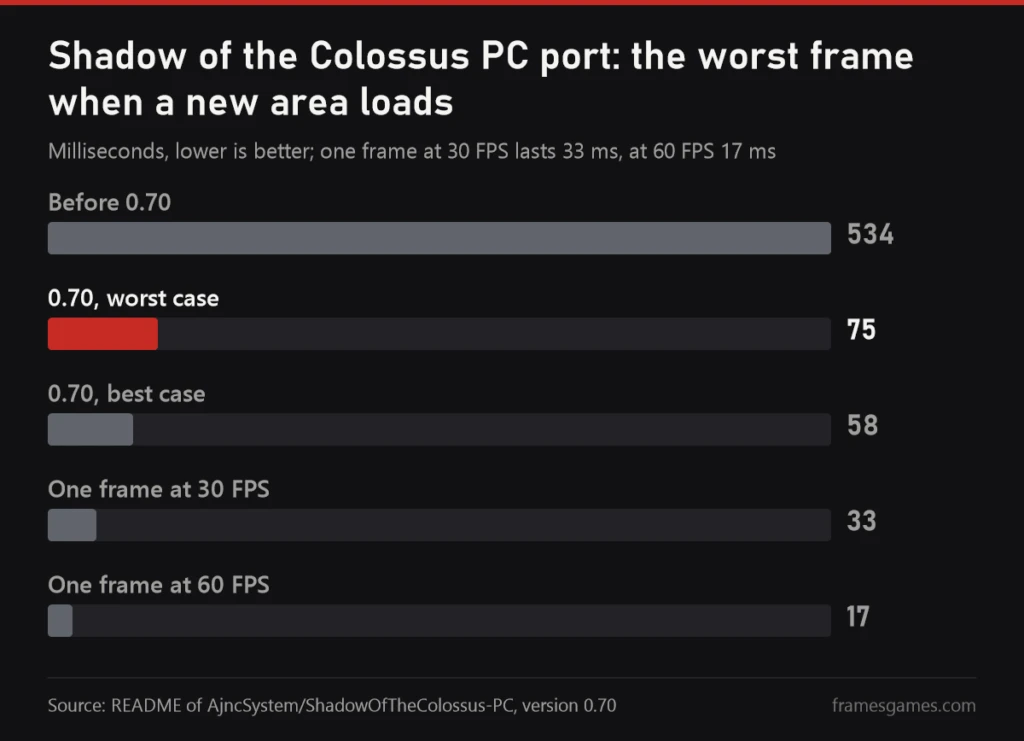
| Worst frame when a new area loads | 534 ms before 0.70, 58-75 ms in 0.70 |
Which copy of the game you need
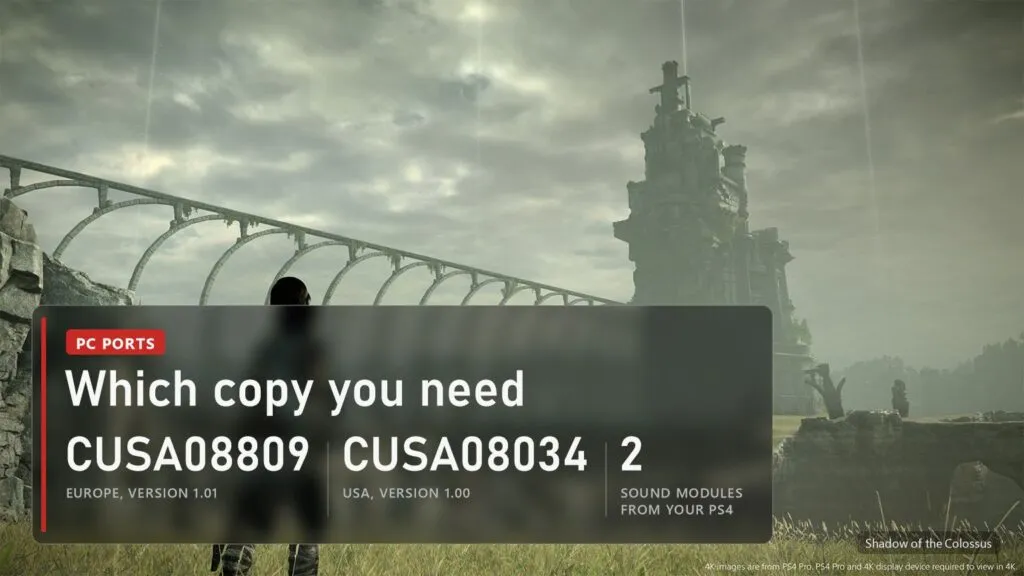
The port knows two releases of the PS4 game:
- European CUSA08809, version 1.01. The release the port was first built for.
- American CUSA08034, version 1.00. Supported since the community build 0.60.6-C1 of October 26. It has the same executable as the European 1.01.
Only these two get the patch modes: 60 FPS and 16x texture filtering. Other versions of the game start at 30 FPS. Each release keeps its own saves, and DLC is used only when it comes from the same region as the game.
The second thing people miss is sound. The game needs two PS4 system modules, libSceNgs2.sprx and libSceUlt.sprx. They are Sony firmware, so the port can't ship them. Without them the game runs silent. If you already have shadPS4 set up with those modules, the launcher finds them in its user/sys_modules folder and copies them over. As with every port in our list, the game and these files have to come from your own console. We don't link either.
PC requirements
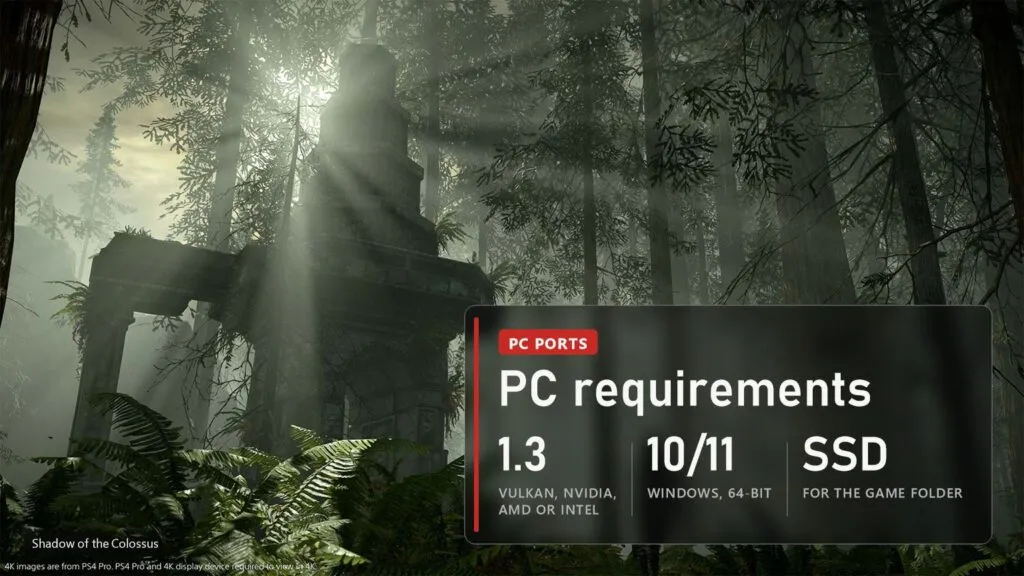
| What | Needed |
|---|---|
| System | Windows 10 or 11, 64-bit. There is no Linux build |
| Graphics | A Vulkan 1.3 card from NVIDIA, AMD or Intel with a recent driver. GTX 10 series cards show textures since 0.60 |
| Video memory | With 8 GB or less, pick a lower "Video memory use" level in the launcher if the game runs out |
| Disk | An SSD, NVMe if you can. Each new area streams hundreds of megabytes |
| Processor | 64-bit x86. Four-thread CPUs no longer get stuck loading since 0.60.5 |
| Game | Your own CUSA08809 1.01 or CUSA08034 1.00 plus the two sound modules |
Take the SSD advice seriously. The author put it at the top of the README in a warning box: on a hard disk the move into a new area stutters far more and can freeze for seconds. Version 0.60.6 added read-ahead for hard disks, which helps, but the game was built for the PS4's streaming and a hard drive can't keep up with it.
Where to download and how to start
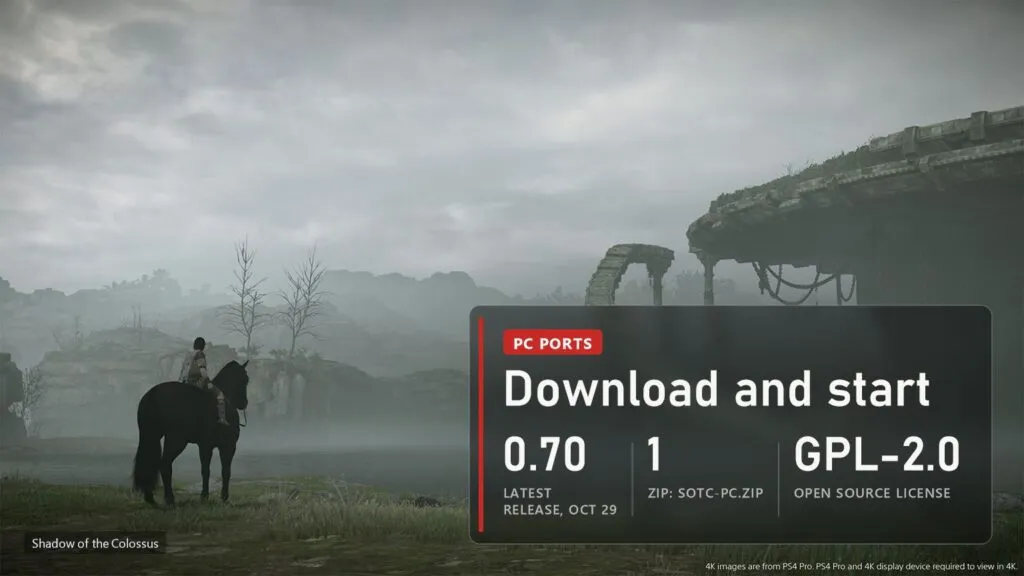
The only real source is the project's repository: github.com/AjncSystem/ShadowOfTheColossus-PC, Releases page. The code is open under GPL-2.0, and the packaging script refuses to include any Sony module, so a download that comes "with the game" did not come from there.
- Download
SotC-PC.zipfrom the latest release and unzip it into its own folder. Python is not needed. - Run
SotC.exe. On first start the launcher searches your drives for the game folder (the one witheboot.bin,sce_moduleandsce_sys), for the sound modules in an installed shadPS4, for a shadPS4 save of the game, which it offers to import, and for DLC. - Check the "Game and saves" page. The game library works like the one in shadPS4.
- Press PLAY. The first start after every update rebuilds the shaders: expect about two minutes on the loading screen and short stalls the first time you visit each area.
Since 0.59 the launcher updates itself. Each copy of the port keeps its saves and settings in its own user folder, so you can keep an older version next to the new one if an update breaks something for you.
Best settings: 60 FPS, DLSS and textures
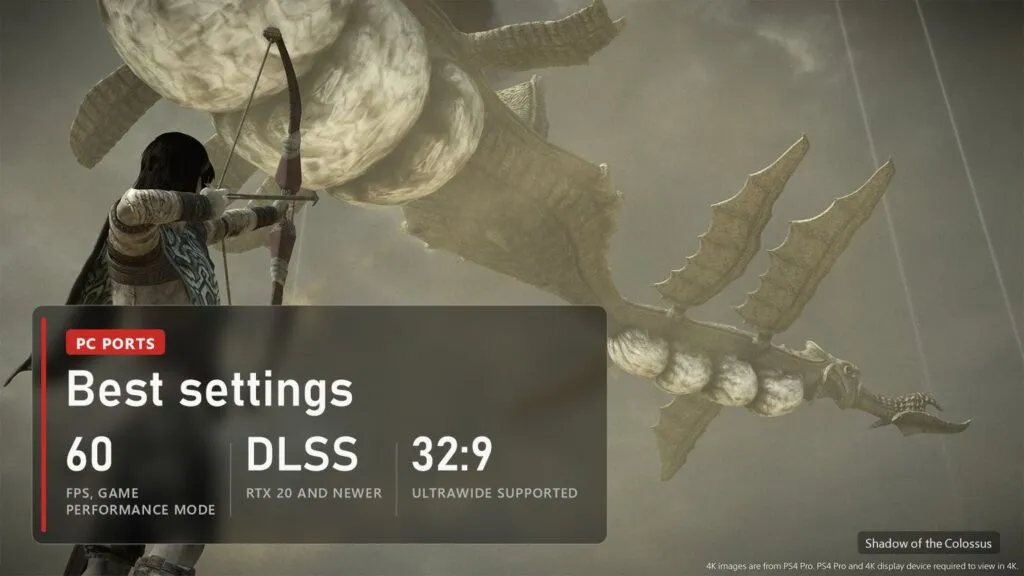
Output resolution (720p to 4K), PS4 Pro mode, fog, vignette, SSAO, 16x filtering and video memory use are set in the launcher and apply when the game starts. The rest changes on the fly in the in-game menu on F1, Insert or L3 plus R3 on a controller.
- 60 FPS. Since 0.60 the port asks the game for its own PS4 Pro Performance mode instead of forcing the frame rate, which should keep the physics right (colossi no longer "fly"). F7 cycles 30, 60 and unlimited. If something in the physics still breaks,
SOTC_MODES=af16in the extra variables returns the old mode. - Upscaling. The game draws at 1080p and the port scales it to your output with FSR 1 and RCAS sharpening. NVIDIA DLSS works on RTX 20 cards and newer since 0.60.6-C1, also in PS4 Pro mode and at 4K, with an Ultra Performance option since C2.
- Texture quality. High is the default and the safe choice. Maximum keeps the high resolution textures on all the time and is sharper in wide views, but it can close the game there (see below). Off is for cards with little video memory and looks blurry.
- Frame generation. F8 switches between off, DLSS-G and FSR 3. It is experimental and only matters at 30 FPS; with DLSS upscaling the text and HUD can shake, so leave it off at 60.
- Ultrawide. 21:9 and 32:9 work since 0.58, with health and stamina bars fixed in 0.60.6-C2 and C3.
- Grass and more FPS. Grass distance, height and detail are live in the menu since C1, and the "More FPS" option comes from a community fork. The Shrine of Worship is the place to compare.
- Controls. DualShock 4, DualSense and Xbox pads, mouse camera with sensitivity and invert Y, key remapping, vibration toggle since C2.
A reasonable start on a mid-range card: 1440p or 4K output, 60 FPS, textures on High, DLSS Quality on RTX or FSR 1 with RCAS on AMD, frame generation off. Raise textures to Maximum only after you have played an hour without a crash.
Crashes and common problems
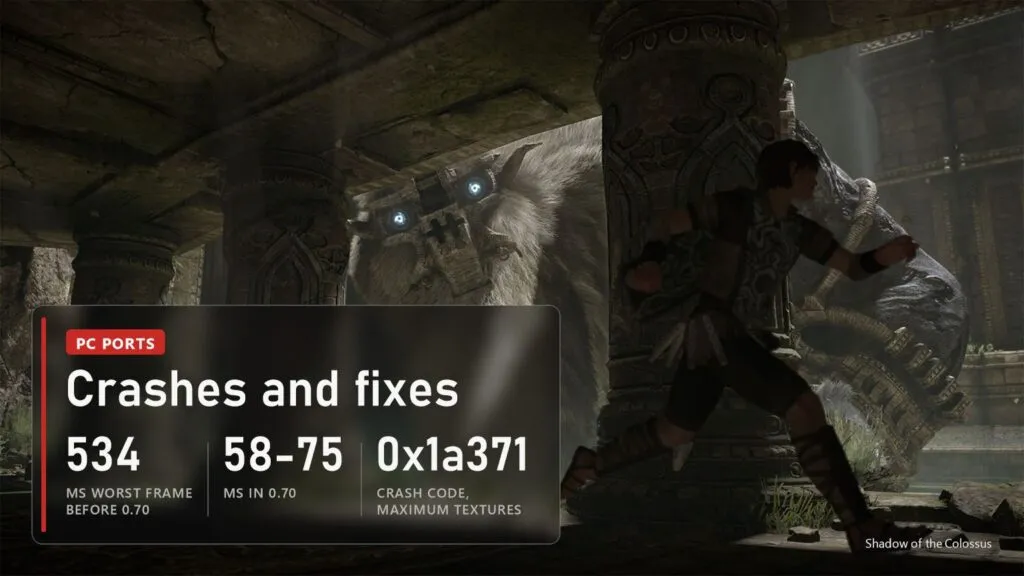
- FPS falls to almost zero when you ride into a new area. Fixed in 0.70: the worst frame went from 534 ms to 58-75 ms and the forced loading screens are gone. One to six frames are still lost per area change. If it is still bad, the game folder is probably on a hard disk.
- The game closes in a wide view (sword raised to the sun, the Shrine, the last colossus's area), fault 0x1a371. This is the Maximum texture setting, mostly in PS4 Pro mode. Go back to High.
- Crash after loading a save, fault 0x49800. A rare crash in the game's memory allocator, fixed in 0.70. Update.
- Time Attack crashes around the 5th colossus, or colour mosaic textures after loading a save. Both came from memory pages the game freed twice. Fixed in 0.71, tested on Maximum settings with no crashes;
SOTC_POOL_OWNER=0turns the fix off. The first start of 0.71 rebuilds the shader cache. - Rainbow garbage on textures and crashes "out of nowhere". Fixed in 0.60.6, the cause was GPU readbacks written over memory the game had reused. Some colour garbage can still show around the 7th and 8th colossi after several visits with Maximum textures in PS4 Pro mode.
- Characters and Agro glow white on an AMD RX 470-590, Vega or an older APU. 0.60.5 added the missing LDS barriers for these GCN cards, the likely fix. The author is still asking for reports;
SOTC_AMD64_LDS=0turns the change off if it makes things worse. - No sound at all. The game runs silent when the two sound modules are missing. Check that
libSceNgs2.sprxandlibSceUlt.sprxwere copied to the port's data folder. - Long loading and stutter right after an update. Normal: shaders and the driver's shader cache are rebuilt once, about two minutes.
- Long-session stutter, slow start after a driver update. A memory leak of about 60 MB per minute was fixed in 0.60.5, and the load after a GPU driver update dropped from 106 to 7 seconds. Update if you are on an older build.
If the game closes by itself, the README asks for an issue on GitHub with the file user/last_run.log attached. Since 0.60.6 there is also a readable event log in user/events.log, which shows what happened before the crash.
Versions
| Date | Version | What changed |
|---|---|---|
| November 2, 2026 | 0.71 | Time Attack crash around the 5th colossus and colour mosaic after loading a save fixed, motion blur off by default, sharper DLSS (preset E), smoother area changes, new launcher |
| October 29, 2026 | 0.70 | No more near-zero FPS on area changes, allocator crash 0x49800 fixed, DLSS no longer shakes in PS4 Pro mode at 30 FPS, HUD stays still with frame generation |
| October 27, 2026 | 0.60.6-C3 | Stamina bar fixed with DLSS, 30 FPS cap holds in PS4 Pro mode |
| October 26, 2026 | 0.60.6-C2 | Ultrawide health and stamina bars, vibration toggle, more FPS at the Shrine, DLSS Ultra Performance |
| October 26, 2026 | 0.60.6-C1 | Community release: page allocator fix, Maximum textures in PS4 Pro mode, DLSS, grass settings, American CUSA08034 |
| October 22, 2026 | 0.60.6 | No more rainbow textures and random crashes, black dots on sand fixed, hard disk read-ahead |
| October 22, 2026 | 0.60.5 | Texture quality selector, memory leak fixed, +3% average and +12% minimum FPS, possible fix for white characters on AMD GCN |
| October 21, 2026 | 0.60.4 | No more cyan blocks on stone and blinking flowers with high quality textures |
| October 20, 2026 | 0.60.1-0.60.3 | In-game menu, quick settings, and the game finishable from start to end |
| October 14-19, 2026 | 0.56-0.60 | Moving water, AMD fog fix, high quality textures, community release with +15% FPS, ultrawide and frame generation, 60 FPS through the game's Performance mode |
We update this table when a new build comes out. The other PS4 games that now run natively on PC, from Bloodborne and God of War III to Unicorn Overlord, are in our running list.
FAQ
Is Shadow of the Colossus on PC officially?
No. The original came out on PS2 in 2005, the HD version on PS3 in 2011 and Bluepoint's remake on PS4 in 2018. None of them was released on PC. The port described here is a fan project that needs your own copy of the PS4 remake.
Can you finish the game with this port?
Yes. Since version 0.60.3 of October 20 the team has played it through the last colossus, the ending and the credits, with high quality textures, PS4 Pro mode and 60 FPS on.
Why is there no sound?
The game needs two PS4 system modules, libSceNgs2.sprx and libSceUlt.sprx. They are Sony firmware and can't be included, so they have to come from your own console. The launcher copies them from an installed shadPS4 if it finds them there.
Does it run on the Steam Deck or Linux?
There is no Linux build: the port is made for Windows 10 and 11. Nobody has published results with Proton yet.
Is it an emulator?
No. The game's own code runs directly on your processor, and the port replaces only the PS4's system functions and graphics, using the shadPS4 video core for Vulkan. That is why it runs this one game and only the two releases it knows.
Sources
AjncSystem/ShadowOfTheColossus-PC on GitHub: README (status, supported releases, requirements, launcher, in-game menu, texture quality, known issues, credits) and Releases, notes from 0.56 (October 14, 2026) to 0.70 (October 29, 2026), checked on November 2, 2026. Images: official Shadow of the Colossus screenshots from the PlayStation Store, FramesGames chart based on the project's README.