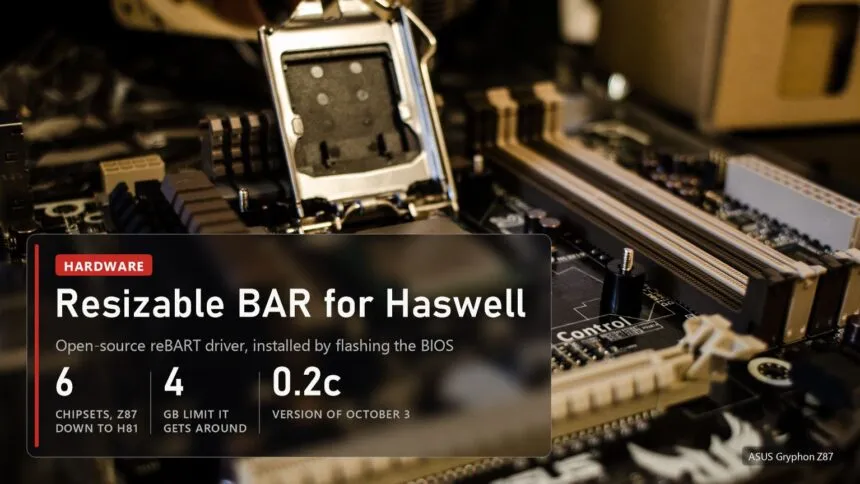
Haswell motherboards have Resizable BAR now, thirteen years after launch. Intel and the board makers had no part in it. It comes from reBART, an open-source UEFI driver by a developer going by roschank, and it covers the 8-series chipsets: Z87, H87, Q87, B85, Q85 and H81. It only goes in by flashing a modified BIOS, and the author has not published any FPS numbers yet. The people who need it most are those running an Intel Arc card in an old PC: without Resizable BAR those cards lose a lot of performance.
Read next:
Why Haswell never got Resizable BAR
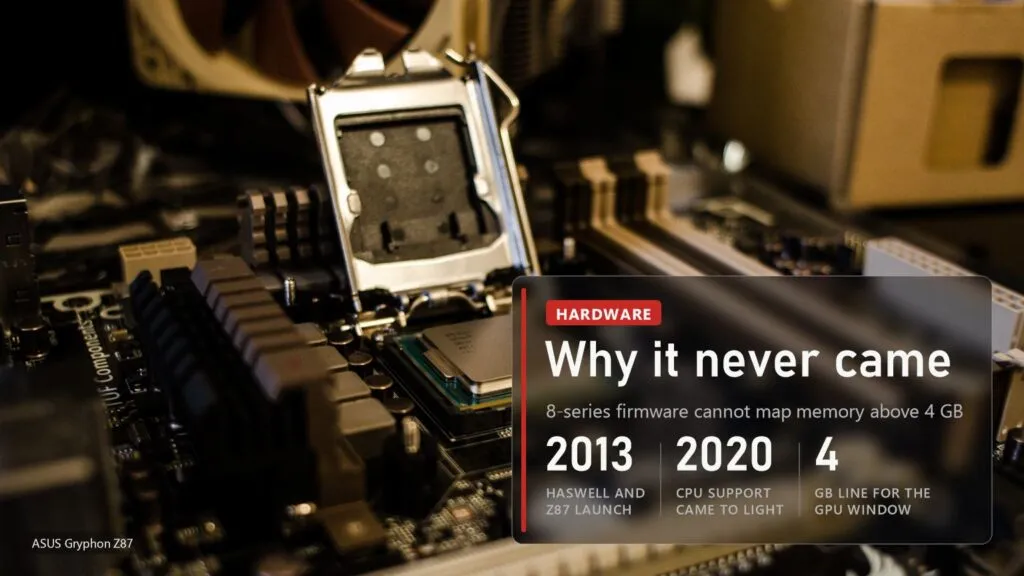
Back in 2020 it came out that Intel CPUs from Haswell onward support Resizable BAR, pending firmware updates from board makers. For the 8 series those updates never shipped. The reBART author started digging after Above 4G Decoding refused to work on their own B85 board, and traced it to Intel's own platform code. 8-series firmware simply cannot map graphics memory above the 4 GB line, while the 7 series before it and the 9 series after it can. Every board maker the author checked inherited the same gap, so the 4G toggle that some of these BIOSes show probably does nothing at all.
reBART does not fight the firmware, it steps in after it. The board boots normally, and right before the OS loads the driver moves the GPU's memory window above 4 GB, opens the PCIe bridge window to match and repoints the boot display there too. Unlike the better-known ReBarUEFI, it needs no firmware module patching, though a DSDT patch is still required. For 6, 7 and 9-series boards the author recommends ReBarUEFI and suggests trying reBART only if that one ends in a black screen.
Intel Arc on Z87: the first report
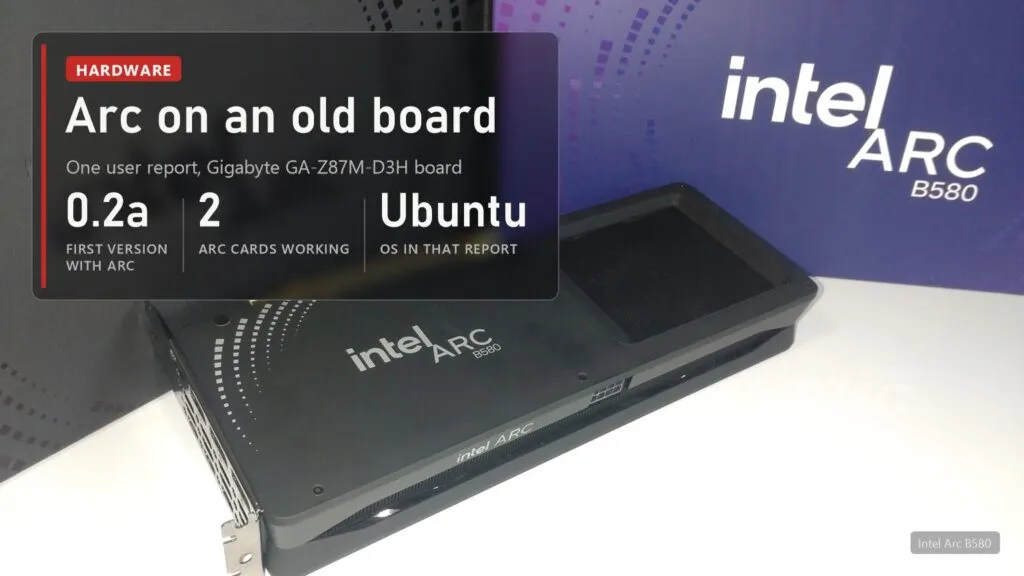
The project isn't new. Version 0.1 went up on August 18, but it only got noticed on November 1, after a post by Haze on X and a TechPowerUp write-up. Version 0.2a from September 20 added experimental support for PCIe bridge chains, which is what Intel Arc cards need. 0.2b brought multi-GPU support and 0.2c, from October 3, fixed BAR alignment.
This matters more for Arc than for GeForce or Radeon. Intel itself once told buyers without Resizable BAR to pick another brand, and our explainer shows why. So far there is one confirmation: according to TechPowerUp, a user got both an Arc A750 and an Arc B580 running with an unlimited BAR size on a Gigabyte GA-Z87M-D3H under Ubuntu. That's one report from one system, with no performance figures attached.
The risk, and what you need before flashing
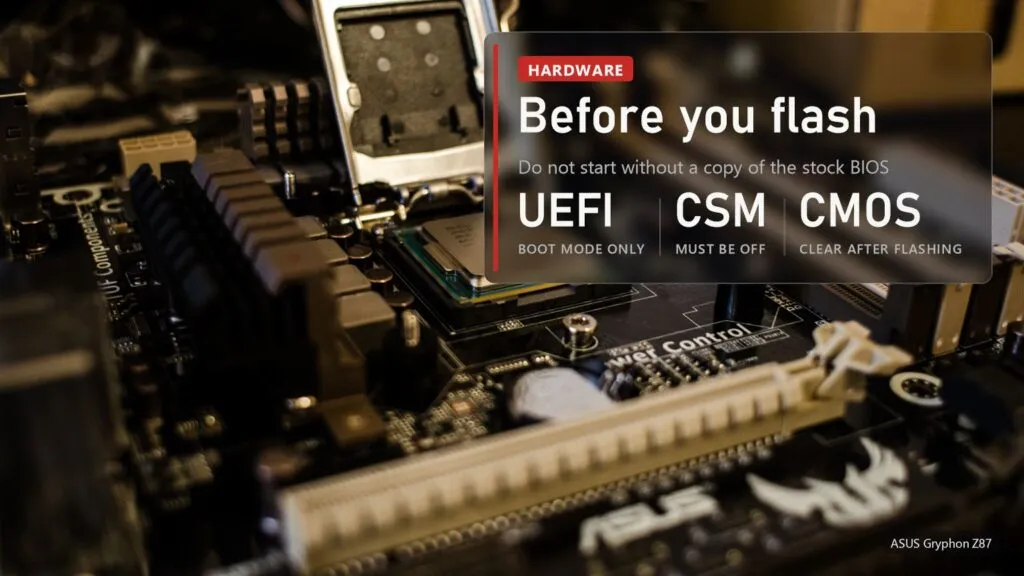
Install goes like this: extract the AmiBoardInfo module from the BIOS image, patch its DSDT with the author's tool, insert reBART.ffs with UEFITool 0.28.0, flash, clear CMOS and set the BAR size with ReBarState. You need a 64-bit OS booted in UEFI mode from a GPT disk with CSM off, and a discrete graphics card as the primary display. If ReBarUEFI or NvStrapsReBar is already in the image, take it out first.
The risk is real. One ASUS Z87-Plus owner couldn't get the board to boot after the DSDT patch. Keep a copy of the stock BIOS, and if your board has no backup chip or flashback feature, accept that a bad flash may mean a trip to a hardware programmer. Radeon cards on Polaris and Vega also need a registry key from the README, and on a 4 GB Polaris card the author advises a 2 GB BAR, because a 4 GB one trips a driver bug. On Haswell with a GeForce I'd hold off, since gains on those cards are usually modest. With Arc it makes sense.

Sources
reBART repository on GitHub: chipset list, root cause, how it works, requirements, install steps, Polaris and Vega notes, MIT license. reBART releases: dates and changes for 0.1, 0.2a, 0.2b and 0.2c. TechPowerUp, November 1, 2026: the B85 backstory, the Arc A750 and B580 report on a GA-Z87M-D3H, the failed ASUS Z87-Plus. reBART thread on the Win-Raid forum. Images: Intel Core i7-4770 on an ASUS Gryphon Z87, photo by Minyoung Choi, 2013, CC BY-SA 2.0, Wikimedia Commons; Intel Arc B580 Limited Edition, photo by Jiahwang, 2025, CC0, Wikimedia Commons.