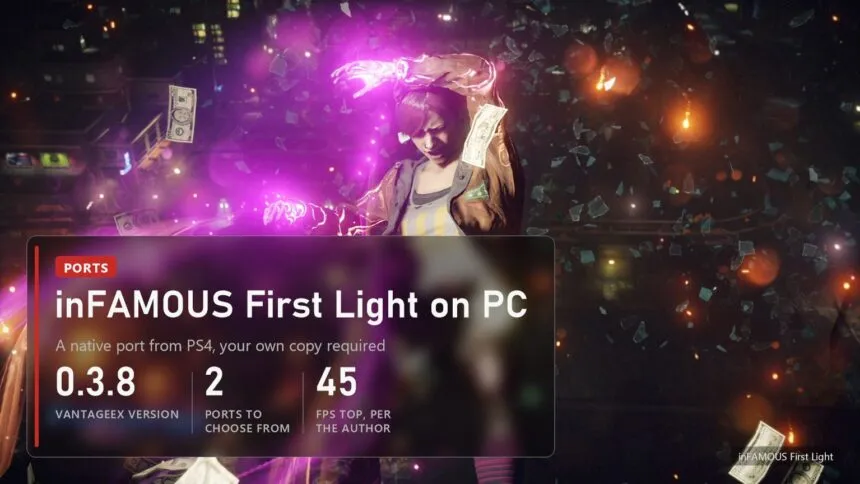
Updated on November 5, 2026: VantageEX 0.3.8 and PC Edition v2026.10.28.2.
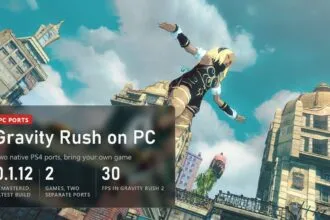
Short answer. inFAMOUS First Light, the 2014 standalone spin-off of Second Son about Fetch and her neon powers, now runs on Windows without an emulator. There are two fan ports: VantageEX's, the more popular one at version 0.3.8, and kam0n4ik's PC Edition with DLSS and FSR 3.1. Both run the PS4 game's own code straight on your CPU. You need your own copy of the game (the tested one is CUSA00897, the European release, version 1.00), Windows 10 or 11, a CPU with AVX and a graphics card with Vulkan 1.3. It's an early build: the game starts, saves and gets through the first missions, at about 35-45 FPS on an RTX 4070 SUPER according to the author.
Read next:
What works and how fast it runs
The VantageEX port is marked "early, playable". The game boots, reaches the menus and gameplay, saves and plays through the first missions, and Fetch's neon powers, the dash trail, lights and particles all render. It's a fork of HayatoG's iss_pc, the Second Son port we've covered before, so it inherits that project's runtime and graphics translation.
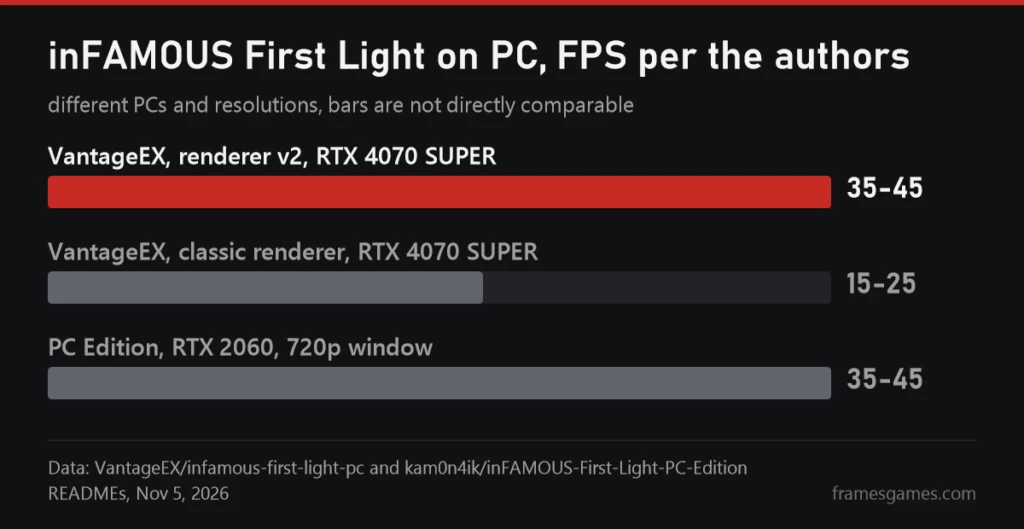
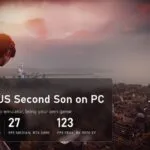
On a Ryzen with an RTX 4070 SUPER at 1080p the author gets about 35-45 FPS with renderer v2, which is the default, and 15-25 with the classic one. The stated goal is a steady 30 FPS on mid-range PCs, so plan around that. The PC Edition author reports about the same 35-45 FPS, but on a Ryzen 5 5500 with an RTX 2060 in a 720p window, so the two numbers can't be compared head to head. Neither has been tested independently.
 The video loads from YouTube (Google) when you press play. Privacy policy
The video above is from the port's author, recorded on the same RTX 4070 SUPER at 1080p.
What you need and how to set it up
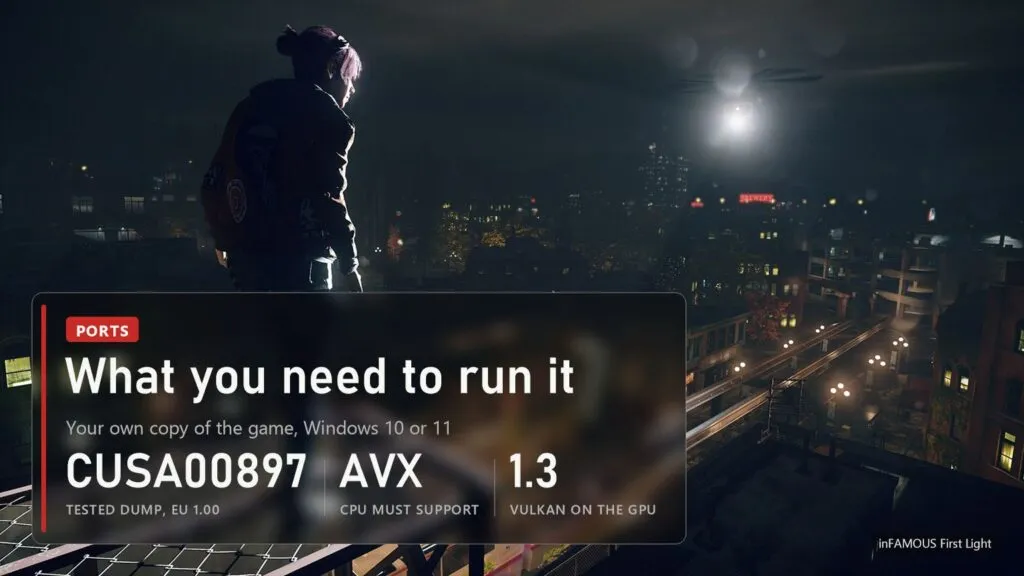
- System: Windows 10 or 11, 64-bit.
- CPU: one with AVX. Intel works too: the AMD-only instructions the game uses are emulated.
- Graphics: Vulkan 1.3 and a current driver.
- The game: your own copy. The author tested CUSA00897, the European release, base game 1.00. The folder must contain eboot.bin and sce_sys. We don't explain how to dump games and we don't link to copies.
Setup for the VantageEX port is three steps. Download the latest release from the project's GitHub page, unzip it anywhere you can write to (not Program Files), start inFAMOUS First Light.exe, pick your game folder and press Play. The first start prepares and compiles shaders, which takes two or three minutes once. Since 0.3.2 the launcher checks for updates and installs them in one click, keeping your saves and settings.
A few handy keys: F10 shows the performance overlay, Insert (or R3 + L2 on a controller) opens the in-game menu. To launch straight from Steam or Playnite, add the exe as a non-Steam game with the launch option --play. Xbox and PlayStation controllers work, and the touchpad and motion sensor are simulated on controllers without them. There's also experimental ultrawide support at 21:9 and 32:9, with cutscenes staying 16:9.
Two ports: which one to pick
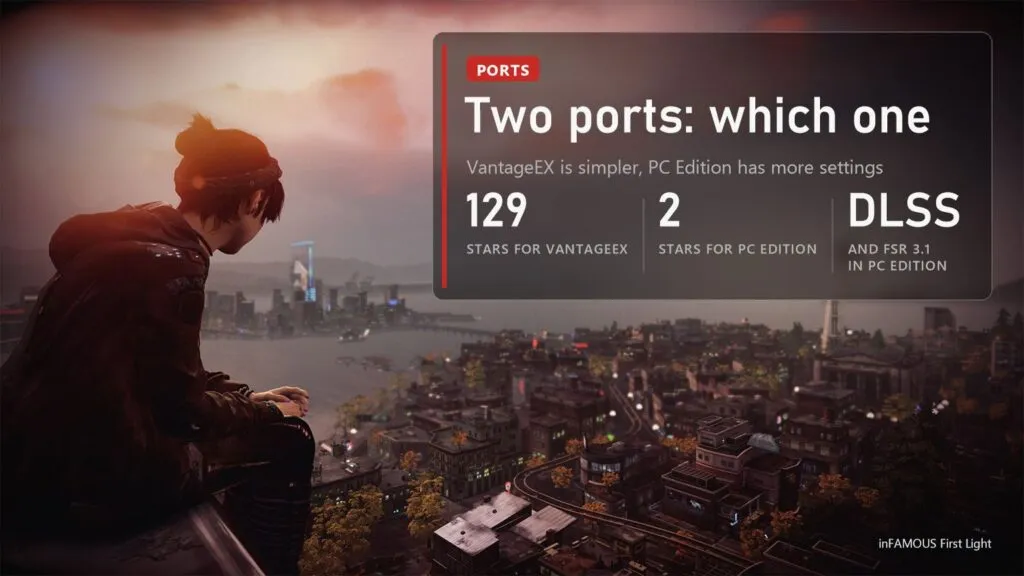
| VantageEX | PC Edition (kam0n4ik) | |
|---|---|---|
| Version | 0.3.8, October 25 | v2026.10.28.2, October 28 |
| Built on | HayatoG's iss_pc (Second Son port) | the Second Son PC Edition runtime |
| Stars on GitHub | 129 | 2 |
| Extras | auto-updating launcher, ultrawide, performance reports | DLSS, FSR 3.1, Reflex, mouse camera, FOV |
| How to install | unzip anywhere, pick the game folder | copy the files next to eboot.bin in the game folder |
| Status | early, first missions | early, open world reached |
| License | GPL-2.0 | not stated in the repository |
For most people VantageEX is the safer start: more users, a launcher that updates itself and a clear way to send performance reports. PC Edition is worth a try if you want DLSS or FSR 3.1 or a mouse camera, or if VantageEX struggles on your PC. Neither replaces any of the game's files.
Known issues and fixes
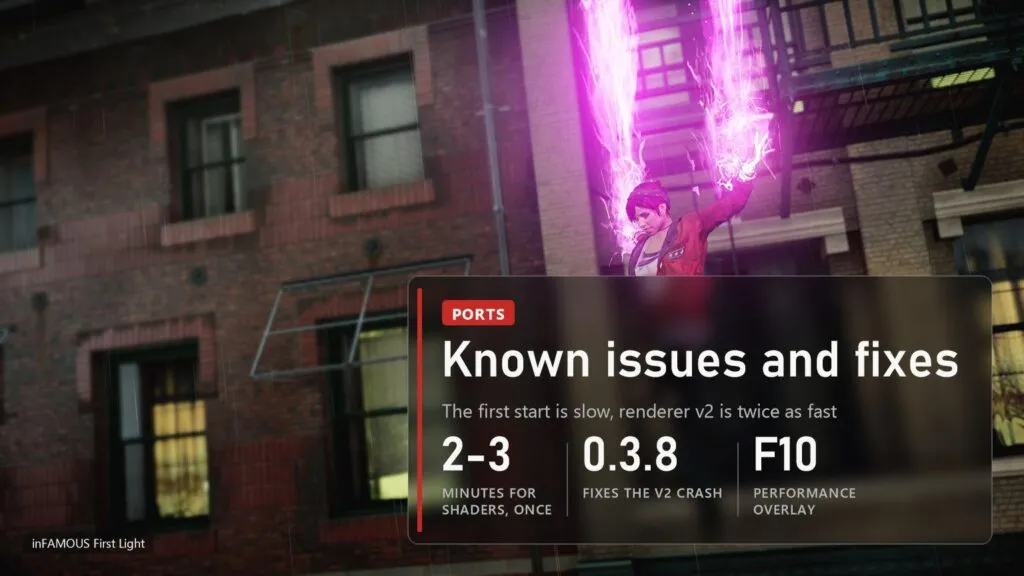
- Long first start. Shader preparation takes two or three minutes the first time. That's normal, let it finish.
- Low frame rate. Make sure you're on renderer v2 (the default): the classic renderer runs at roughly half the FPS. Reading data back from the GPU still costs frames, and the author is working on it.
- Crash with renderer v2 on some copies. Fixed in 0.3.8: on copies built with SDK 1.60 a check meant for Second Son read code that isn't there. Update first if you're on an older build.
- Yellow flash while loading a save on the classic renderer, and some lights pulsing in the boat cutscene: known, harmless.
- Reporting a bug. In the launcher, Log, then Create report writes a zip with logs and PC specs to data/reports. Attach it to an issue on GitHub. Never attach game files.
Download only from the two GitHub repositories linked in this guide. Both projects are free and unofficial, have nothing to do with Sony or Sucker Punch, and could disappear after a complaint, so keep a copy of the version that works for you.
Sources
VantageEX/infamous-first-light-pc: README (status, tested dump, FPS, requirements, setup, controls, known issues), releases 0.3.6-0.3.8 from October 25, 2026, 129 stars as of November 5. kam0n4ik/inFAMOUS-First-Light-PC-Edition: README (runtime, DLSS, FSR 3.1, Reflex, installation, FPS on RTX 2060), release v2026.10.28.2. HayatoG/iss_pc: the Second Son port it is based on. Video: gameplay by the port's author on YouTube. Images: official inFAMOUS First Light screenshots from PlayStation, FramesGames chart.