Updated on November 7, 2026: version 1.0.0 is out. It adds an optional public Lobby and a Friends tab for online co-op, a redesigned launcher with a built-in bug report page, Discord status, experimental OpenGL and Direct3D 11 renderers for PCs without Vulkan and experimental support for the European build.
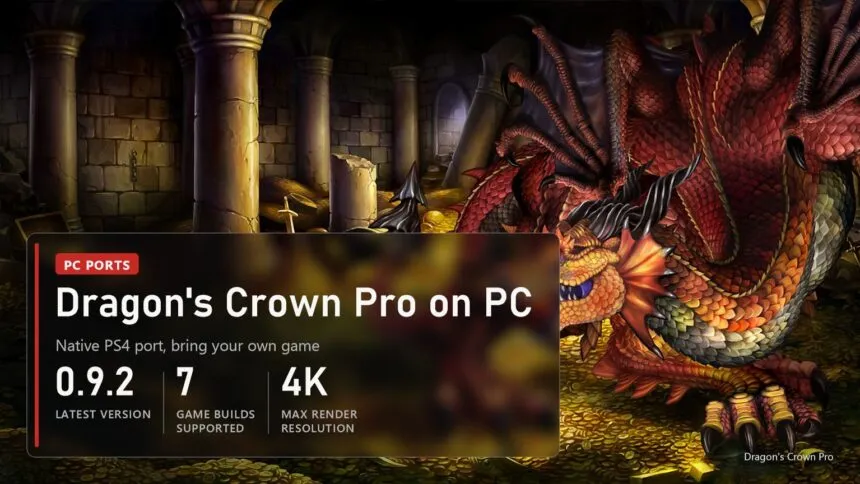
Vanillaware's Dragon's Crown came out on PS3 and Vita in 2013, the Pro version followed on PS4 in 2018, and neither ever reached PC. Since October 14 there is a fan port that runs the PS4 game natively on Windows, with Linux and the Steam Deck as an experiment. In three weeks it went from a first build to version 1.0.0: up to four players on one PC, online co-op through Friend Codes, 4K, ultrawide screens and cheats. The game files are not included. You need your own copy of the PS4 game in one of seven supported versions, and the launcher refuses anything else. Below: what works, which copy fits, where to download, how online co-op works, the settings worth changing and the problems players hit.
Read next:
What works in the port
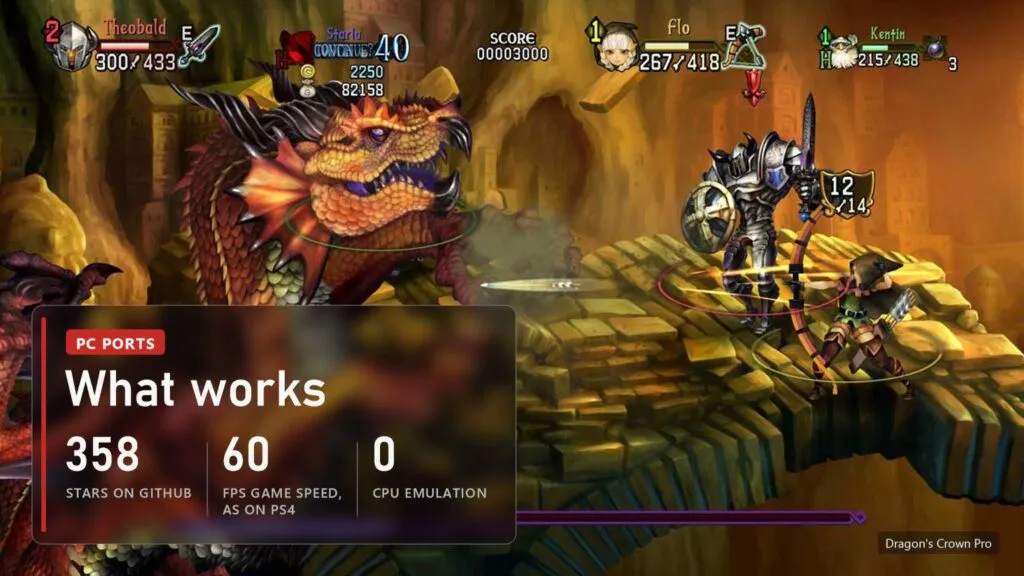
The port is by saulob, who earlier made PC versions of Hard Corps: Uprising and Geometry Wars: Retro Evolved 2. The PS4 has an x86-64 processor like a PC, so the game's own code runs straight on your CPU. The port replaces the PS4 system libraries the game calls and draws the picture through a Vulkan renderer taken from the shadPS4 emulator. The loader grew out of the God of War III, Uncharted and MediEvil ports. The code is open under GPL-2.0, and the author says AI tools helped with analysis and debugging, with every change tested by hand.
| Part | State |
|---|---|
| Start, menus, story and stages | Works on Windows, the main tested platform |
| Picture | Native 1080p by default, from 480p up to 4K, SMAA, texture filtering up to 16x |
| Frame rate | The game makes 60 frames a second, as on PS4; the screen can show up to 240 or unlimited |
| Local co-op | Up to four players, one controller each, keyboard for player 1 |
| Online co-op | Since 0.9.0, through the port's own service; tested with two players |
| Controllers | Xbox pads without setup, PlayStation or Xbox button prompts |
| Trophies | Tracked offline on your PC only, no PSN |
| Linux and Steam Deck | Experimental AppImage, players report it working on Bazzite and a Steam Deck LCD |
The game still thinks in its original 1280x720 canvas. That is why anything other than 16:9 either stretches or squeezes the action, unless you turn on the experimental True Ultrawide mode described below.
Which copy of the game and what PC you need
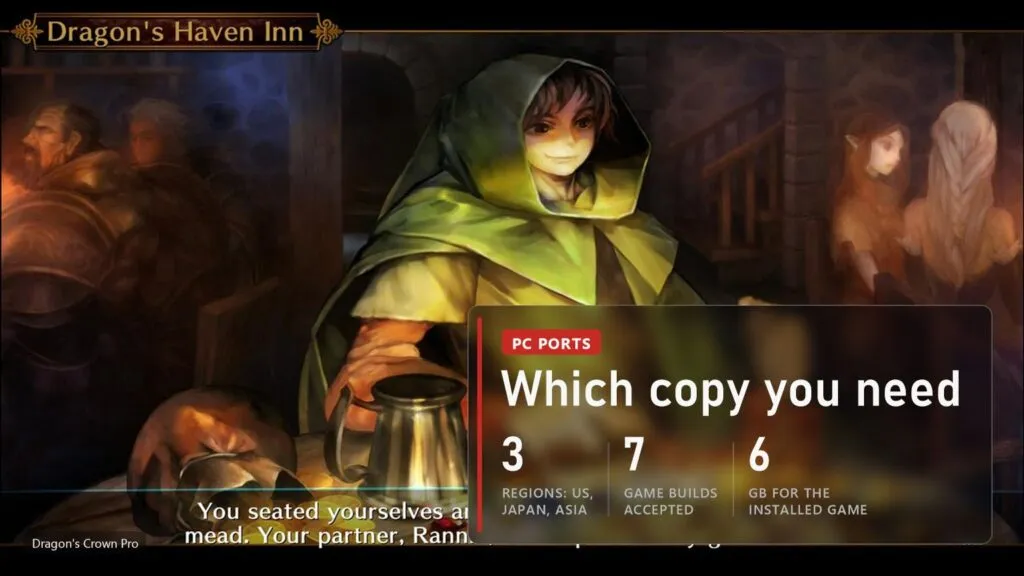
The port is made for exact versions of the game code. Before installing anything the launcher reads the package's ID and version and checks the hash of the game's executable, and it rejects any other version. Seven builds from three regions pass, and since 1.0.0 an eighth, European one, as an experiment:
- American CUSA10454, versions 1.00 and 1.01 (the update installed over 1.00). English, French, German, Italian and Spanish text. This is the build the author tests most, and the cheats are checked in game only on 1.00.
- Japanese CUSA07001, versions 1.00, 1.02 and 1.03. Japanese only, not fully tested yet.
- Asian and Hong Kong CUSA10209, versions 1.00 and 1.02. Traditional Chinese and Korean, not fully tested yet; Korean text has not been checked in game.
- European CUSA10487, version 1.03. Experimental since 1.0.0 on November 6.
A package locked to a console can't be opened on a PC, so you need the game from your own PS4 in a form the launcher can read. We don't link game files and don't explain how to get them. There is no Russian in any build: the option that appeared in an early version was removed in 0.9.2.
| What | Needed |
|---|---|
| System | Windows 10 version 1903 or newer, or Windows 11, 64-bit; or, as an experiment, 64-bit Linux with glibc 2.31 or newer |
| Processor | With AVX: Intel Core 2nd generation (Sandy Bridge), AMD FX or newer |
| Graphics | Vulkan 1.3 card and driver; tested on a GeForce RTX 4070 and on Intel UHD Graphics 730 |
| Disk | About 6 GB for the installed game |
| Game | Your own Dragon's Crown Pro for PS4 in one of the seven builds above |
The requirements are low because this is a 2D game: an integrated Intel GPU runs it at native 1080p. Only 1440p and above need a stronger card.
Where to download it and how to start
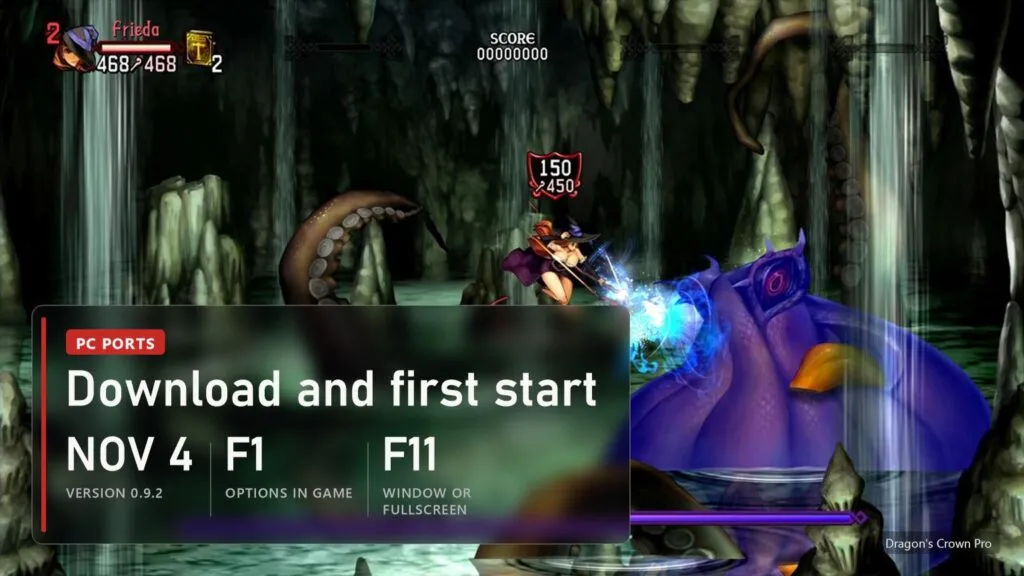
The only real source is the project's repository: github.com/saulob/dragons-crown-pro-pc, Releases page. A download that comes "with the game included" did not come from there.
- Download
DragonsCrownProPC-v1.0.0-windows-x64.zipand extract it into a folder you can write to. For Linux and the Steam Deck there is an AppImage on the same page. - Run
dragons_crown_pro.exe. If Windows SmartScreen warns you, click More info, then Run anyway: the program is not digitally signed. - Install the game. On the Play page click Install game and pick the package of your copy. The launcher unpacks it into the
gamefolder next to the program, about 6 GB, and shows Ready to play. The package itself is only read. - Press Play.
Everything is kept next to the program: settings in user\dcp.ini, saves in user\savedata, the shader cache and the logs. Copy the whole folder and your data moves with it. When a new version comes out, the launcher offers it with Update Now and keeps the game and the user folder. On the Steam Deck, install the game once in Desktop Mode, then add the AppImage as a non-Steam game; no Proton needed.
Online co-op: how to play with friends
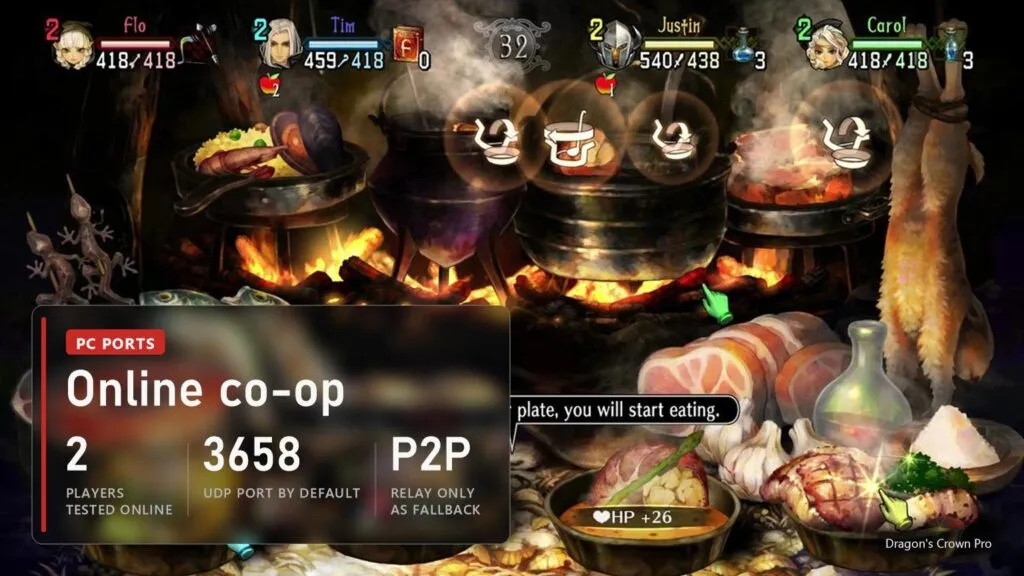
This is what sets the port apart from most others in the PS4 wave: the game's own online mode works without a PlayStation Network account. The port runs a small service of its own for names, friend lists and rooms, and the fight itself goes directly between your PCs. Only when two players can't reach each other does the service relay that one connection.
- Turn on Online play on the launcher's Online page and pick the name other players will see.
- Swap Friend Codes with your friends. One of you sends a request, the other clicks Accept.
- Run the Connection test once before Play. On Windows it gives the firewall a chance to ask for access; allow it. Ready for online play means others can reach you.
- Get past the opening. The game itself unlocks online play only after the tutorial and the first part of the story. If you only want co-op, turn on Story Skip Offer and Tutorial Skip Offer on the Gameplay page before you create a new character.
- Meet in the game. One player hosts when setting out from the Stables, the others pick the room in Join Friends Room.
- Or find players in the Lobby. Since 1.0.0 the launcher has a Lobby tab with players who chose to be listed. It is off until you turn on Show me in Lobby, and from there you can only send a friend request: it is not chat and does not match you into games. There are still no private rooms.
Players on different regions and builds can play together if their port versions match; otherwise the friend shows as Incompatible and one of you needs to update. Cheats switch off by themselves while online play is on. The game allows four players per room, but online the author has so far tested only two. F3 shows the ping to the other players. The service keeps anonymous statistics (player counts, port version, country, which classes appear in parties) and, by its own description, stores no names, codes or IP addresses.
Settings worth changing
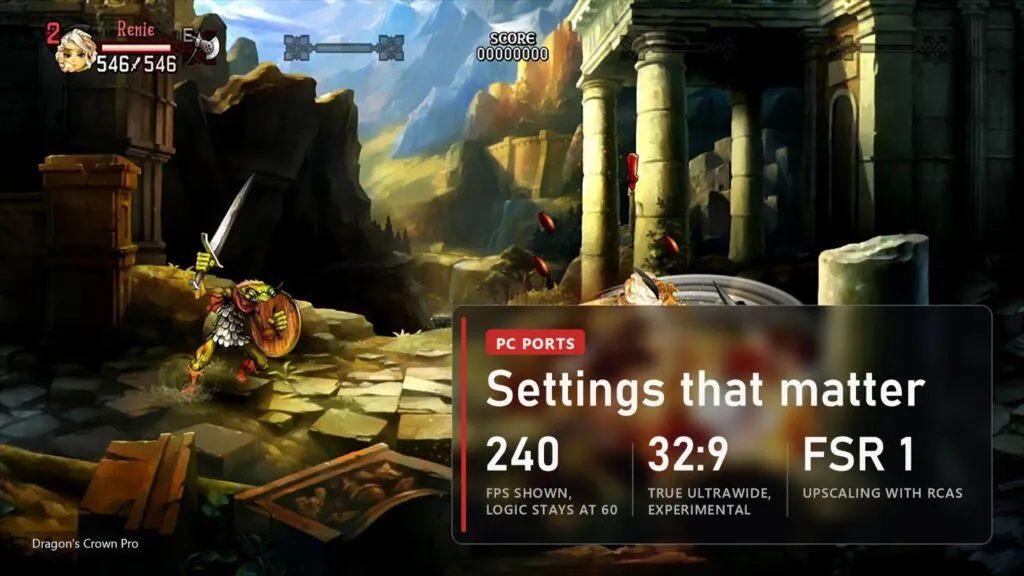
Most options sit in the launcher, and F1 (or L3 plus R3 on a pad) opens a menu with the same settings during play.
- Render resolution. Native 1080p, 720p, 1440p, 1800p or 4K. The hand-drawn art benefits from 1440p and above on a big screen if your card can take it.
- Renderer. Vulkan stays the default and the only fully supported one. Since 1.0.0 the F1 options also offer OpenGL and Direct3D 11 as an experiment for PCs that can't run Vulkan; they draw only part of the game's effects.
- Frame rate. 30, 60, 90, 120, 144, 165, 240 or unlimited. Don't expect smoother motion above 60: the game still makes 60 new frames a second and the extra ones repeat the last frame, with no interpolation. The option is mostly for screens that dislike 60 Hz.
- True Ultrawide. Off by default. With 21:9 or 32:9 and this switch on, the game shows more of the stage at the sides instead of stretching the picture. Menus and the HUD stay in 16:9 in the middle.
- FSR 1 and sharpening. FSR 1 upscales when the window is bigger than the render resolution, and RCAS adds sharpness with its own strength slider. SMAA smooths edges.
- Controls. Every key can be remapped on the Controls page. Xbox button prompts replace the PlayStation ones in the game's own menus. Japanese Menu Buttons swaps confirm and cancel, as in the Japanese release.
- Small comforts. Skip Intro jumps past the startup logo, Unlock Gallery shows all 57 pictures without changing your save, and the Arachnophobia Safe Mode redraws the Giant Spider as a soft creature without legs or fangs.
- Cheats. F10 opens a menu with infinite health, mana, gold, arrows and skill points, a speed boost and an experience multiplier up to 100x. They work offline only.
Crashes and common problems
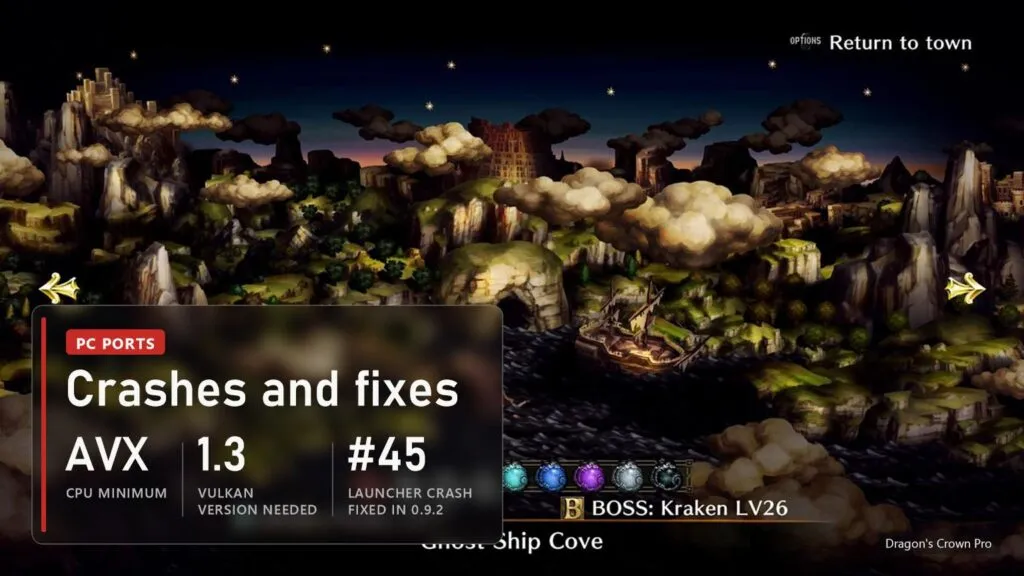
The release notes and closed issues show which problems come back most often:
- The game closes right after Play. In 0.2.0 this was a Vulkan start-up bug, fixed in 0.3.0. In later versions a launcher crash at the same moment was fixed in 0.9.2. If a recording, chat or performance overlay is running, turn on Allow overlay programs on the Gameplay page.
- "Version not supported". Your copy is not one of the seven builds. The launcher has already written the details to the newest log in the
logsfolder; attach it to an issue on GitHub. - The picture looks stretched. The Aspect Ratio is not 16:9. On a wide screen turn on True Ultrawide, or go back to 16:9 Original.
- Black patches in water. Under characters standing in water on AMD cards an experimental workaround is on by default. On screens narrower than 16:9 the problem was fixed in 0.9.1.
- Garbled text in dialog bubbles at 1440p and 4K. Fixed in 0.5.0. Red unreadable text from a missing PS4 font was fixed in 0.4.0.
- The item menu crashes on an old processor. CPUs without the MOVBE instruction crashed there until 0.7.1; the port now emulates it. On processors without LZCNT the American 1.01 and Asian 1.02 builds may refuse to start.
- Friends can't join, or the test says Limited. Allow the program through the firewall or turn on UPnP in your router (UDP port 3658). Since 0.9.1 a connection that can't go direct goes through the relay by itself.
- No online options in a new save. That is the game, not the port: online opens after the tutorial and the first part of the story.
- Controller not working in Gaming Mode on Bazzite. Improved in 0.9.2.
If something else breaks, open an issue on GitHub with the newest dragons_crown_pro_*.log from the logs folder and say what you were doing at the time.
Versions
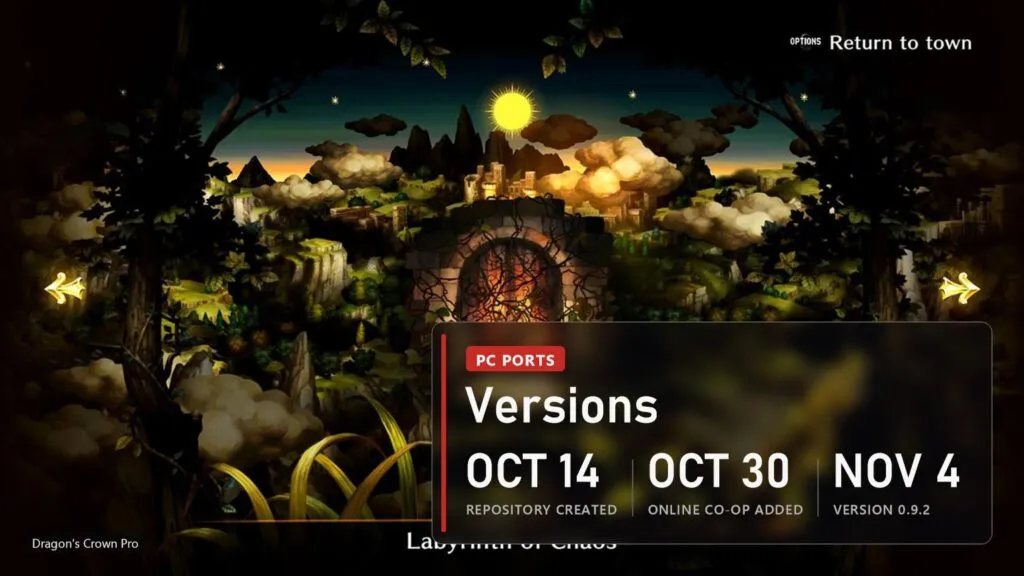
| Date | Version | What changed |
|---|---|---|
| November 6, 2026 | 1.0.0 | Public Lobby (off by default) and Friends tab, new launcher with a Bug Report page, Discord status, Brazilian Portuguese on the US 1.00 build, experimental OpenGL and Direct3D 11, experimental European CUSA10487 1.03, protection of the online service |
| November 4, 2026 | 0.9.2 | Exit Game in the title menu, Skip Intro, Unlock Gallery, Japanese Menu Buttons on every build, online over IPv6, launcher crash after Play fixed, Russian option removed |
| November 1, 2026 | 0.9.1 | Automatic relay when players can't connect directly, all seven builds on par, black water fixed below 16:9, more cheats on the Japanese and Asian builds |
| October 30, 2026 | 0.9.0 | Online co-op with Friend Codes |
| October 29, 2026 | 0.8.0 | Frame rate option up to 240 and unlimited, experimental True Ultrawide |
| October 23, 2026 | 0.7.1 | Resolution and aspect ratio on the Asian 1.02 build, item menu crash on CPUs without MOVBE |
| October 21, 2026 | 0.7.0 | Arachnophobia Safe Mode, keyboard remapping, Japanese NPC voices for the US build, US 1.01 update, launcher updates itself |
| October 17, 2026 | 0.6.0 | Japanese and Asian releases, aspect ratios, offline trophies |
| October 16, 2026 | 0.3.0 to 0.5.0 | Crash after Play fixed, language choice, local co-op for four, cheats menu, text fixes at high resolutions |
| October 14, 2026 | first builds | Repository opened |
We update this table when new versions come out. Other PS4 games that now run natively on PC, from Bloodborne to The Last Guardian, are in our running list.
FAQ
Is Dragon's Crown Pro on PC officially?
No. Dragon's Crown came out on PS3 and PS Vita in 2013, and Dragon's Crown Pro on PS4 in 2018. Vanillaware and Atlus never released either on PC. The port described here is a fan project and needs your own copy of the PS4 game.
Can I play online with friends?
Yes, since version 0.9.0. Add each other with Friend Codes in the launcher, run the connection test and meet in the game after the opening. No PlayStation Network account is needed. Two-player sessions are tested; four players online have not been fully checked yet.
Does it run on the Steam Deck?
Players report that it does, on a Steam Deck LCD, through the native Linux AppImage without Proton. The author has no Deck and marks Linux as experimental.
Does it support ultrawide monitors?
Yes, 21:9 and 32:9. Without True Ultrawide the picture is stretched; with it the game shows more of the stage at the sides, while menus and the HUD stay in 16:9.
Does the original Dragon's Crown from PS3 or Vita work?
No. The port runs only the PS4 Dragon's Crown Pro, and only the seven American, Japanese and Asian builds listed above.
Sources
saulob/dragons-crown-pro-pc on GitHub: README (features, supported builds, requirements, online co-op, launcher, privacy, credits) and Releases from 0.3.0 on October 16 to 1.0.0 on November 6, 2026, with the issue numbers they close. Checked on November 7, 2026. Images: official Dragon's Crown Pro screenshots and art by Atlus and Vanillaware, PlayStation Store.