Updated on November 4, 2026: the latest build is from October 27. It adds resolutions up to 5120x1440 with ultrawide support, DLAA on NVIDIA RTX cards and FSR 3.1 anti-aliasing, and fixes several crashes.
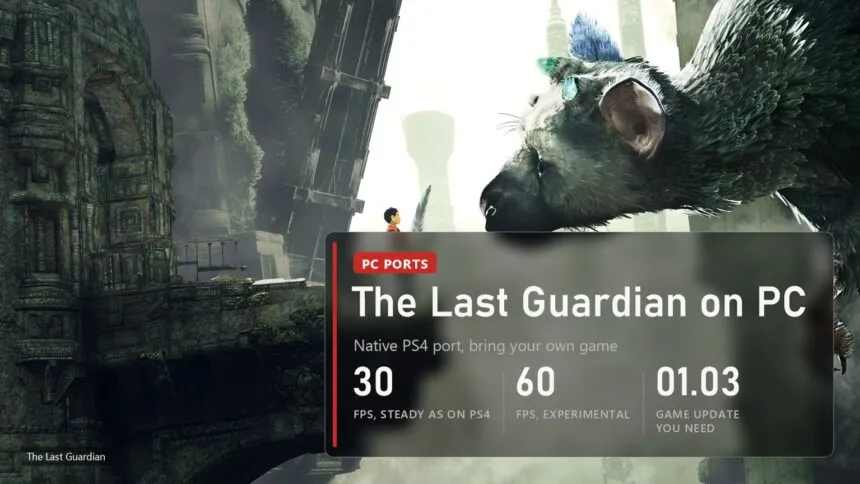
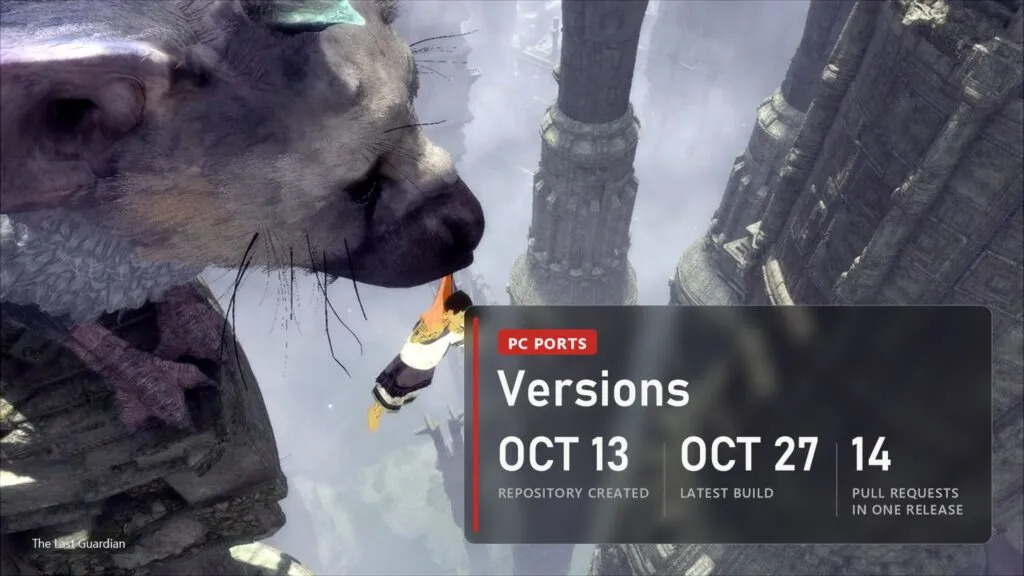
The Last Guardian never came to PC, and Sony has not said a word about it in nine years. Since October 13 there is a fan port that runs the PS4 game natively: the original code runs on your processor, with no CPU emulator, and the graphics go through Vulkan. It holds a steady 30 FPS like the console, and 60 FPS is there as an experiment. The catch is that the port ships no game files. You need your own copy of the PS4 game with update 1.03, and the author has only tested it on Linux so far, although plenty of people already play it on Windows. Below: what works, which copy you need, where to download it, the settings worth changing and the crashes people actually report.
Read next:
What works in the port
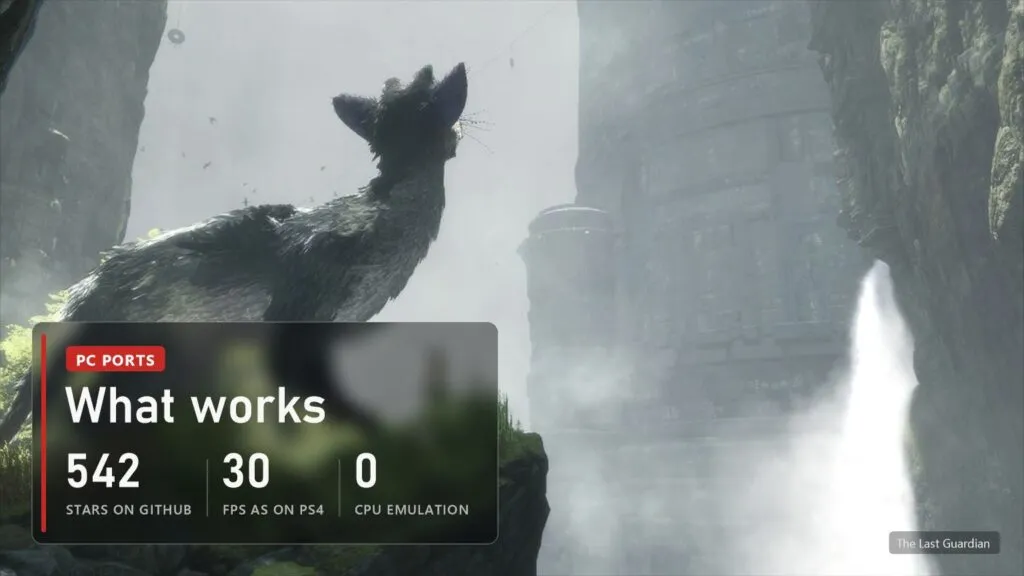
The port comes from HayatoG, a Brazilian developer who also made the PC ports of Gravity Rush 2 and inFAMOUS Second Son. The PS4 has an x86-64 processor like your PC, so the game's own code can run straight on your CPU. The port loads the game's executable, supplies the PS4 system functions the game calls, and borrows the video core of the shadPS4 emulator to translate the console's graphics to Vulkan. It is built on two earlier ports, God of War III and Bloodborne, and like them it is open source under GPL-2.0.
| Part | State |
|---|---|
| Start, menus, intro and gameplay | Works, sessions of more than 10 minutes without failures |
| Picture | Native 1080p by default, up to 5120x1440, with SMAA, sharpening and colour controls |
| Frame rate | 30 FPS, as on PS4; 60 FPS and unlocked are experimental |
| Sound | Full sound with one system file from your console; without it a simpler mixer |
| Controllers | DualSense, DualShock 4, Xbox and 8BitDo, with the gyro or a simulated one |
| Mouse and keyboard | Mouse camera, remapping of every button |
| Saves | Autosave and Continue work |
| Linux | Tested by the author on Nobara and Fedora 44 |
| Windows | Automatic build, marked "not yet tested in game" |
| macOS | Planned for Apple Silicon |
About that Windows label: it means the author tests on Linux and has not checked a full playthrough on Windows. The issue tracker is full of Windows players with their hardware listed, and the October 24 and 27 builds fixed Windows freezes and crashes they reported. So it starts and plays for most people, but you are closer to a tester than to a customer.
Which copy of the game and what PC you need
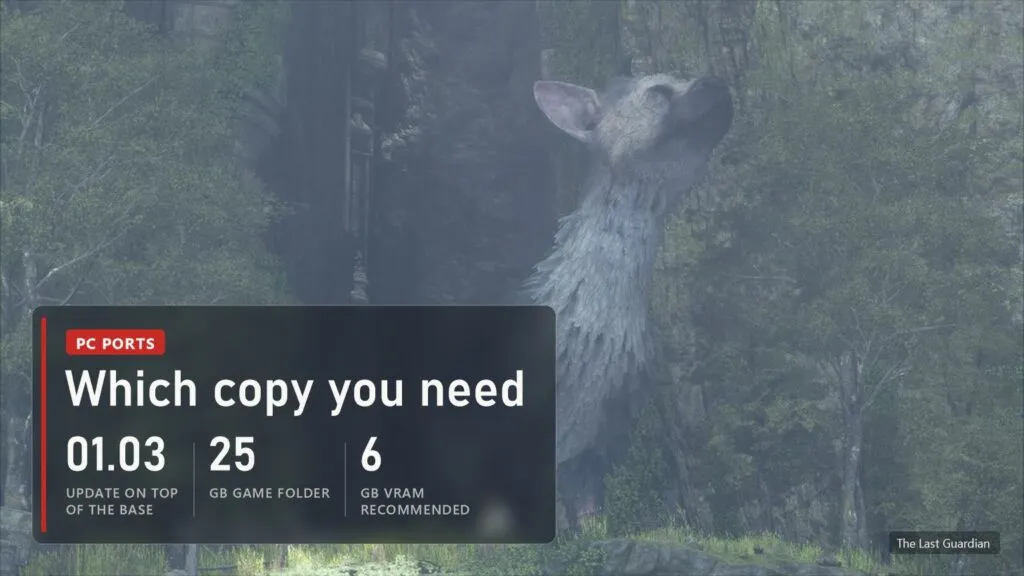
The port works with two releases of the PS4 game, and both need update 01.03 copied over the base game in one folder. The game's eboot.bin must be the one from 1.03, or the port will not start it.
- American CUSA03627 has four languages: English, Portuguese, Spanish and French.
- European CUSA03745 has fifteen, Russian, Dutch, German, Polish and Turkish among them. It is also the only one with the experimental Japanese text option and the Cross or Circle confirm fix in the game menus.
The finished folder is about 25 GB. For full sound you also need one PS4 system file, libSceNgs2.sprx, in the system_lib folder next to the port's executable. It is Sony firmware, so the port can't include it. Everything, the game and this file, has to come from your own console, and we don't link either or explain how to copy them.
| What | Needed |
|---|---|
| System | Windows 10 version 1903 or newer, or Windows 11, 64-bit; or Linux with glibc 2.39 or newer (Ubuntu 24.04, Fedora 40, SteamOS 3.6 and later) |
| Graphics | A Vulkan 1.3 card with a current driver, 6 GB of video memory recommended |
| Processor | Any 64-bit CPU. Intel chips older than Haswell get an automatic workaround, see below |
| Disk | About 25 GB free for the game folder |
| Game | Your own The Last Guardian, CUSA03627 or CUSA03745, with update 01.03 |
Where to download it and how to start
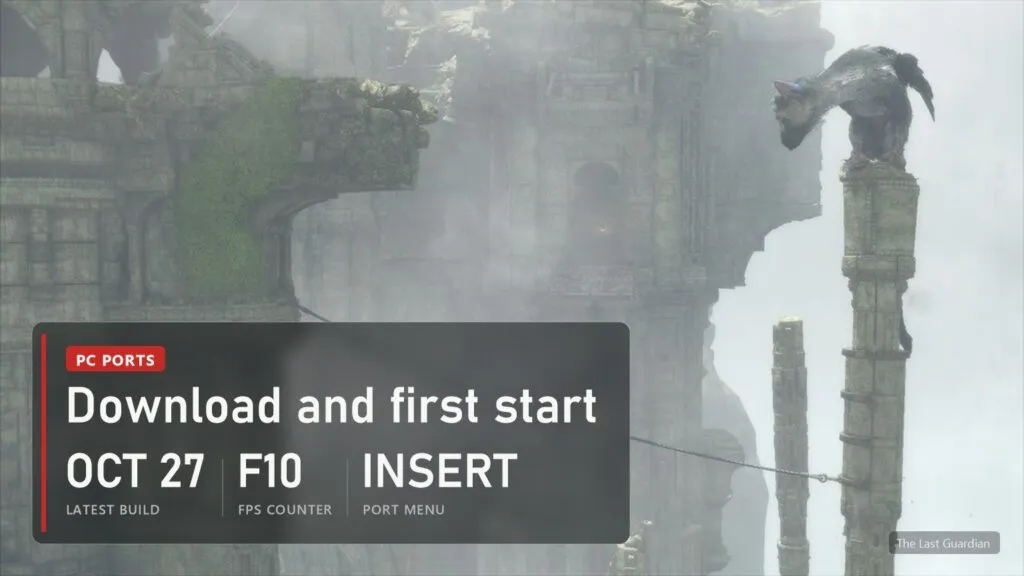
The only real source is the project's repository: github.com/HayatoG/tlg_pc, Releases page. GitHub builds a new release after every change, and the newest one is always on top. A download that comes "with the game included" did not come from there.
- Download
tlg-windows-x86_64.zipfor Windows ortlg-linux-x86_64.tar.gzfor Linux and extract it into its own folder. On Windows, running it from inside the zip doesn't work. - Put
libSceNgs2.sprxintosystem_lib, if you have it. - Open The Last Guardian (
The Last Guardian.exeon Windows). If Windows says it protected your PC, click More info, then Run anyway: the program is not digitally signed. - Choose the folder that holds
eboot.bin, pick a language your release has and press Play. The first start takes longer while shaders compile.
In the game F10 shows the FPS counter, and Insert, or R3 plus L2 on a controller, opens the port's own menu with image, performance and control settings. Saves live in user/savedata next to the executable: keep that folder when you move to a newer build. Steam Deck owners can use the Linux package in Desktop Mode, since SteamOS 3.6 is on the supported list, but nobody has published Deck results yet.
Settings worth changing
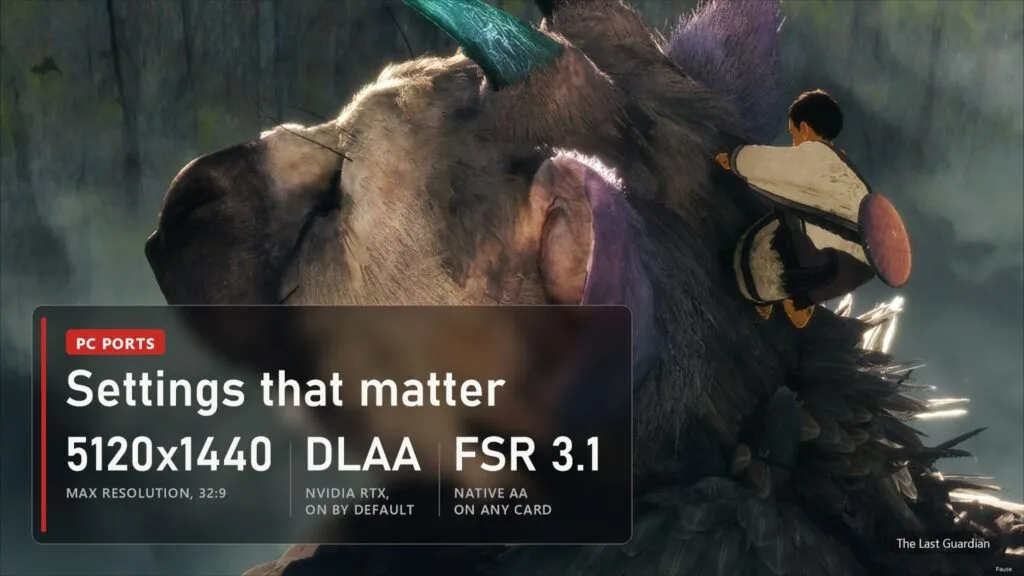
Most of the useful options sit in the launcher. The October 27 build brought the biggest batch, fourteen contributions merged at once:
- Resolution. Native rendering from 720p up to 5120x1440. On 21:9 and 32:9 screens the view gets wider instead of stretched, and the HUD and menus stick to the edges. One player reports that the setting does nothing on their PC, so check the FPS counter and the picture after changing it.
- Anti-aliasing. DLAA, that is NVIDIA DLSS at native resolution, is on by default on RTX cards and keeps foliage and Trico's feathers stable; F8 switches it against the game's own anti-aliasing. On other cards there is FSR 3.1 Native AA, plus SMAA and RCAS or CAS sharpening.
- Frame rate. Launcher, Video, "Frame rate (experimental)": 30, 60 or unlocked. 30 is the default because the game was made for it, and 60 is still being tested across the whole game. Some players say the game stays at 30 whatever they pick, an open issue.
- Mouse and keyboard. The mouse turns the camera, Esc releases it and a click takes it back. Left click grabs and holds on, right click calls Trico. Every button can be remapped, including the side mouse buttons and the wheel.
- Gyro. The DualShock 4 and DualSense motion sensor works as is. On other pads a tap on Share, or L3 plus R3, turns on a sensor mode where the left stick tilts the controller; on the keyboard T and G tilt and Y shakes.
- Shader cache. It lives in
user/cacheand is rebuilt by itself after each update. If the picture looks broken, the launcher's Clear shader cache button wipes only this cache, never saves or settings. - Mods and cheats. Cheat files in the shadPS4 and GoldHEN XML format go into
user/modsand do nothing until you switch them on in the list.
Crashes and common problems
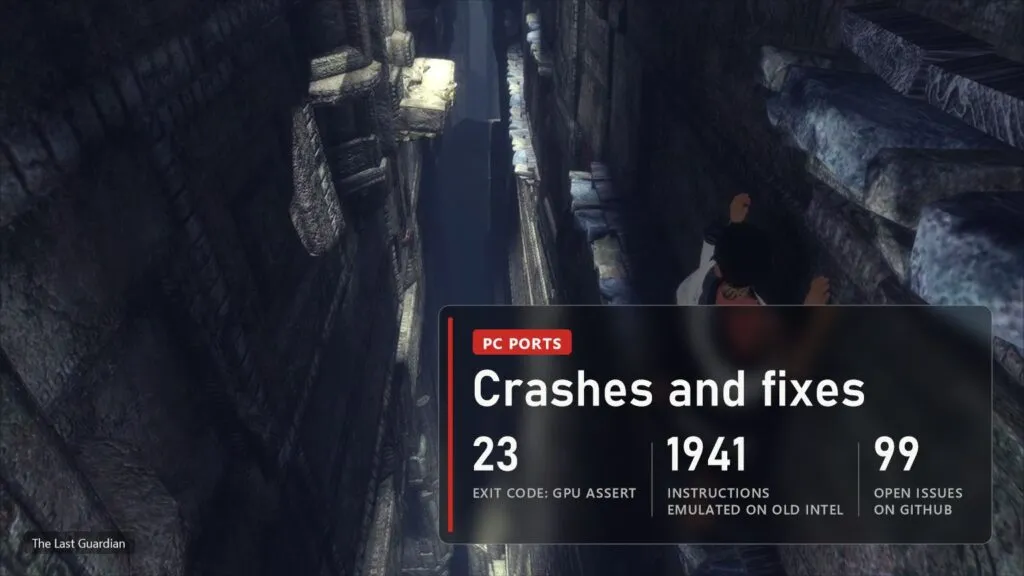
The repository had 99 open issues on November 4, most of them automatic problem reports from the launcher with the player's card in the title. These are the ones that come up again and again:
- The game closes with code 23, "ResolveOverlap: Unreachable code!" in the log. A 3D texture that grows broke the texture cache, often 10 to 15 minutes in. Fixed in the October 24 build, which closed five reports of it. Update.
- Windows freezes after a few minutes, "inside GPU page fault handler" in the report. Also fixed on October 24, and the October 27 build fixed a freeze in the launcher itself.
- The picture is far too bright. Two causes, both fixed: outdoor scenes blew out to white until the October 16 build, and the asynchronous shader option skipped draws and overexposed the image until it was turned off by default on October 27. If you turned it on yourself, turn it off.
- Crash at 60 FPS or above. Missing cloth and material data crashed the game at high frame rates; fixed on October 27. If it still happens, go back to 30.
- No sound, or flat sound without echo.
libSceNgs2.sprxis missing fromsystem_lib, so the port uses its own mixer, which has no reverb or filters yet. - Some scenes look broken. Graphics, GPU, "Direct memory access" lets shaders read straight from the game's memory. It fixes some scenes but costs speed, so it is off by default.
- Low FPS in big outdoor areas on weak cards. An RTX 3050 laptop owner reports 21 to 24 FPS outdoors and 10 to 17 in some rooms; a ROG Ally gets 20 to 25 in open areas. Lower the resolution and keep 30 FPS.
- You can't climb Trico or pull the first spear out. Reported on the ROG Ally and by other players, still open. The Ally owner got past it at a lower power mode and frame rate, which points at timing.
- Red dots on an Intel Arc B580. Open issue, no fix yet.
- NVIDIA Smooth Motion stopped working. It worked on the October 24 build and broke on October 27. If you need it, keep the older build for now.
- Older Intel processors. The game uses MOVBE, BMI1 and LZCNT instructions in 1941 places, and Intel chips before Haswell lack them. The port detects this and emulates them at start, so the game still runs; the log shows a line starting with "ISA: CPU lacks".
If something else breaks, check the log box in the launcher and send out/last_run.log with an issue on GitHub. NVIDIA owners should be on a recent driver first.
Versions
| Date | Build | What changed |
|---|---|---|
| October 27, 2026 | 4825a99 | Resolution up to 5120x1440 and ultrawide, DLAA and FSR 3.1 Native AA, asynchronous shaders off by default, Japanese text and Cross or Circle confirm for the European release, crash fixes at 60 FPS and on level load, new launcher |
| October 24, 2026 | 1a130dd | Code 23 crash and the Windows freeze in the GPU fault handler fixed |
| October 22, 2026 | 3232792 | Fix for AMD cards in compute shaders |
| October 21, 2026 | 08fd9db, ca72226, f317ef6 | Direct memory access option, video memory limit on integrated graphics, less CPU load on processors with few cores |
| October 17, 2026 | 83f652d, 726679d, b8d5f41 | Language list by release (15 for the European one), Mods and Cheats tab |
| October 16, 2026 | ee8a677 | Outdoor scenes no longer blow out to white |
| October 13, 2026 | first builds | Repository opened: 30 FPS, sound, controller and saves on Linux |
We update this table when new builds come out. Other PS4 games that now run natively on PC, from Bloodborne to Unicorn Overlord, are in our running list.
FAQ
Is The Last Guardian on PC officially?
No. The Last Guardian came out on PS4 in December 2016, made by genDESIGN and SIE Japan Studio, and Sony never released it on PC or PS5. It plays on PS5 only through backward compatibility. The port described here is a fan project and needs your own copy of the PS4 game.
Does it run on Windows?
Yes, for most people. There is a Windows build with every change, and many players report their results on it. The author marks it "not yet tested in game" because the author tests on Linux, so expect rough edges.
Can I play at 60 FPS?
You can try. 60 FPS and an unlocked frame rate are in the launcher as experimental options. The default is 30, like on PS4, because 60 has not yet been checked through the whole game, and one crash at high frame rates was only fixed on October 27.
Will my disc or digital copy from any region work?
Only the American CUSA03627 and the European CUSA03745 are supported, both with update 01.03. The Japanese disc release is not; the Japanese text option works only on the European version.
Is it in Russian?
Yes, if your copy is the European CUSA03745: it has fifteen languages, Russian among them, and the launcher lists them all. The American release has only English, Portuguese, Spanish and French.
Sources
HayatoG/tlg_pc on GitHub: README in English and Portuguese (status, required files, requirements, options, how it works), the player guide README-player.md (controls, folders, problems), Releases from October 16 to October 27, 2026, and Issues (performance and crash reports). Checked on November 4, 2026. Images: official The Last Guardian screenshots and art by Sony Interactive Entertainment, PlayStation Store.