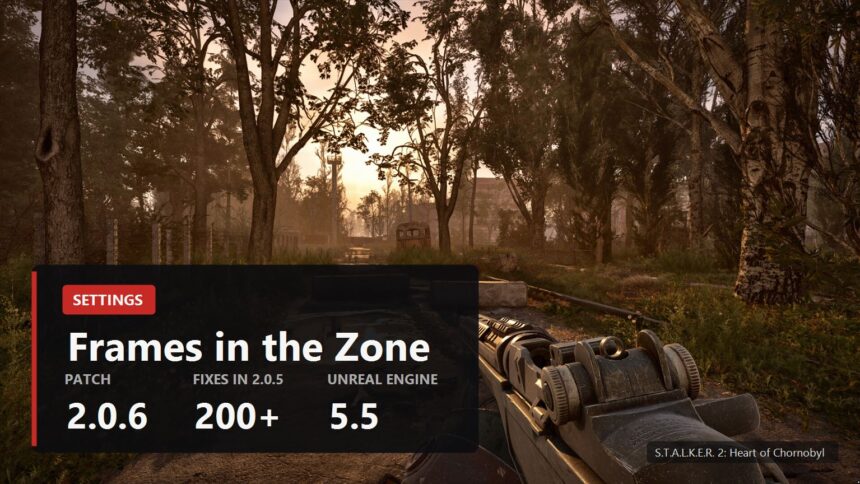
Update 2.0 moved the game onto Unreal Engine 5.5.4, and frame rates went in different directions for different people: some gained, some lost, and a share of players traded their old crashes for new ones. Here is what you can actually do by hand: which settings are genuinely expensive, what to do about shader stutter, why VRAM runs out ten minutes into a session, and how to stop the game deleting your config file on every launch.
One caveat about numbers first. Nobody has published per-setting measurements of the "this shadow preset costs you X frames" kind, not TechPowerUp, not ComputerBase, not PC Games Hardware. So where measurements exist below, they come with the name of whoever made them, and where they do not exist, the text says so.
What update 2.0 did to frame rates
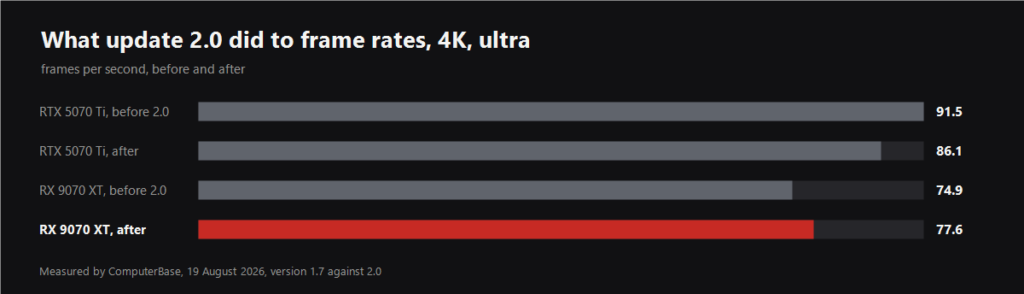
ComputerBase ran the same scene on version 1.7 and on 2.0. At 4K ultra a GeForce RTX 5070 Ti lost about six percent of its average frames while a Radeon RX 9070 XT gained four. The gap between GeForce and Radeon narrowed from twenty two percent to eleven, so the engine upgrade redistributed the load in AMD's favour.
TheFPSReview tested the same transition and landed in roughly the same place: RTX 5070 down six percent at 1440p, RTX 5050 down thirteen at 1080p, RX 9070 XT unchanged. In the village, where the CPU is the wall, almost every card gained instead. The same test produced a useful number for ASYNC Compute: leaving it on was worth nine percent average and eleven percent on the one percent lows for an RTX 5090 at 4K.
There are cheerier figures around. OC3D measured an RTX 4070 Ti going from 84.6 to 120.1 frames. That comparison, though, is update 2.0 against the 2024 launch build rather than against the previous patch, which answers a different question. If you played a month ago, the first two numbers are your reference.
Which settings to touch first
The menu holds nineteen entries and four presets: Low, Medium, High and Epic. Update 2.0 added ASYNC Compute, which is on by default, plus entries for Reflex Boost and AMD Anti-Lag 2.
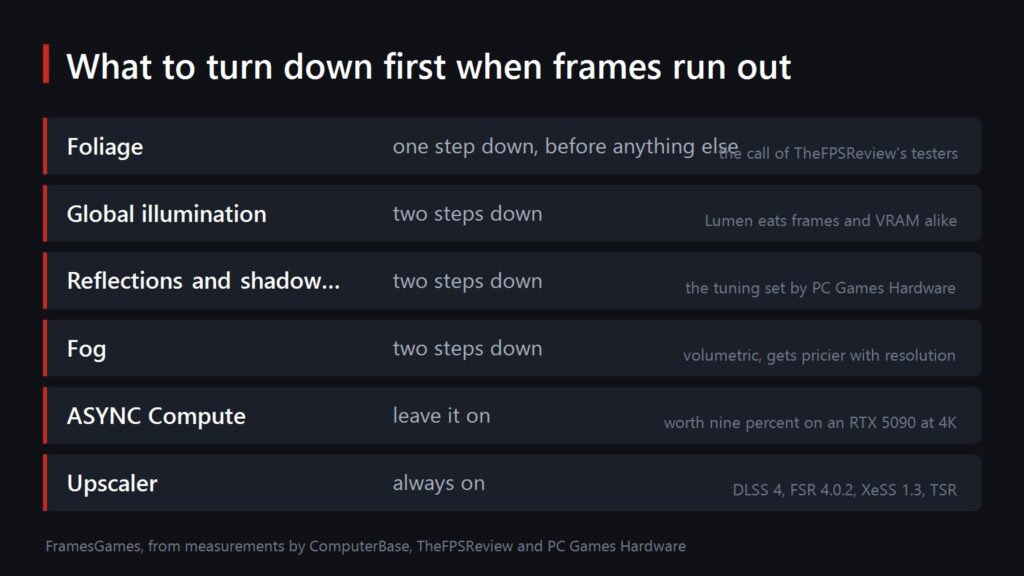
The big eaters are known from how the engine works rather than from a benchmark chart. Global illumination here is Lumen, software only, with no hardware ray tracing involved, and PC Games Hardware noted it being particularly hungry for memory in Zalissya. Fog is volumetric, and its cost climbs with resolution. Foliage was reworked in 2.0, and it is the first thing TheFPSReview's testers tell you to drop when the card cannot keep up.
The working recipe from PC Games Hardware goes like this: global illumination, reflections, shadow quality, fog and motion blur quality drop two steps each, everything else drops one. GSC's own support page points at texture quality, shadow quality, anti-aliasing and effects quality, also without numbers.
One more thing many people do not know: there is no built-in benchmark. Every outlet measures with manual run-throughs, which is exactly why their numbers differ. Your own testing has to work the same way: same route, same weather, same time of day.
Upscalers and frame generation: what is actually in the build
The versions inside the game and outside it differ, which is worth keeping in mind.
- DLSS. Version 4 in the game, DLSS 4.5 swapped in through the NVIDIA app. Frame generation is there, including multi frame generation up to four times.
- FSR. 4.0.2 in the game, 4.1 through the AMD app. FSR frame generation 3.1.5 is present.
- XeSS. 1.3 in the game according to ComputerBase, though PCGamingWiki lists 2.0. Intel's frame generation is in there too.
- Without an upscaler. TSR and TAAU remain, plus native-resolution modes such as DLAA.
- Latency. Reflex, Anti-Lag 2 and XeLL work independently of frame generation.
If your card does not get the newest versions through official channels, they can be swapped by hand. We have a separate OptiScaler Client guide and a breakdown of who gets what across the DLSS line.
Shader stutter
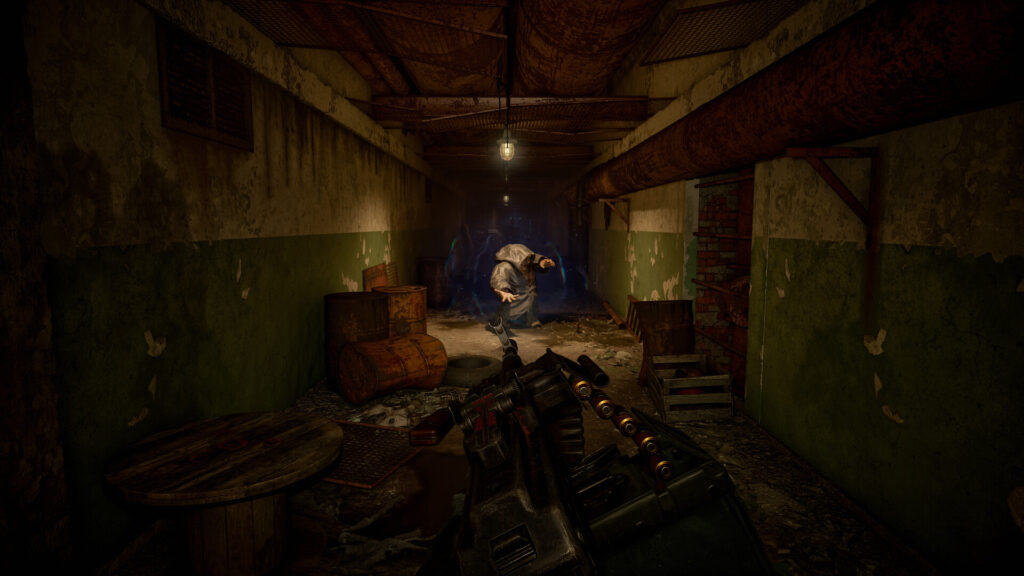
The sources openly disagree here. ComputerBase describes shader compilation as a one-off that takes several minutes. TheFPSReview says it has not got any faster since 2.0 and runs on every single launch. That smells like different behaviour on different configurations, and this is one of those cases where the honest answer is that there is no single answer.
What you can do about it. GSC's official advice is one line: raise the driver's shader cache size, which is Shader Cache Size in the NVIDIA control panel and its own setting on AMD. The community workaround is r.PSOWarmup.WarmupMaterials=0 in Engine.ini, and you will have to put it back after a driver update wipes the cache.
VRAM runs out a few minutes in
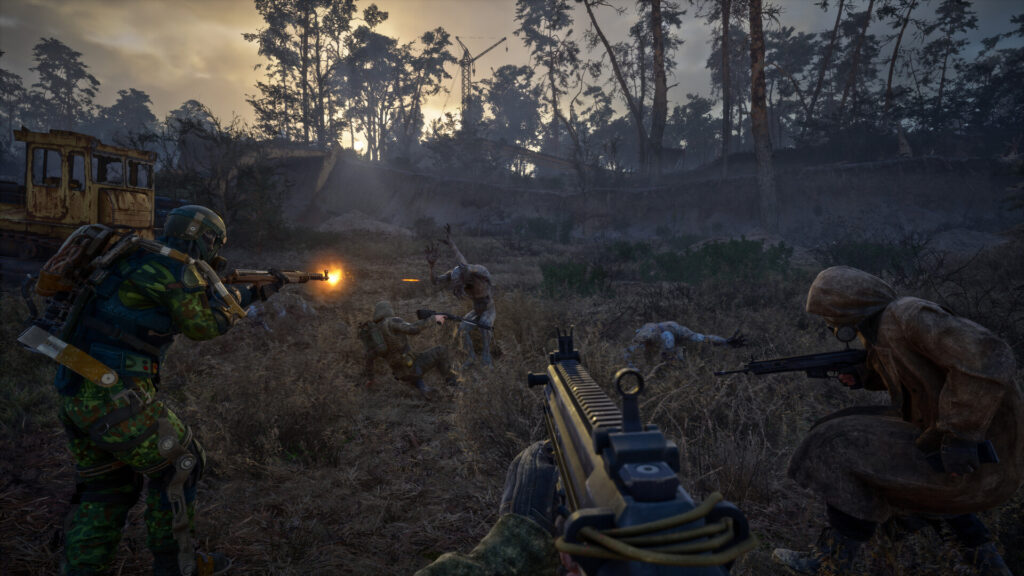
This is the nastiest one, and it is officially logged as unresolved. The game gradually goes over budget on video memory, most often on cards below sixteen gigabytes. The symptom is easy to recognise: the first minutes fly, then the frame rate halves and constant hitching sets in.
At launch Tom's Hardware showed it in numbers: a GeForce RTX 4060 Ti with eight gigabytes started around 48 fps and was down to 20-25 with near-constant stutter a minute later. Update 2.0 left less headroom rather than more: TheFPSReview measured roughly a gigabyte more usage on an RTX 5090 and about one and a half more on an RX 9070 XT. In gamegpu's measurements an RTX 5090 at 4K went from 10,284 to 11,787 megabytes.
The only cure is a smaller appetite: drop textures and global illumination, turn vertical sync off or replace it with Fast Sync on NVIDIA and Enhanced Sync on AMD. It does not go away entirely, it just arrives later. Good news on system memory, from the same gamegpu measurements: the move to 5.5.4 cut RAM usage by around twenty percent.
Settings reset: the game deletes your Engine.ini
The "settings not saving" complaint went mainstream right after 2.0, and part of it has an exact cause. Since update 2.0 the game deletes Engine.ini on launch unless the file is marked read-only. Every manual tweak disappears at the precise moment you head back into the Zone.
The file lives in %LOCALAPPDATA%\Stalker2\Saved\Config\Windows\, and the applied menu settings sit next to it in Saved\GameSettings\AppliedSettings.cfg. The routine is simple: edit Engine.ini, close it, tick read-only in the file properties. For the in-game menu entries that also reset for some people there is no official explanation, only forum reports.
Crashes, especially on Radeon
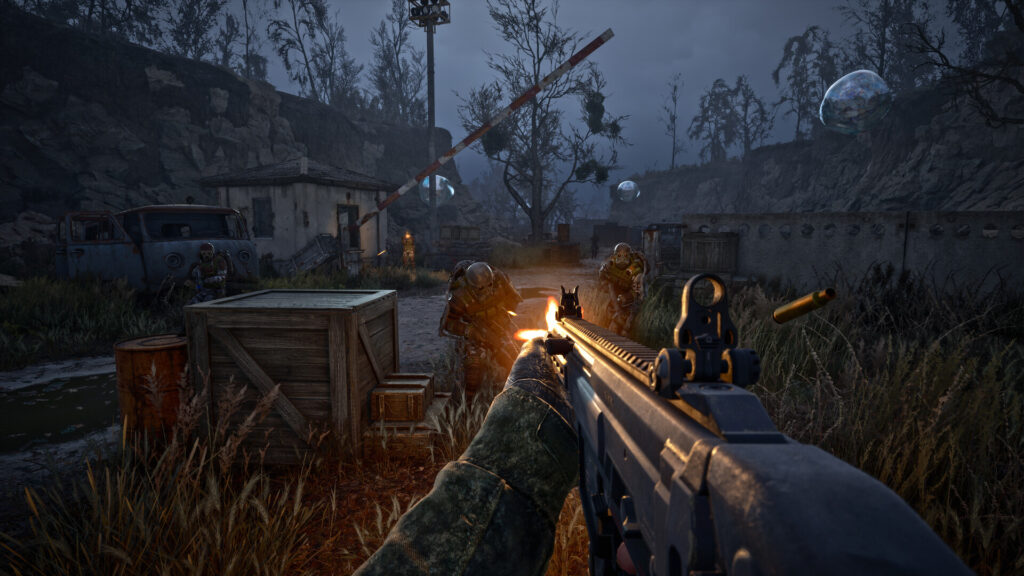
Patch 2.0.6 of 18 September exists for exactly this. The developers put it plainly: a minor crash fix patch for stalkers whose game falls over too often, especially in the AMD region. It backports several fixes for AMD GPU crashes and closes a number of other high-priority ones. Before it, patch 2.0.4 fixed twenty six separate crashes and 2.0.3 dealt with a crash on launch.
If crashes persist, GSC has its own order of checks, updated the same day: update the driver, verify game files, install Windows updates, lower texture quality, temporarily disable upscaling and vertical sync, close overlays and background apps, check temperatures. And the thing the studio repeats in every patch note: disable your mods after an update, because they break silently.
Location-specific drops get fixed one at a time. Patch 2.0.5 closed the drops during the Arena fight in the Status quo mission, on the Monorail and at the Perimeter Dam. If your frame rate collapses in settlements like Zalissya, that is not on you: PC Games Hardware calls them some of the heaviest spots in the game thanks to Lumen in cramped interiors, and settings are the only lever you have.
On picking the card itself we have a separate guide for 2K and 4K, and what update 2.0 changed inside the game is collected in our before and after piece.
Sources
Before and after measurements for update 2.0, the upscaler and frame generation line-up and software Lumen: ComputerBase's test of 19 August 2026. Per-card percentages, the ASYNC Compute effect, the VRAM increase and the observation about shader compilation on every launch: TheFPSReview's test of 22 August 2026.
The menu list, the tuning recipe and the behaviour of Lumen and volumetric fog: PC Games Hardware's breakdown. The comparison against the 2024 launch build: OC3D. VRAM and RAM usage on 5.5.4: gamegpu measurements of 20 and 21 August 2026. The frame rate collapse on eight gigabyte cards: Tom's Hardware's launch testing.
The contents of patches 2.0, 2.0.3, 2.0.4, 2.0.5 and 2.0.6: the game's Steam news, app 1643320, posts of 20 and 25 August, 10 and 18 September 2026. The crash checklist and the shader cache advice: GSC support pages, updated 18 and 8 September 2026. The Engine.ini deletion on launch and the VRAM issue: PCGamingWiki.