• TRENDING
  • Warframe
  • Game News
  • Hardware News
  • How-to
  • Games
  • CONTACT US
FramesGames
EN
  • ENEnglish
  • NLNederlands
  • Hardware
    • PC Builds
    • PC build calculator
  • Games
    • Reviews
  • How-to
  • News
    • Game News
    • Hardware News
  • Bookmarks
Reading: Steam Beta Adds Big Art Mode, Screensavers and a Calendar
Share
FramesGamesFramesGames
Font ResizerAa
  • Adventure
Поиск
  • Hardware
    • PC Builds
    • PC build calculator
  • Games
    • Reviews
  • How-to
  • News
    • Game News
    • Hardware News
  • Bookmarks
Have an existing account? Sign In
Follow US

Home / News / Game News / Steam Beta Adds Big Art Mode, Screensavers and a Calendar

Game News

Steam Beta Adds Big Art Mode, Screensavers and a Calendar

Last updated: September 12, 2026 2:04 pm
David Freeman
Share
4 Min Read
steam bigart cover
SHARE

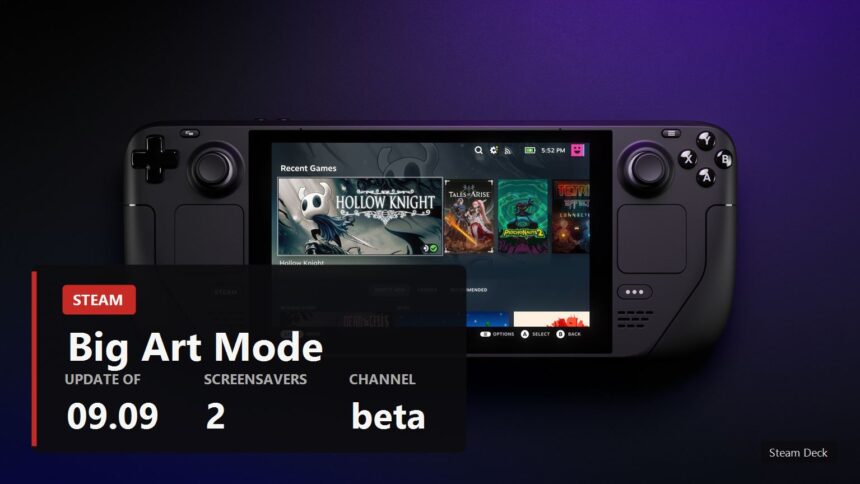
Valve has updated the Steam client beta and given Big Picture mode a new look for the home screen, called Big Art Mode. Instead of the usual grid of covers there is a large shelf along the bottom, with the selected game's artwork filling the background. The same update brings screensavers and a personal calendar.
Содержание
  • What exactly was added
  • What the headlines left out
  • How to try it
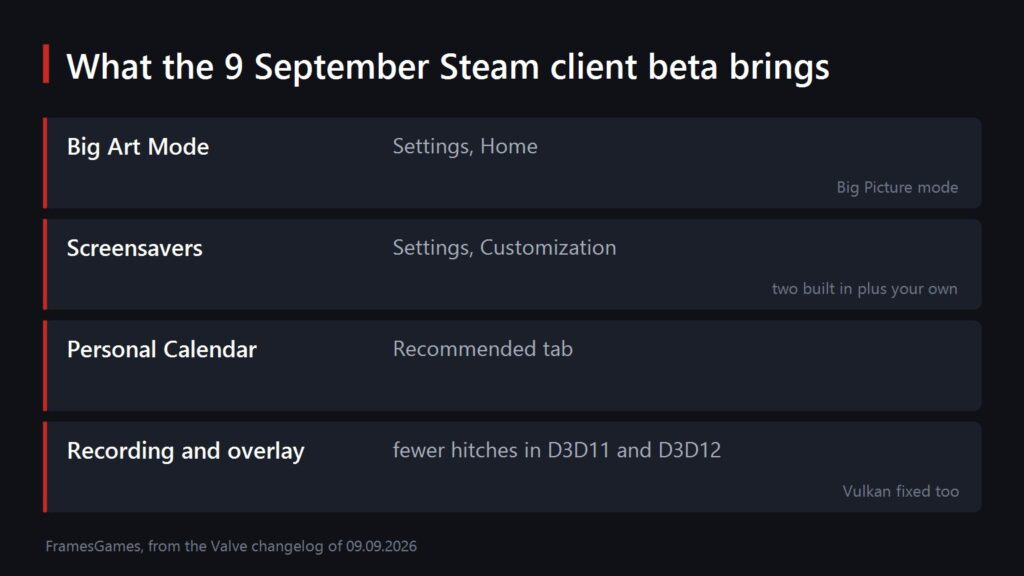
A summary of four changes in the Steam client beta
Schema by FramesGames

What exactly was added

All of it is in the beta of 9 September, and all of it is optional, meaning you switch it on yourself.

  • Big Art Mode. Enabled in Settings under Home. It works in Big Picture mode.
  • Screensavers. Two of them: a slideshow of artwork from recently played games and your recent in-game screenshots, and a retro inspired bouncing logo. Look in Settings under Customization.
  • Custom screensavers work too. Drop them into config, uioverrides, screensavers inside your Steam install. Valve suggests using the bouncing logo in steamui as a starting point.
  • A personal calendar on the Recommended tab of the home screen.

The third party DeckyLoader did something similar for people who tinkered with their Steam Deck. Now it is built in, and it arrived exactly as the Steam Machine started reaching buyers.
A close up of the Steam Deck buttons and port
Steam Deck image

What the headlines left out

Everyone is writing about the new screen, while the useful part sits further down the same changelog, in the sections on game recording and the overlay.

  • Game recording now costs less performance in some DirectX 12 games on Windows.
  • Frame rate hitches when taking a screenshot are gone in DirectX 11 and DirectX 12 games on Windows.
  • The overlay works in Vulkan games that create multiple windows. Screenshots and recording did not function there at all.
  • The client itself starts faster.

That is the real news for anyone who plays on a PC. The stutter when you hit the screenshot button is familiar to everybody who has ever tried to capture something in a busy scene.
A Steam Deck showing the Big Picture home screen
Steam Deck image

How to try it

All of this is in the client beta rather than the regular release. You switch over in Steam settings, in the section about taking part in beta participation, after which the client restarts and updates itself.

The word beta is not a formality here. In the same channel a day later Valve was already fixing regressions: on Linux the client crashed when interacting with the compatibility tool selection, and in Steam Input the action set layer binds broke while editing a configuration. Normal for a beta, just keep it in mind.

If you play on a modest machine, have a look at our breakdown of what actually runs on a GTX 1650 as well: part of this update is precisely about the overlay not eating your frames.

Sources

The contents of the update, the menu names, the folder for custom screensavers and the recording and overlay fixes: the Steam client beta changelog for 9 September 2026. The Linux and Steam Input regressions come from the 10 September entry in the same place.

Image: the official Steam Deck photo from the device page on Steam.

Physint moves to Xbox after PlayStation cancelled it
Bloodborne PC remaster: the mod Sony never made
Free this weekend: Borderlands 4, F1 25 and six on Xbox
S.T.A.L.K.E.R. 2 Patch 2.0.5 Brings Over Two Hundred Fixes
Valheim 1.0 Got a 10 From IGN and Climbed From 98th to 12th on Steam
SOURCES:Steam Client Beta changelog
Share This Article
Facebook Email Print
ByDavid Freeman
Follow:
David Freeman is the pen name behind FramesGames. Specs come from the manufacturer, test numbers only from benchmarks with a published method, and the charts are ours, with the source printed on the image.
Leave a Comment Leave a Comment

Leave a Reply Cancel reply

Your email address will not be published. Required fields are marked *

- Advertisement -
Ad imageAd image

Trending Stories

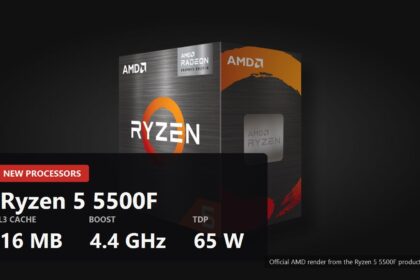
Official AMD render of the boxed Ryzen 5 5500F with the key figures over it
Hardware News

Ryzen 5 5500F and 7500: AMD launched both without a word

September 12, 2026
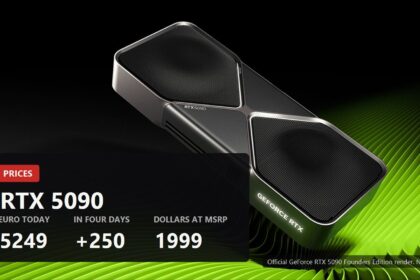
RTX 5090 passed 5000 euro, cover
Hardware News

The RTX 5090 Passed 5000 Euro in Germany, Plus 250 in Four Days

September 12, 2026
How-to

Unique armour in S.T.A.L.K.E.R. 2: every exoskeleton, its stats and where to find it

September 11, 2026
Hardware News

A modder built the 16 GB RTX 3070 Ti that NVIDIA never shipped, and it works

September 11, 2026
Hardware News

Windows 11 is being optimised for 8 GB PCs, and apps launch 40 percent faster

September 11, 2026
Hardware News

PC parts are getting more expensive from every side: CPUs, RAM and graphics cards at once

September 11, 2026

You Might Also Like

Marvel's Wolverine scored 77 on Metacritic, cover
Game News

Marvel's Wolverine Lands on 77 at Metacritic With Zero Negative Reviews

September 10, 2026
Game News

Game Pass caps cloud gaming: 15 hours a month on Ultimate

September 8, 2026
Onimusha sold a million copies on day one, cover
Game News

Onimusha Sold a Million Copies on Its First Day

September 8, 2026
GTA 5 on the KytyPS5 emulator, cover
Game News

The PS5 Version of GTA 5 Now Runs on PC in the KytyPS5 Emulator

September 7, 2026

Follow US on Social Media

Telegram

© 2026 FramesGames. All rights reserved.

FramesGames

Information

  • Contact
  • About
  • Editorial standards
  • Privacy Policy
  • Disclaimer
  • Cookie Policy (EU)
Manage Consent
To provide the best experiences, we use technologies like cookies to store and/or access device information. Consenting to these technologies will allow us to process data such as browsing behavior or unique IDs on this site. Not consenting or withdrawing consent, may adversely affect certain features and functions.
Functional Always active
The technical storage or access is strictly necessary for the legitimate purpose of enabling the use of a specific service explicitly requested by the subscriber or user, or for the sole purpose of carrying out the transmission of a communication over an electronic communications network.
Preferences
The technical storage or access is necessary for the legitimate purpose of storing preferences that are not requested by the subscriber or user.
Statistics
The technical storage or access that is used exclusively for statistical purposes. The technical storage or access that is used exclusively for anonymous statistical purposes. Without a subpoena, voluntary compliance on the part of your Internet Service Provider, or additional records from a third party, information stored or retrieved for this purpose alone cannot usually be used to identify you.
Marketing
The technical storage or access is required to create user profiles to send advertising, or to track the user on a website or across several websites for similar marketing purposes.
  • Manage options
  • Manage services
  • Manage {vendor_count} vendors
  • Read more about these purposes
View preferences
  • {title}
  • {title}
  • {title}
Welcome Back!

Sign in to your account

Username or Email Address
Password

Lost your password?