• Popular
  • PS4 games on PC
  • FSR 4 games
  • Switch games on PC
  • Recomp Games on PC
  • UFC 4 on PC
  • CONTACT US
FramesGames FramesGames
EN
  • ENEnglish
  • NLNederlands
  • Games
    • S.T.A.L.K.E.R.
    • GTA 6
    • The Witcher
    • Warframe
    • Hunt: Showdown
    • Creators and characters
    • Free games
  • Hardware
    • PC Builds
    • PC build calculator
    • DLSS and FSR
  • Guides
    • PC Ports and Recompilation
      • PlayStation 5
      • PlayStation 4
      • PlayStation 3
      • PlayStation 2
  • Reviews
  • News
    • Game News
    • Hardware News
Reading: Apex Neural Rendering guide: install ANR frame generation on any GPU
Share
FramesGamesFramesGames
Font ResizerAa
  • PS4 games on PC
  • FSR 4 games
  • Switch games on PC
  • Recomp Games on PC
  • UFC 4 on PC
Search
  • Games
    • S.T.A.L.K.E.R.
    • GTA 6
    • The Witcher
    • Warframe
    • Hunt: Showdown
    • Creators and characters
    • Free games
  • Hardware
    • PC Builds
    • PC build calculator
    • DLSS and FSR
  • Guides
    • PC Ports and Recompilation
  • Reviews
  • News
    • Game News
    • Hardware News
Have an existing account? Sign In
Follow US

Home / How-to / DLSS and upscalers / Apex Neural Rendering guide: install ANR frame generation on any GPU

DLSS and upscalers

Apex Neural Rendering guide: install ANR frame generation on any GPU

Dave Freeman
Dave Freeman
Share
8 Min Read
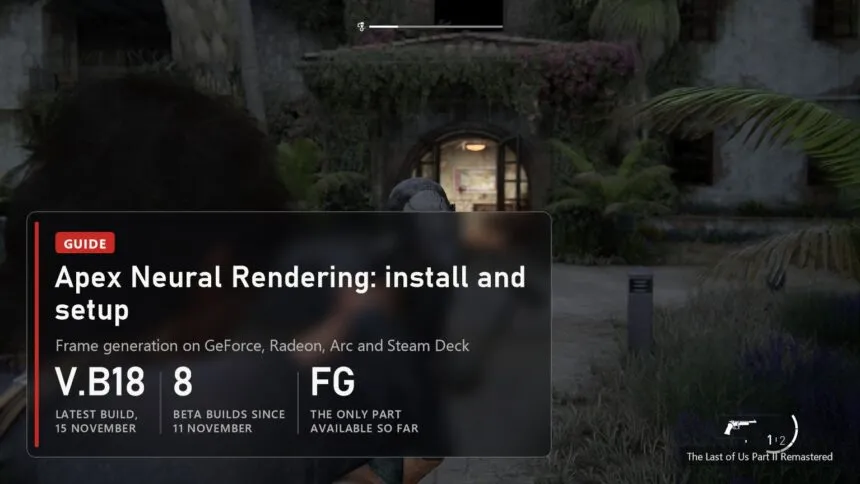
The Last of Us Part II Remastered with a plate: Apex Neural Rendering guide, build V.B18, 8 beta builds since 11 November, frame generation only
The Last of Us Part II Remastered
SHARE

Updated 15 November 2026, build FG V.B18. Apex Neural Rendering (ANR) is free frame generation from Apex Compute that runs on GeForce from the GTX 16 series, Radeon from the RX 5000 series, Intel Arc and Steam Deck, on Windows and on Linux through Proton. It takes the place of NVIDIA frame generation in games that have it and draws in-between frames with its own neural network. Below, step by step: which card and which game it works with, how to install and remove it, what to do on Linux and Steam Deck, and how much of Apex's promises to believe. How ANR differs from AMD NR Launcher and other mods is in a separate comparison.

Contents
  • Which GPU and which game it works with
  • How to install and remove it on Windows
  • Linux and Steam Deck
  • What to believe and what to pick
    • Version log

Which GPU and which game it works with

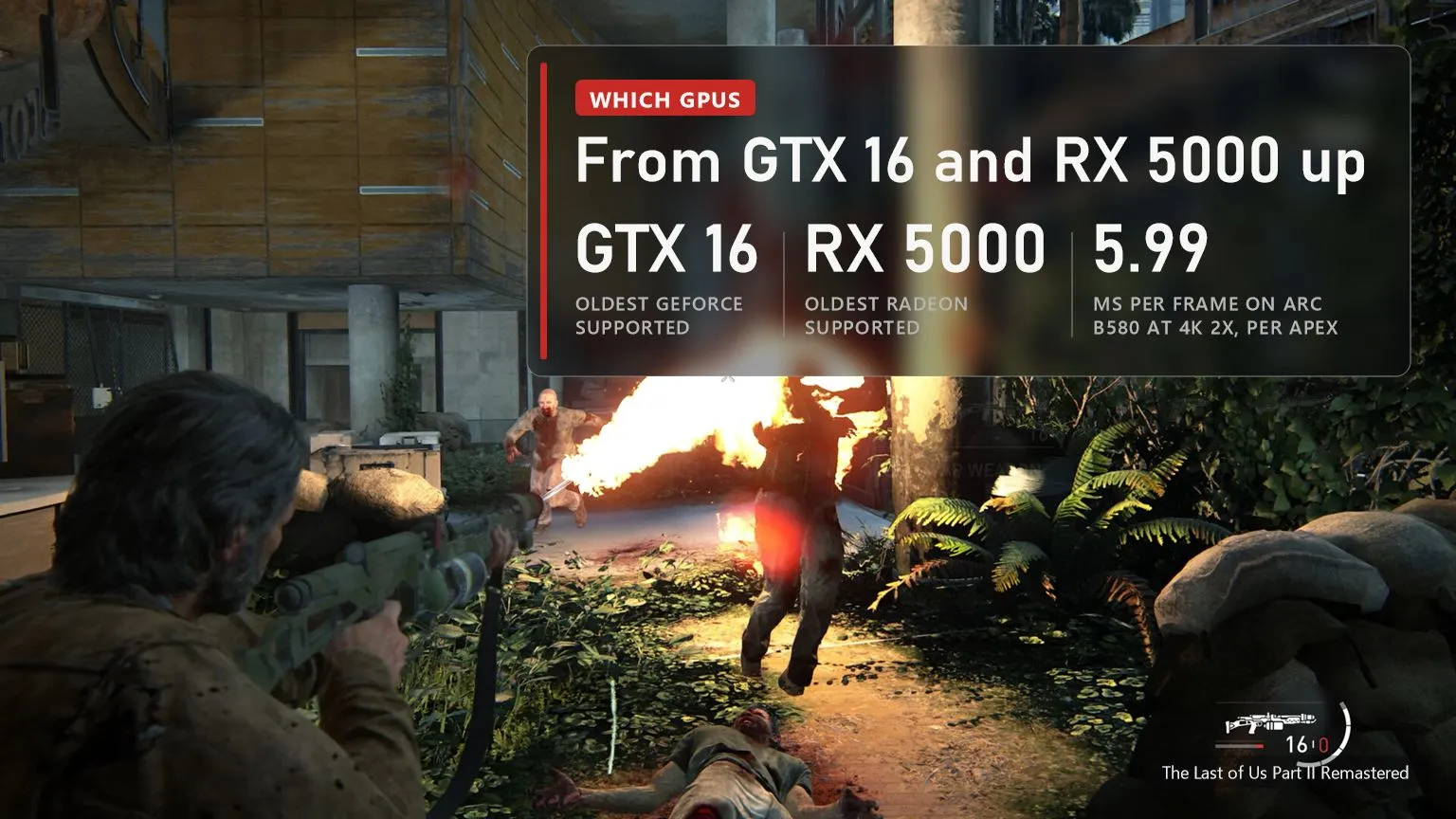
Combat in The Last of Us Part II Remastered with a plate: ANR works from GTX 16 and RX 5000, 5.99 ms per frame on Arc B580 at 4K 2X per Apex
The Last of Us Part II Remastered
  • NVIDIA: GeForce RTX 20, 30, 40 and 50, plus GTX 16. This matters most to RTX 20 and 30 owners: NVIDIA's own frame generation doesn't switch on for those cards.
  • AMD: Radeon RX 5000, 6000, 7000, 9000 and Steam Deck. Since V.B12, RX 7000 and RX 9000 use their matrix units in Vulkan games, 2 to 5% faster per Apex. V.B18 fixed ANR switching itself off in games with a 24-bit depth buffer on Radeon under Windows.
  • Intel: Arc A and B. Since V.B12, Arc B uses its XMX units: on a B580 a 4K frame in 2X mode takes 5.99 ms instead of 6.88, and 1.57 ms instead of 1.81 at 1080p. For comparison, the same 4K costs about 1 ms on an RTX 5090, so on mid-range cards frame generation at 4K is noticeably more expensive.
  • The game: it has to offer NVIDIA frame generation (DLSS Frame Generation), because ANR takes exactly that slot. If the game offers several options, pick the NVIDIA one.
  • Online: keep it out of games with anti-cheat, like any mod that swaps libraries.

How to install and remove it on Windows
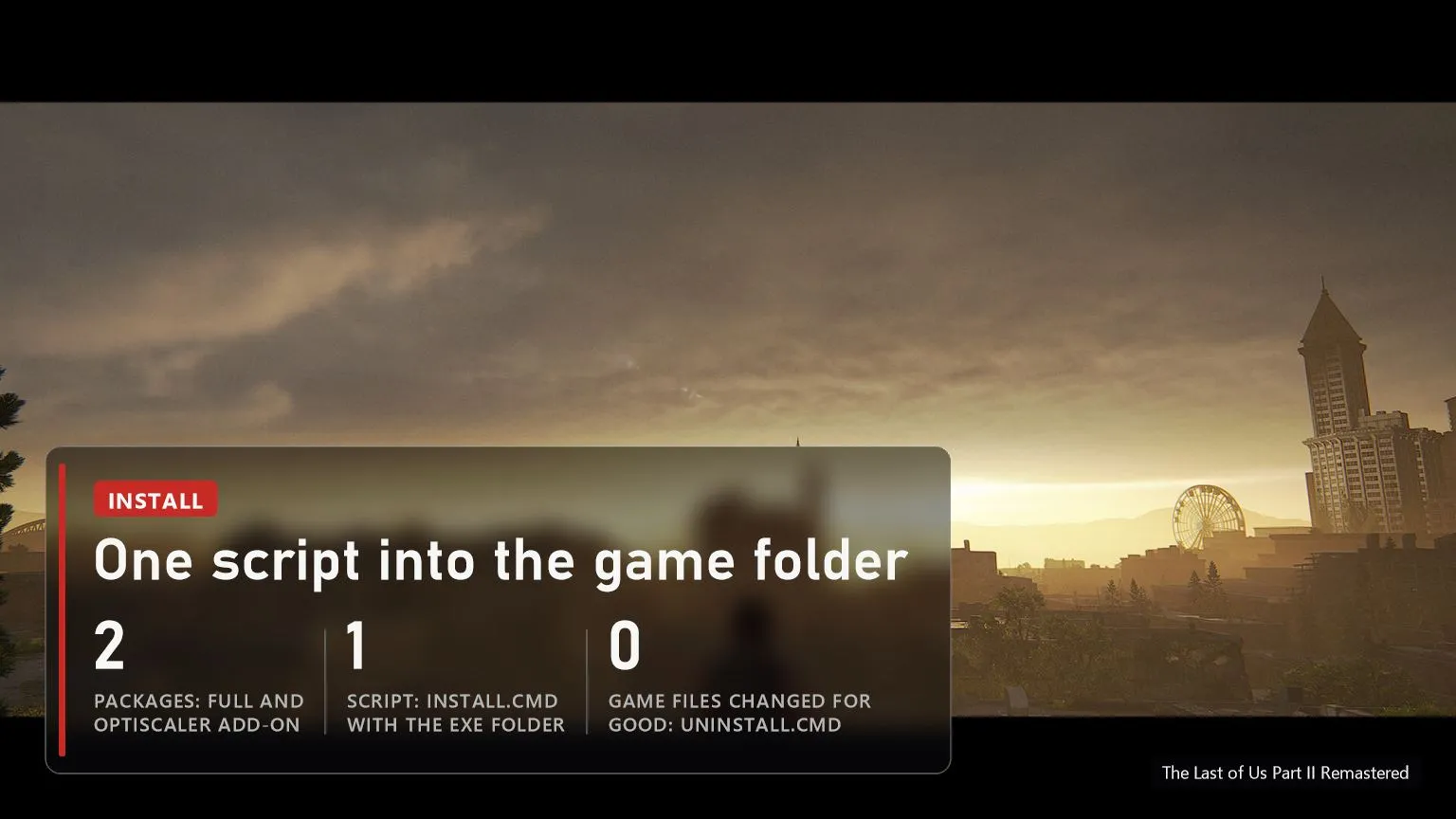
City at sunset in The Last of Us Part II Remastered with a plate: two packages, install.cmd with the exe folder, remove with uninstall.cmd
The Last of Us Part II Remastered
  • 1. Download a package from the releases page of apex-compute/ANR on GitHub: anr-fg-V.B18-full.zip for games without OptiScaler, anr-fg-V.B18-addon.zip for games that already have it. The only official places are GitHub and apexcompute.com; skip builds from file hosts.
  • 2. Install the Microsoft Visual C++ 2015-2022 Redistributable x64 if you don't have it: the installer needs it.
  • 3. Close the game, extract the archive and run install.cmd with the folder that holds the game's exe (not the install root, the exe folder).
  • 4. In the game, turn on NVIDIA frame generation and pick a multiplier. That's it.
  • To remove: uninstall.cmd with the same folder. Before moving to a new build, remove the old one first.

If it doesn't work: the log is in the game folder under OptiScaler/custom/Apex Neural Rendering FG, file nr_fg-*.log. Apex asks you to post it in Issues on GitHub along with the game, GPU and driver. Known limit: at 4K on an 8 GB card, a game that already uses most of the VRAM can go over budget with frame generation. Older problems are fixed: V.B14 removed the "DirectX 12 is not supported" error on PCs with an older Visual C++ runtime, V.B15 stopped VRAM growing on resolution changes, and V.B17 no longer drops to a few frames per second when ANR can't start.

Linux and Steam Deck
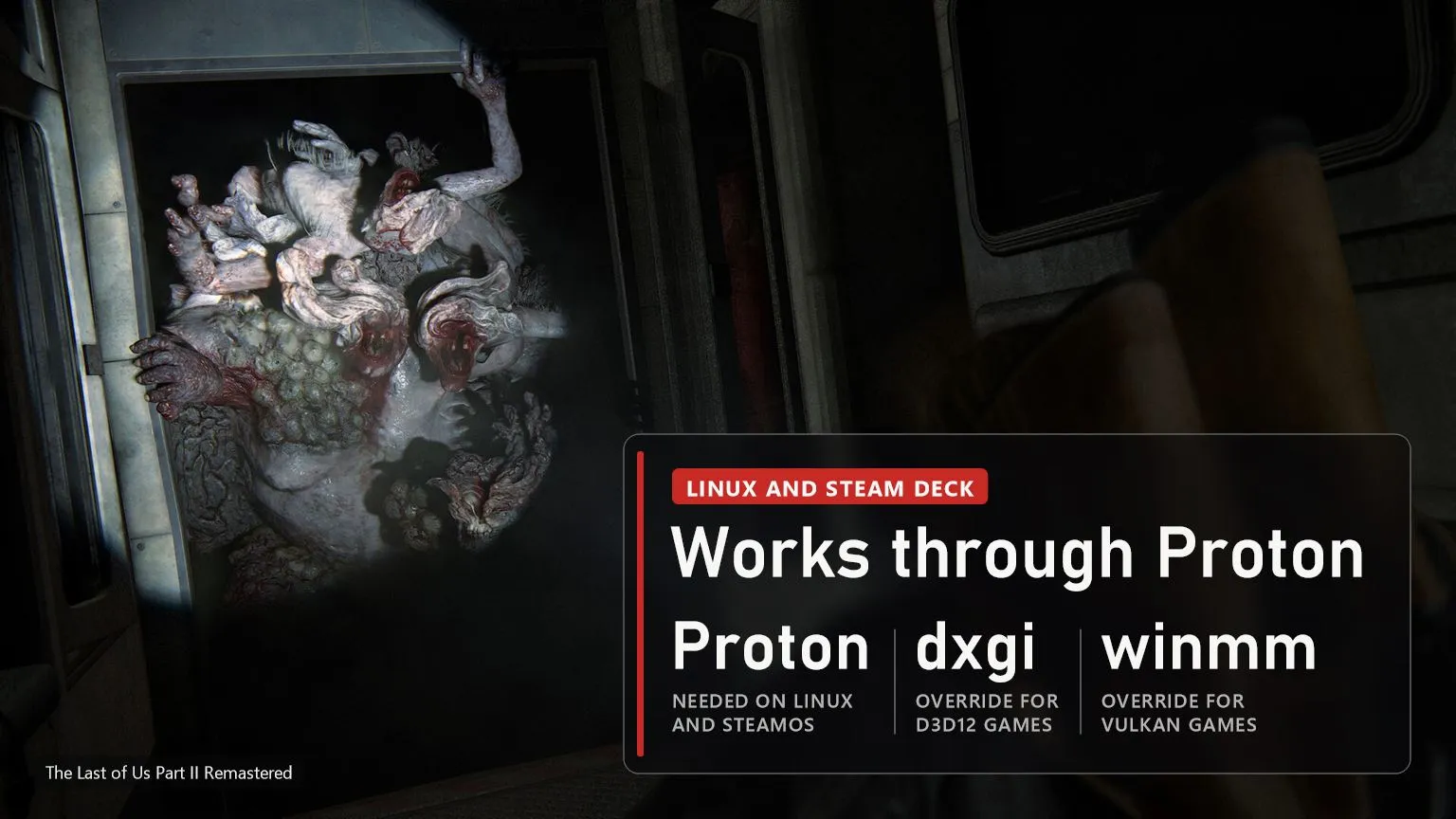
Infected in a doorway in The Last of Us Part II Remastered with a plate: ANR on Linux and Steam Deck through Proton, dxgi and winmm overrides
The Last of Us Part II Remastered

On Linux and SteamOS, ANR works through Proton. Install with the script from the same package, sh install.sh "game folder". It prints a line for the game's Steam launch options: WINEDLLOVERRIDES="dxgi=n,b" %command% for DirectX 12 games, winmm=n,b for Vulkan games. Without that line Proton won't load the swapped library. Remove it with sh uninstall.sh. Don't set that line on Windows, the game may not start.

What to believe and what to pick
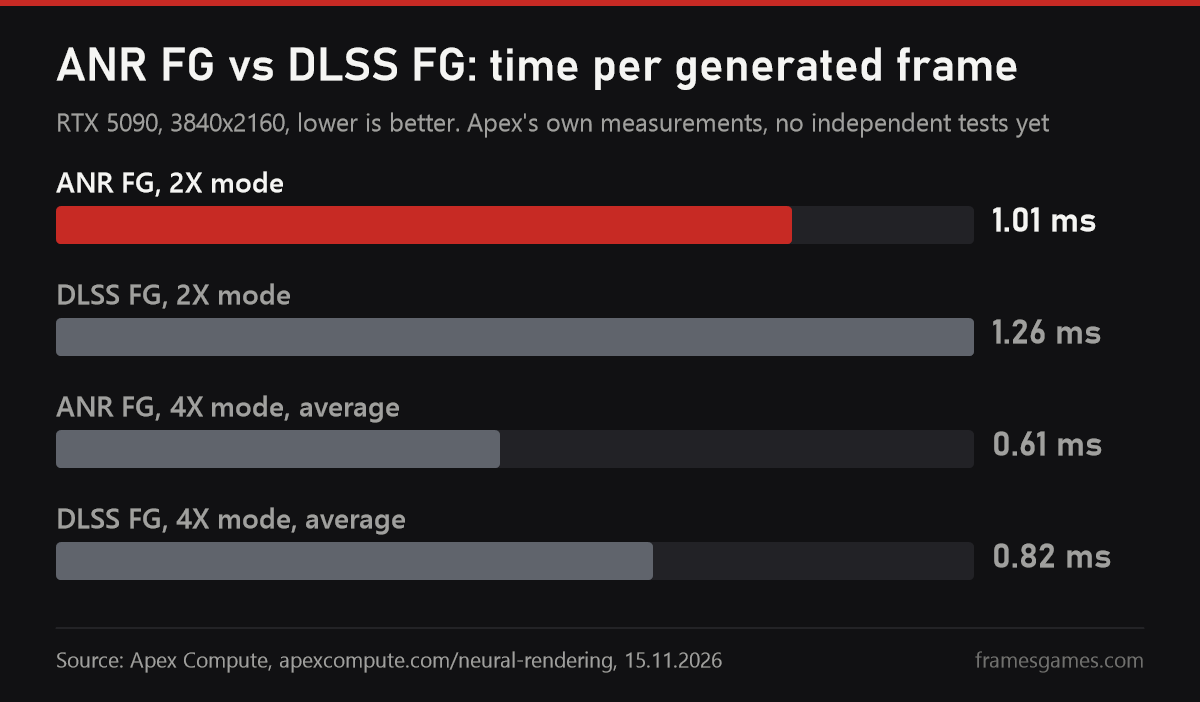
Chart: ANR FG vs DLSS FG time per generated frame on RTX 5090 at 4K, 1.01 vs 1.26 ms at 2X and 0.61 vs 0.82 ms at 4X, Apex data

Apex promises faster and better-looking results than DLSS Frame Generation: 1.01 ms per frame against 1.26 on an RTX 5090 at 4K, 214 MB of VRAM against 562, and better scores on three quality metrics. Those are its own measurements. But anyone can check them: the package includes a test kit, and nr-record captures what a game hands to frame generation and replays the same capture through ANR and through DLSS-G, so you can compare the videos side by side. DLSS-G replays need an RTX 40 or 50. There are no independent in-game frame rate or latency tests yet; we'll add them here when they appear.

What to pick right now, in short. RTX 40 and 50 already have NVIDIA's frame generation; ANR is worth a try for the lower memory use, but by Apex's own numbers the gain is small. On RTX 20, 30 and GTX 16 there is little else apart from FSR Frame Generation through OptiScaler, and ANR is the most interesting option there. On a Radeon RX 9000, try the built-in FSR 4 frame generation first if the game supports it, and keep ANR for games that only have DLSS. If what you want is not smoothness but the DLSS 5 look, that is a different job: see AMD NR Launcher and the mods in our DLSS 5 guide.

Version log

  • V.B18, 15 November: fixed ANR switching off in games with a 24-bit depth buffer on Radeon under Windows; nr-record 1.2.
  • V.B17, 14 November: no GPU crash when the multiplier changes during play (Dynamic MFG), no drop to a few fps when ANR can't start.
  • V.B16, 14 November: new model weights; in third-person driving (Cyberpunk 2077) the car's rear no longer tears or doubles; the library is signed by Apex Compute.
  • V.B15, 12 November: VRAM no longer grows on resolution changes and with dynamic resolution.
  • V.B12-V.B14, 11-12 November: XMX units on Arc B, Radeon matrix units in Vulkan, a macOS test kit, a HUD fix for No Man's Sky, the DirectX 12 error with older Visual C++.

Sources

apex-compute/ANR README and release notes FG V.B11-V.B18, 11-15.11.2026. ANR page on Apex Compute's site, RTX 5090 measurements, 15.11.2026. The Last of Us Part II Remastered screenshots from the game's Steam page.

Read next
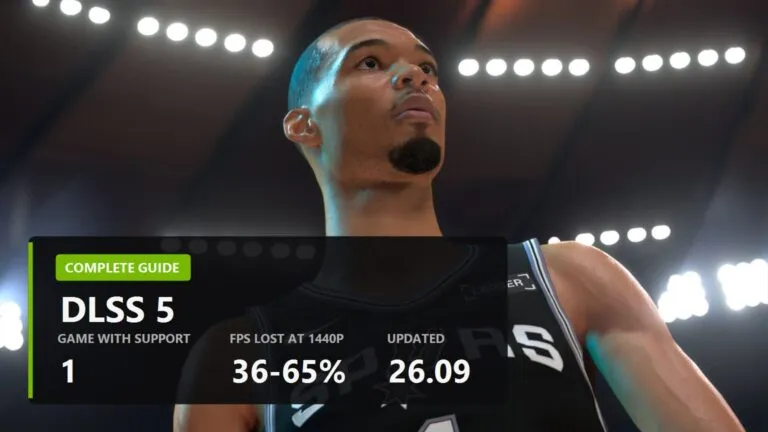
How to get DLSS 5 on AMD and Intel GPUs: mods run even on RX 6000, at a cost in FPSHow to get DLSS 5 on AMD and Intel GPUs: mods run even on RX 6000, at a cost in FPSAMD NR Launcher: DLSS 5 on a Radeon in one click, version of October 31AMD NR Launcher: how to run DLSS 5 on a Radeon in one click, and what it costs in FPSThe OptiScaler project logoOptiScaler: how to get FSR 4 into a game that never shipped itDLSS guide cover ENDLSS in Almost Any Game: Turn It On, Update It, Add It Where There Is None
Apex Neural Rendering: frame generation for any GPU, and how it differs from AMDNR
All 340 DLSS 4 Multi Frame Generation Games: Which Reach 6X and Which Are Native
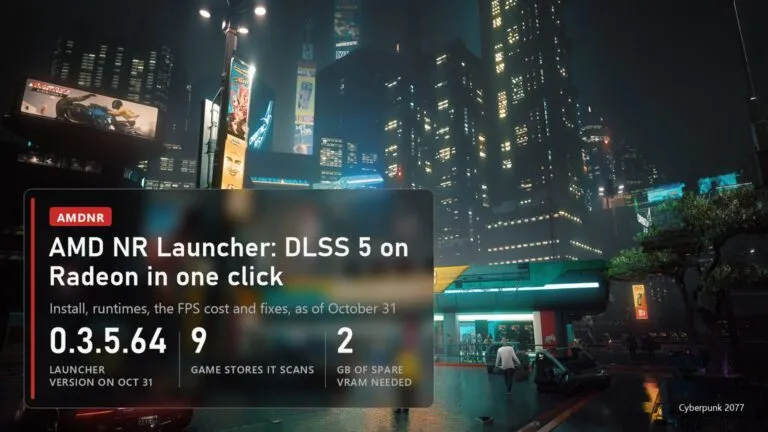
AMD NR Launcher: how to run DLSS 5 on a Radeon in one click, and what it costs in FPS
How to get DLSS 5 on AMD and Intel GPUs: mods run even on RX 6000, at a cost in FPS
OptiScaler Client: Complete Guide and How It Differs From Regular OptiScaler
TAGGED:PC
Share This Article
Facebook Email Print
Dave Freeman
ByDave Freeman
Follow:
Dave Freeman is the pen name behind FramesGames. Specs come from the manufacturer, test numbers only from benchmarks with a published method, and the charts are ours, with the source printed on the image.
Leave a Comment Leave a Comment

Leave a Reply Cancel reply

Your email address will not be published. Required fields are marked *

- Advertisement -
Ad imageAd image

Trending Stories

Demon's Souls PS5 boss arena with a plate: KytyPS5 build of November 14, Fable 2 Recomp 1.6.0, 40-100% faster
Port News

PS5 Demon's Souls and Fable 2 already run on PC: where the GitHub builds are

November 16, 2026
Link facing a red Octorok in a walled field in The Legend of Zelda: Link's Awakening, panel: LAS Recomp Beta 6, 2,424 GitHub stars, 17,535 downloads
PC Ports and RecompilationPort News

Zelda: Link's Awakening on PC: download, requirements and fixes for the LAS Recomp port

November 16, 2026
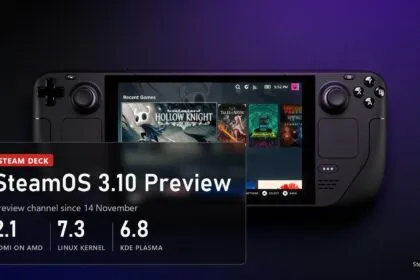
Steam Deck with SteamOS 3.10 Preview: HDMI 2.1 on AMD, Linux 7.3, KDE Plasma 6.8
Hardware News

SteamOS 3.10 brings HDMI 2.1 VRR to AMD GPUs, two years after the HDMI Forum's no

November 15, 2026
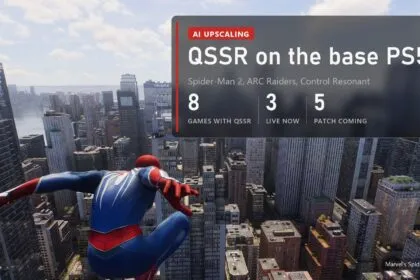
Marvel's Spider-Man 2 with QSSR on PS5: 8 games with QSSR, 3 live now, 5 with a patch coming
DLSS and FSR

PS5 gets AI upscaling in 6 more games: Spider-Man 2 has QSSR now, ARC Raiders is next

November 15, 2026
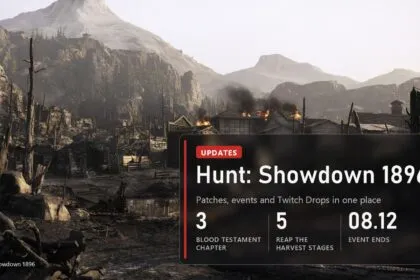
A burned mining town under mountains in Hunt: Showdown 1896 with a plate: Blood Testament Chapter 3, five Reap the Harvest stages, event ends 08.12
Hunt: ShowdownHow-toHunt: Showdown

Hunt: Showdown 1896 updates: patch notes, events and Twitch Drops (updated November 11)

November 15, 2026
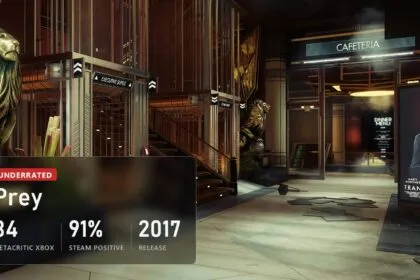
Prey (2017), underrated: Metacritic 84 on Xbox One, 91% positive on Steam
Underrated Games

Prey (2017): 84 on Metacritic, sunk by its own name, and why it is worth playing now

November 15, 2026

You Might Also Like

Lossless Scaling in 2026: what it fixes, who needs it, and the big lsfg-vk 2.0 update
DLSS and upscalers

Lossless Scaling in 2026: what it fixes, who needs it, and the big lsfg-vk 2.0 update

September 10, 2026
FSR 4.1.1b on older AMD and NVIDIA cards: what OptiScaler really gives you
DLSS and upscalers

FSR 4.1.1b on older AMD and NVIDIA cards: what OptiScaler really gives you

September 7, 2026
DLSS 5 and a weak PC: what your card actually runs
DLSS and upscalers

DLSS 5 and a weak PC: what your card actually runs

September 7, 2026
DLSS guide cover EN
DLSS and upscalers

DLSS in Almost Any Game: Turn It On, Update It, Add It Where There Is None

August 31, 2026
- Advertisement -Your ad could be right herePC hardware, builds and gamesAdvertise

Follow US on Social Media

Telegram

© 2026 FramesGames. All rights reserved.

FramesGames

Information

  • Contact
  • About
  • Editorial standards
  • Privacy Policy
  • Disclaimer
  • Cookie Policy (EU)
Frames Games is free to read
With your consent we count readers with Google Analytics, so we know which guides to update and write next. No sign-up, no email, and we never sell your data. You can change your choice at any time in the Cookie Policy.
Functional Always active
The technical storage or access is strictly necessary for the legitimate purpose of enabling the use of a specific service explicitly requested by the subscriber or user, or for the sole purpose of carrying out the transmission of a communication over an electronic communications network.
Preferences
The technical storage or access is necessary for the legitimate purpose of storing preferences that are not requested by the subscriber or user.
Statistics
The technical storage or access that is used exclusively for statistical purposes. The technical storage or access that is used exclusively for anonymous statistical purposes. Without a subpoena, voluntary compliance on the part of your Internet Service Provider, or additional records from a third party, information stored or retrieved for this purpose alone cannot usually be used to identify you.
Marketing
The technical storage or access is required to create user profiles to send advertising, or to track the user on a website or across several websites for similar marketing purposes.
  • Manage options
  • Manage services
  • Manage {vendor_count} vendors
  • Read more about these purposes
Settings
  • {title}
  • {title}
  • {title}
Welcome Back!

Sign in to your account

Username or Email Address
Password

Lost your password?