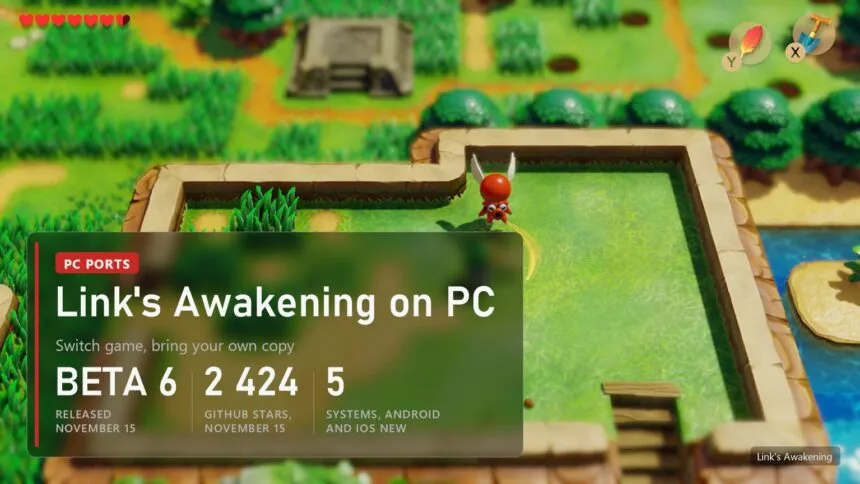
Updated on November 15, 2026: LAS Recomp Beta 6 (version 0.6.0) came out on November 15. It adds Android and iPhone or iPad builds, experimental frame generation, shadow quality and ambient occlusion settings, 5.1 surround, a new in-game menu, text speed and a weather cycle in the randomizer, plus fixes for BowWow and for Vulkan crashes on several drivers.
The Legend of Zelda: Link's Awakening, the 2019 Switch remake with the toy-like look, never came to PC. Since October a fan project called LAS Recomp runs it natively on Windows, Linux, the Steam Deck and Apple Silicon Macs, and since Beta 6 on Android phones and iPhones. It isn't an emulator: the game's code is translated for your processor on your own PC, from your own copy of the game, once. On top it unlocks the 30 FPS of the Switch, adds ultrawide, higher resolutions and a full randomizer built into the start screen. It is still a beta, and the author says so. Below: what works, which copy and PC you need, how to set it up, the settings worth changing and the problems players report.
Read next:
What works in LAS Recomp
LAS Recomp (peiikai/LASRecomp, 2,424 stars on November 15) translates the game's ARM64 code into C ahead of time. A compiler that ships with the download turns that C into a program for your PC during the first setup. The Switch graphics API is redrawn through Vulkan on Windows and Linux and through Metal on Macs, and shaders are prepared before you play, so new areas don't stutter. The same runtime now powers other Switch ports, Pokémon: Let's Go among them.
| Part | State in Beta 6 |
|---|---|
| Story | Plays with saves; beta, so crashes and graphics glitches still happen |
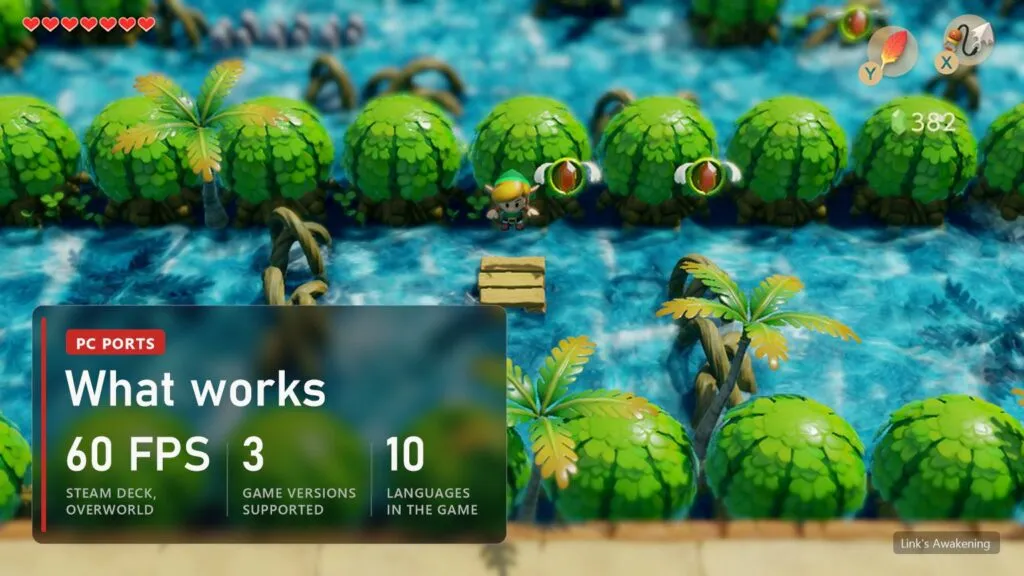
| Game versions | 1.0.0, 1.0.1 and 1.1.0 |
| Frame rate | Above the Switch's 30 FPS; the Steam Deck holds 60 in the overworld since Beta 5.3 |
| Picture | Higher resolutions, "match your display", dynamic resolution, FSR 1 (MetalFX on Mac), SMAA, wider screens up to ultrawide, shadow quality up to 4x, ambient occlusion, experimental frame generation |
| Controls | Keyboard and controller, every button remappable, Xbox, PlayStation or Nintendo prompts, rumble |
| Languages | English, Japanese, Spanish, French, German, Italian, Dutch, Russian, Korean, Chinese |
| Extras | Randomizer with seeds, 360-degree movement, blur removal, mirror mode, Game Boy filters, run timer with LiveSplit, weather cycle, text speed, 5.1 surround |
The downloads contain no game files and no game code. The program that comes out of the setup stays on your PC. That matters for how long the project may stay up: ports that hand out ready recompiled code get taken down faster. One more thing the README states up front: the port was written almost entirely by an AI coding assistant, directed, tested and reviewed by its human author.
Which copy of the game and what PC you need
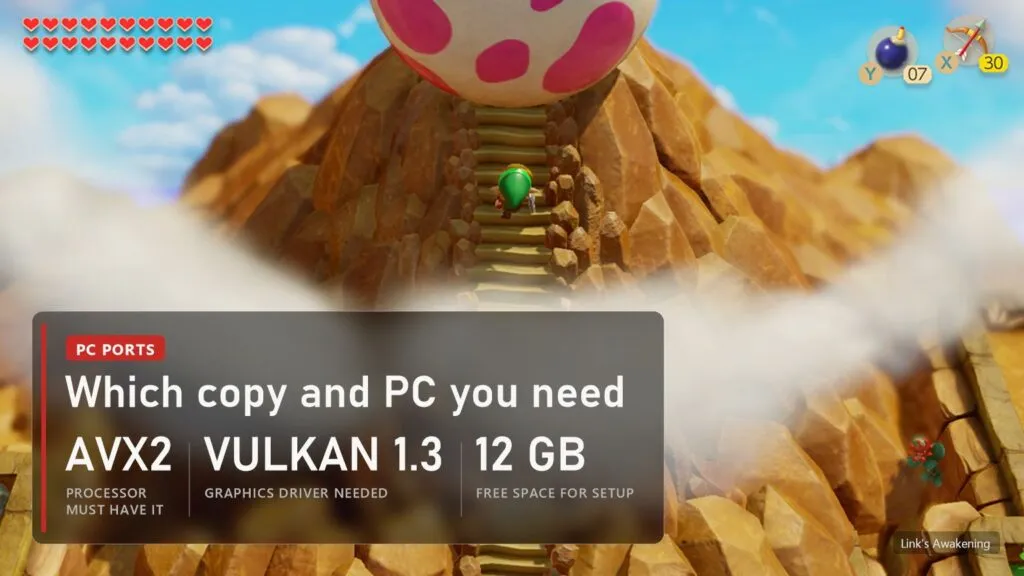
You need your own copy of Link's Awakening, cartridge or eShop, extracted into the exefs and romfs folders. We don't link game files or explain how to get them: you need your own copy of the game and data from your own console. In the start screen you point the port at the folder that holds those two folders.
| What | Minimum |
|---|---|
| System | Windows 10 or 11 64-bit, 64-bit Linux from about 2022 (Steam Deck included), macOS 15 on an M1 or newer; since Beta 6 also Android and iPhone or iPad on iOS 16.4 or newer |
| Processor | x86-64 with AVX2 and FMA: Intel 4th gen (Haswell) or newer, any AMD Ryzen |
| Graphics | Vulkan 1.3 with a current driver: GTX 900 series, Radeon RX 400 series, Ryzen integrated graphics, Intel Iris Xe or newer |
| Memory | 8 GB, 16 GB recommended |
| Disk | About 12 GB free for the setup |
Two lines stop most older PCs. A processor without AVX2 (Intel before Haswell, AMD FX) won't run it at all. Intel UHD 600-series and older integrated graphics aren't supported either: since Beta 5.2 a UHD 620 or 630 shows the game instead of a black screen, but the author calls these chips the very bottom and some visual differences stay. Intel Macs aren't supported.
How to download and set up LAS Recomp
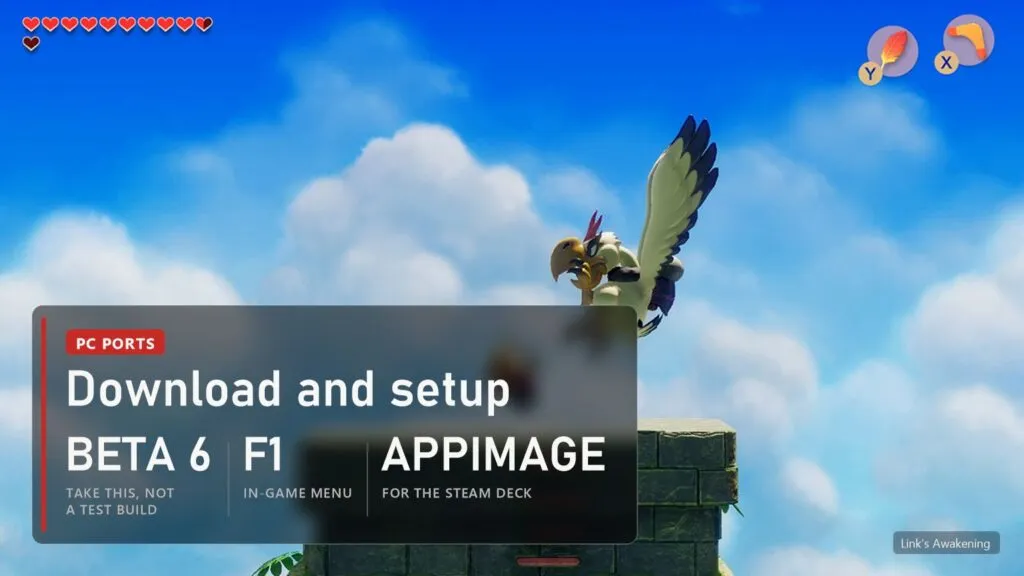
- Open the Releases page and take the latest regular release, not a "test" build. Since November 15 that is Beta 6:
LAS.Recomp-v0.6.0-windows.zip,linux-x86_64.AppImageormacOS.dmg. The same release has an Android APK and an iOS package. - On Windows, unzip it into a folder you can write to, not Program Files: saves, settings and logs are kept next to
lasrecomp.exe. - Start it. In the start screen open Game Files and choose the folder with your
exefsandromfs. - The first setup checks the files, recompiles the game code and prepares shaders. It takes a few minutes and needs the 12 GB. If it stops halfway, Resume game code continues from where it was, and it also resumes by itself on the next start.
- Pick vanilla or a randomizer seed and press Play. F1, or Minus and Plus together on a controller, opens the in-game menu. In Beta 6 it drops down from the top with Settings, Randomizer, Warp, Save Editor, Cosmetics and Cheats, and the controller buttons that open it can be changed.
On the Steam Deck add the AppImage to Steam as a non-Steam game and start it from Game Mode. In Desktop Mode Steam gives it the desktop controller layout, which sends extra key presses. If it won't start, put APPIMAGE_EXTRACT_AND_RUN=1 %command% into the launch options.
Settings worth changing
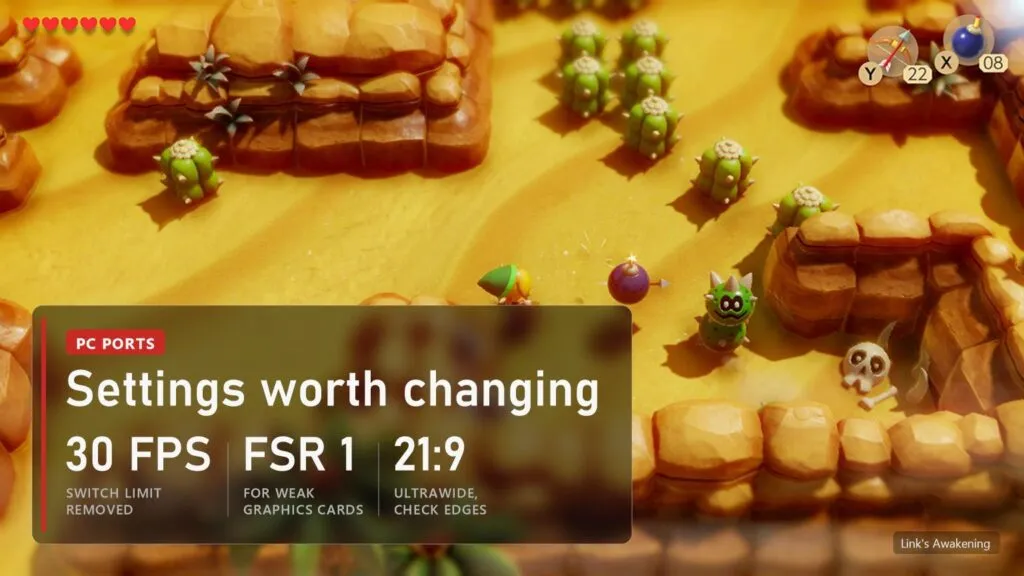
The Switch version runs at 30 FPS with a blur filter at the edges of the screen, and those are the two things most players change first. Turn on blur removal in the extras, then set the resolution to match your display. On a weak card use dynamic resolution with FSR 1 instead of a fixed high one. Wide and ultrawide screens show more of Koholint Island, but the README warns that most remaining graphics issues are in those modes; if something looks wrong at the edges, switch back to 16:9 to check. The randomizer is the big extra the Switch never had: items, entrances and whole dungeon rooms can be shuffled, every seed starts with a Hint Sheet, and the pause map shows how many checks are left in each area. Room shuffle modes are the most experimental part, and a seed can turn out unsolvable. Beta 6 adds experimental frame generation for smoother motion above 60 FPS (off by default, it targets your screen refresh rate), shadow quality from Off to 4x, ambient occlusion and a separate Dynamic resolution switch with an FPS target of 30, 60, or 30 outdoors and 60 indoors.
Common problems and fixes
| Problem | What to do |
|---|---|
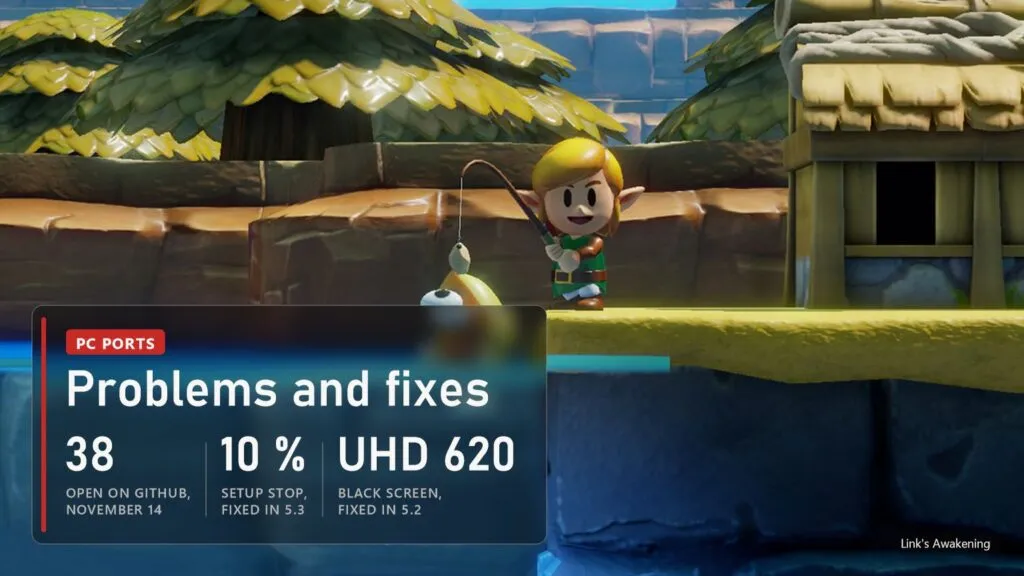
| Setup stops at 10 % on Windows | Fixed in Beta 5.3: PCs with Control Flow Guard forced on in Windows security failed here. Update. |
| "Game files missing or damaged" | Since Beta 5.3 the start screen names the file that is wrong in lasrecomp.log. Copy exefs and romfs again from your own copy. |
| Black screen with sound on Intel UHD 620 or 630 | Fixed in Beta 5.2. Update the Intel driver; these chips stay the bottom of what the port supports. |
| Steam Deck stuck at 30 FPS | Fixed in Beta 5.3 for the Deck and other AMD Linux handhelds. |
| Crash on the German owl text in Pothole Field | Fixed in Beta 5.4. |
| BowWow drawn broken | After houses and area loads fixed in Beta 5.4; in his cave room on Windows and Linux fixed in Beta 6. |
| Wrong controller responds | Since Beta 5.4 the game follows the controller you are using. Unknown pads can be added with an SDL mapping file. |
| Vulkan crashes or hangs on some Intel, AMD, Mali or Adreno drivers | Fixed in Beta 6. Update. |
| Anything else | Open an issue on GitHub and attach lasrecomp.log from the data folder. |
The "test" builds on the Releases page are made for one bug report each and can have problems the regular release doesn't. Unzip them into a separate folder if you want to try one, and keep your normal install.
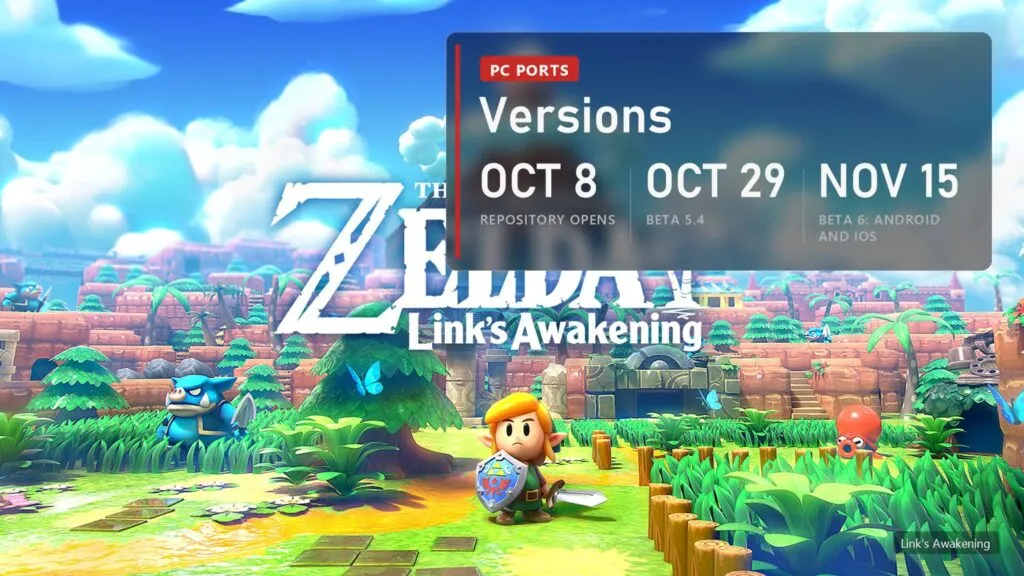
LAS Recomp versions
| Version | Date | What changed |
|---|---|---|
| Start | October 8 | The repository opens on GitHub |
| Beta 5 | October 23 | Game versions 1.0.0, 1.0.1 and 1.1.0; Triforce Hunt, Hint Sheet, Shellsanity, race mode |
| Beta 5.1 and 5.2 | October 24 and 25 | Crash on Secret Seashell spots, black screen on older Intel graphics, crash on accented names |
| Beta 5.3 | October 26 | Setup on more Windows PCs, damaged files named, 60 FPS on the Steam Deck |
| Beta 5.4 | October 29 | Owl text crash, BowWow after area loads, lines on grass, controller switching, randomizer fixes; 17,535 downloads by November 14 |
| Beta 6 (0.6.0) | November 15 | Android and iOS, experimental frame generation, shadow and ambient occlusion settings, performance overlay, new in-game menu, 5.1 surround, text speed, weather cycle and new randomizer modes, BowWow and Vulkan driver fixes |
FAQ
Is Link's Awakening on PC officially? No. Nintendo never released it on PC. LAS Recomp is a fan project and isn't connected to Nintendo.
Is it an emulator like Yuzu or Ryujinx? No. The game's code is translated ahead of time into a native program, and the graphics are redrawn through Vulkan or Metal. That's why it runs on PCs that would struggle with an emulator.
Can I download the game with it? No. The port needs your own copy of the game, and the download contains none of it.
Does it work on the Steam Deck? Yes, through the Linux AppImage added to Steam. Since Beta 5.3 it holds 60 FPS in the overworld.
Do my saves carry over to new versions? Yes. Saves, seeds and settings stay when you update; the first start after an update takes a few extra minutes.
Sources
- LAS Recomp, README and release notes Beta 5 to Beta 6: github.com/peiikai/LASRecomp (checked November 15, 2026)
- GitHub release download counters, November 14, 2026
- Nintendo eShop page of The Legend of Zelda: Link's Awakening (screenshots)
Read next
 PS4 games on PC without an emulator: every port, from Bloodborne to Uncharted and GT Sport
 Switch games on PC without an emulator: 20 fan ports, from Zelda to Smash
 UFC 4 on PC: PORTHEON runs UFC 1-4 natively, UFC 5 and UFC 6 from PS5
 Bloodborne Native PC Port: Now on Windows Too, With Online Play and DLSS