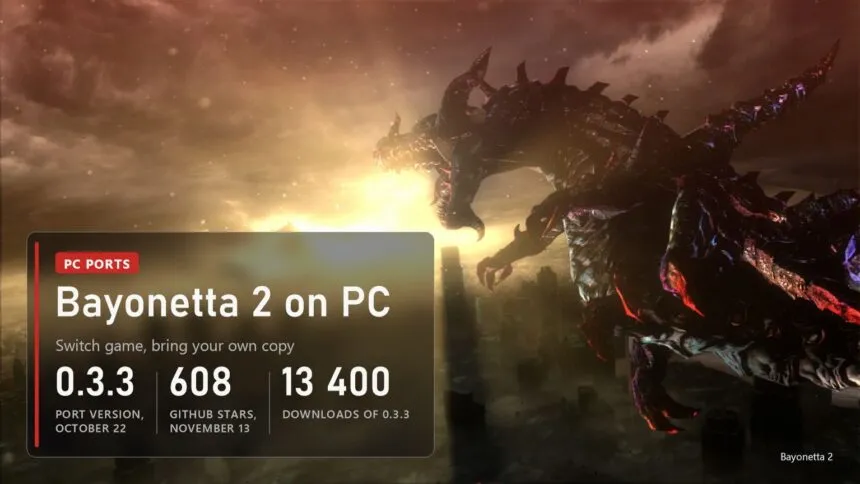
Updated on November 14, 2026: B2recomp is at version 0.3.3 from October 22, the build that fixed setup in folders with commas in the path and a stop when leaving a level from the pause menu. There have been no new code changes since October 23, and the newest reports on GitHub (a crash right after Play, no sound on some Windows 11 PCs) have no fix yet.
The first Bayonetta has been on Steam since 2017. The second one never left Nintendo: it came out on Wii U in 2014 and on Switch in 2018, and that's where it stayed. Since October 17 a fan project called B2recomp turns the Switch version into a Windows program. It doesn't download the game and it doesn't ship one. You give it your own copy, and its builder translates the game's code and compiles it on your PC in about five minutes. What you get runs at 60 FPS like the console, or at 120 FPS in a beta mode, at up to 3x resolution, with HDR10 and keyboard and mouse controls laid out like the PC release of the first game. Below: what works, which copy and PC you need, how to build it, which settings to pick and what players report going wrong.
Read next:
What works in B2recomp
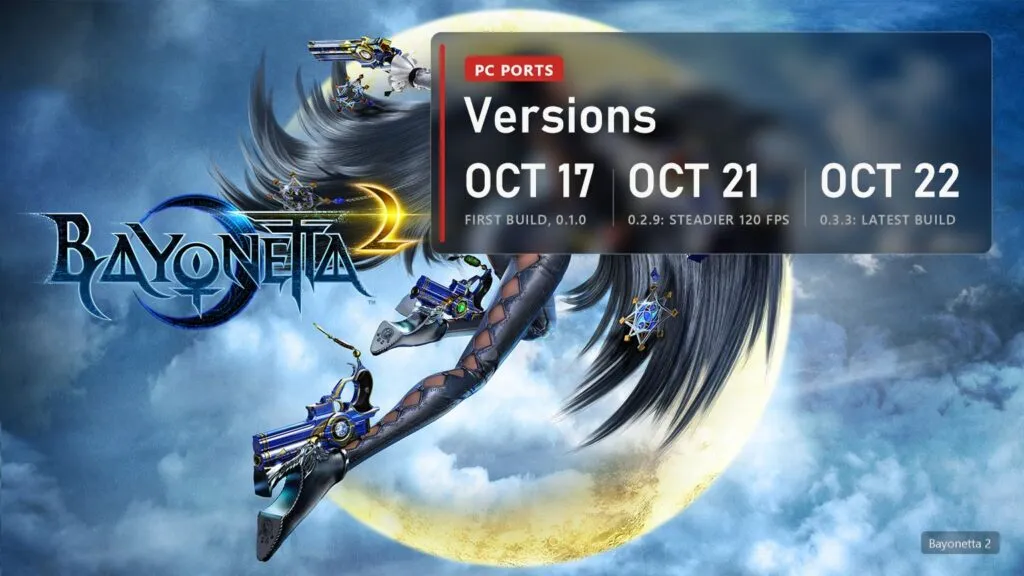
The project is K0NL/B2recomp, 608 stars on November 13 and GPL-3.0. Its translator and runtime started as a copy of ssbu-recomp, the Smash Ultimate recompiler by Denkishi, and the author credits AI help with the reverse engineering in Ghidra. The Switch graphics API is redone on Vulkan. Sixteen Windows builds came out in six days, from 0.1.0 on October 17 to 0.3.3 on October 22, and 0.3.3 alone was downloaded about 13,400 times by November 13.
| Part | State in 0.3.3 |
|---|---|
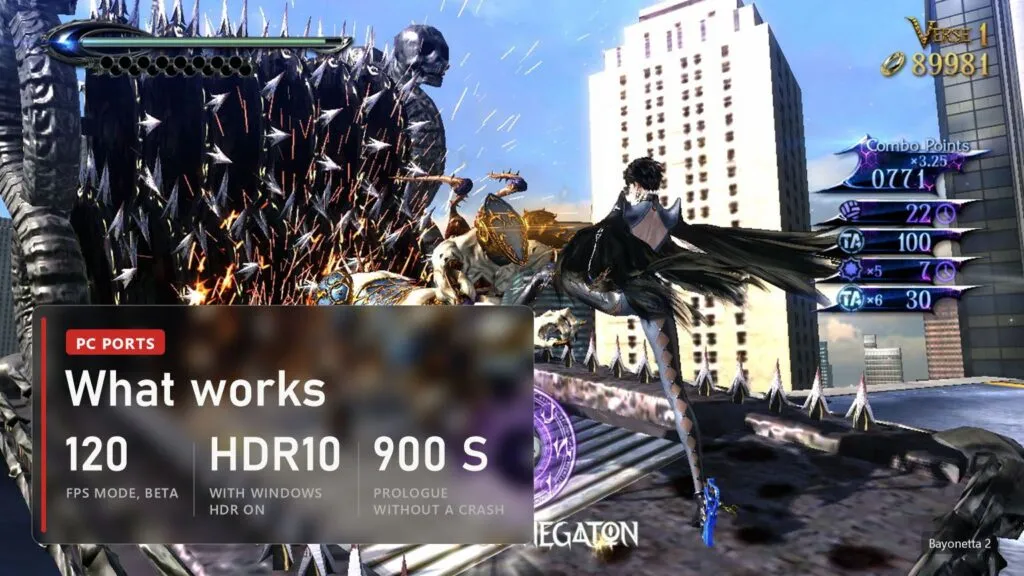
| Story | The author played the prologue for 900 seconds without a crash and chapter 1 by hand; later chapters are "being played and tested". One player reports finishing the whole game at a locked 60 FPS, others report bugs in chapter 2, chapter V and the end credits |
| Game version | 1.2 only (update v131072 applied); the build checks it |
| Frame rate | 60 as on Switch; 120 in beta, where combos, hit-stop, Witch Time and slow motion keep their 60 FPS timing. The author's test fight runs at 59.5 and 119 FPS |
| Picture | Resolution scale up to 3x, HDR10 with Windows HDR on, 16:9 with bars or stretched; no ultrawide interface |
| Controls | DualSense, DualShock, Xbox, Switch Pro and other SDL3 pads, remapping, keyboard and mouse at the same time as a pad |
| Mods | Mods made for the Switch version in emulator folders: textures, models and sound at the next start, code patches (.pchtxt, .ips) after a rebuild |
| Systems | Windows 10 and 11; Linux as test builds; no macOS |
No Nintendo files are in the repository or in the downloads: no game code, no game data, no firmware, no system fonts, no keys. There is no ready game.dll to download either, and the author writes that there never will be. Ports that hand out ready recompiled game code are taken down faster, and this one doesn't.
Which copy of the game and what PC you need
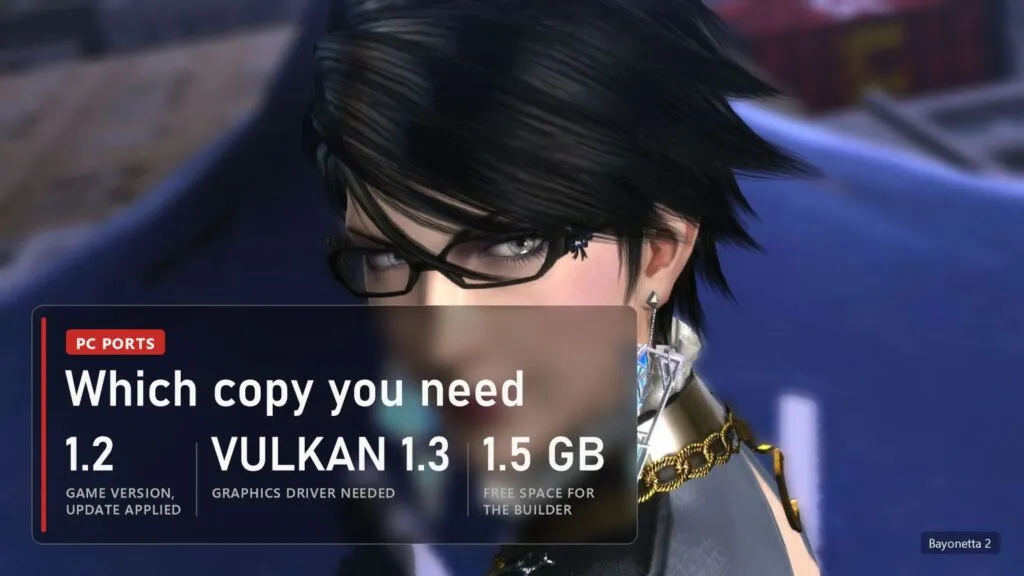
You need your own copy of Bayonetta 2 for Switch, cartridge or eShop, as one folder with exefs (the game code) and romfs (the game data) as plain files, with update 1.2 applied. Packed files (.nsp, .xci, .nca) are refused: B2recomp decrypts nothing and reads no keys. Leave the folder where it is after the build, because the game reads romfs from there every time it starts. We don't link game files or explain how to get them: you need your own copy of the game and data from your own console. The Wii U version doesn't work with this project.
| What | Minimum |
|---|---|
| System | Windows 10 or 11, 64-bit |
| Graphics | A card with a Vulkan 1.3 driver. Players run it on AMD from RX 560 to RX 9070 XT and on handheld PCs |
| Disk | About 1.5 GB for the builder, about 0.8 GB of it ends up in the build folder |
| Processor | Any 64-bit CPU; the build takes about 5 minutes on 16 threads, longer on fewer. A 4-core CPU from around 2013 holds a steady 30 FPS in fights, by the author's note |
| Optional | Your console's system font in sysdata\fonts; without it a PC font stands in |
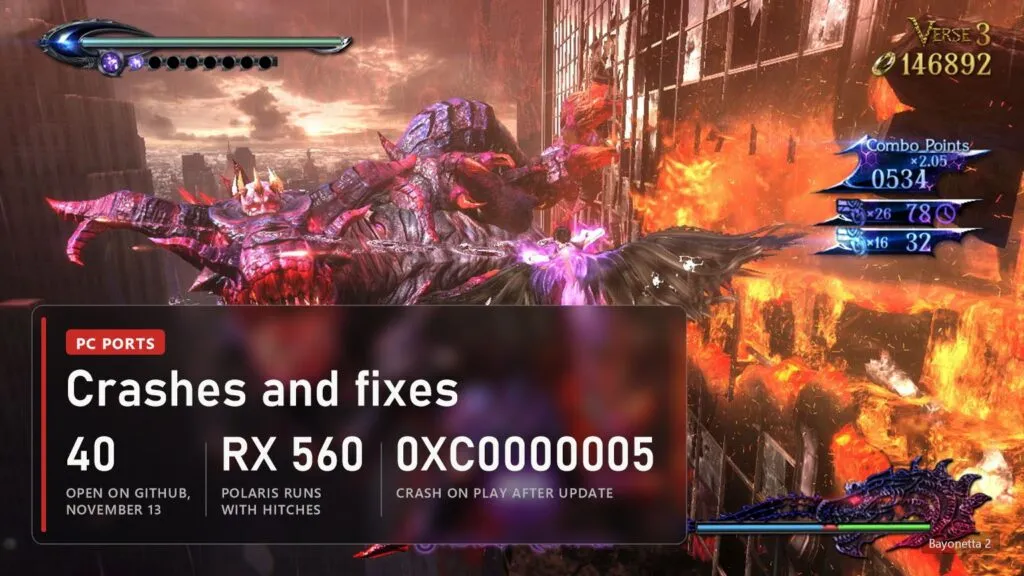
Radeon RX 400 and RX 500 cards (Polaris) are a special case. AMD's Windows driver for them lacks two Vulkan features the renderer normally uses, so B2recomp works around it: the game runs, but the first sessions hitch while shaders are built, and vsync can only wait for the screen. On Linux the Mesa driver has those features, and the author calls Linux the better choice for these cards.
How to download and build Bayonetta 2 on PC
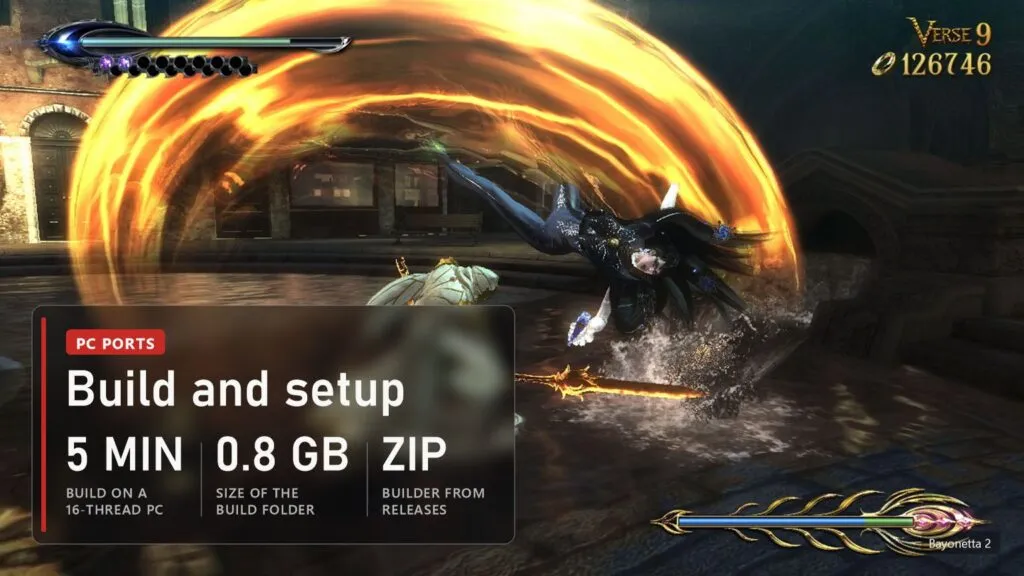
- Open the Releases page and take the latest release, v0.3.3 from October 22. Download
B2recomp-builder-26c45d7.zip. The "linux-test" entries are Linux test builds. - Unzip it into a folder of its own with about 1.5 GB free. The builder holds the source, the compiler and the tools, so nothing else needs installing.
- Start
B2recomp.exe. If Windows SmartScreen warns about it (the file isn't signed), choose More info, then Run anyway. - Click Browse and pick the folder that holds
exefsandromfs, or drag it onto the window. The window says at once whether the folder looks right. - Press Build and wait, about five minutes on a fast PC. When it's done, the same window turns into the launcher. Pick your settings, press Save, then Play.
The first start takes about ten seconds longer, and new places can hitch once while the graphics are prepared; that is saved and doesn't repeat. Saves go to build\play\userdata. To update, close the game, unzip the new builder over the old folder and let Windows replace the files, then press Build again: only what changed is rebuilt, a minute or two, and saves, settings and mods stay.
Settings worth changing
| Setting | What to pick |
|---|---|
| Window mode | Borderless window or Fullscreen |
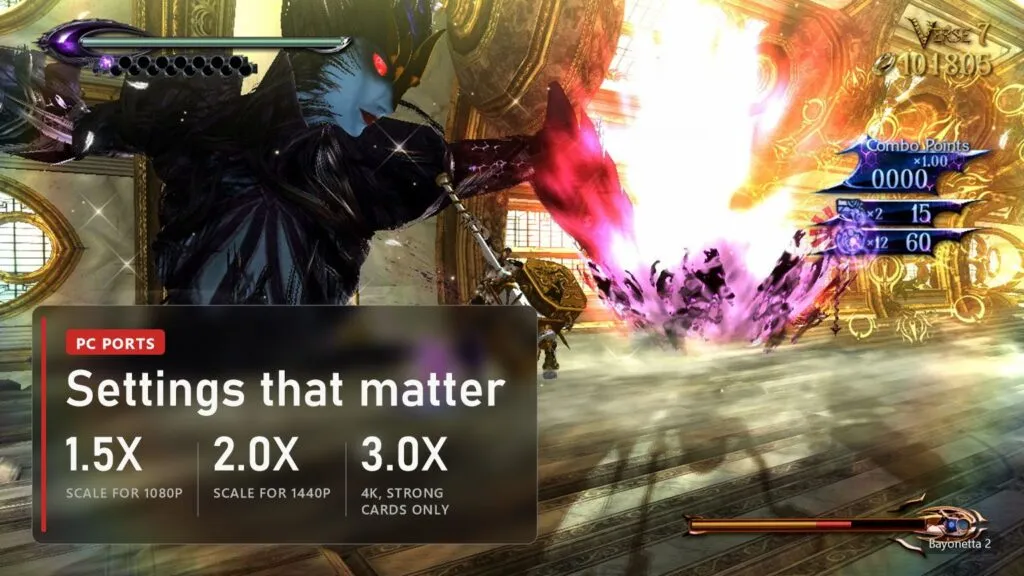
| Resolution scale | 1.5 for a 1080p screen, 2.0 for 1440p, 3.0 for 4K on strong cards |
| Aspect ratio | Keep 16:9, or Stretch on an ultrawide screen; the interface isn't made for 21:9 |
| HDR | Auto: with Windows HDR on the game goes out in HDR10 at your SDR content brightness, otherwise nothing changes |
| Frame rate (beta) | 60 is the game as made. 120 suits a 120 Hz or 240 Hz screen, but some effects and menus can run faster |
| Preset | Low only for integrated or weak laptop graphics |
| Vertical sync, Input latency | Leave as they are |
Controls: connect the pad before pressing Play. Face buttons decides whether A is the right-hand button, as on Switch, or the button printed A; on a PlayStation pad "By printed letter" makes Cross act as A. Test controller shows whether the pad is seen, and Remap controller fixes one with mixed-up buttons. The game shows Switch button pictures; the Controller Prompts Replacement mod by Timo654 (the Switch version, placed in mods) swaps them for PlayStation or Xbox ones. On keyboard and mouse, WASD moves, the mouse buttons punch and kick, Space jumps, left Shift dodges and triggers Witch Time, Q is Umbran Climax, and every key can be changed.
Common problems and fixes
| Problem | What to do |
|---|---|
| "The dump differs from the supported version" | Your copy isn't 1.2. Extract it again with update 1.2 applied. The message offers --accept-modified to go on anyway, at your own risk; on a different version expect crashes. |
| Build stops at the link step, "could not open" | The folder path had commas in it. Fixed in 0.3.3: unzip 0.3.3 over it and press Build, it continues where it stopped. |
| Black window or a Vulkan error at start | Update the graphics driver. |
| Game closes a second after Play, error 0xC0000005 | Reported after updating from 0.2.10 to 0.3.3, no fix on GitHub yet. Try a clean install in a new folder with a fresh build. |
| No sound, "waveOutOpen failed" in the log | Open report on Windows 11 since November 8. Check that Windows has a default playback device set. |
| Grid pattern on see-through textures (RX 570) or broken graphics on Intel UHD | Open reports, no fix yet. On Polaris cards the Linux test build avoids the driver's missing features. |
| Too dark or too bright with Windows HDR on | Move the SDR content brightness slider in Windows display settings, or set HDR to Off in the launcher. |
| Title trailer and gallery videos at a crawl | Known; a fix for video playback at 1/6 speed and above 60 FPS waits as a pull request on GitHub. |
| Combo counter runs out faster, menus too fast | Side effects of the 120 FPS beta. Switch back to 60. |
| Can't move at the start of chapter V, the big wave in chapter 2 doesn't play right | Open reports. Keep a save from before each chapter. |
| Keys or the pad do nothing | Click the game window first: input is read only while it's in front. |
| Steam Deck build fails | The Linux version is still in testing; the author asked Steam Deck owners in the 0.3.3 notes to get in touch. |
| Anything else | Press Report in the launcher: it packs logs and PC details into b2recomp-report.zip, without game files. Issues must be in English with that file attached, or they are closed. |
B2recomp versions
| Version | Date | What changed |
|---|---|---|
| 0.1.0 to 0.1.2 | October 17 | First Windows builds, the same day the repository opened |
| 0.2.0 to 0.2.6 | October 18 and 19 | Fixes for AMD Radeon cards and Windows 10 from player reports; first Linux test builds |
| 0.2.7 and 0.2.9 | October 21 | Steadier 120 FPS: no freeze after slow motion, hit-stop and Witch Time keep their timing, the renderer does less work per frame |
| 0.2.10 | October 21 | Updating by unzipping over the old folder, settings never overwritten |
| 0.3.0 and 0.3.2 | October 22 | Rare crash when a cutscene starts fixed; button pictures follow the printed letters; HDR on Windows |
| 0.3.3 | October 22 | Build in folders with commas in the path; stop when leaving a level from the pause menu fixed |
FAQ
Is Bayonetta 2 on PC officially? No. Only the first Bayonetta was released on Steam. The second game is on Wii U and Switch only, and B2recomp is a fan project not connected to Nintendo, PlatinumGames or SEGA.
Is it an emulator like Ryujinx or Cemu? No. The game's ARM64 code is translated into C and compiled for your processor, and the Switch graphics are redone on Vulkan. There's no interpreter and no JIT.
Can I download the game with it? No. The download contains no game files. It needs your own copy of Bayonetta 2 for Switch, version 1.2.
Can I play it to the end? One player reports finishing it at 60 FPS. The author has confirmed the prologue and chapter 1 so far, and there are open reports from later chapters, so keep separate saves.
Is there a port of Bayonetta 3? Yes, a separate project, Witch Time by Zexyen, who also contributed to B2recomp. It's listed in our Switch ports table.
Sources
- B2recomp, README and release notes v0.1.0 to v0.3.3: github.com/K0NL/B2recomp (checked November 13, 2026)
- B2recomp issues on GitHub: #51, #56, #59, #60, #63, #64, #65, #68, #75, #77, #82, #83, #85, #86, November 13, 2026
- GitHub release download counter of B2recomp-builder 0.3.3, November 13, 2026
- Nintendo eShop page of Bayonetta 2 (screenshots)
Read next
 PS4 games on PC without an emulator: every port, from Bloodborne to Uncharted and GT Sport
 Switch games on PC without an emulator: 20 fan ports, from Zelda to Smash
 UFC 4 on PC: PORTHEON runs UFC 1-4 natively, UFC 5 and UFC 6 from PS5
 Bloodborne Native PC Port: Now on Windows Too, With Online Play and DLSS