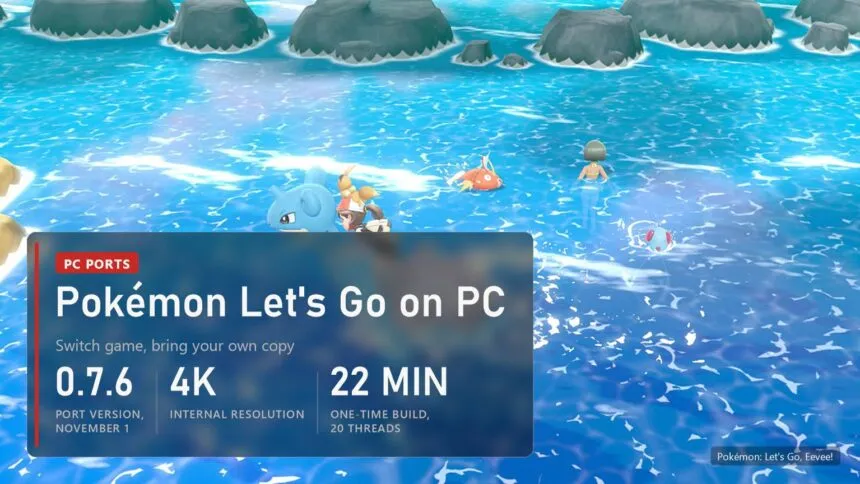
Updated on November 11, 2026: Let's Go Recomp is at 0.7.6 from November 1, which fixes the freeze after a long session, blank text on some graphics drivers and a battle hang on NVIDIA cards.
Pokémon: Let's Go, Pikachu! and Let's Go, Eevee! came out on the Switch in 2018 and never got a PC version. Since mid-October a fan project called Let's Go Recomp runs both games natively on Windows, not in an emulator. It takes the game from your own Switch dump, translates its code for your processor and builds a Windows program on your PC, once, in about twenty minutes. On top it adds 4K, AMD FSR 3.1, 60 or 120 FPS in the world, frame generation and an optional battle mode for wild Pokémon. Nobody has played it from start to finish yet, and the author says so plainly. Below: what works, which copy and PC you need, how to set it up, the settings worth changing, the crashes players report and what fixes them.
Read next:
What works in Let's Go Recomp
The Switch runs an ARM processor and a graphics API of its own called NVN, so the game can't simply start on a PC. Let's Go Recomp (raulzrrs/letsgo-recomp, 276 stars on November 8) translates the game's ARM64 code into C ahead of time, and a compiler on your PC turns it into a Windows program. A runtime stands in for the console: system services, NVN drawn through Vulkan, sound and controllers. The runtime comes from LAS Recomp, the Link's Awakening port by Peiikai (peiikai/LASRecomp). Much of the graphics work in October came from a second developer, Iván Serrano.
| Part | State in 0.7.6 |
|---|---|
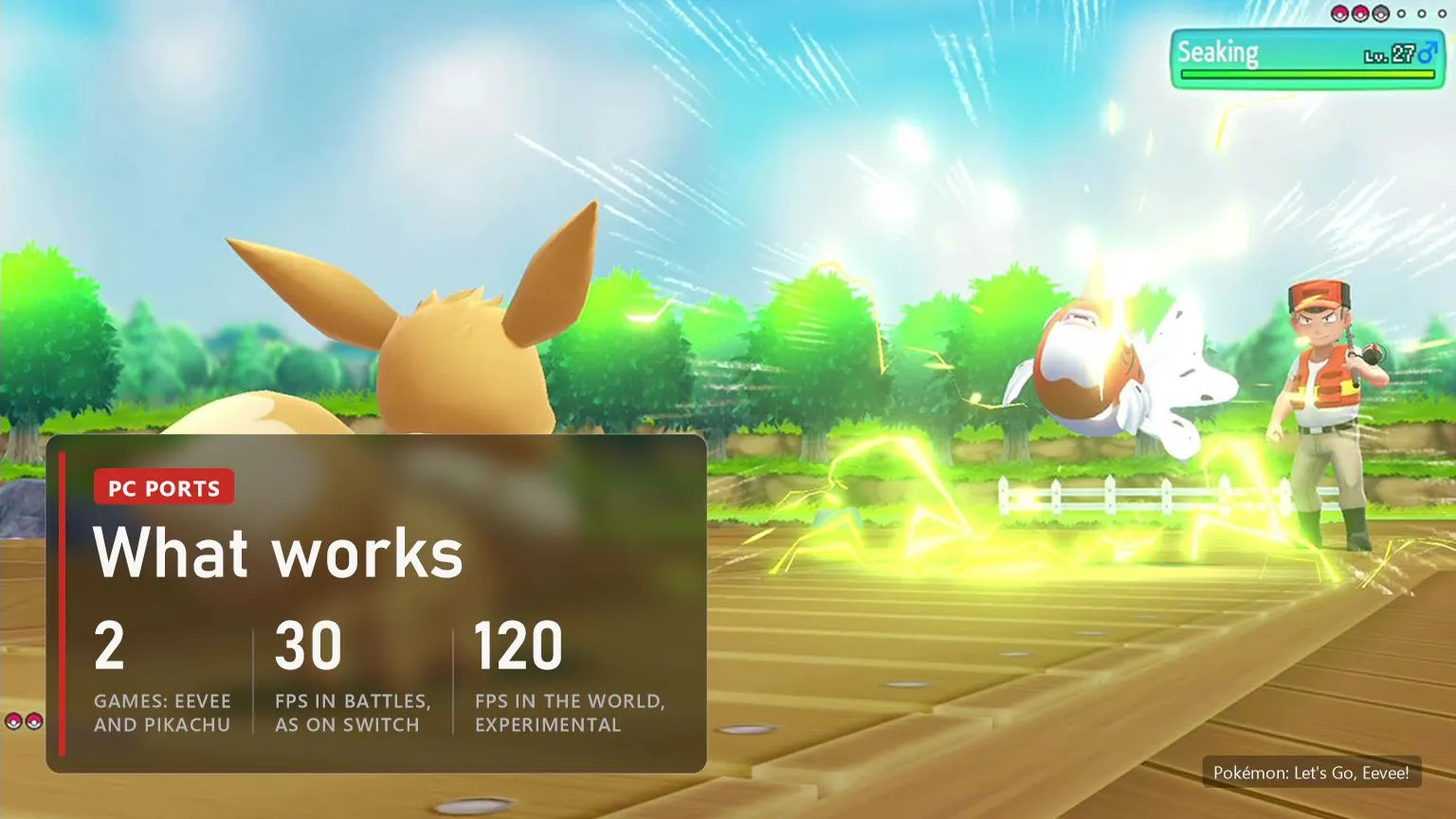
| Story | Plays, saves and loads; not yet finished from start to end on the port |
| Games | Let's Go, Eevee! and Let's Go, Pikachu!, any region; Eevee is the better tested one |
| Frame rate | 30 FPS as on the Switch, 60 or 120 FPS in the world (experimental); battles and captures stay at 30 |
| Picture | Up to 4K internal resolution, any window size, SMAA, TAA or FSR 3.1, SSAO and indirect light, 2x interface images |
| Controls | Any controller with Nintendo or Xbox layout, keyboard and mouse (the mouse aims Poké Balls and acts as the touch screen) |
| Mods | LayeredFS packs: fan translations, textures, models; several at once |
| Not supported | Online features, the Poké Ball Plus, the second player |
The download contains no game files and no game code. The program that comes out of the build holds the game's translated code, so it stays on your PC and nobody hands it out. That also matters for how long the project may stay up: ports that share ready recompiled code get taken down faster.
Which copy of the game and what PC you need
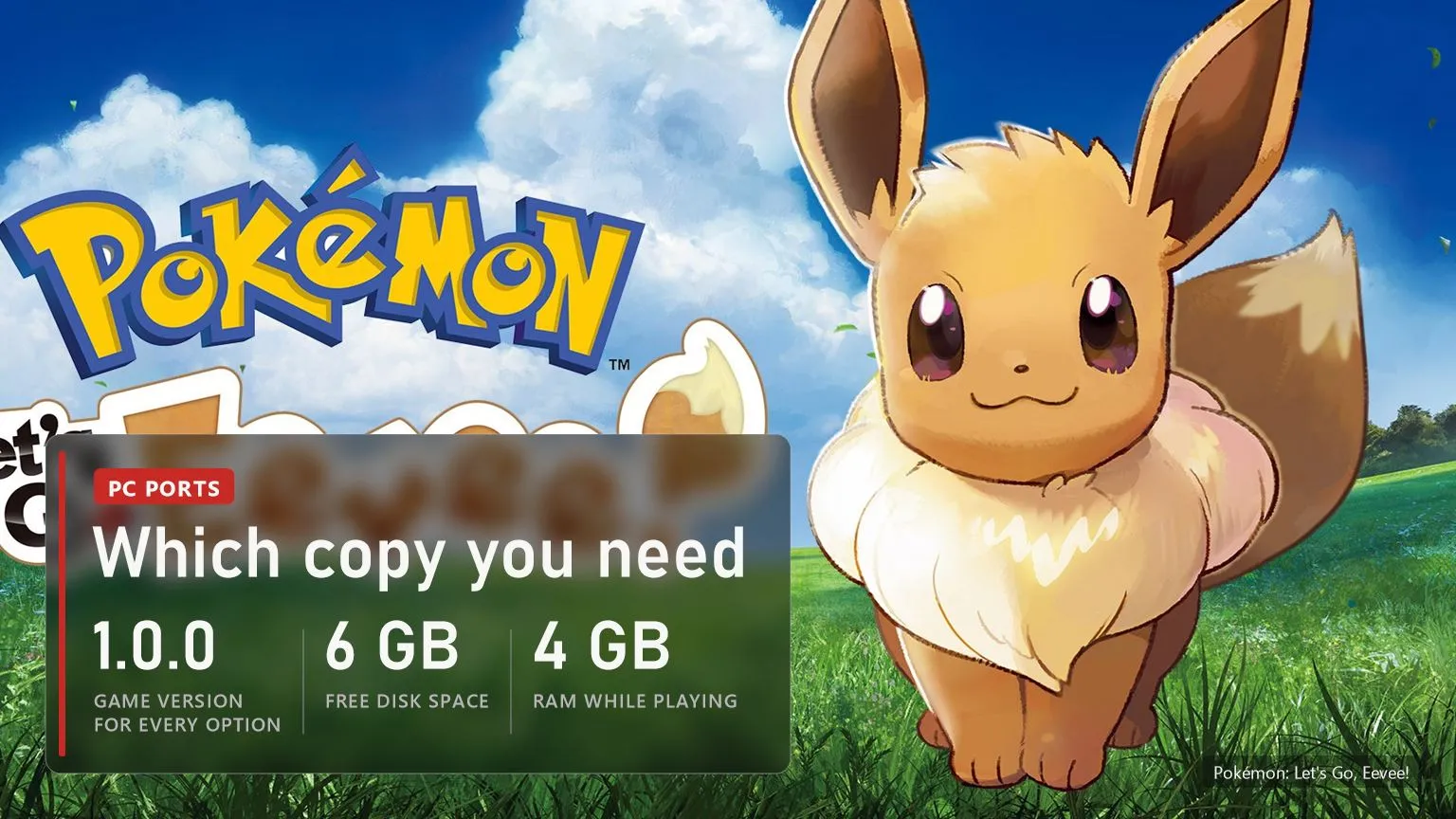
The port needs your own copy of Let's Go, Eevee! or Let's Go, Pikachu!, cartridge or eShop, extracted into the exefs and romfs folders. We don't link game files or explain how to get them: you need your own copy of the game and data from your own console. .xci and .nsp files must be extracted first, the launcher doesn't read them.
| What | Needed |
|---|---|
| Game version | 1.0.0 of either game, or Eevee 1.0.2, for every option; other updates start but without the frame rate, wild battle and controller options |
| System | Windows 10 or 11, 64-bit; no official Linux or Mac build yet |
| Processor | x86-64 with SSE4.2 (Intel Nehalem or AMD Bulldozer and newer); AVX2 (Intel Haswell, AMD Zen and newer) recommended, without it the game runs slower |
| Graphics | A card and driver with Vulkan 1.3 |
| Memory | About 4 GB while playing, 5.2 GB during the one-time setup |
| Disk | About 6 GB free in a folder you can write to |
Vulkan 1.3 is the line that stops most older laptops. An Intel HD or UHD chip with an old driver often reports a lower version, and the port won't start there. Update the graphics driver first, then check again.
How to download and set up Let's Go Recomp
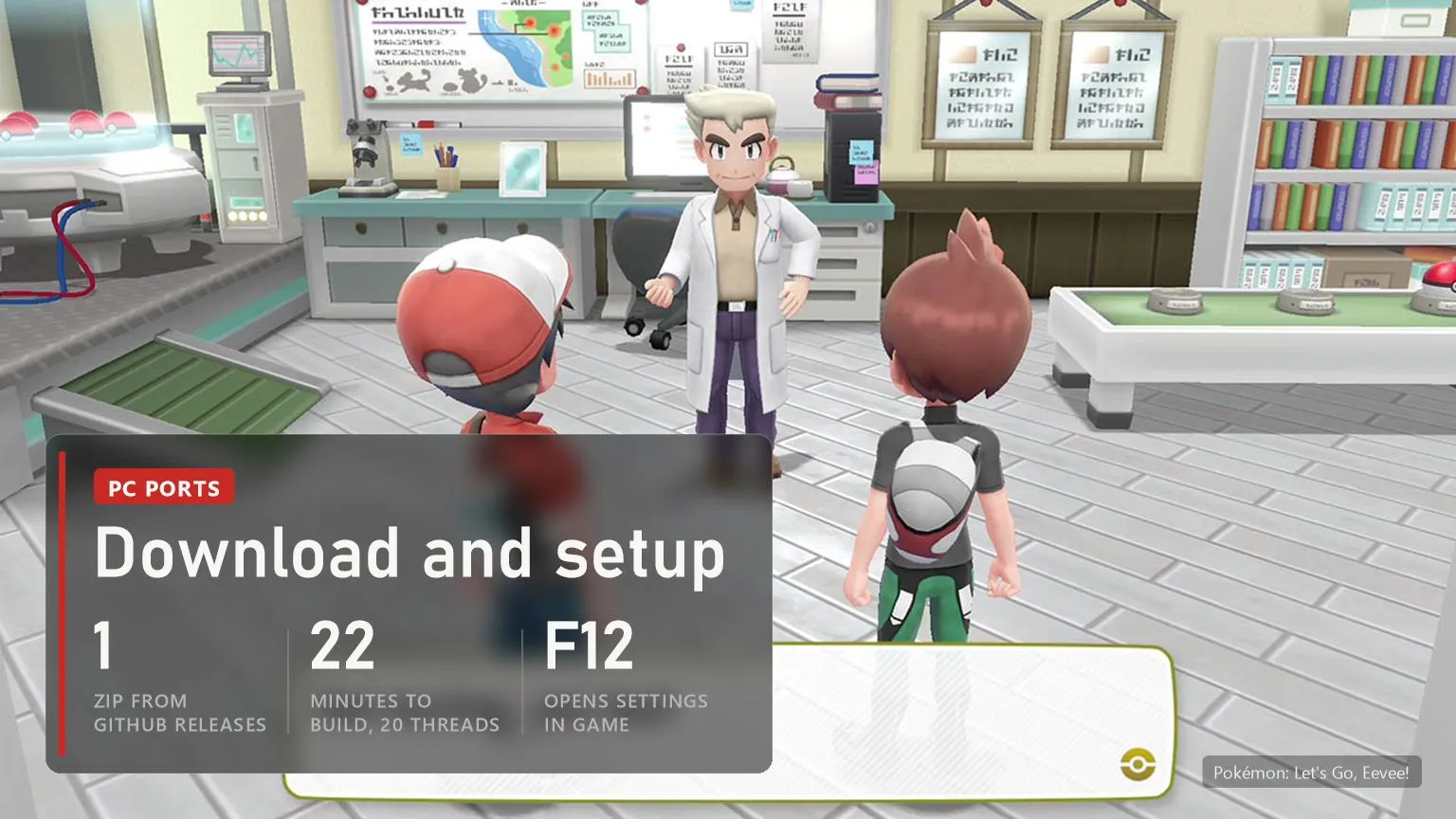
Download only from the project's Releases page on GitHub. Pages that offer Let's Go "for PC" with the game included are not this port.
- Download
LetsGoRecomp-0.7.6-windows.zipfrom raulzrrs/letsgo-recomp/releases and unpack it into a folder you can write to, not into Program Files. - Start
LetsGoRecomp.exe. If Windows shows "Windows protected your PC", click More info, then Run anyway. - Pick the game: on the Game page click Select game folder and choose the folder that holds
exefsandromfs. - Wait for the build. The launcher copies the files and recompiles the game for your processor. The author measured 22 minutes on a 20-thread CPU, and a 6-core chip takes longer. This happens once.
- Play. F12 in the game opens the same settings as the launcher and applies them at once.
Saves, settings and mods all stay in that folder. To update, close the game and unpack the new release over it: from 0.7.1 on nothing is rebuilt, from older versions the first start rebuilds the game code by itself in a few minutes. Want both games? Use one folder for each.
Graphics, frame rate and the settings worth changing
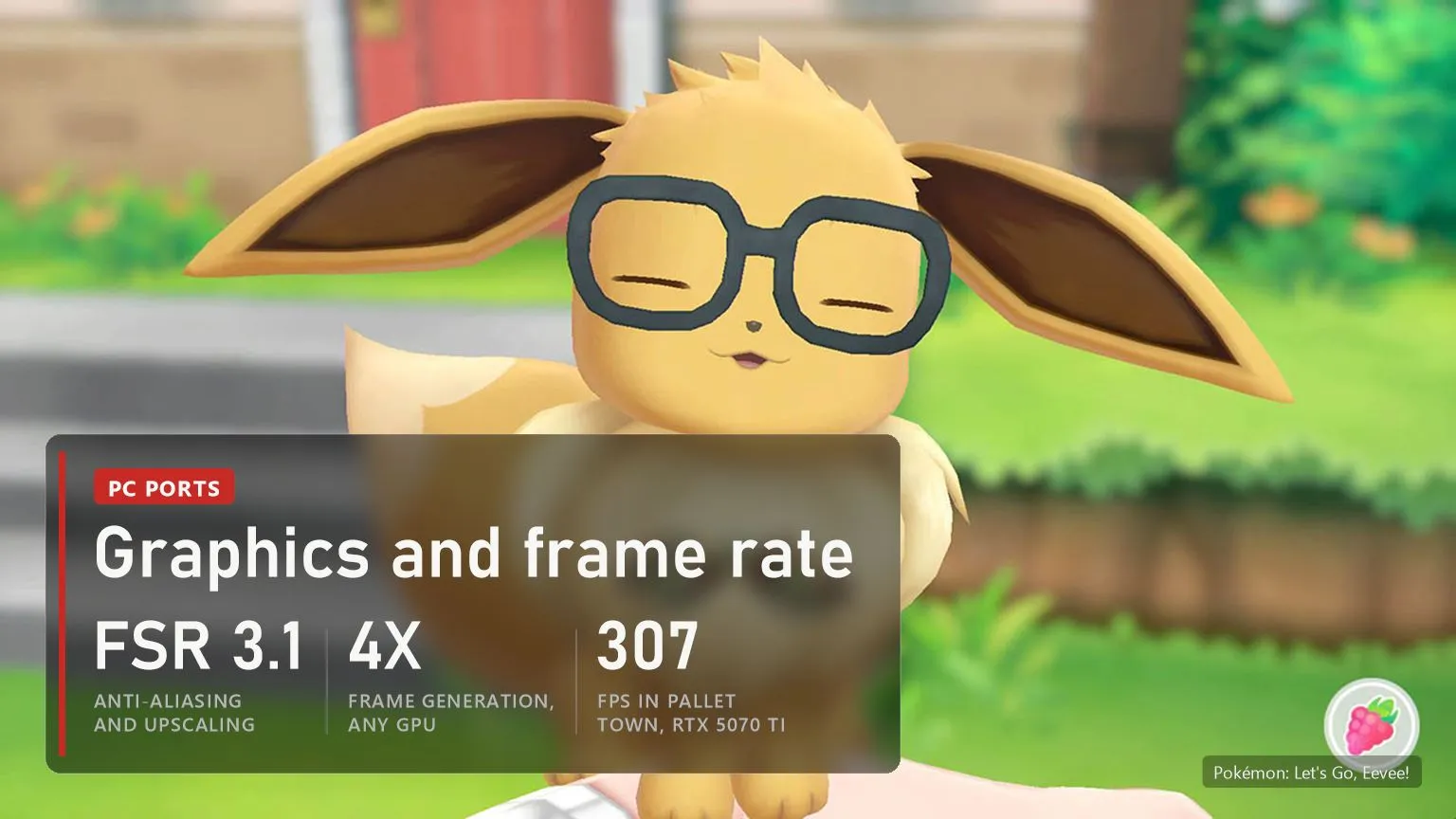
The launcher has pages for Graphics, Image and sound, Controls and Mods. With the original settings the port draws the game as the Switch does, only sharper. These options change the most:
| Setting | What it does | Our advice |
|---|---|---|
| Anti-aliasing | SMAA, TAA or AMD FSR 3.1; FSR 3.1 can also render lower and upscale, FSR 1 for weak cards | TAA or FSR 3.1 at native resolution; FSR 3.1 upscaling on integrated graphics |
| Frame rate limit | 30, 60 or 120 FPS in the world; battles and captures stay at 30 | 60; 120 is experimental |
| Frame generation | Off, Auto, 2x, 3x, 4x on any GPU; Re-render draws each extra image again, Optical flow builds it from the last two (lighter, some smearing) | Off at 60 FPS, Optical flow only on a high-refresh screen |
| SSAO and GI | Ambient occlusion and indirect light, Ultra adds contact shadows | Medium on a mid-range card |
| 2x interface | Upscales the menu images once and sharpens text | On; skip it if it hangs on AMD integrated graphics |
| Show FPS | Frame counter in a corner | On while you tune |
The port got much faster once the processor stopped waiting for the graphics card. Iván Serrano measured Pallet Town on an RTX 5070 Ti at 4K with effects off and no frame limit: 145 FPS before 0.7.2, 307 after. On an i5-14600KF with an RTX 3080 at 1080p, Viridian City went from 141 to 195 FPS when 0.6.0 moved buffer copies to helper threads. Locked at 60, both PCs held 60 before too: the gain is headroom for effects and weaker cards.
Wild battles: the optional mode
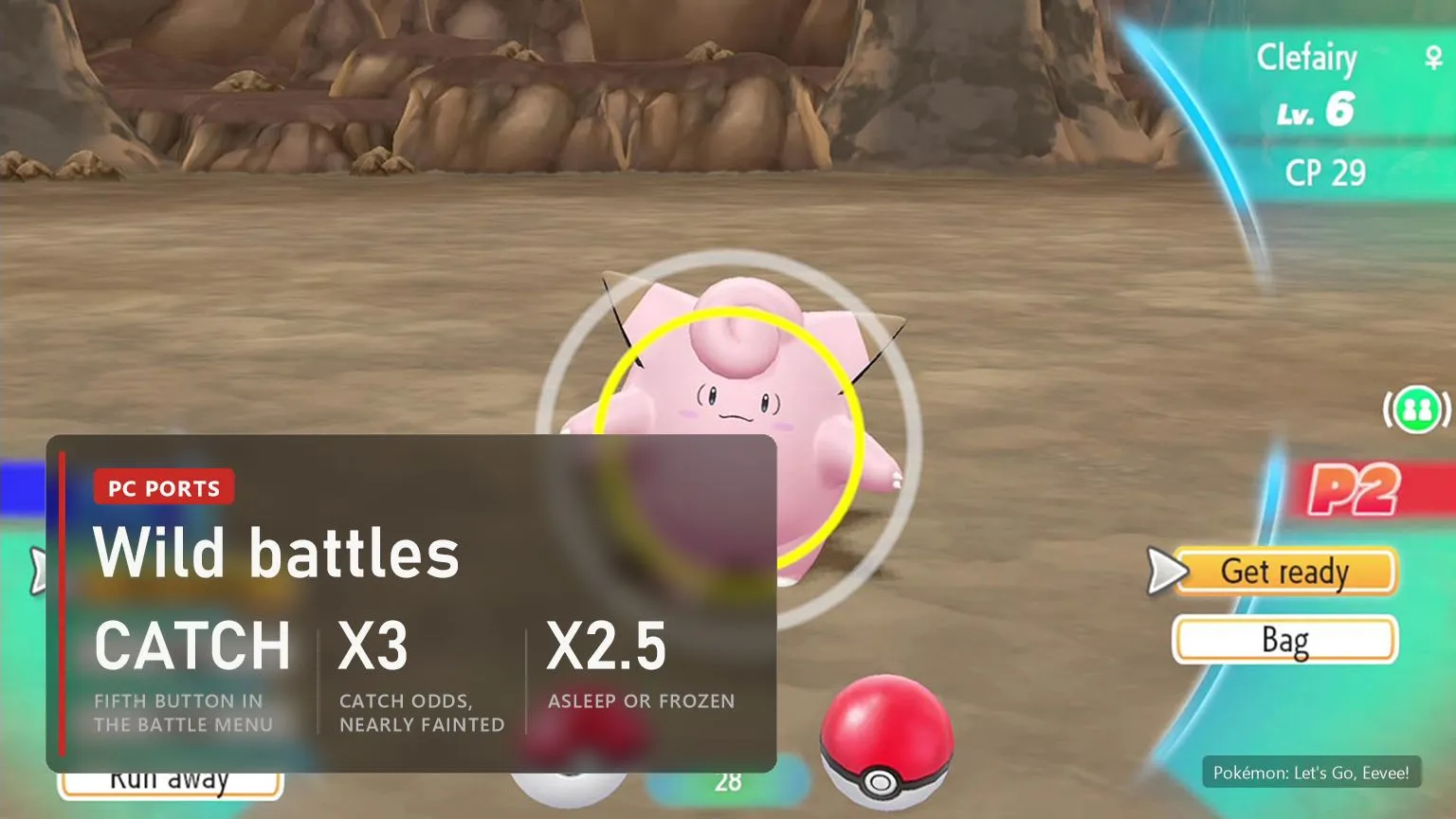
In the original game you don't fight wild Pokémon, you throw balls at them as in Pokémon GO. The Wild battles option turns those encounters into classic battles. Since 0.7.0 the battle menu gets a fifth button, CATCH, drawn in the game's style in all nine languages. It throws one Poké Ball through the game's own capture scene. The odds grow as the wild Pokémon weakens: up to x3 when it's nearly fainted, x2.5 when it's asleep or frozen, x1.5 when it's paralysed, burnt or poisoned. A knocked-out wild Pokémon gives your party experience, with new moves and evolutions after the battle.
Experience isn't split between Pokémon yet. Losing a wild battle sends you back as after any lost battle since 0.7.6; before that the party just stood there fainted. The mode works on 1.0.0 of both games and on Eevee 1.0.2. Leave it off if you want the game as Game Freak made it.
Crashes and fixes
The port is a month old, and new reports reach its GitHub tracker every day. These are the problems players report most and what the author advises:
- The game freezes after 10 to 30 minutes. One of the renderer's tables filled up and the render thread spun forever. Fixed in 0.7.6, so update first.
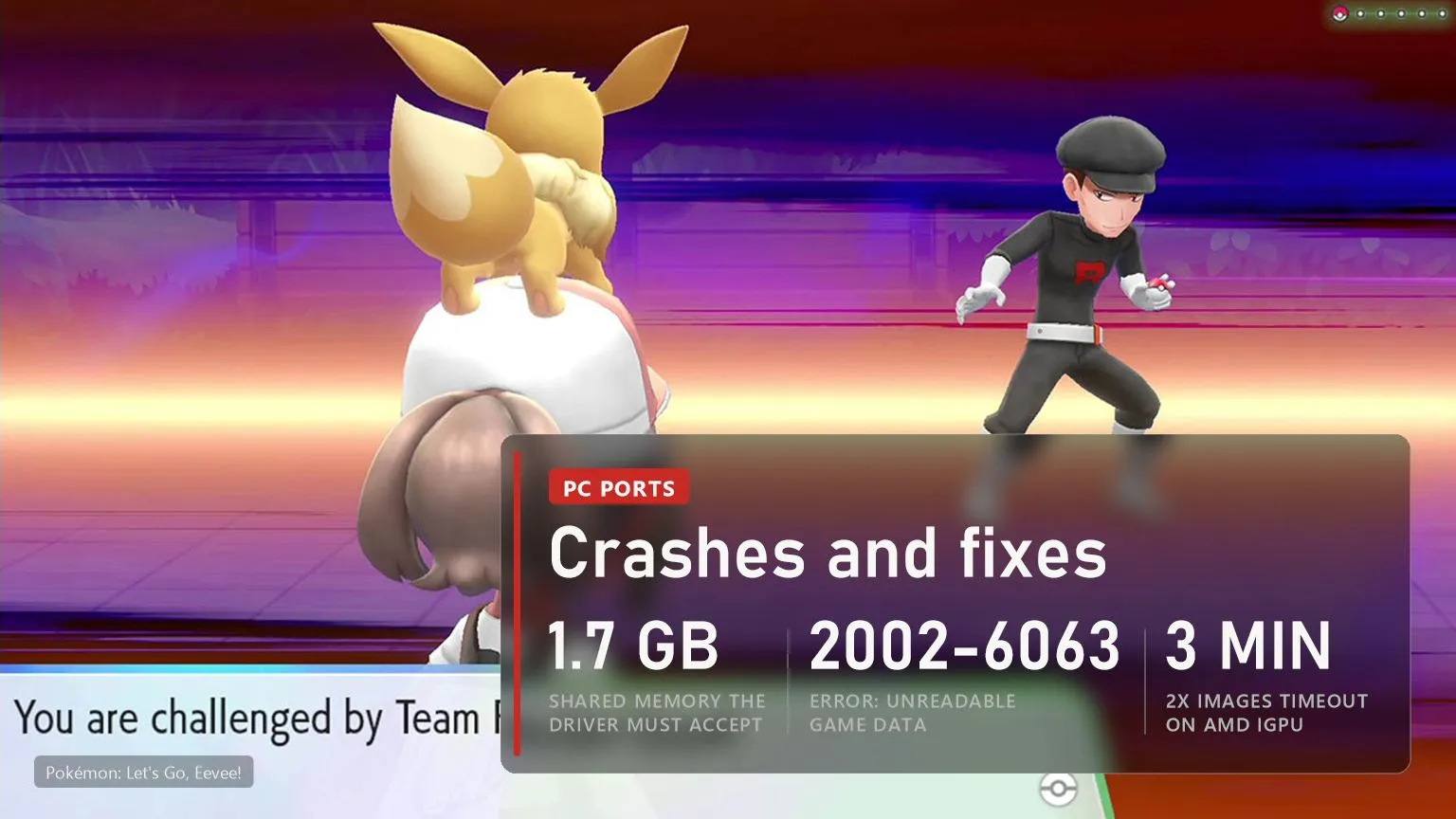
- Dialogue and menus have no text, mostly on Intel UHD graphics. The driver refused to share all of the game's memory. 0.7.6 asks for less, but a driver that accepts under about 1.7 GB still shows no text. Update the Intel driver and send the log if it stays blank.
- "Device lost" crash in a battle on NVIDIA. Fixed in 0.7.6 by a change to how shaders branch. A new report of the same error after one to three minutes on 0.7.6 (issue #56) is still open.
- Closes at start with error 2002-6063. The game data image couldn't be read: cut short, or copied in another tool's format. Since 0.7.3 setup checks it. Pick again the folder that holds
exefsand theromfsfolder itself. - Crash after pressing A on the name screen (issues #52 and #53). 0.7.6 prepares the font at start. It wasn't tested on the Intel HD 620 from the report, so tell the author if it still happens.
- "Make the 2x images" never finishes on AMD integrated graphics. Since 0.7.6 it stops after 3 minutes without progress. The game plays the same without it.
- Crash at start on some Windows 10 PCs (
c0000005). The Yu Gothic Regular font broke the game's font engine. Fixed in 0.2.1. - The build stops although the disk has space (issue #54, open). Use a short folder path on a local drive, keep 6 GB free and attach
lasrecomp.logto the report.
For any crash, the author asks for an issue with lasrecomp.log from the game folder. Don't run "fix" files that strangers post in the comments of fan ports: on other projects they turned out to be malware.
Versions
| Date | Version | What changed |
|---|---|---|
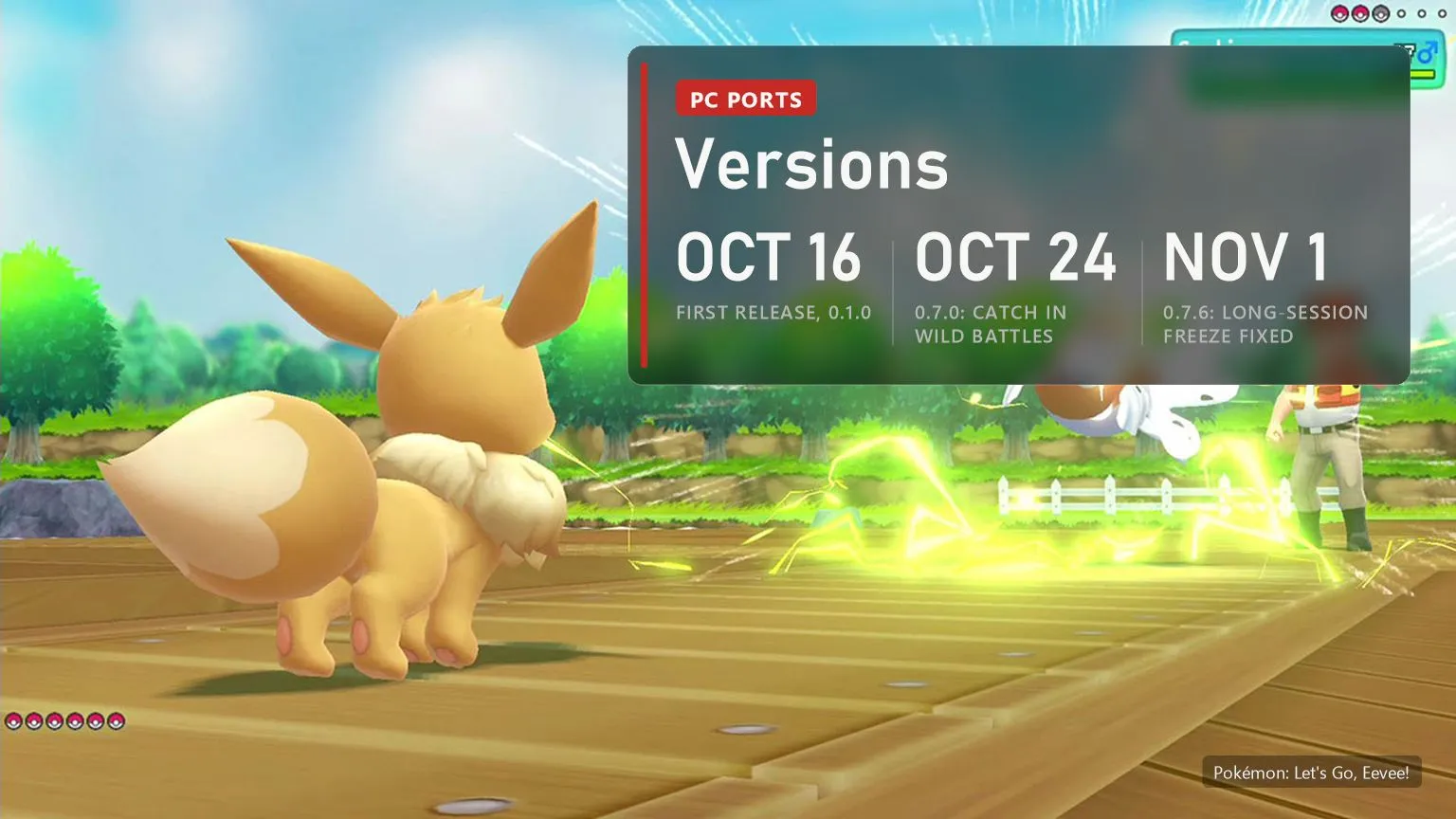
| November 1, 2026 | 0.7.6 | Long-session freeze, blank text on some drivers, NVIDIA battle hang, incomplete game data caught at setup, FPS counter, a lost wild battle blacks out as in the game |
| October 25, 2026 | 0.7.4 and 0.7.5 | Smoother walking at 60 FPS (1% low from 40 to 55), wild battles stay at 30 FPS after a broken ball |
| October 24, 2026 | 0.7.0 to 0.7.3 | CATCH in wild battles, CPUs without AVX2, up to twice the frame rate when the CPU is the limit, optical flow frame generation, error 2002-6063 caught at setup |
| October 22, 2026 | 0.6.0 | Frame generation 2x to 4x on any GPU, menus in the game's style, Xbox button layout, SSAO Ultra, faster cities |
| October 20, 2026 | 0.5.0 | New launcher, SMAA, TAA and FSR 3.1, SSAO and GI, 60 and 120 FPS, mods, skip controller selection |
| October 19, 2026 | 0.3.2 to 0.4.2 | Wild battles mode and its first crash fixes |
| October 17, 2026 | 0.2.0 to 0.2.2 | Let's Go, Pikachu! supported, Windows 10 font crash fixed, offline communication screens |
| October 16, 2026 | 0.1.0 to 0.1.2 | First releases, Let's Go, Eevee! only |
FAQ
Is Pokémon Let's Go officially on PC?
No. Let's Go, Pikachu! and Let's Go, Eevee! are Switch games with no official PC version. Let's Go Recomp is a fan project and needs your own copy of the game.
Is it an emulator?
No. The game's code is translated and compiled into a Windows program on your PC. A runtime replaces the Switch's system services, and the graphics are drawn through Vulkan.
Does Let's Go, Pikachu! work too?
Yes, since 0.2.1. Pikachu 1.0.0 gets every option, 60 FPS and wild battles included, but it has been tested less than Eevee. Each game needs its own folder.
Can I finish the game on the port?
Not confirmed yet. The author writes that nobody has played it from start to finish on the port. The reports and measurements so far come from the early areas, Viridian City, Viridian Forest and Pewter City, and the freeze after a long session was fixed in 0.7.6.
Does online trading work?
No. The port keeps its own saves in the game folder, and online play, internet trading, the Poké Ball Plus and the second player are not supported.
Does it run on Linux or the Steam Deck?
There is no official build yet. Players have shared patches to build it on Linux and the Steam Deck (issue #39), and a request for a Linux build is open.
Sources
raulzrrs/letsgo-recomp: README (features, requirements, supported games, how to play, mods, known issues), CHANGELOG, release notes from 0.1.0 of October 16 to 0.7.6 of November 1, 2026, and issues #21, #24, #30, #31, #37, #39, #46, #49, #52, #53, #54 and #56. peiikai/LASRecomp: the recompiler and runtime the port is built on. Frame rate figures are the developers' own measurements from the release notes for 0.6.0 and 0.7.2. Star count checked on November 8, 2026. Images: official Pokémon: Let's Go, Eevee! screenshots and key art from the Nintendo eShop.