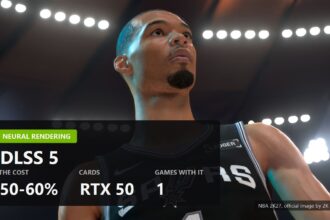
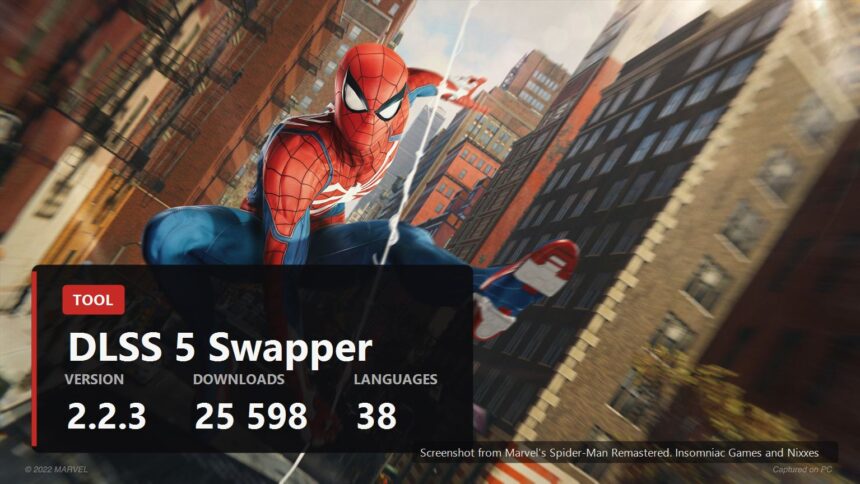
Everything enthusiasts have been assembling by hand around DLSS 5 for the past six weeks has finally been packed into one program with a button. It is called DLSS 5 Swapper, it lives on GitHub, it installs the neural pass into games NVIDIA never listed, and it walks straight past the RTX 50 requirement. The current version was downloaded more than twenty five thousand times in its first fifteen hours.

What it does
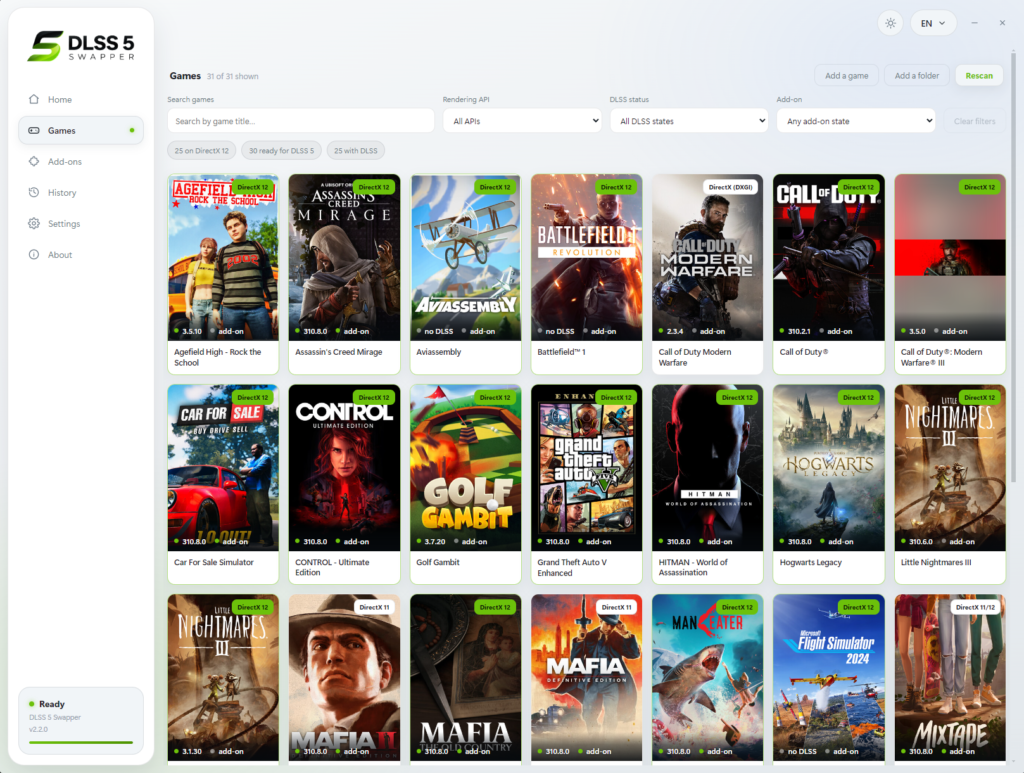
The logic is plain. You drop a game folder into the window, or let the app scan your libraries, and it decides which route to install through.
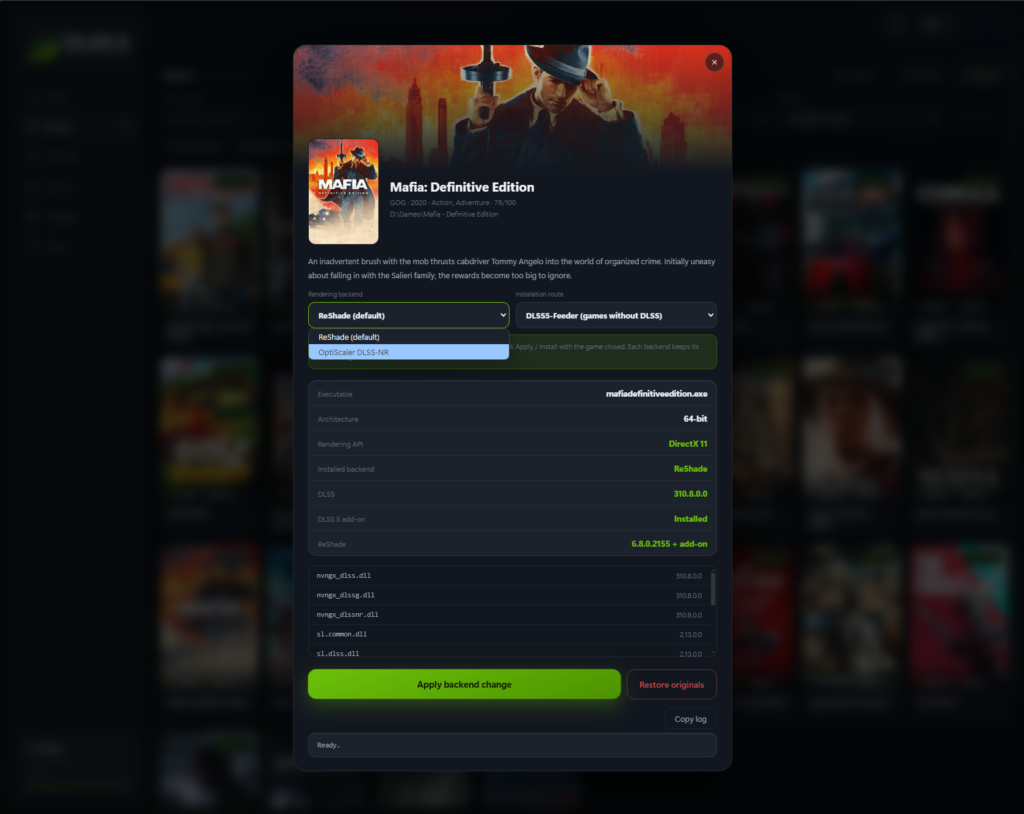
If the game has native DLSS, the files are simply swapped. If it does not, the job goes to DLSS5-Feeder plus ReShade: the first makes the calls the game never makes, the second hands over the frame, the depth buffer and the motion vectors. We went through that mechanism in detail when the first DLSS 5 mods appeared, and here it arrives ready made.
- Steam, Epic, GOG, Game Pass folders and Ubisoft Connect. Games are found on their own, and anything can be added by hand, emulators included.
- DirectX 9 through DirectX 12, plus Vulkan and OpenGL. The listed emulators are PCSX2, Dolphin and Xenia.
- RTX 20 and RTX 30 work too. The NVIDIA rule about the fiftieth series does not apply here, because the community moved the build from FP8 to FP16 back in late August.
- Full drive scanning is off by default. A small thing, and a welcome one: the app does not crawl your whole machine until you ask it to.
- Thirty eight interface languages.
Sliders inside the game
The most interesting piece is the app's own panel drawn over the running game. A hotkey opens it, and it moves the real controls of the neural pass rather than cosmetic app settings: structure intensity, tone intensity, a separate character mask and a choice of three models, from plain to cinematic.
Check the key on your own machine. The project description says F8 while the interface screenshot shows F10, so one of the two has fallen behind.
The panel only works on two installation routes, through DLSS5-Feeder and through RenoDX version 4.7. If a game got DLSS 5 by having its own files swapped, there are no sliders.

Version 2.2.3 and the Spider-Man story
The changelog reads like a decent engineering diary rather than a formality. Two entries are worth pulling out, because they show what this kind of work is actually made of.
First. Marvel's Spider-Man Remastered ships a copy of D3DCompiler_47.dll version 6.3.9600, built back in 2013, next to its executable. Windows dutifully loads that one instead of its own newer copy. The neural pass is compiled as Shader Model 5.1, the old compiler quietly fails to handle it, and then the worst possible outcome follows: the install reports success, the add-on reports success, the frame counter reports success, and nothing on screen changes. The app now moves that library into the backup, the game picks up the system copy, and Restore puts it back.
Second. OptiScaler is no longer refused to RTX 40 owners. It turned out that Blackwell is needed not by OptiScaler itself but only by the neural model file, and with a modified model a previous generation card works.
Then the small stuff: the panel stopped vanishing on displays with scaling, and a failed process check no longer tells people to close a game they closed an hour ago.
What to watch out for
The program is unofficial and has no connection to NVIDIA. It runs on DLSS 5 files that leaked out of a pre-launch build of NBA 2K27, so the whole construction stands on a leak. That does not make it malicious, but it does mean there is no support and no guarantees.
Which leads to a practical note. Download only from the project's own releases page and check the sums, they are published there as a separate file. A popular tool always grows a crop of sites with a similar name and rather different contents.
One less obvious point as well. Backups and Restore exist in the app, but multiplayer games with anti cheat should be left alone entirely. Swapping libraries next to a game is exactly what anti cheat treats as interference. How to add an upscaler carefully, and where not to go, is covered in our separate guide.
Sources
Features, store list, emulator support, the in-game panel, the 2.2.3 changelog, the language count and the download numbers: the DLSS 5 Swapper repository on GitHub, checked on 7 September 2026.
Where the DLSS 5 files came from and how the mods run on RTX 20 and RTX 30: TechPowerUp report of 5 September 2026.
Interface screenshots: the DLSS 5 Swapper project page.