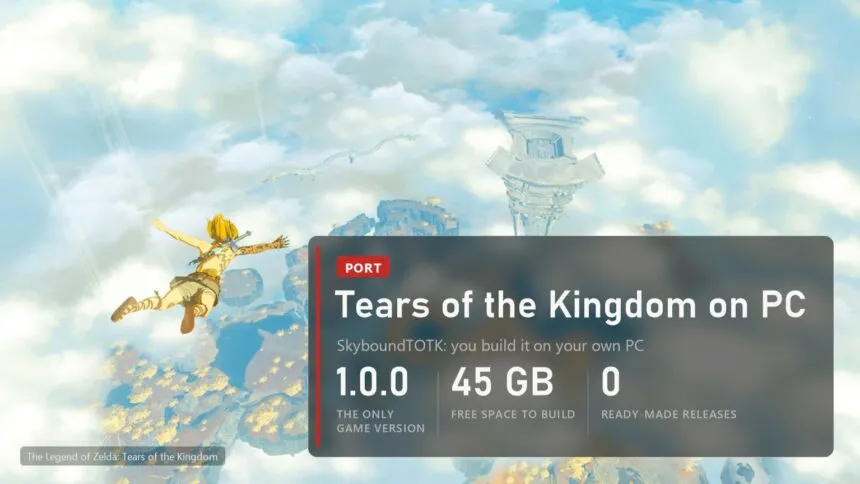
Ten days after a fan port of Breath of the Wild showed up on GitHub, its sequel followed. SkyboundTOTK, published by a developer called NotRexed late on October 27, runs The Legend of Zelda: Tears of the Kingdom as an ordinary Windows program, with no Switch emulator in between. It had 128 stars twelve hours later and 342 by the morning of October 29, and DSOGaming wrote it up the same night.
Before you clear 45 GB on your drive: this is a project you build, not a game you download, and its author calls it experimental in the first paragraph of the README. Below is what it actually does today, what you need to get it running and which problems are already known.
What SkyboundTOTK is
It is a static recompilation, the same approach as the other Switch ports in our list. The Switch has an ARM processor, so the game's ARM64 code is translated into C ahead of time and compiled on your PC into a native x86-64 executable. A runtime written for this game stands in for the console's system services. The graphics go through WebGPU, and on Windows the wgpu-native library turns that into Vulkan or Direct3D 12 (the game does not run in a browser, whatever the API name suggests).
It is a port of one game, not a general Switch emulator, and some of the shader translation still happens while you play.
What works right now
- The game starts, loads its data and renders. The author's own wording is careful: a successful build "does not guarantee a complete playthrough".
- Keyboard and mouse (WASD, IJKL for the camera, mouse capture with a click, sensitivity on - and =) and any XInput or SDL controller.
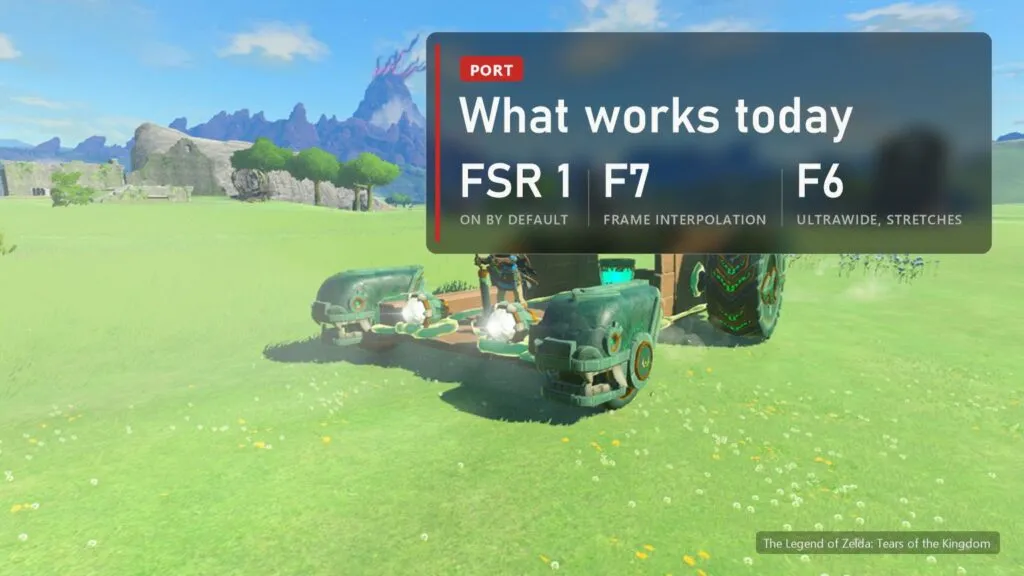
- FSR 1 upscaling with adjustable sharpening, on by default.
- Windowed or full screen, stretched or with the original aspect ratio, saved between launches.
- A shader pipeline cache on disk, so the second visit to an area stutters less (it still stutters).
What you need
| What | Requirement |
|---|---|
| Game | Your own copy of Tears of the Kingdom, base version 1.0.0, unmodified. Updates and other versions are not supported. |
| System | Windows 10 or 11, 64-bit. No Linux or Steam Deck build yet. |
| Graphics | A GPU and driver that wgpu-native supports (Vulkan or Direct3D 12) |
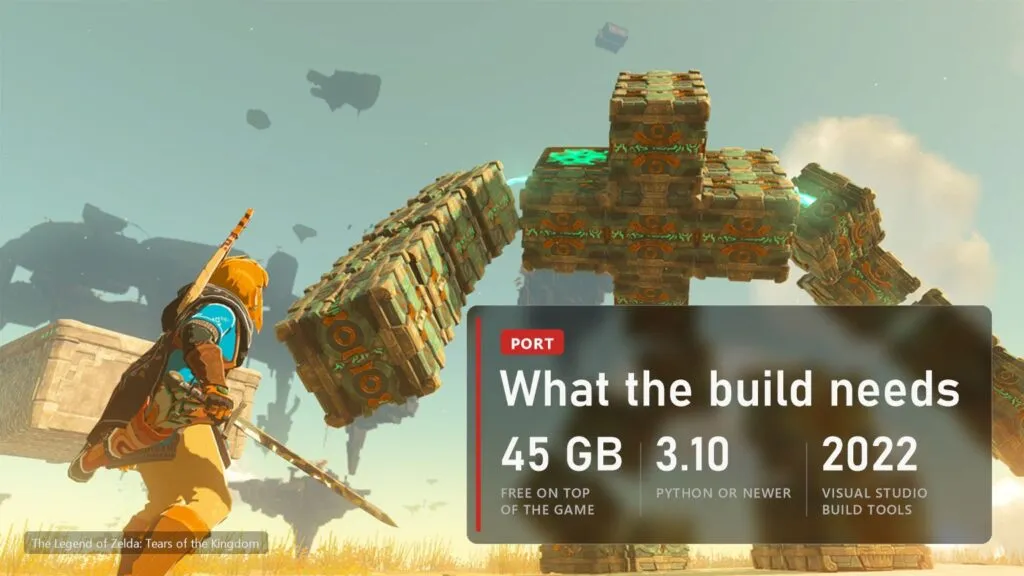
| Disk | At least 45 GB free on top of the game files |
| Build tools | Visual Studio 2022 Build Tools (C++ and Windows SDK), Clang with lld, Python 3.10 or newer with the lz4 package |
| Time | The first build takes a long time and loads the CPU and memory heavily |
Nothing from the game is in the repository: no code, no recompiled code, no assets, no saves. You need your own copy of the game and data from your own console, and the project does not help with either. The finished package in the dist folder does contain material made from your game, so the README asks you not to share it, and so do we.
Where to download
Only from the author's repository: github.com/NotRexed/SkyboundTotk. On October 29 there is still no release there, just the source code (Code, Download ZIP). Any site offering a ready "SkyboundTOTK.exe" or a playable download is handing out either someone else's build made from game data or something worse. Repacks with torrent links turned up around the God of War III port within days, and we expect the same here.
How the build goes
The steps are in the README, and they are short. Your extracted game files go into the project's game folder, then build.bat runs from an x64 Native Tools Command Prompt. The script checks the build IDs of the main and sdk modules and a few data folders, translates the game code, compiles the executable and copies everything into dist/SkyboundTOTK. You then start SkyboundTOTK.exe from there, and that folder can be moved anywhere as a unit.
Two things the README warns about: the check of your files is only partial, so a passing check does not prove the files are complete, and the script will not overwrite an existing dist folder. Move the old one aside first, and copy its user folder if you want to keep your saves.
What still breaks
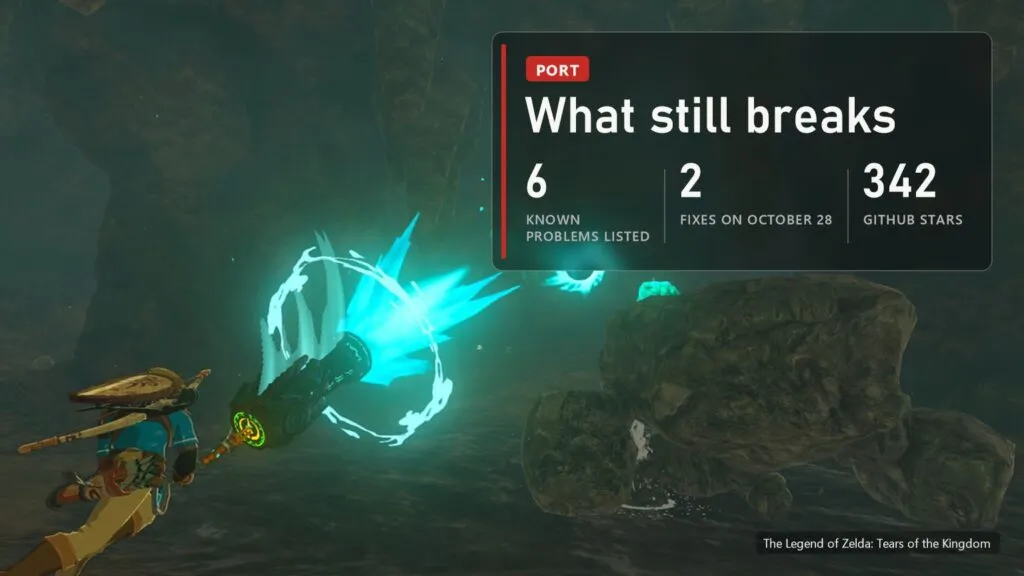
The author keeps a list of known problems, and it is not short:
- Shadows render wrong in places.
- Terrain sometimes stretches, and some areas show the wrong ground textures.
- The weapon and shield wheel gets a black background instead of the blur.
- The Ultrawide mode (F6) stretches the picture instead of widening the view.
- Particles from Zonai Portable Pots, the gloom in the Depths and black icons of fused weapons were fixed with workarounds in earlier builds, but nobody has checked them again in this one.
- Frame pacing depends on the scene and your hardware, and new areas stutter while their shaders compile.
Two problems are already gone: on October 28 a contributor fixed dark bands in night shadows and occasional loud audio blips, so a build from the current code has both fixes.
For anyone hoping to finally play TotK at a steady 60 FPS on PC, this is the point to wait. For anyone who enjoys watching a port grow week by week (that is most of the people starring these repositories), it is already interesting.
Display keys
| Key | What it does |
|---|---|
| F6 | Experimental ultrawide, needs a window wider than 16:9, currently stretches |
| F7 | Experimental frame interpolation, off by default |
| F8 | FSR 1 on or off |
| F9 | FSR sharpening, from sharper to softer |
| F10 | Keep the aspect ratio or stretch to the window |
| F11 | Full screen or window |
The frame interpolation is the author's own optical-flow method, not AMD frame generation. It roughly doubles the displayed frame rate when the GPU keeps up, but the game itself does not run any faster and the picture lags one game frame behind. Menus and fast motion smear.
Common problems
- The build stops because Python or lz4 is missing. Install lz4 for the same Python that is on PATH (python -m pip install lz4) and open a new tools prompt.
- The compiler cannot find headers or libraries. You are probably in a normal command prompt. Use the x64 Native Tools Command Prompt from Visual Studio 2022, and set EMSDK if your Clang lives somewhere other than C:\emsdk.
- "Wrong module" or missing data folders. The folders are nested one level too deep (game/exefs/exefs/main instead of game/exefs/main), or the game is not version 1.0.0.
- The build refuses to start over. A previous build left a nonempty dist or an interrupted build folder. Move them aside and run build.bat again.
- Stutter when you enter a new area. Expected for now. The cache in the rxcache folder helps on the next visit.
Versions
| Date | Version | What changed |
|---|---|---|
| October 27, 2026 | source code, no release | First public version: Windows build script, FSR 1, frame interpolation, ultrawide, keyboard and mouse |
| October 28, 2026 | source code, no release | Two fixes from a contributor: dark bands in night shadows, occasional loud audio blips |
We will update this table with each release. The other Switch ports, Breath of the Wild included, are in our running list, and here is how the BotW port started.
Sources: SkyboundTOTK README, DSOGaming, October 28, 2026; repository commits of October 28, 2026.