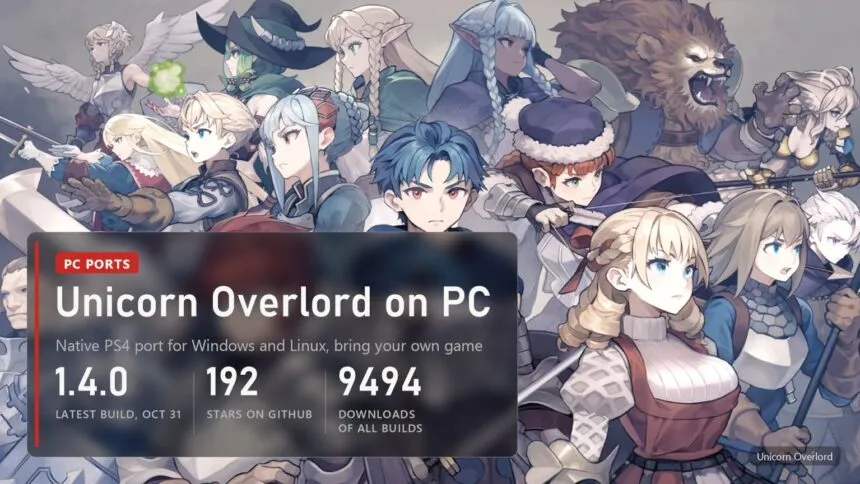
Updated on November 1, 2026: version 1.4.0 draws the battle map at full 4K, reads the DLC you own and recognizes the second release of the fan English patch.
Atlus and Vanillaware put Unicorn Overlord on Switch, PS4, PS5 and Xbox Series, and never on PC. Since October 19 there is a way anyway: hachi23's unicorn_overlord_pc runs the PS4 version natively on Windows and Linux. It ships no game files, so the game has to come from your own console copy, and not just any copy. That part trips up most people, so it gets its own section below.
Read next:
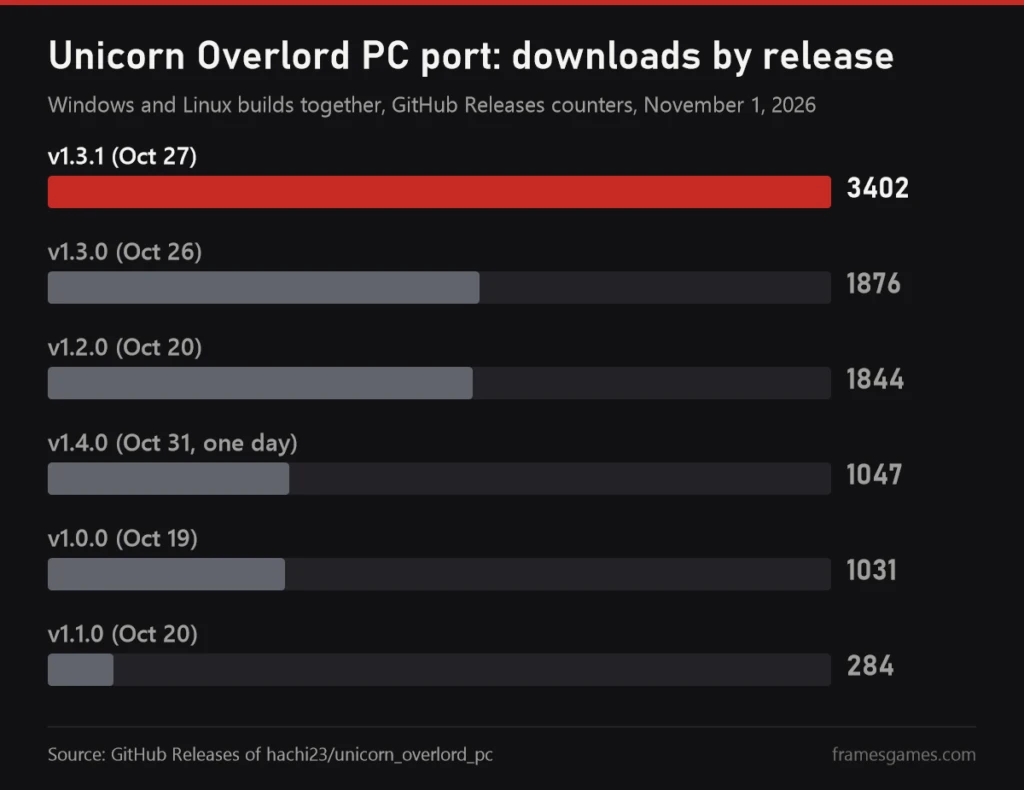
The project is young: the repository appeared on October 13, the first build six days later. Two weeks on, it has 192 stars, seven releases and about 9,500 downloads of its Windows and Linux builds. Below is what already works, which copy of the game it accepts, what your PC needs, the settings worth changing and the fixes for the crashes people actually report.
What works and how far you can play
The README is clear that this is neither an emulator nor a decompilation. The PS4 has an x86-64 processor like your PC, so the game's own executable from your copy runs straight on your CPU. What the port adds is everything a PC lacks: about 700 PS4 system functions rewritten for this game (memory, threads, files, sound, video, controllers, saves, offline stand-ins for PSN), and a graphics layer built on the shadPS4 video core that turns the console's GPU commands into Vulkan.
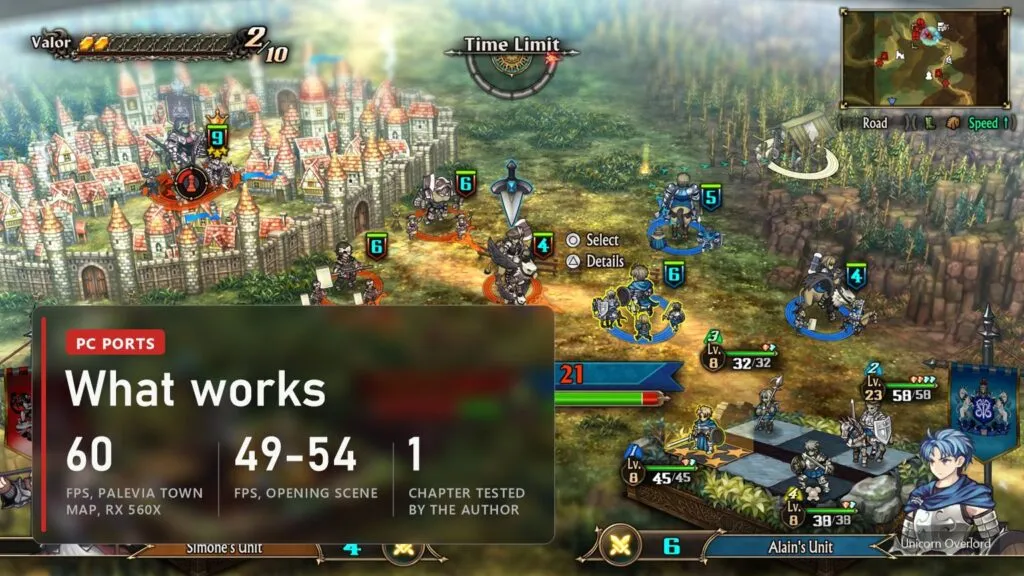
How far it goes is the honest weak spot. The author has played the prologue and chapter 1 up to its first real battle at Palevia Town. Saving and loading work. The world map and everything after chapter 1 are listed as not tested yet. Players in the issues are getting further than that, but nobody has published a full playthrough.
| Scene, 1080p | Draw calls per frame | FPS |
|---|---|---|
| Palevia Town battle map | about 1,100 | 60, steady |
| New Game opening, cavalry charge in the rain | about 4,300 | 49-54 |
| First battle map, prologue | about 3,650 | about 53 |
That is a weak 2018 laptop, so a desktop should do better. One catch: the busy scenes are held back by the processor, not the graphics card. The port decodes the PS4's GPU commands in software on two threads, and in the opening both are close to full. A CPU with faster single cores helps more than a bigger GPU here.
Which copy of the game you need
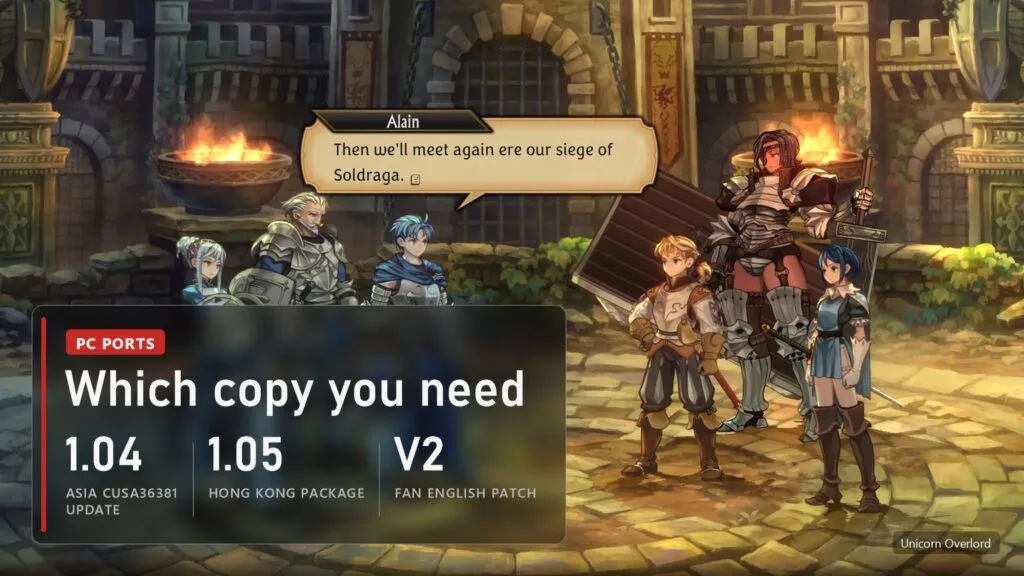
This is where most failed installs end. The port hooks into the game's code at known addresses, and those addresses differ between regions and updates. So it checks the SHA-256 of the executable and accepts only these builds of the PS4 version:
- Asia edition CUSA36381 with update 1.04 merged on top. The base game alone (version 1.00) is refused. Text in Japanese or Chinese.
- The same Asia edition with the fan English patch. The patch replaces only the text files, the executable stays official, so the port runs it. Version 1.4.0 recognizes both the first and the second release of the patch.
- The Hong Kong 1.05 package. A different build of the same game, supported since v1.3.1. Japanese, Chinese and Korean text, no English.
The American, European and Japanese editions don't work: they have different executables, and setup refuses them with a message naming the build it needs. If you own the game on a US or EU PS4, this port is not for you yet. As with every port in our list, you need your own copy of the game from your own console. We don't link game files or patches.
Text language is picked in the port's menu (Insert, then Text Language) and applies at the next start. Since 1.4.0 there is also an experimental way to play in other languages: fan translations made for the Switch version load as mods from data/mods/, replacing the Chinese text. The author has checked this only on the title menu and the opening dialogue, with a Brazilian Portuguese translation.
PC requirements
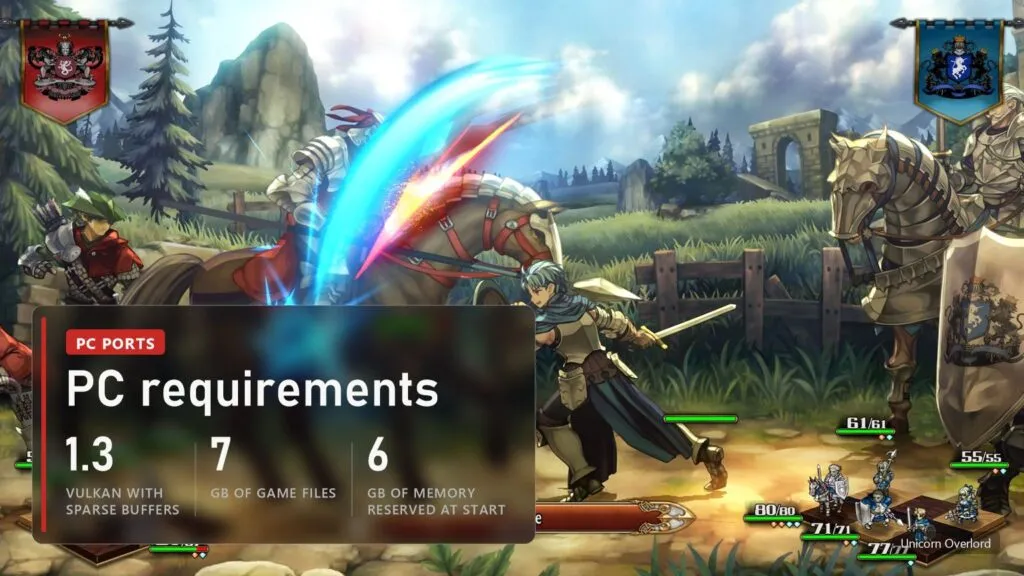
There are no official requirements, since there is no official PC version. This is what the README and the troubleshooting page list:
| What | Needed |
|---|---|
| System | Windows 10 (1903 or newer) or Windows 11, or 64-bit Linux; the Steam Deck runs the Linux AppImage |
| Graphics | Vulkan 1.3 with sparse buffers. AMD and NVIDIA cards have them; Intel integrated graphics older than Gen12 (UHD 620 and similar) don't on Linux and can't run the game |
| Memory | The game reserves its console's memory at start, about 6 GB. With little RAM and a small page file Windows refuses (error 1450) |
| Disk | About 7 GB for the game files; no extra space if the port sits on the same drive as your copy (hard links) |
| Processor | 64-bit x86; faster single cores matter most in busy scenes |
| Game | Your own copy, one of the builds from the section above |
NVIDIA owners should know one thing: the author has no NVIDIA hardware. Everything is tested on AMD, and NVIDIA fixes come from player reports. The start-up crash on an RTX 4050 was fixed in 1.2.0, the broken Anime4K filter in 1.4.0, but reports of new graphics errors on GeForce cards are still welcome in the issues.
Where to download and how to start
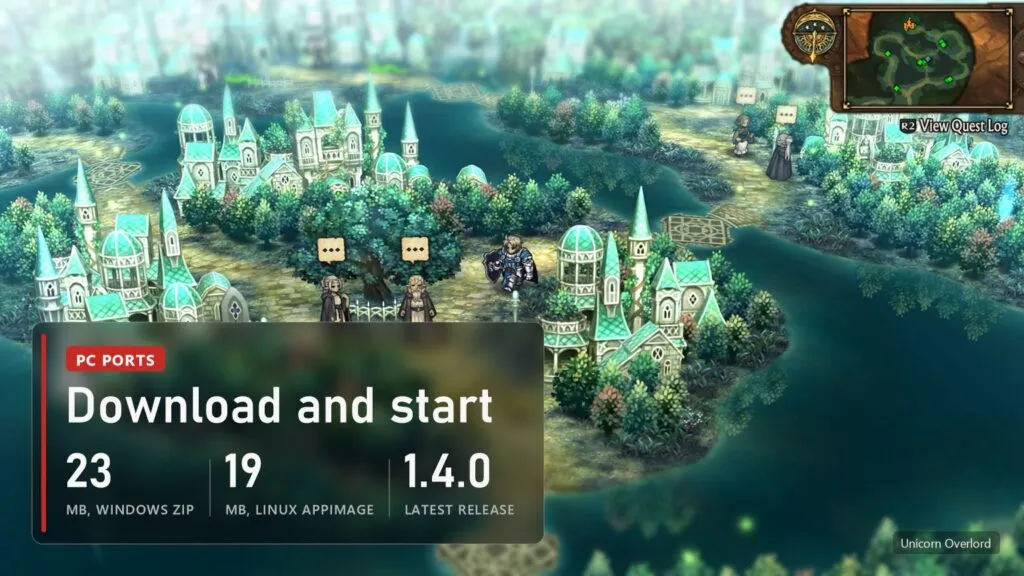
The only real source is the author's repository: github.com/hachi23/unicorn_overlord_pc, Releases page. Each release comes with SHA-256 checksums, the source code and debug symbols. A "latest" pre-release also sits there: that is an untested build of the newest code, take the numbered release instead.
- Windows: download
Unicorn-Overlord-PC-windows.zip(23 MB), extract it into its own folder and runUnicorn Overlord.exe. The port keeps itsdatafolder next to itself. - Linux and Steam Deck: download
Unicorn-Overlord-x86_64.AppImage(19 MB), make it executable and run it. Game mode on the Deck works since v1.1.0. - First start: point setup to the folder with your copy (it must contain
eboot.bin,sce_moduleandsce_sys). Setup asks which edition you have, checks it and installs it intodata/game. On the same drive this takes a moment; from another drive it copies about 7 GB with a progress bar, and a cancelled copy resumes next time. - Updates: at start the program checks GitHub and asks before downloading a new version. Saves, settings and the installed game are kept.
Windows will warn you that the exe is unsigned, which is normal for fan projects. What is not normal is a "Unicorn Overlord PC download" bundled with the game on some other site. The real port never includes a single game file.
Best settings: 4K, Anime4K and ultrawide
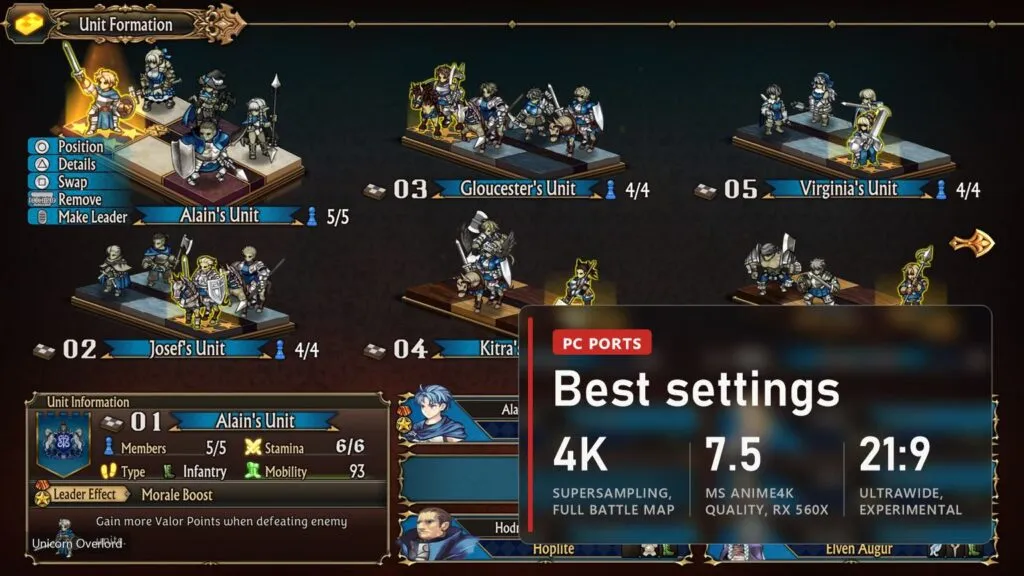
Settings live in two places: a PC section at the end of the game's own System, Options screen, and the port's menu on Insert (R3 plus L2 on a controller). Render resolution changes always need a restart; the Insert menu has an Apply and restart button for that.
- Render resolution. 720p and 900p for weak GPUs, 1080p native, 1800p and 4K as supersampling: the game is drawn larger and scaled down, which smooths the edges of the 2D art. There is no separate anti-aliasing, because the usual filters blur Vanillaware's sprites. 1440p was removed after the blur at the bottom of the battle map broke into blocks.
- Battle map at full 4K (new in 1.4.0). Before, the map was capped at 2880x1620, the PS4 Pro limit, and then stretched, so units looked grainy next to sharp menus. Now it renders at the size you pick, like on PS5. At 4K that is up to 1.8 times more pixels, so slower cards lose frames there.
- Anime4K. Restores line art and can double the image before scaling. Fast costs 3.3 ms per frame and Quality 7.5 ms on the author's RX 560X at 1080p, out of 16.7 ms for 60 FPS. Quality is for stronger cards.
- FSR 1 and RCAS sharpening with adjustable strength, for upscaling from 720p or 900p.
- Ultrawide 21:9 and 32:9 (experimental). Shows more of the map at the sides, menus stay 16:9 in the middle. The author built it on a 16:9 laptop, so reports from real ultrawide monitors are wanted.
- Controls. All buttons rebindable, button icons for PlayStation, Xbox or Nintendo pads (the game's own icons from its other releases), and a stick dead zone (15% by default) against drift.
- DLC. Since 1.4.0 the game sees DLC packages you own if you put them in
data/dlc. The DLC only unlocks content already inside the game.
My starting point on a mid-range desktop: 1800p, Anime4K Fast, VSync on. If the opening or big battles drop below 50, go back to 1080p before touching anything else, since those scenes are CPU-bound and resolution only helps so much.
Crashes and common problems
- Setup refuses the game folder. Check that the folder holds
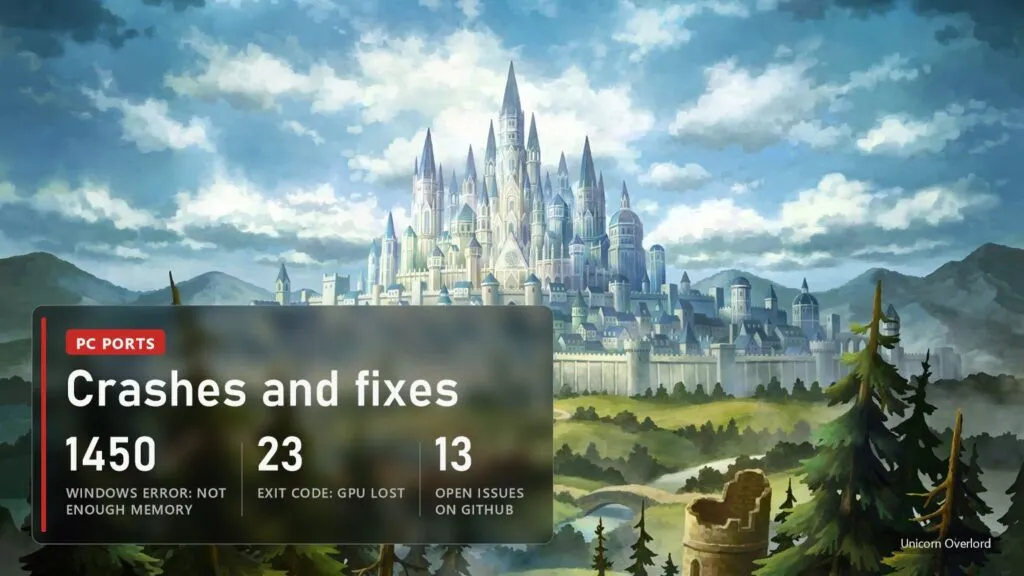
eboot.bin,sce_moduleandsce_sysdirectly, and that it is the Asia CUSA36381 with update 1.04 merged in, not the base 1.00. Other regions are refused by design. - "cannot create 6080 MiB of guest memory (error 1450)". Windows ran out of RAM and page file. Most often an earlier copy closed with Alt+F4 is still running: end
vwport.exein Task Manager (the launcher offers to do it) or restart the PC. Otherwise close other programs and let Windows manage the page file size. - "Failed to query surface capabilities: ErrorUnknown". Seen with AMD drivers after the PC wakes from sleep, when no Vulkan program can open a window. A reboot fixes it.
- "GPU crash: the graphics device was lost", exit code 23. Update the driver and go back to native 1080p. If it repeats, send the diagnostics ZIP to the issues with the scene and your settings.
- Black screen, wrong colours, missing graphics. In the Insert menu, Performance tab, turn off "Game reads GPU data without waiting" and "Deferred GPU readbacks", then Apply and restart. If the game then refuses to start, the next start restores the old options by itself.
- Anime4K gives a white or striped black screen on NVIDIA. Fixed in 1.4.0, update.
- Crash at start on an NVIDIA laptop, very quiet sound on stereo headphones. Both fixed in 1.2.0.
- A chapter's title card shows one square with the English patch. Known (issue #49), not fixed yet. The chapter itself plays normally.
- Stutter the first time you see a scene. Shaders compile on first use and go into the cache, the next run is smoother.
When the game stops with an error, the launcher offers a diagnostics ZIP with the log, your folders redacted and no game files or saves. You can also make one with "Unicorn Overlord.exe" --export-diagnostics. With 13 open issues the author reads reports quickly, and a report with that ZIP gets answered far sooner than "it crashes".
Versions
| Date | Version | What changed |
|---|---|---|
| October 31, 2026 | 1.4.0 | Battle map at full 4K, DLC you own, fan English patch V2, Switch fan translations as mods (experimental), Anime4K fixed on NVIDIA, clear message on GPUs without sparse buffers |
| October 27, 2026 | 1.3.1 | Hong Kong 1.05 package, text language choice (Japanese, Chinese, Korean), unsupported builds refused at setup |
| October 26, 2026 | 1.3.0 | Ultrawide 21:9 and 32:9, stick dead zone, Anime4K, story text showing "-" fixed, Xbox button icons |
| October 20, 2026 | 1.2.0 | Start-up crash on NVIDIA fixed, quiet stereo sound fixed, clearer Vulkan error after sleep |
| October 20, 2026 | 1.1.0 | Steam Deck game mode and Wayland crash fixed, resolution switching fixed, settings no longer lost on a crash |
| October 19, 2026 | 1.0.0 | First public build: setup, PC options, remapping, update checks with SHA-256 |
We update this table when a new build comes out. The other PS4 games that now run natively on PC, Bloodborne, Uncharted and Dragon's Crown Pro from the same studio among them, are in our running list.
FAQ
Is Unicorn Overlord on Steam or PC officially?
No. The game came out in March 2024 on Switch, PS4, PS5 and Xbox Series X|S. There is no PC version on Steam or anywhere else. The port described here is a fan project that needs your own copy of the PS4 game.
Does my US or European PS4 copy work?
Not yet. The port supports only the Asia edition CUSA36381 with update 1.04 (also with the fan English patch) and the Hong Kong 1.05 package. Other regions have different executables, and setup refuses them.
Can I play it in English?
Only through the fan English patch on top of the Asia edition, which the port recognizes in both releases. The official Asia text is Japanese and Chinese. One known flaw with the patch: chapter title cards show a single square.
Does it run on the Steam Deck?
The Linux AppImage starts in Deck game mode since v1.1.0. Nobody has published Deck frame rates yet; given 49-54 FPS in the opening on a 2018 laptop, expect the busy scenes to dip.
Is it an emulator?
No. The game's code runs directly on your processor, and the port replaces the PS4's system and graphics with its own code plus the shadPS4 video core. That is why it runs only this one game, and only the builds it knows.
Sources
hachi23/unicorn_overlord_pc on GitHub: README (how the port works, requirements, settings, render resolution, ultrawide, languages), docs/KNOWN_ISSUES.md (test system, how far the game is tested, supported builds, performance table), docs/TROUBLESHOOTING.md (errors and fixes) and Releases, notes from v1.0.0 (Oct 19, 2026) to v1.4.0 (Oct 31, 2026). Stars and download counters checked on November 1, 2026. Images: official Unicorn Overlord screenshots from the PlayStation Store, FramesGames chart based on GitHub Releases.