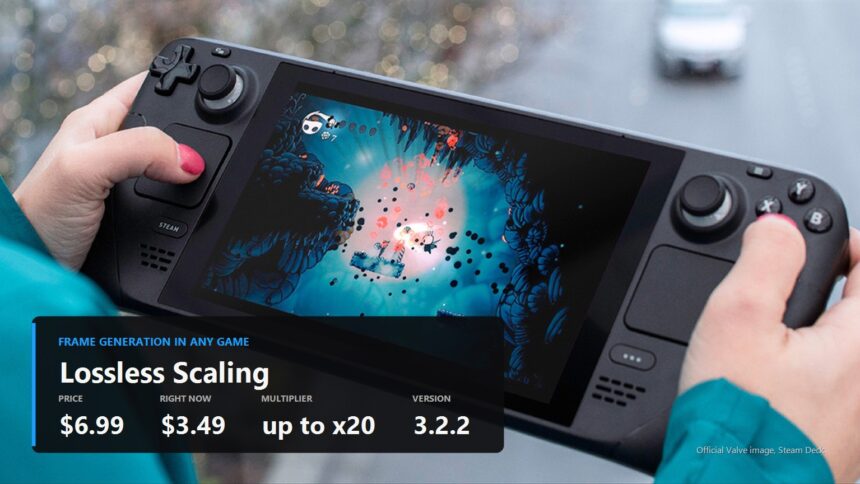
You have a game stuck at thirty frames and a graphics card that is not going to get any faster. The developer never added frame generation, never added an upscaler, and upgrading hardware in 2026, when a memory kit costs as much as a processor, is not appealing. Lossless Scaling aims straight at that gap: a seven dollar utility that bolts frame generation onto anything, emulators and twenty year old games included.
Here is the honest version: what it does, what it charges you for that, and how people install it on the Steam Deck, where it is most popular.
What this thing actually is
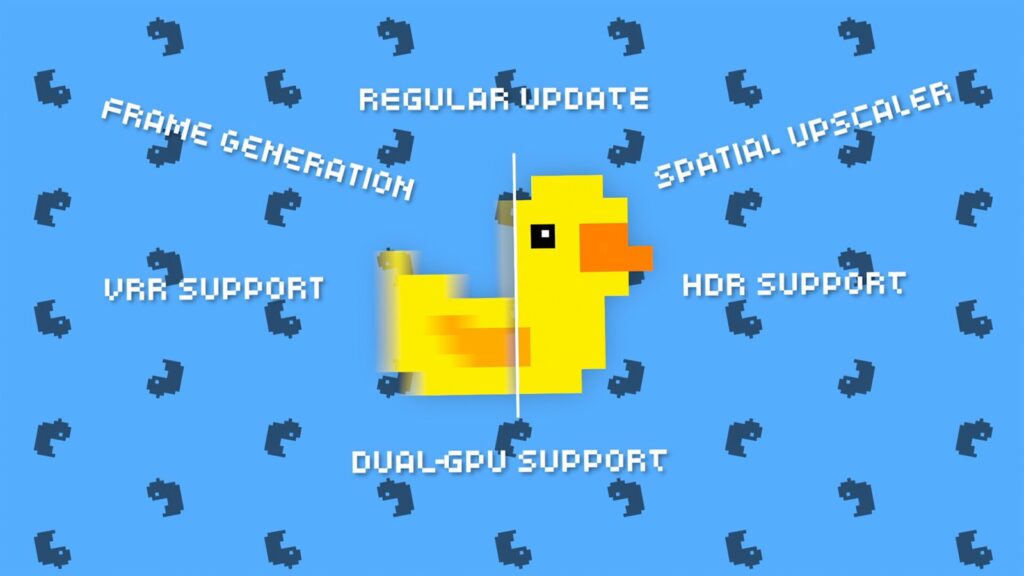
Lossless Scaling is made by an independent developer going by THS. It has been on Steam since December 2018, costs 6.99 dollars, and at the time of writing sits at 3.49 in a weekly sale. More than thirty seven thousand reviews, rated very positive.
The key difference from DLSS and FSR is that the game does not need to know Lossless Scaling exists. The utility grabs the finished picture from the window and works on that. Which is where both the main advantage and the main drawback come from, and we will get to the drawback.
Frame generation: how it works and what it costs you
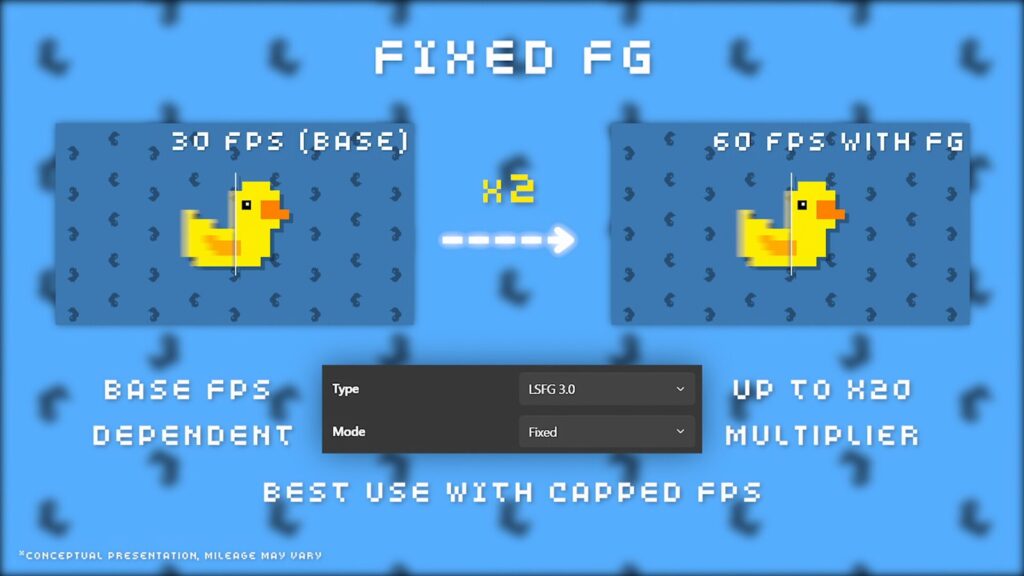
LSFG is a machine learning model written from scratch for this program. It takes two neighbouring frames and builds intermediate ones between them. The game still renders its thirty, the monitor shows sixty.
Now the price, which marketing material tends to skip. To build a frame in between, you need to know the next one. So the program holds a finished frame back while it works out the insert. The picture gets smoother and the delay between your mouse moving and the screen reacting gets longer. That is physics rather than a flaw, and it applies to every frame generator, NVIDIA included.
The practical conclusion is simple. In slow games, platformers, strategy, emulators nailed to thirty frames, this is a gift. In a competitive shooter it is sabotage.
Fixed and Adaptive are not interchangeable
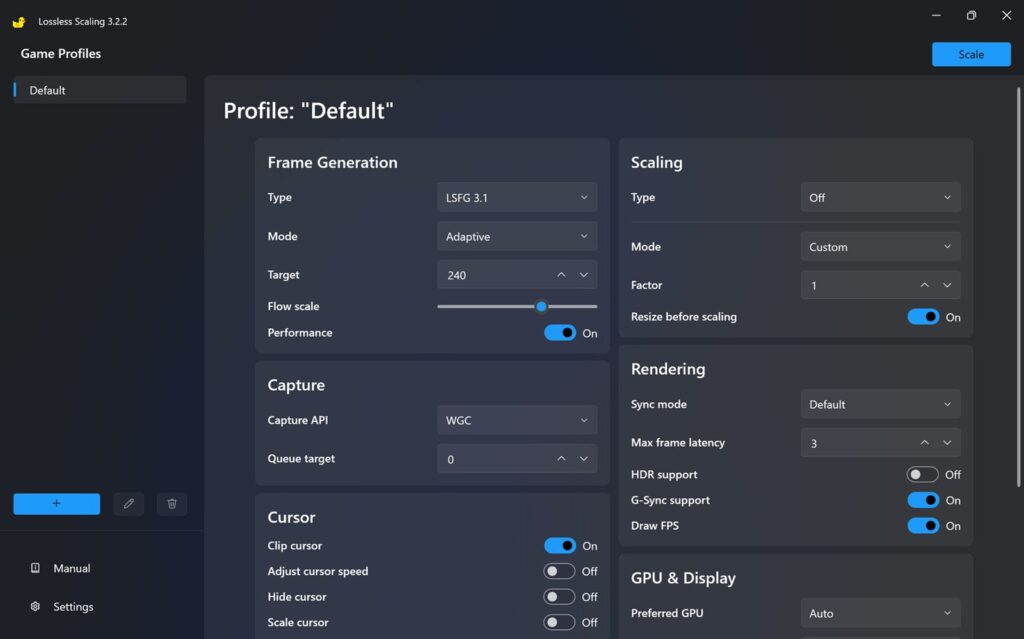
Fixed multiplies what you have by a whole number. Thirty becomes sixty, forty becomes eighty. It behaves predictably, but it wants a steady base frame rate: if the game swings between 28 and 45, the result swings with it.
Adaptive works the other way round. You name a target rate and the program inserts however many frames it takes to hold it. The target does not have to be a multiple of anything. That suits an unstable frame rate, and it suits variable refresh displays especially well.
Next to those sits Flow scale, the resolution at which motion between frames is calculated. Lower value, lower load, cruder inserts. And Performance, a lighter model the developer built specifically for weak GPUs, integrated graphics included.
Upscalers: ten algorithms for different jobs
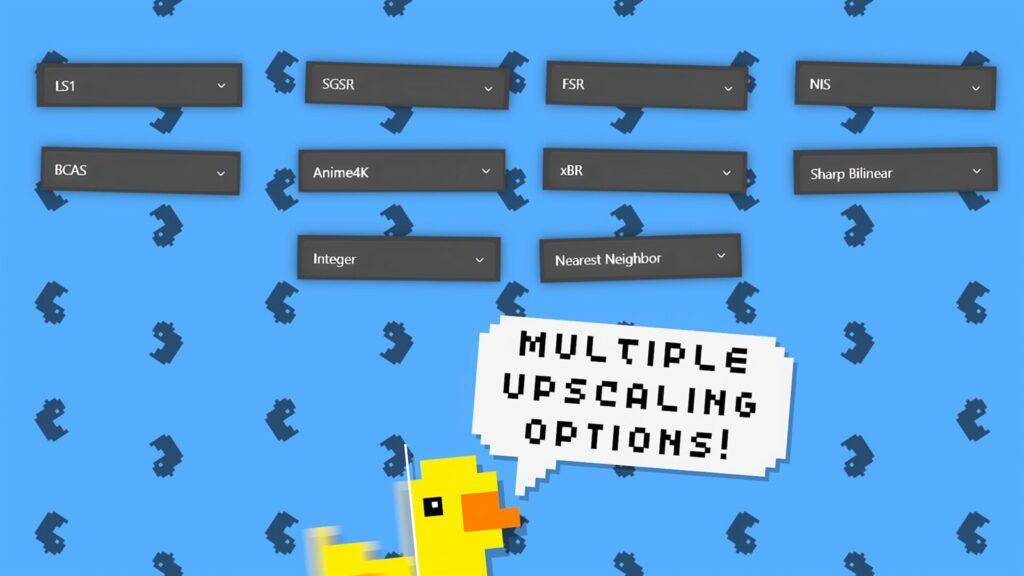
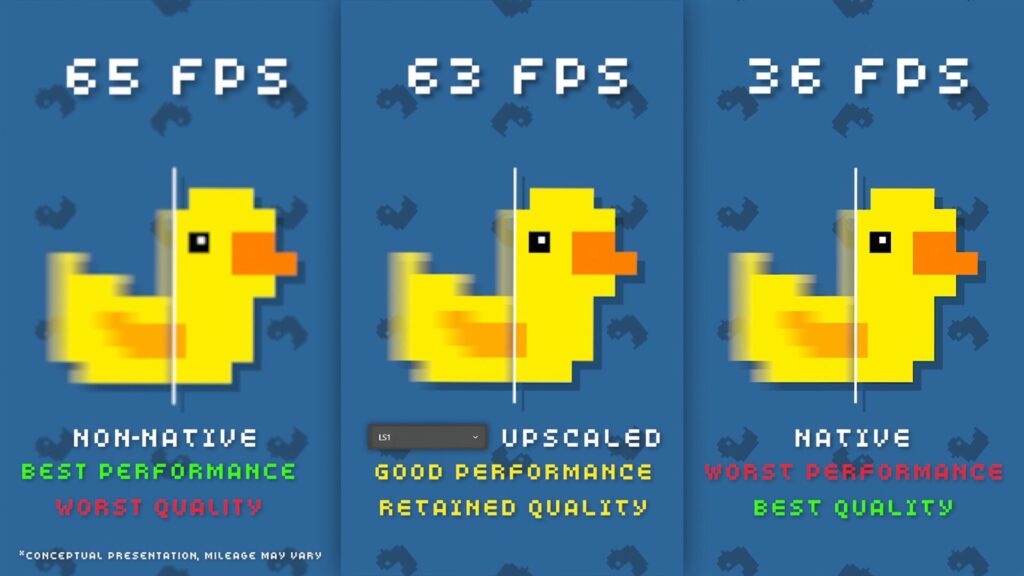
The other half of the program is scaling. Same idea as FSR: render at a lower resolution, stretch it to native, claw back some of what was lost with an algorithm.
- LS1, FSR, NIS, SGSR, BCAS. For modern games, differing in sharpness and in how much they cost to run.
- Integer, Nearest Neighbor, xBR. For pixel art and older games that cannot handle modern resolutions.
- Anime4K. For animation and anime, where the job is a completely different one.
Second GPU support deserves its own mention. If the system has another graphics chip, even the one inside the processor, generation and scaling can be handed to it. The game then renders its own frames undisturbed, and by the developer account this arrangement also lowers latency.
Steam Deck and other handhelds
Update, 10 September 2026. Everything below describes lsfg-vk version 1. Version 2.0 arrived on 5 September, it is a complete rewrite, and it is not a drop in replacement: you have to uninstall version 1 first and the configuration format is different. It is also two to three times faster on handheld and laptop hardware. What changed, and what is still missing from it, is in our review of the 2.0 release.
The program itself is written for Windows. On Linux and SteamOS its frame generation is carried by a separate community project, a Vulkan layer called lsfg-vk by PancakeTAS. The Lossless Scaling developer mentions it on the Steam page but promises no support for it.
You no longer have to do this by hand in a terminal. The Decky LSFG-VK plugin handles the dirty work: it downloads the Vulkan layer, registers it in the system, finds your Lossless Scaling installation and writes the config file. The plugin is unofficial and unaffiliated with either the Lossless Scaling or the lsfg-vk authors, which is worth knowing before you install it.
The order of operations:
- Buy and install Lossless Scaling on Steam. The plugin is free but useless without the purchased program, because it needs its library.
- Install Decky Loader if you do not have it, then Decky LSFG-VK through it.
- Open the plugin and press install for the lsfg-vk layer.
- Pick your multiplier, flow scale, Performance mode and HDR if you need it.
- In the game properties on Steam, add
~/lsfg %command%to the launch options. The plugin can copy that string to your clipboard for you.
Settings apply on the fly, so you do not have to restart a game to change the multiplier.
Where to start on a handheld
What follows is our recommendation rather than measured data. The logic is straightforward: frame generation wants a steady base rate, and a handheld GPU wants relief.
| Setting | Where to start | Why |
|---|---|---|
| In-game frame cap | lock to 30 or 40 | a steady base matters more than a high one, swings break the inserts |
| Mode | Fixed, x2 multiplier | predictable and cheap to run |
| Performance | on | the lighter model, built by the developer for exactly this class of hardware |
| Flow scale | drop it by about half | less load on the GPU, and motion artefacts are hard to spot on a seven inch screen |
| Display | 60 or 90 Hz where possible | there is no point generating past the refresh rate |
If a game starts crashing, turn Performance on first and drop the multiplier from x4 to x2. That is what the plugin documentation advises too.
What it cannot do, and who should skip it
There are not many limits, but the ones there are do not bend.
- Windowed and borderless only. Exclusive fullscreen is not supported, and the only workaround runs the output to a second display.
- The GPU needs headroom. If it is already pinned at a hundred percent, the program will take frames away from the game and you end up worse off.
- Windows 10 version 2004 or newer. Windows 11 24H2 is recommended, along with an RTX 30, RX 6000 or Arc card. The floor is modern integrated graphics.
- Online games at your own risk. The community considers it safe with anti-cheat, but the developer offers no guarantee and says so plainly.
And the limit that no help page spells out: frame generation does not make a game more responsive. It makes it look smoother. If what you are missing is reaction speed rather than smooth motion, this purchase does not solve your problem.
The verdict
For seven dollars, or three and a half on sale, you get a frame generation button for games that do not have one and never will. On a Steam Deck and devices like it this is probably the largest comfort gain available at that price: thirty frames with a cap and a x2 multiplier feel considerably nicer than an honest thirty.
Just do not expect miracles in shooters, and do not buy it instead of a graphics card. It is a tool with a very specific job, and inside that job it does well.
Sources
The Lossless Scaling page on Steam: the description of LSFG, the Fixed and Adaptive modes, the list of scaling algorithms, second GPU support, requirements and the note about online games, plus price and release date.
Decky LSFG-VK on GitHub: the Steam Deck installation order, the launch option, the plugin settings and the troubleshooting advice. The lsfg-vk compatibility layer was written by PancakeTAS.