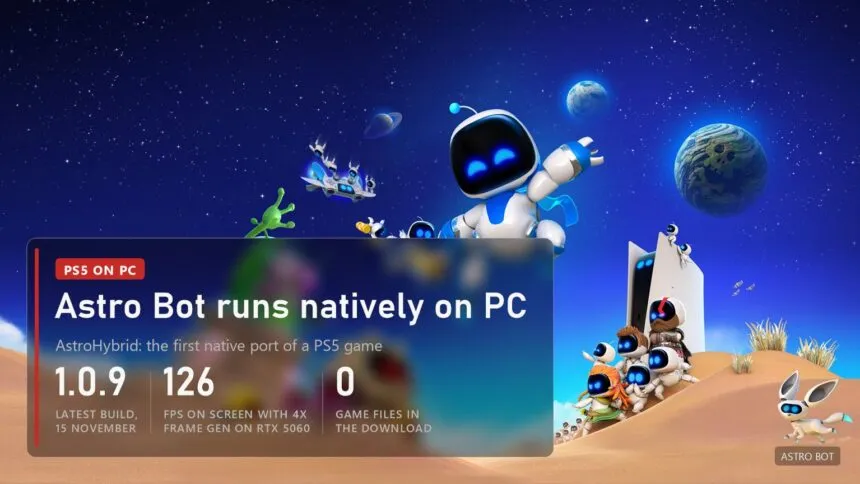
Updated 17 November 2026, AstroHybrid 1.2.0. Astro Bot, the 2024 game of the year and a PS5 exclusive, now runs on Windows as a regular program, with no emulator. It is a fan project called AstroHybrid by a GitHub author going by imnotsharingmyname, and by all appearances the first native port of a PS5 game. There are no game files in the download: you need your own copy, which the installer turns into a PC version in a couple of minutes. On top of that the author added DLSS, NVIDIA frame generation up to 4X, Reflex and support for almost any controller. Below: how it works, what you need, how fast it runs and what doesn't work yet.
How it works: a port, not an emulator
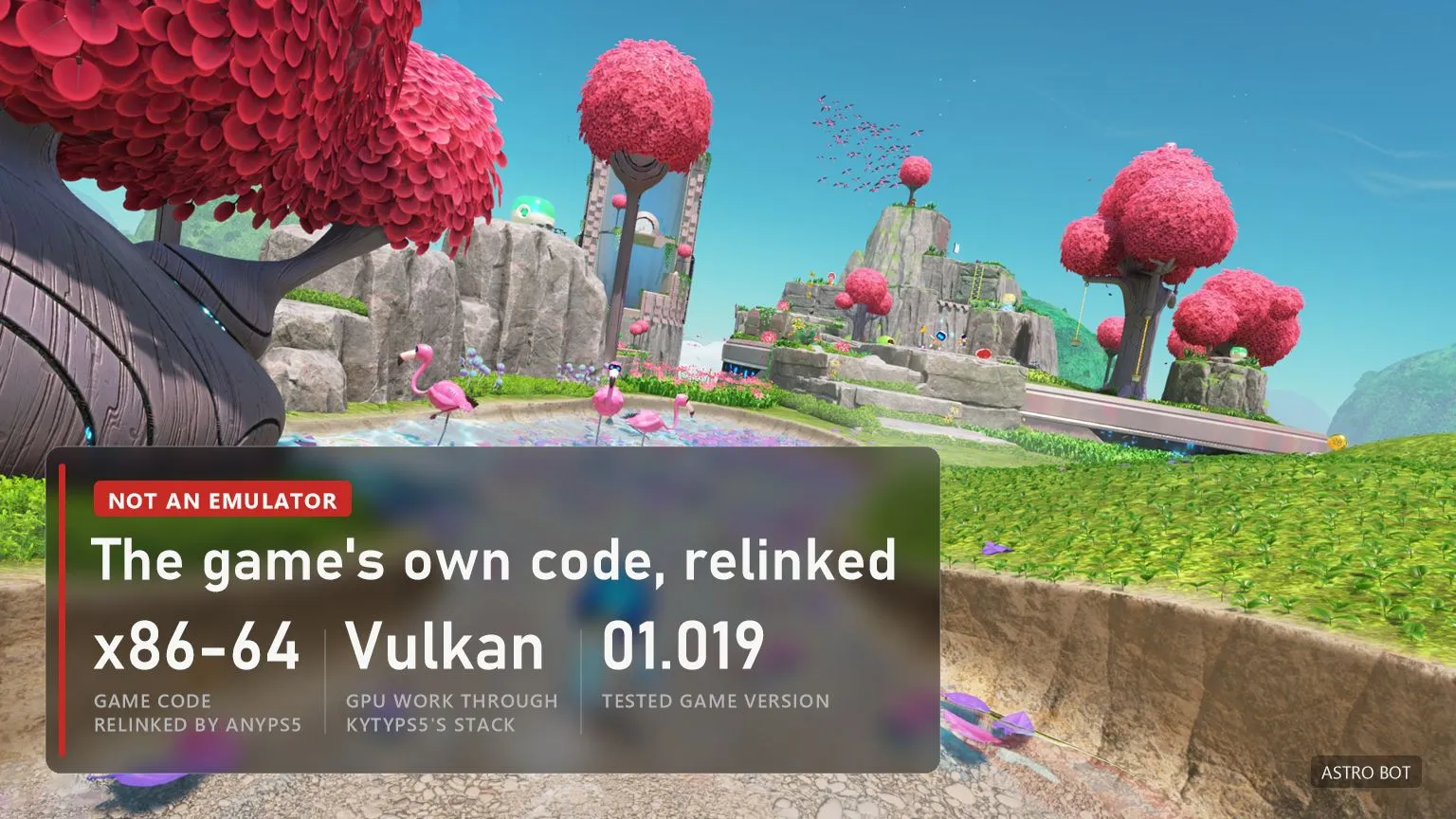
The PS5 has an x86-64 processor like a PC, so the game's code doesn't need translating, only relinking. AnyPS5 does that: it relinks Astro Bot's own code into a Windows exe, and the PS5 system libraries (kernel, files, audio, controller, saves) are replaced with native Windows modules. The PS5 graphics side is handled by part of the KytyPS5 emulator, built as a separate library that translates the PS5 GPU's commands to Vulkan. How recompilation differs from emulation is in our article on how game recompilation works.
The author tested the port on game version 01.019.000 (PPSA21567). Since 1.0.7 the installer accepts any regional release, such as the US PPSA21564, and since 1.0.4 the slowdown below 60 fps is fixed on version 01.018.000 too. Two improvements, faster lighting and real-time game speed at 30 fps, depend on exact code locations and switch themselves off on other versions.
What you need and how to install it
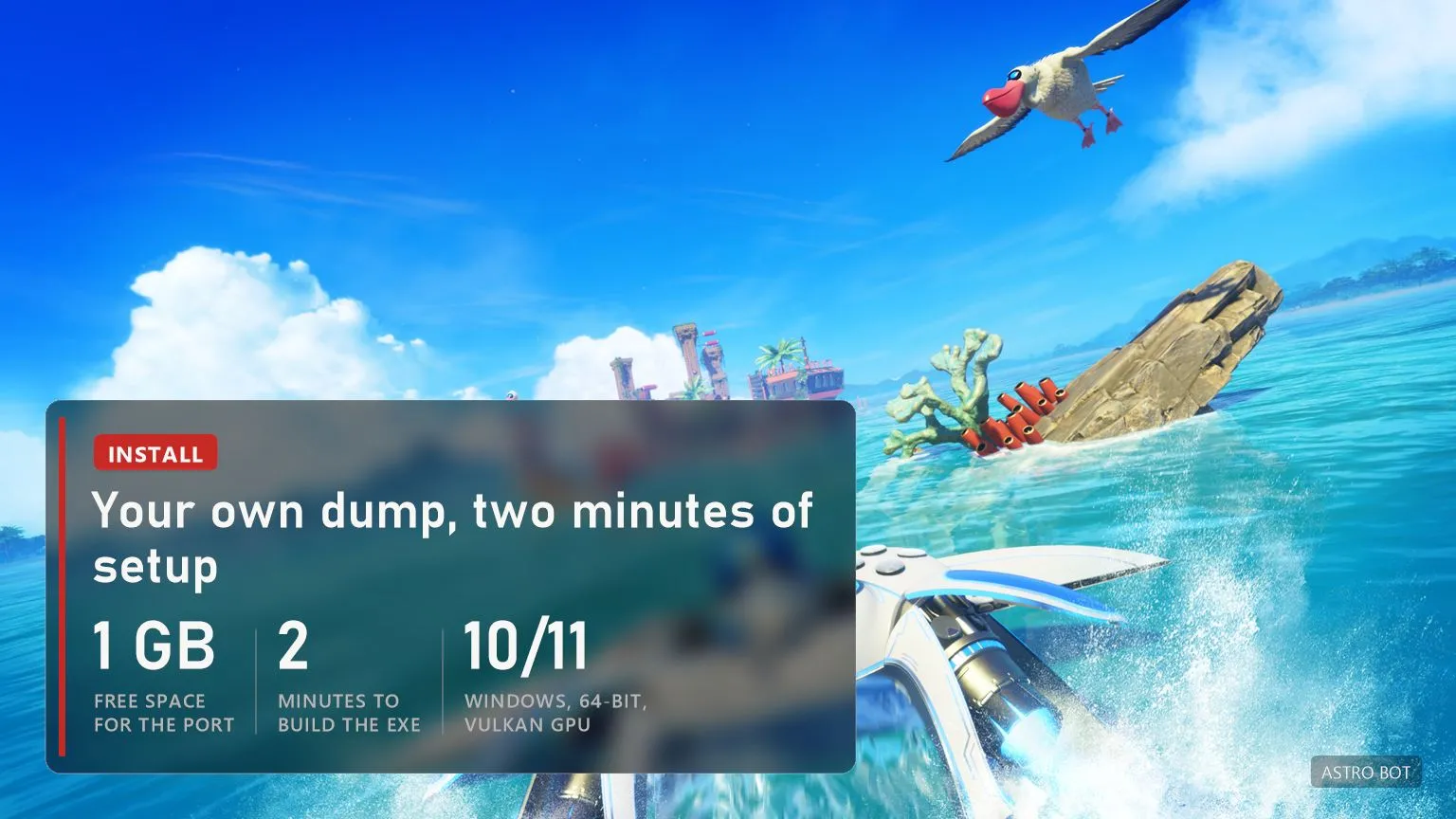
- Your own copy. You need a decrypted dump of Astro Bot from your PS5: the folder with
eboot.bin,sce_moduleandsce_sys. The project doesn't explain how to make one, and neither do we: it's your copy and your responsibility. - PC. Windows 10 or 11, 64-bit, a Vulkan GPU and about 1 GB free for the port itself: the game stays where your dump is and is only read.
- Install. Download the AstroBotPC-AstroHybrid zip from the GitHub releases page, extract it, run
AstroHybrid.exe, point it at the dump folder and press Install. Building the exe takes about two minutes. - Settings. On first start the app picks settings for your GPU, CPU, RAM and display. You can change them on the Graphics, Controller and Advanced pages, then press Play.
- Intel CPUs. Before 1.0.3 the game hung after the title screen: it uses a few AMD-only instructions. The installer now converts them, and Repair on the Installation page fixes an existing install.
How fast it runs
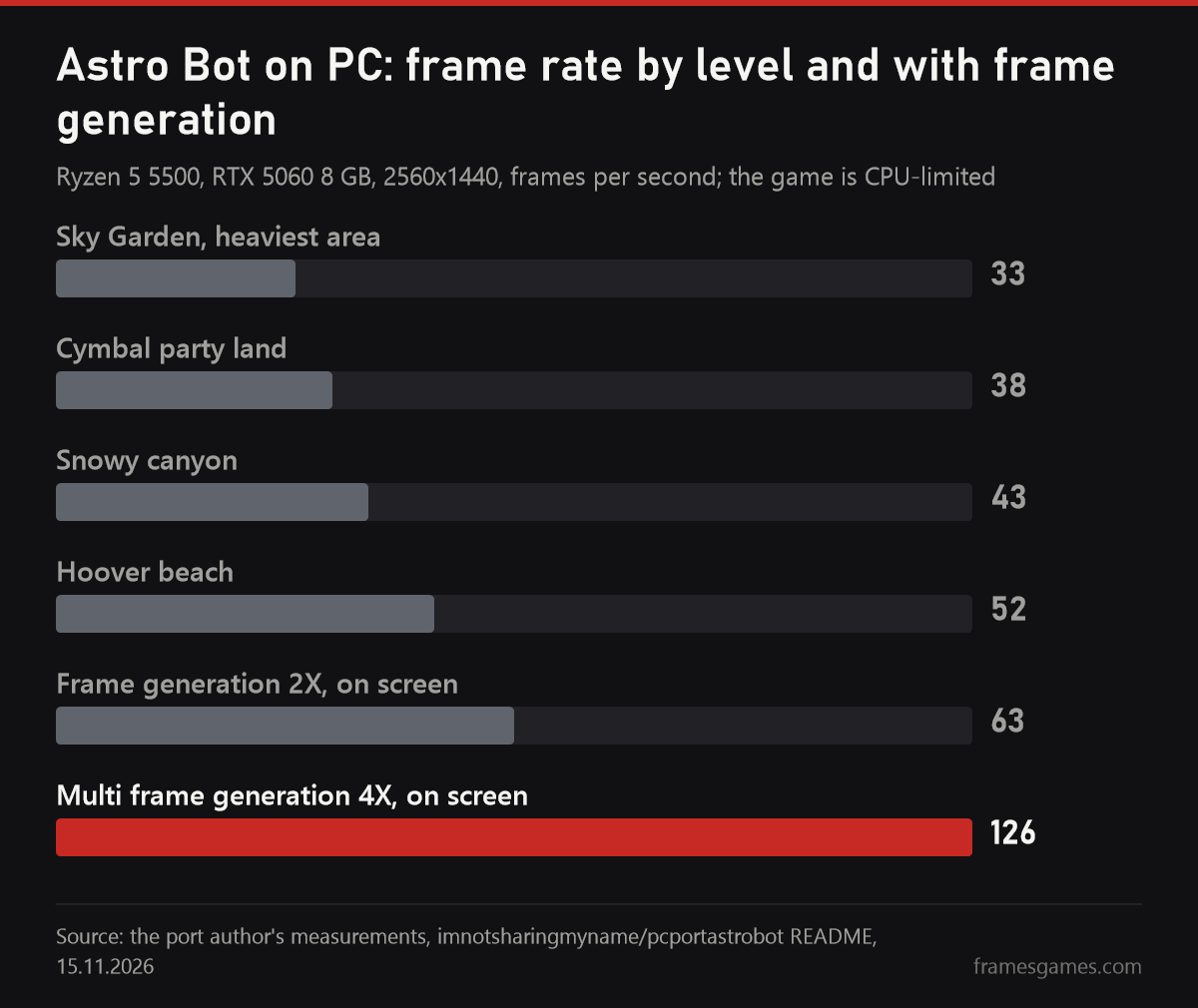
The author measured on a modest PC: Ryzen 5 5500, RTX 5060 8 GB, 32 GB of RAM, a 2560x1440 display. In the heaviest area, Sky Garden, the game runs at 32-34 fps; other levels sit between 37 and 53. The key point is that the game is CPU-limited: about 22 ms of a 30 ms frame goes to submitting roughly 4,900 draw calls on one thread, so lowering the resolution doesn't add frames. That is why frame generation is the main tool here: about 63 fps on screen with 2X and 124-128 with 4X. Input latency with frame generation hasn't been measured yet.
DLSS, frame generation and controllers
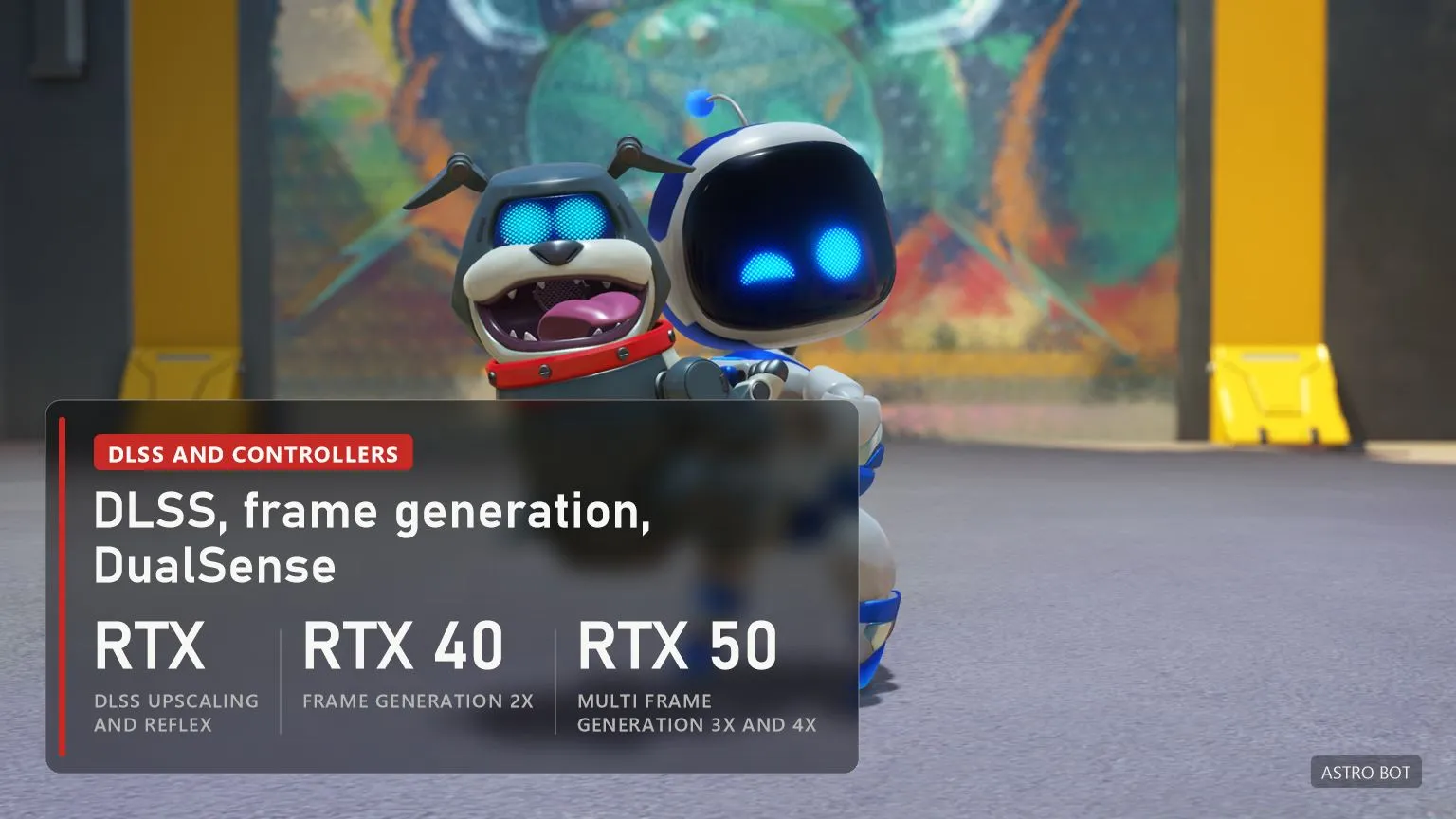
- DLSS and Reflex work on any RTX card: the port finds the game's own upscale pass (1920x1080 to 2432x1368) and hands its inputs to DLSS through NVIDIA Streamline. The DLSS files and Streamline SDK 2.14.16 have to be downloaded from NVIDIA; they're not in the zip.
- Frame generation 2X needs an RTX 40 or newer, 3X and 4X an RTX 50. An Auto mode picks the multiplier every half second to hold a target frame rate. It only runs while the game window is focused; don't combine it with NVIDIA Smooth Motion. VSync doesn't work with frame generation on Vulkan, so for no tearing you need a G-Sync or FreeSync display.
- Ray tracing. Since 1.0.8 you can switch it on and off right on the app's home page.
- Controllers: DualSense with rumble, light bar, adaptive triggers and motion, DualShock 4, Xbox, Switch Pro and compatible pads. Whichever pad you press becomes player 1.
- Laptops with two GPUs now see the NVIDIA card, so the RTX features switch on there.
What doesn't work yet, and the version log
- On pads without motion sensors (Xbox and others) the motion-controlled hand doesn't work: tilt emulation reaches the game, but it doesn't react.
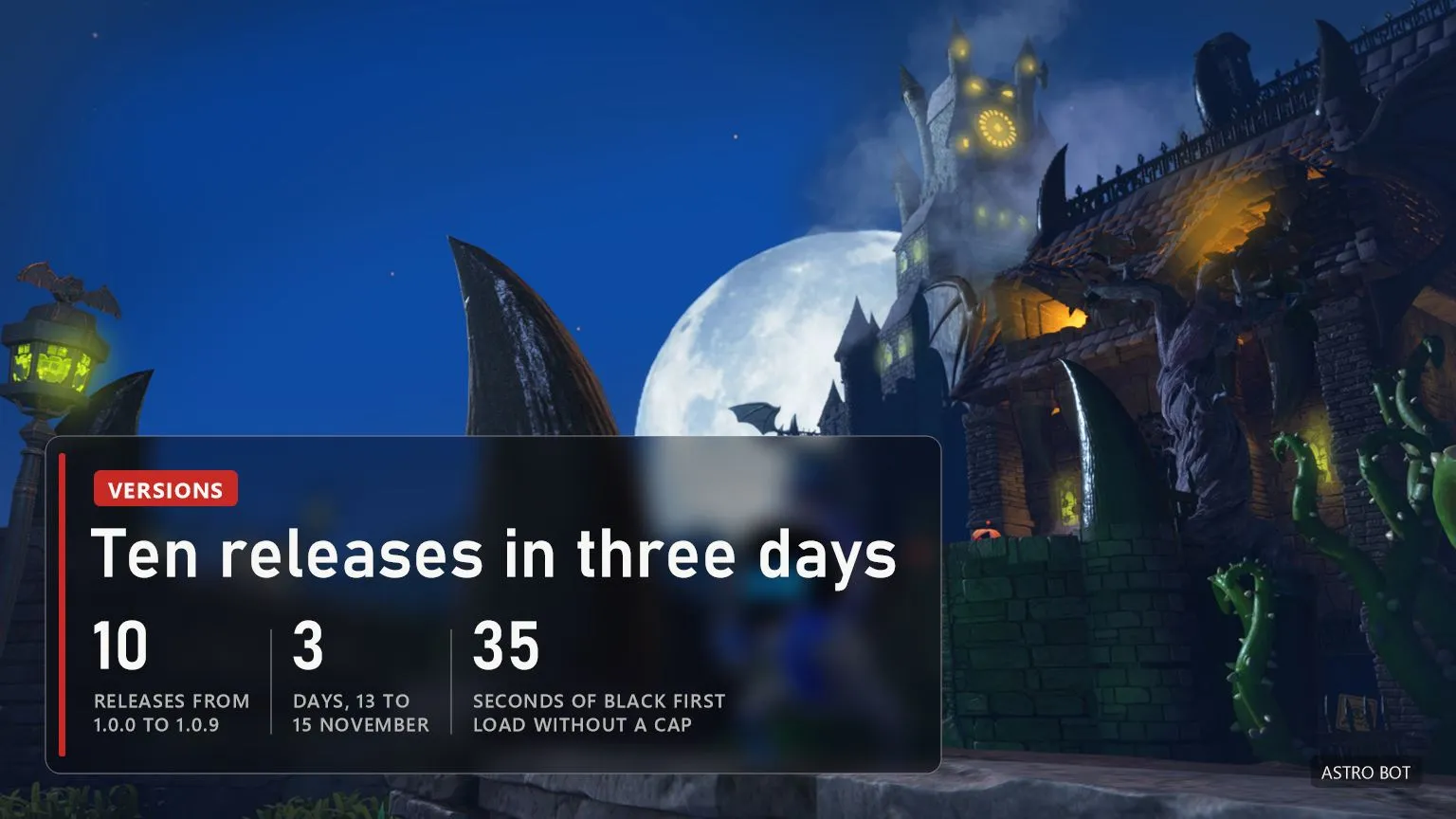
- With no frame limit and frame generation off, the first loading screen stays black for about 35 seconds. It isn't a hang: loading just runs at 144 fps. With a cap the start takes about 20 seconds.
- Rumble on third-party Switch Pro-style pads isn't confirmed, and input latency with frame generation isn't measured.
- The author calls the project a work in progress for personal use, not affiliated with Sony, Team ASOBI or NVIDIA. There is no official PC version of Astro Bot, and none has been announced.
Version log. Ten releases in three days, 13 to 15 November. 1.0.0 and 1.0.1, 13 November: first public release and a fixed setup wizard. 1.0.2: Advanced page settings finally reach the game. 1.0.3: the hang on Intel CPUs and missing button prompt text. 1.0.4: no slow motion below 60 fps on other game versions, dumps on network drives. 1.0.5: grey error screen when a dump has no args.txt. 1.0.6: VSync with frame generation. 1.0.7: any regional release. 1.0.8, 14 November: one app instead of two and a ray tracing switch. 1.0.9, 15 November: fixed glitches on cloth, blankets and underwater bubbles. 1.1.0 to 1.1.2, 16 November: a redesigned launcher that checks GitHub for updates on every start and installs them itself, and a rebuilt frame generation DLL with Streamline and NGX. 1.1.3: a 5120x1440 (32:9) preset with its own render variant instead of a stretched 21:9 picture; older installs need Repair Installation once. 1.1.4 and 1.1.5, 17 November: the speaker of a DualSense on a USB cable works again, and the DLSS batch file no longer makes the game run in slow motion. 1.2.0, 17 November: another launcher redesign, and the Installation tab now shows the real AnyPS5 and Kyty GPU versions.
Other PS5 games run on PC only in emulators so far, for example Demon's Souls in KytyPS5. We collect every PS5 port in the PlayStation 5 section.
Sources
imnotsharingmyname/pcportastrobot README: how the port works, requirements, the author's measurements, known issues, 15.11.2026. AstroHybrid 1.0.0-1.2.0 release notes, 13-17.11.2026. ASTRO BOT screenshots from the game's PlayStation Store page.
Read next
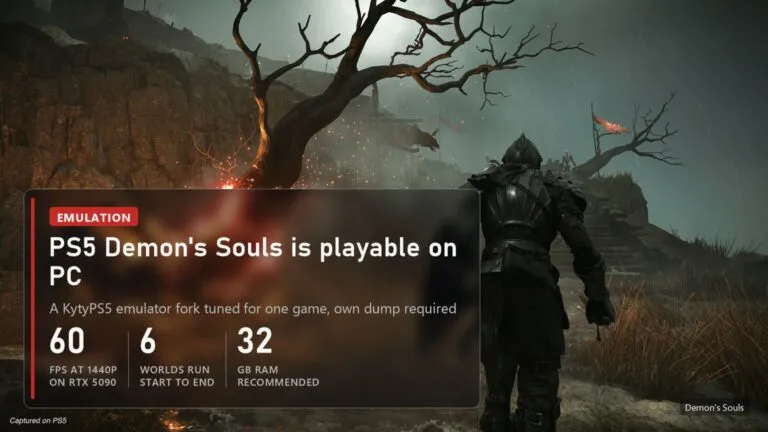 PS5 Demon's Souls is now playable on PC: 60 fps at 1440p in a KytyPS5 emulator fork
 The PS5 Version of GTA 5 Now Runs on PC in the KytyPS5 Emulator
 PS4 games on PC without an emulator: every port, from Bloodborne to Uncharted and GT Sport
 Switch games on PC without an emulator: 20 fan ports, from Zelda to Smash