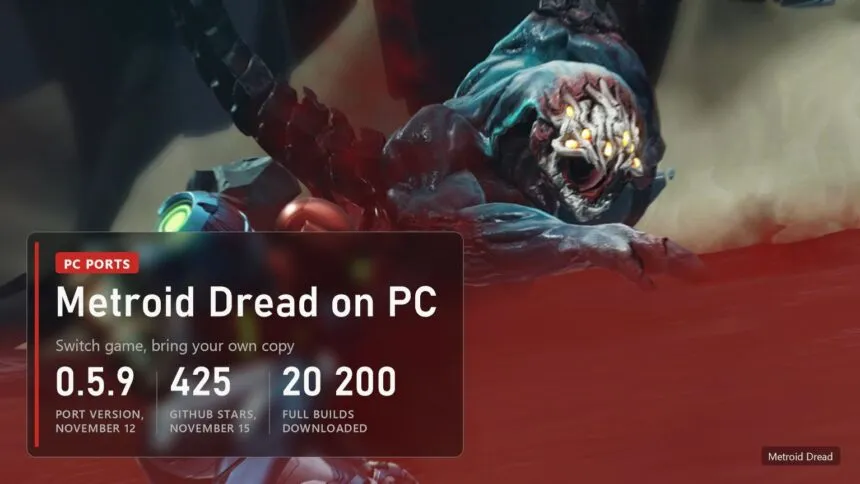
Updated on November 15, 2026: Metroid Dread Recomp is at version 0.5.9 from November 12. It adds amiibo, TAA, ambient occlusion and HD rumble, compiles the game with Clang, and Native Vulkan is no longer experimental. On AMD Radeon cards 0.5.9 crashes for now: the author asks AMD owners to stay on 0.5.0 with Native Vulkan.
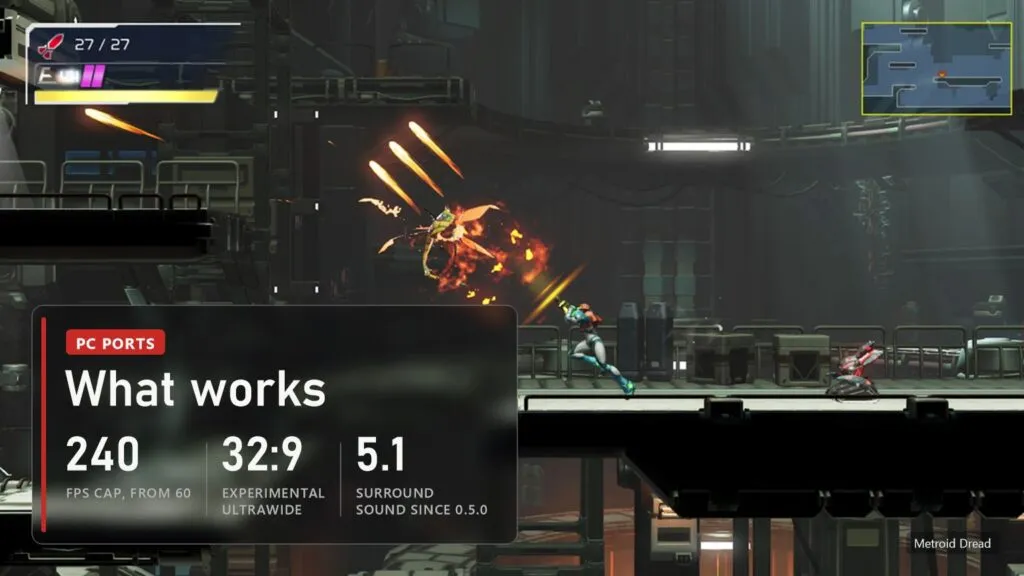
Metroid Dread came out on Switch in 2021 and never got a PC version. Since October 22 a fan project runs it as a native Windows program, and since October 30 on Linux and the Steam Deck too. You point it at your own copy of the game, and it compiles the game's code into a PC program with a compiler that ships in the download. It adds frame rates up to 240 FPS, 21:9 and an experimental 32:9, DLAA on RTX cards, TAA, cutscene skipping, keyboard remapping and an in-game settings menu. The author calls every 0.x build an early preview and plans 1.0.0 as the first proper release. Below: what works, which copy and PC you need, how to set it up, which renderer to pick and the problems players report.
Read next:
What works in Metroid Dread Recomp
The project is yozander2009-stack/Metroid-Dread-Recomp, 425 stars on November 15. It is the SwitchRecomp runtime by MZ Labs with a Metroid Dread front end on top: a setup screen, a Play screen with settings and a menu inside the game on F1, Esc or the Home button. Graphics go through OpenGL 4.3 or through the native Vulkan renderer of ScarletNX. Seven releases came out between October 22 and November 12, and the full Windows and Linux packages were downloaded about 20,200 times by November 15. The author writes in the README that large parts of the code were written with Claude, Anthropic's AI model, and that every change was tested on real hardware.
| Part | State in 0.5.9 |
|---|---|
| Story | Plays with saves; a full playthrough is not confirmed by the author. The Experiment Z-57 boss that failed to appear at 16:10 on the Steam Deck spawns since 0.5.9 |
| Game version | 2.1.0 only, with the update merged into your files |
| Frame rate | Cap from 60 to 240 FPS; cutscenes and loading screens now run at your cap too (on by default); F4 switches between 60 and your cap |
| Picture | Resolution scaling, 16:10, 21:9 and experimental 32:9, DLAA on RTX cards, experimental TAA and ambient occlusion, shadow resolution up to 4x, sharpening, ReShade depth effects |
| Controls | Xbox, Switch Pro, Joy-Con, DualShock 4, DualSense and 8BitDo pads with matching button icons, keyboard remapping, mouse free aim, stick sensitivity from 25 to 300%, HD rumble on Switch pads and DualSense haptics |
| Sound | Stereo and 5.1, the game's reverb emulated |
| Extras | amiibo from your own .bin files, cutscene skip, FPS counter, Add to Steam, texture packs and mods, save backups, Atmosphere cheats that change values, Brazilian Portuguese fan translation |
No Nintendo files are in the repository or in the downloads: no game code, no game data, no keys. Setup checks every file of your copy against a list of names, sizes and hashes for version 2.1.0, then generates the code and compiles it on your PC. Ports that hand out ready recompiled game code are taken down faster, and this one doesn't. The amiibo feature reads only the figure's ID from your file and needs no amiibo keys.
Which copy of the game and what PC you need
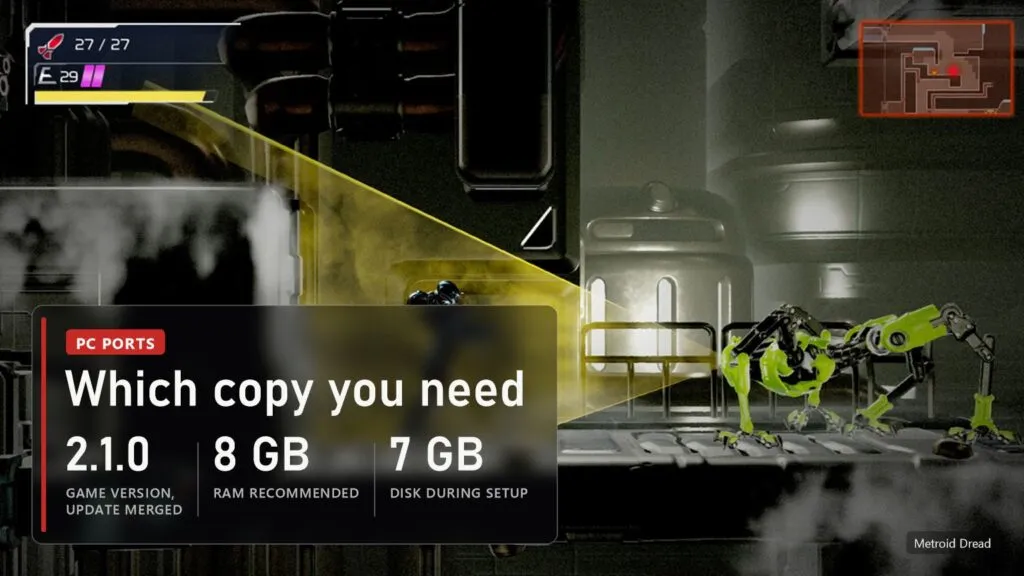
You need your own copy of Metroid Dread, cartridge or eShop, as an extracted folder with both parts: exefs (the game code, files main, main.npdm and the rest) and romfs (the game data), with the 2.1.0 update merged in. A RomFS alone is not enough, and older game versions are refused. If the base game and the update are in separate folders, pick the update as Update folder. We don't link game files or explain how to get them: you need your own copy of the game and data from your own console.
| What | Minimum |
|---|---|
| System | Windows 10 or 11 64-bit; Linux with glibc 2.38 or newer (X11, or Wayland through XWayland); SteamOS |
| Graphics | OpenGL 4.3. Native Vulkan on Linux needs kernel 6.7 or newer. DLAA needs a GeForce RTX card |
| Memory | 8 GB recommended: the game takes about 2.7 GB, the runtime and driver about 1 GB more. 4 GB runs, with long pauses on loads |
| Disk | About 7 GB during setup; the 0.5.9 download is 145 MB for Windows and 148 MB for Linux |
| Measured by the author | Intel Iris Xe integrated graphics holds 60 FPS in most of the game at native 1x resolution; a Steam Deck boss fight went from 35-43 to 48-57 FPS in 0.5.9 |
The author tests on NVIDIA cards and has no AMD card, so AMD fixes arrive blind and depend on player reports. There's no macOS build. Android and Mac requests are open on GitHub without a promise.
How to download and set up Metroid Dread on PC
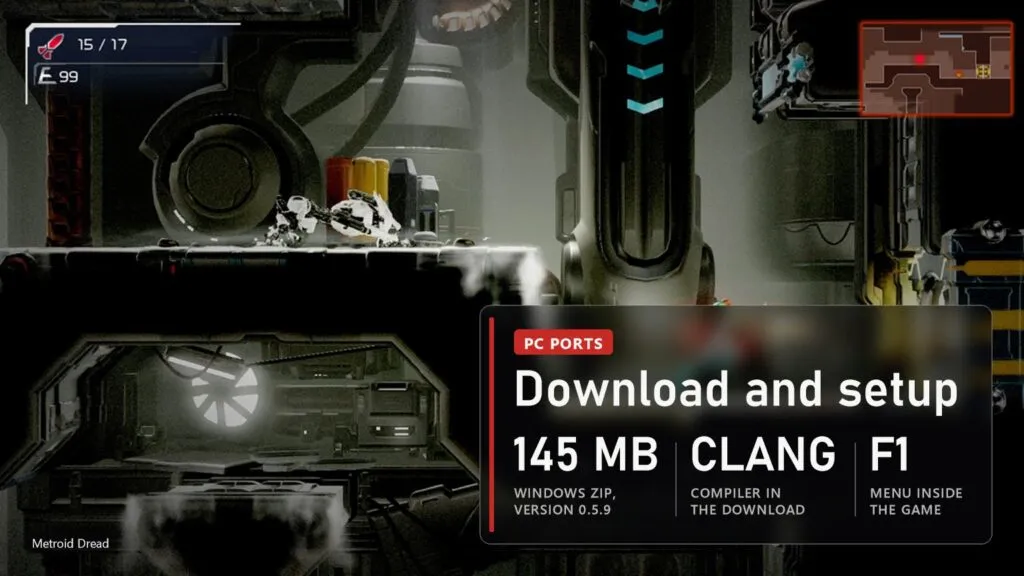
- Open the Releases page. With an NVIDIA or Intel card or a Steam Deck take v0.5.9 from November 12: on Windows
MetroidDread-PC-v0.5.9-Windows-x64.zip, on Linux and the Steam DeckMetroid_Dread-x86_64.AppImage. With an AMD Radeon card take v0.5.0 from October 30 instead (MetroidDread-PC-v0.5.0.zip). Don't download the repository itself: it has only source code. - Unzip into a folder you can write to and start
Metroid Dread.exe. - Pick the folder that holds both
exefsandromfs. They can sit a few folders down. Setup checks every file and compiles the game with the bundled compiler: Clang since 0.5.9, which builds several times faster than the old GCC and gives code about 6% faster in effect-heavy scenes. If Windows blocks the compiler, usually an antivirus, setup now says so; allow the game folder and run setup again. - The Play screen opens. Press AUTO-SET: it reads your graphics card, screen and memory and picks the renderer, resolution, frame rate and quality. New installs get this automatically.
- Press Play. F1, Esc, or Home on a Switch pad and Guide on an Xbox pad, opens the menu inside the game.
Later versions come through the UPDATE button on the Play screen: only changed files are downloaded, a few megabytes, each checked by hash, and UNDO goes back. Saves, settings and mods aren't touched. The first start after updating to 0.5.9 rebuilds the game code once, which takes a few minutes; updated Windows installs keep GCC unless you run setup again. If you are still on 0.2.0, which has no updater, download the new zip once and extract it over the old folder. On the Steam Deck the AppImage updates itself, and Add to Steam works from Desktop Mode.
OpenGL or Native Vulkan: which renderer to pick
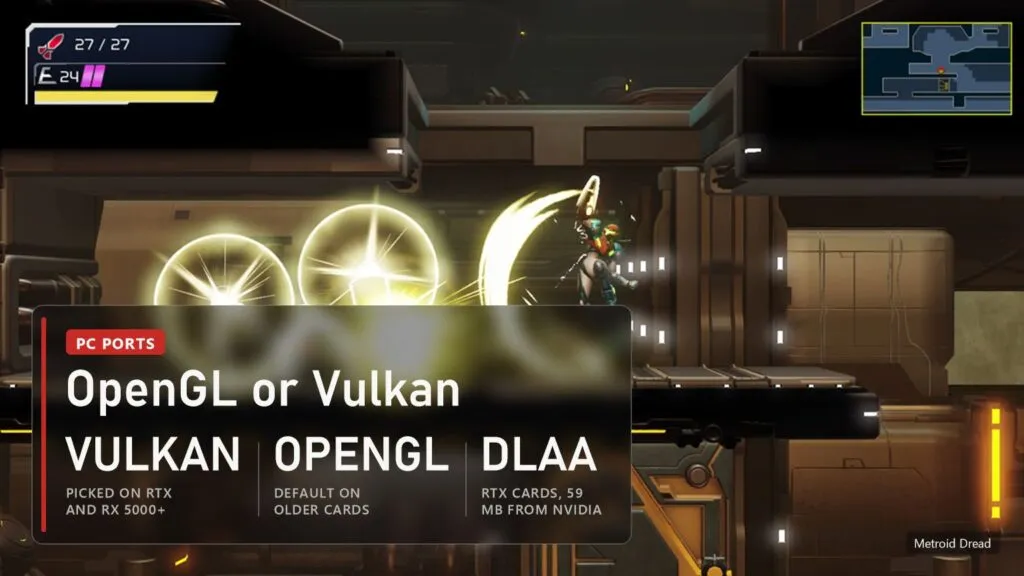
Since 0.5.9 Native Vulkan is no longer marked experimental. The recommended settings pick it on GeForce RTX and GTX 16 cards and on AMD RX 5000 and newer, where it runs better; OpenGL stays the default everywhere else. Vulkan now prepares its pipelines from a built-in list before you play, and in the author's tests the waits on a fresh install dropped from about 8 seconds to about 0.1 seconds, so most first-time stutter is gone. If you already have a yuzu pipeline cache for the game, Advanced, Shaders can import it. On Intel UHD and Iris Xe players report that Vulkan removes the black textures during Flash Shift. OpenGL got faster too: at 240 FPS and in heavy scenes it uploads less data per frame.
For anti-aliasing there are three choices. DLAA on RTX cards looks cleanest: Play screen, Graphics, NVIDIA DLAA, GET. That button downloads NVIDIA's 59 MB DLSS file from NVIDIA, which means accepting NVIDIA's licence. TAA is experimental and works on any card, with a little shimmer left on edges. The game's own FXAA is now off by default on Vulkan; game_fxaa=1 in the .ini brings it back. Other settings worth a look: Gameplay, Skip cutscenes (hold minus to skip any cutscene the game allows, including the first time), Shadow resolution 2x or 4x, Bloom set to Smooth at 2x resolution and above, and Audio, Channels, 5.1 for a surround setup. With a keyboard, L3 and R3 are Shift and F, which the Phantom Cloak prompt needs.
Common problems and fixes
| Problem | What to do |
|---|---|
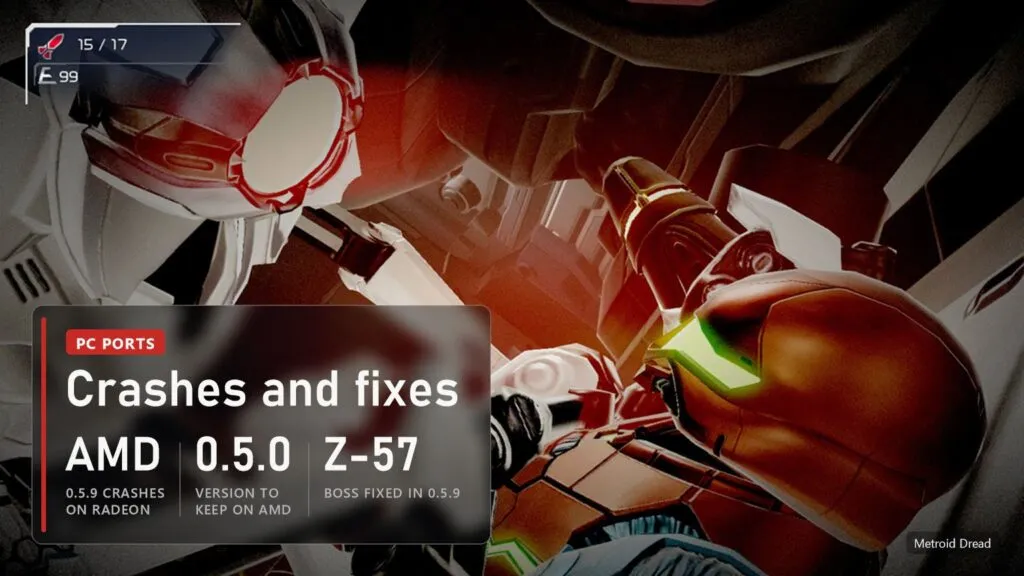
| 0.5.9 crashes on an AMD Radeon card | Known and not fixed yet. The author asks AMD owners to stay on 0.5.0 with Native Vulkan. To help, a separate AMD debugging build from November 13 records what the card was doing and sends a report to issue #68; it doesn't change your game or saves. |
| "Invalid memory access" crash on AMD with OpenGL after the opening cutscene | Still open on 0.5.0. Switch to Native Vulkan. |
| Black textures during Flash Shift or enemy attacks on Intel graphics | Switch to Native Vulkan; players report it fixes this and most other glitches on Iris Xe. |
| Experiment Z-57 doesn't appear, the doors stay locked | Fixed in 0.5.9 for 16:10, the Steam Deck screen shape. If it still happens at another shape, keep a save from before the arena and send a REPORT. |
| Setup fails with a Python error or says the compiler can't start | An antivirus is blocking the bundled compiler. Allow the game folder and run setup again. |
| Crash or effects piling up at the acid enemy at high frame rates | Fixed in 0.5.9: particle buffers are twice as large. Update. |
| Loud crackling in ADAM's room | Fixed in 0.5.9. Update. |
| Map pans too fast, minimap doesn't reveal unexplored areas | Fixed in 0.5.9. Update. |
| Scenery pops in at the sides at 21:9 or 32:9 | Fixed in 0.5.9. Update. |
| Samus turns around when you let go of the stick | Controls, "Ignore stick snap-back", added in 0.5.9. |
| "ExeFS not found" or setup refuses the files | Both exefs and romfs are needed, version 2.1.0 with the update merged. Copy them again from your own copy. |
| Anything else | Play screen, Problems, REPORT packs the logs and settings into one zip and opens a bug report with your PC filled in. Never attach game files or keys. |
Metroid Dread Recomp versions
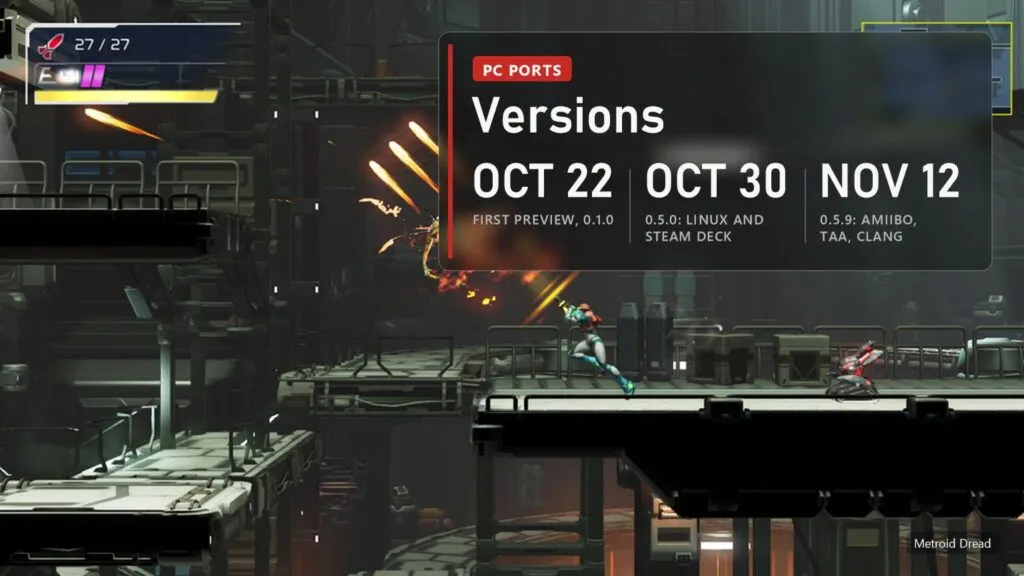
| Version | Date | What changed |
|---|---|---|
| 0.1.0 preview | October 22 | First Windows build: setup, Play screen, in-game menu, OpenGL and experimental Vulkan, 60 FPS cutscenes, 21:9 |
| 0.2.0 | October 23 | Cutscene skip, FPS counter, Add to Steam, mouse aim, smooth 30 FPS cutscenes, reverb |
| 0.3.0 and 0.3.1 | October 23 and 24 | Updates from the Play screen, AUTO-SET, sharpening, setup stuck at 22% and cutscene audio fixed |
| 0.4.0 | October 24 | REPORT button, previous log kept, Vulkan shaders built during the title screen |
| 0.5.0 | October 30 | Linux and Steam Deck AppImage, keyboard remapping, 5.1, cheats, 32:9, 90 FPS, AMD crash after loading a save fixed. The version for AMD cards for now |
| 0.5.9 | November 12 | amiibo, TAA, ambient occlusion, shadow resolution, HD rumble, Clang compiler, Native Vulkan out of experimental and on Linux, Z-57 and ultrawide pop-in fixed. Crashes on AMD |
| AMD debugging build | November 13 | Not a game update: a test program for Radeon owners to send crash reports |
FAQ
Is Metroid Dread on PC officially? No. Nintendo released it only on Switch. This is a fan project not connected to Nintendo.
Is it an emulator like Ryujinx? No. The game's ARM64 code is translated into C and compiled for your processor; the Switch graphics are redrawn through OpenGL or Vulkan.
Can I download the game with it? No. The download contains no game files. It needs your own copy of Metroid Dread, version 2.1.0.
Does it work on the Steam Deck? Yes, since 0.5.0, through the AppImage. 0.5.9 adds steadier frame pacing, fixes audio cuts and the Z-57 boss at the Deck's 16:10 screen.
Does it work on AMD cards? Version 0.5.0 on Native Vulkan does. Version 0.5.9 crashes on Radeon cards as of November 15, and the author is collecting reports to fix it.
Sources
- Metroid Dread Recomp, README and release notes v0.1.0 to v0.5.9 and the AMD debugging build: github.com/yozander2009-stack/Metroid-Dread-Recomp (checked November 15, 2026)
- Metroid Dread Recomp issues on GitHub: #12, #39, #56, #59, #68 and others, November 15, 2026
- GitHub release download counters (full Windows and Linux packages, without update files), November 15, 2026
- Nintendo eShop page of Metroid Dread (screenshots)
Read next
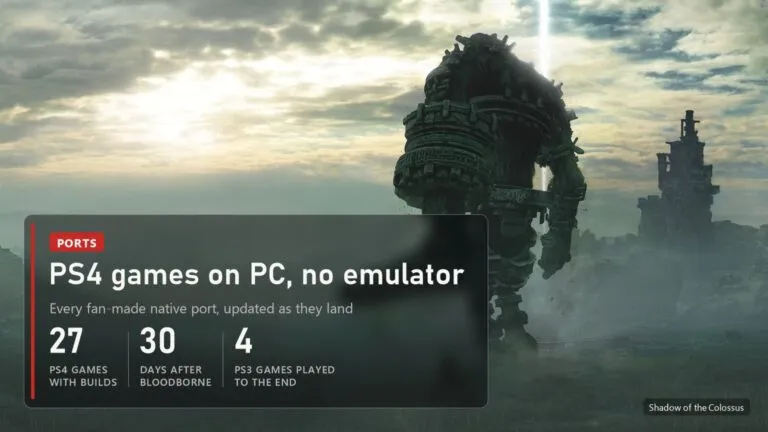 PS4 games on PC without an emulator: every port, from Bloodborne to Uncharted and GT Sport
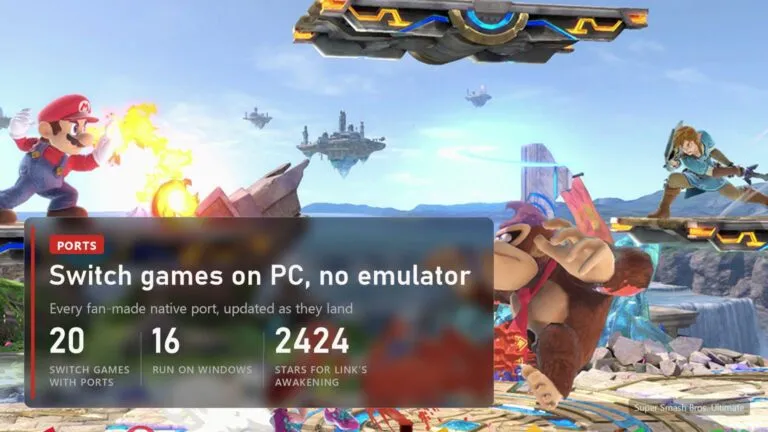 Switch games on PC without an emulator: 20 fan ports, from Zelda to Smash
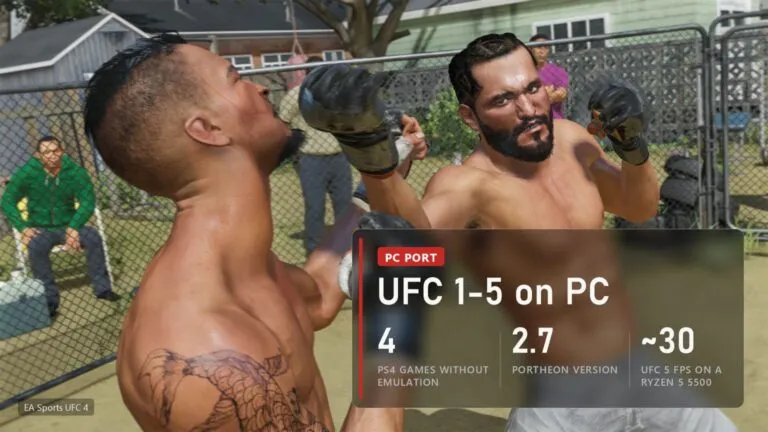 UFC 4 on PC: PORTHEON runs UFC 1-4 natively, UFC 5 and UFC 6 from PS5
 Shadow of the Colossus on PC: download, requirements and fixes for the fan port