Updated on November 18, 2026: Witch Time is at 0.12.1. Since 0.11.0 it has DLSS, DLAA and FSR 4 and frame generation from AMD or NVIDIA, all with DLL files you copy yourself; 0.12.0 runs the demon rides at 60 fps instead of 30 and adds a Sharpness setting.
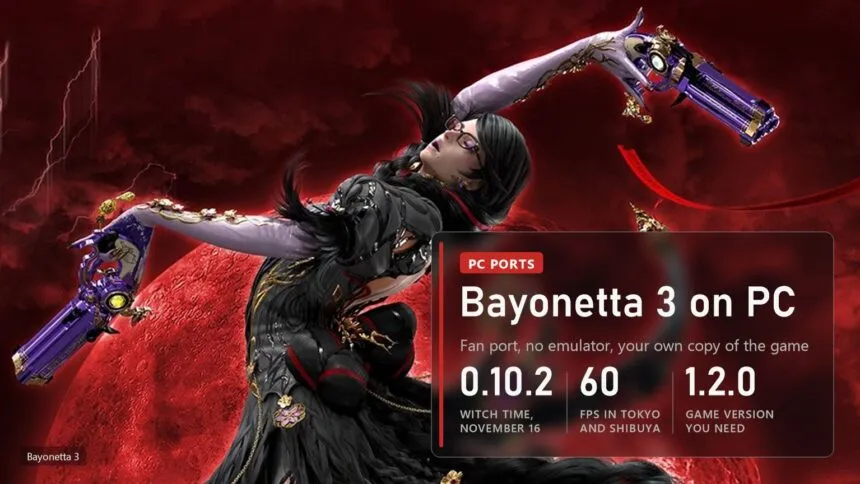
Bayonetta 3 runs natively on PC. Witch Time, a fan project by Zexyen, translates the Switch game's code into a Windows or Linux program on your own computer, so there's no emulator in between. The author plays it at 60 fps in Tokyo and Shibuya, with the internal resolution pushed up to 4K and FSR 3.1 as an option. New versions arrive almost every day: the first build came out on October 27, the latest is 0.12.1 from November 17. You need your own copy of the game, version 1.2.0, and the port doesn't include it.
Read next:
What works in Witch Time
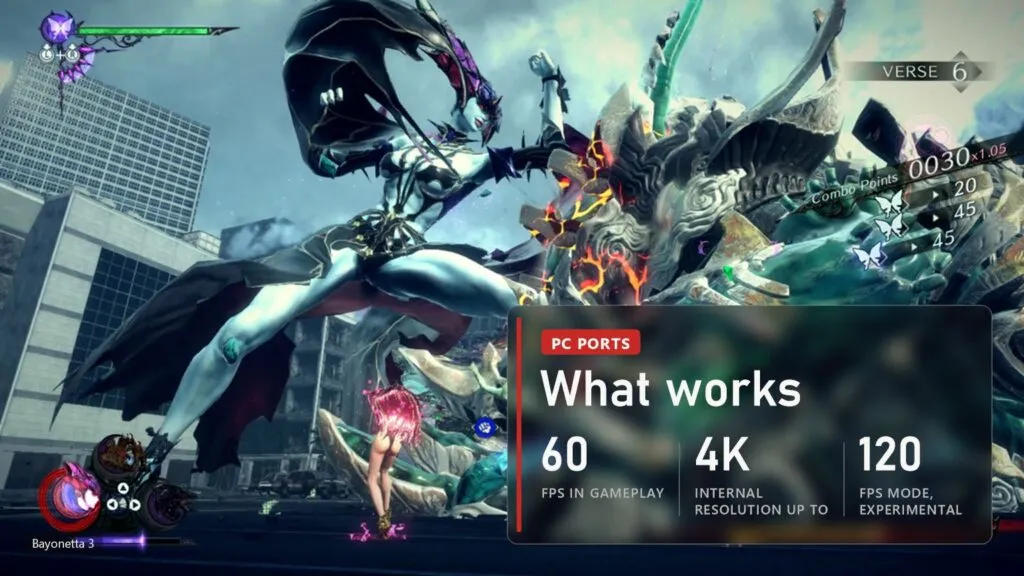
The game boots and plays. In the author's tests the action holds 60 fps with occasional short hitches, and cutscenes run at 30 fps like on the Switch, or at 60 if you ask for it. Here's what the README lists as working on November 16:
- Internal resolution from the game's own 1600x900 up to 4K. The author measured 60 fps at every step up to 4K on an RX 9070 XT.
- 60, 90 or 120 fps. Anything above 60 is experimental.
- FSR 3.1, experimental and off by default, as anti-aliasing or upscaling from Quality to Ultra Performance. Since 0.11.0 also DLSS, DLAA and FSR 4, plus frame generation from AMD FSR or DLSS, on Windows only.
- Controllers with every gameplay button rebindable in the game's own menu, plus keyboard and mouse with mouse camera.
- HDR, photo mode, mods and Discord Rich Presence.
- The Bayonetta Origins prologue from the 1.2.0 update, if you add that part of your update to the dump.
Which copy of the game and what PC you need
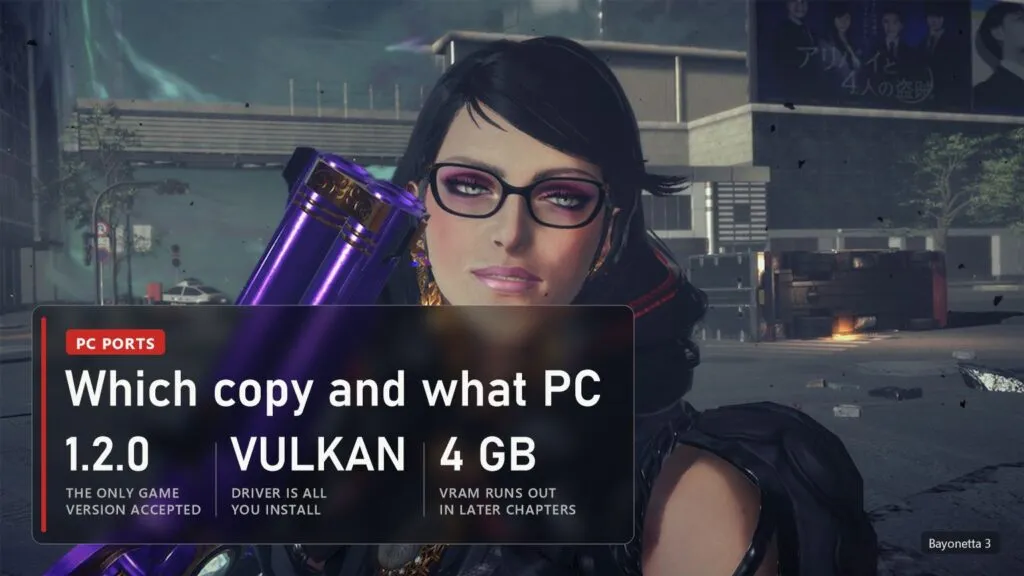
Witch Time accepts exactly one build of the game, version 1.2.0. Its first setup step checks every file against hashes and stops if anything differs. The dump has to come from your own console and your own copy, as a folder with exefs and romfs inside. The project decrypts nothing and ships no game files, and we won't explain how to make the dump either.
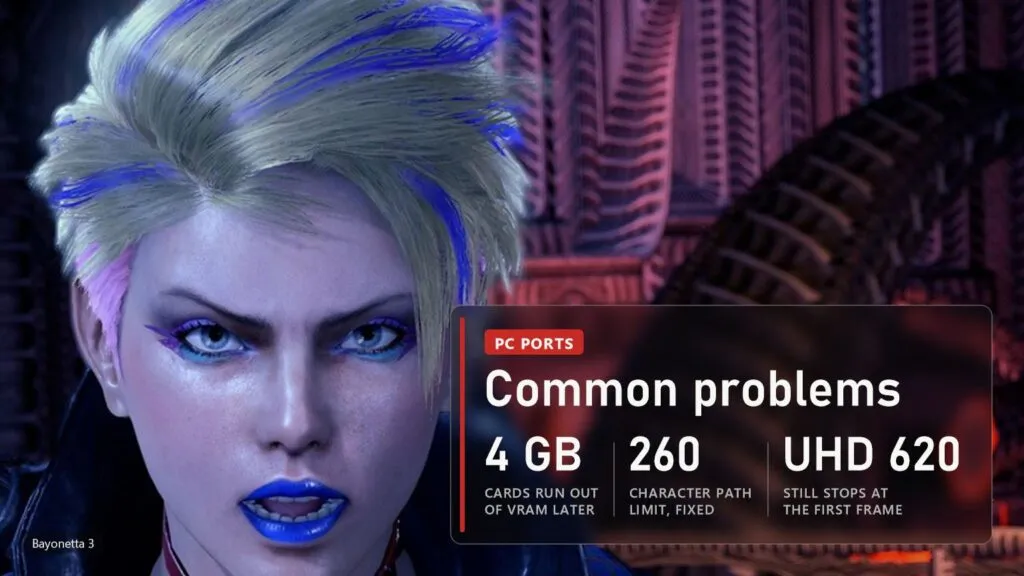
On the PC side, the release needs only a graphics card and driver with Vulkan. It brings its own compiler and runtime. Windows 10 or 11, 64-bit, and Linux both work; a macOS build for Apple silicon exists, but only for people who compile it themselves. The game is built for your own processor, using AVX2 and FMA if it has them and SSE4.2 if not. Two limits are known: a card with 4 GB of video memory runs out of it in later chapters, and Intel UHD 620 integrated graphics still stops at the first frame. Intel Arc was fixed in 0.9.1. On Windows "N" editions, install the Media Feature Pack, or the video clips won't play.
How to download and set it up
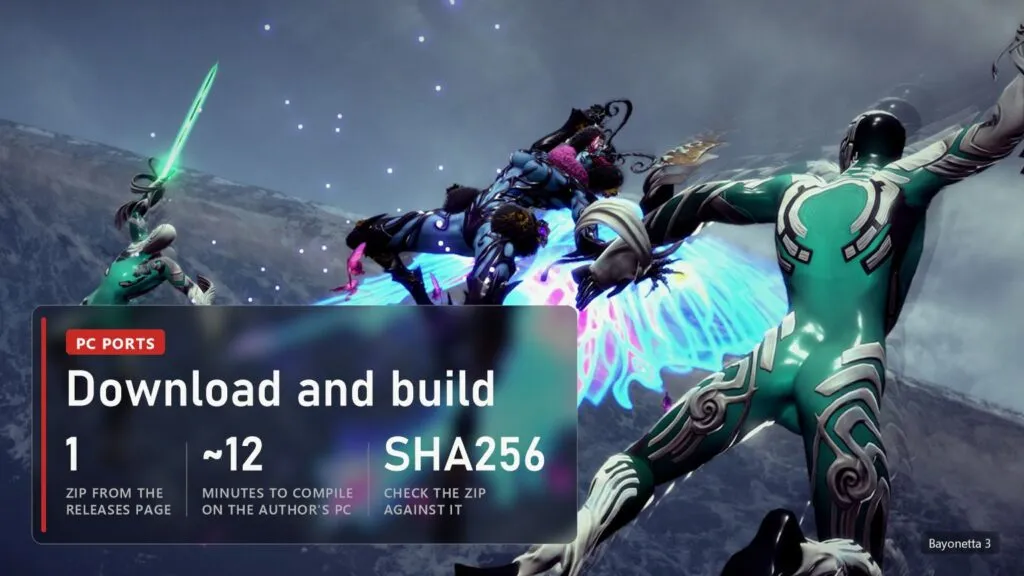
- Open the Releases page of Zexyen/Witch-Time and download WitchTime-<version>-windows-x86_64.zip. Get it only there: Windows Defender may flag the files because they aren't code-signed, so check the zip against the .sha256 file next to it (certutil -hashfile, then the zip name, then SHA256).
- Unzip it anywhere and run witch-time.exe.
- Pick the folder with your dump. The launcher checks it, converts the files, translates the game's code and compiles it. Compiling is the long part: about 12 minutes on the author's PC with 15 threads, longer on fewer cores.
- When it finishes, press Play. The game data is copied into the Witch Time folder, so you can move that folder later; on the same drive it uses hard links and takes no extra space.
Don't copy a finished build to another PC. It is compiled for the processor it was made on and stops with an "illegal instruction" error on an older one. Press REBUILD in the launcher on the new PC instead.
Settings worth changing
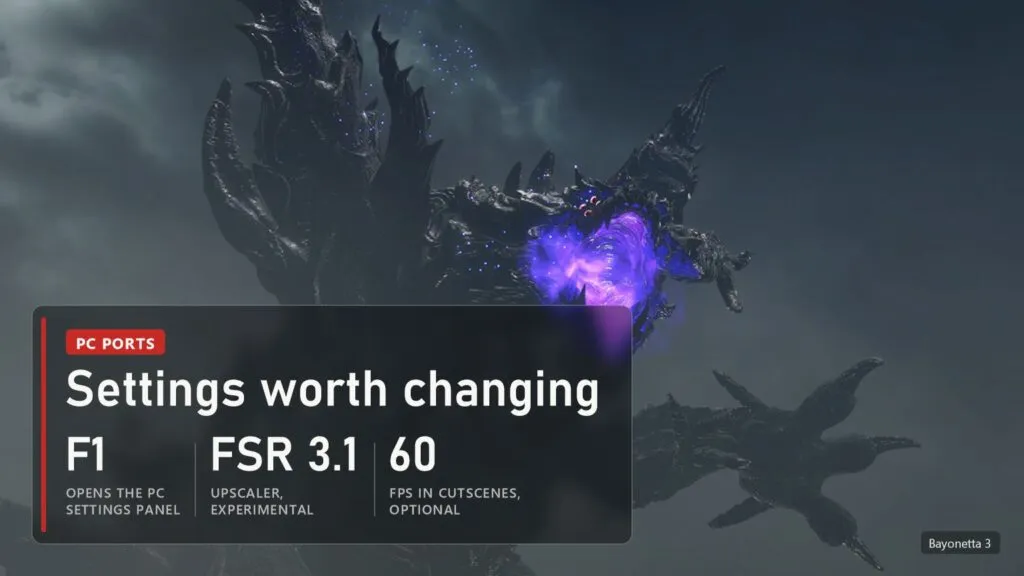
Press F1, or Start and Select together on a controller, to open the PC settings panel. The game pauses while it's open. The same settings also sit in the game's Options, on the Screen Display page and in a PC Settings tab.
- Internal resolution. The game renders at 1600x900 by default. A scale of 1.2 gives 1080p, 1.6 gives 1440p and 2.4 gives 4K. The first time you leave 1.0, the game stops once to prepare its shaders.
- FSR 3.1. Try it if your card struggles at a higher scale. It's still experimental. The same Upscaling row has DLSS, DLAA and FSR 4 since 0.11.0. Witch Time ships no NVIDIA or AMD files, so you copy them next to witch-time.exe: nvngx_dlss.dll from a game you own that has DLSS (NVIDIA RTX), or amd_fidelityfx_loader_vk.dll and amd_fidelityfx_upscaler_vk.dll from AMD's FSR SDK 2.4.0 or newer (Radeon RX 6000 or newer, Adrenalin 26.10.1 or newer). Frame generation needs an upscaler turned on, and DLSS frame generation needs an RTX 40 or newer. The driver's own amdxcffx64.dll is for DirectX 12 and won't work here.
- Cutscene frame rate. Set it to 60 if 30 fps cutscenes bother you. Pre-rendered movies stay at 30.
- Frame rate. 90 and 120 fps take effect after a restart and are experimental.
Above a scale of 1.0, the clouds of erasure cost more GPU time. If they slow the game down, the author suggests setting WT_VK_CLOUD_SCALE=1.
Common problems and fixes
| Problem | What to do |
|---|---|
| Setup stops at verify | Your dump isn't version 1.2.0 or a file is damaged. Update the game on the console and dump it again. |
| "Illegal instruction" at start | The build was made on another PC. Press REBUILD. |
| Can't update an install in a long folder path | Fixed in 0.10.2. Before that, move the folder closer to the drive root. |
| Crackling or slow sound on Windows | Fixed in 0.9.1. If it comes back, set WT_AUDIO_LEAD=0. |
| No sound at all on Windows | Still an open bug as of 0.9.2 (issue 182). Check the issues page before reporting it again. |
| Stutters or crashes in later chapters on a 4 GB card | Video memory runs out. Lower the internal resolution to 1.0. |
| Black screen after the loading clock on Intel UHD 620 | Not fixed yet (issue 55). Intel Arc works since 0.9.1. |
| Demon rides are slow | Improved in 0.9.0 and 0.10.0, not fully fixed. |
| Videos don't play on Windows "N" | Install the Media Feature Pack. |
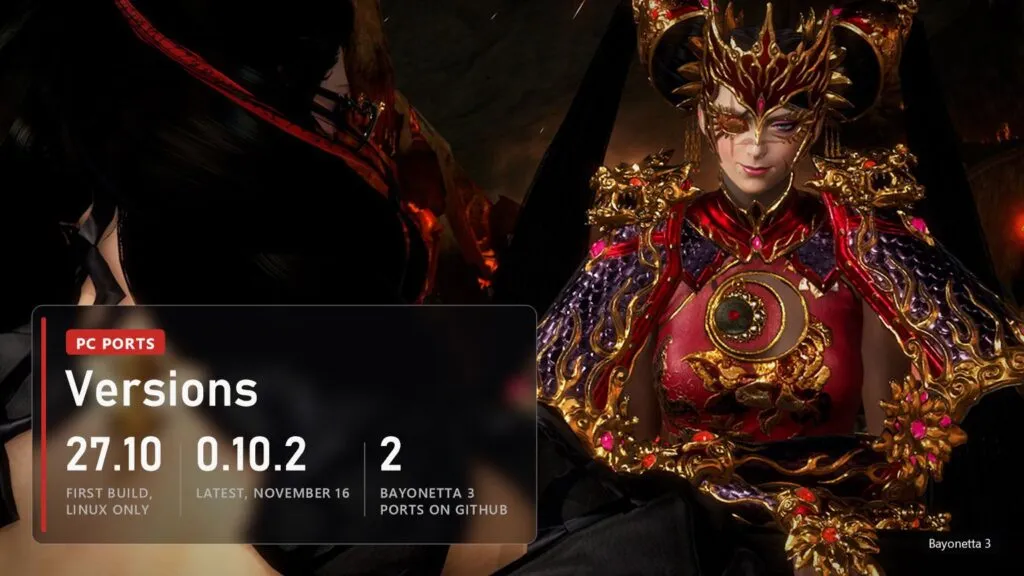
Witch Time versions
| Version | Date | What changed |
|---|---|---|
| 0.12.1 | November 17 | Dynamic resolution no longer remakes the upscaler, aimed at the frame-time spike every few seconds with DLAA |
| 0.12.0 | November 17 | Demon rides at your frame rate (60 by default, was 30), busy fights faster above 60 fps, Upscaling section in the launcher, Sharpness |
| 0.11.0 | November 16 | DLSS, DLAA and FSR 4 with your own DLL files, first frame generation (AMD FSR and DLSS) |
| 0.10.2 | November 16 | Installs in long folder paths can be updated, GPU fences answered on their own thread |
| 0.10.1 | November 15 | Clouds of erasure fixed up close, subtitles in time in 60 fps movies |
| 0.10.0 | November 13 | Game compiled for your processor (AVX2 and FMA), experimental macOS build |
| 0.9.3 | November 12 | Mods with single files, fog no longer blocky at higher resolution |
| 0.9.2 | November 12 | PC Settings tab in Options, HDR, FSR 3.1 motion fix |
| 0.9.1 | November 11 | Intel Arc runs, crackling sound fixed, video memory kept in budget |
| 0.9.0 | November 10 | Faster demon rides and cutscenes, desktop shortcut |
| 0.8.0 | November 5 | FSR 3.1, experimental |
| 0.1.0 | October 27 | First build, Linux only; Windows followed a day later |
There's a second Bayonetta 3 port too. aoxzh/bayo3-recomp started on November 8, targets PC, the Steam Deck and Android, also needs version 1.2.0 and was at 0.3.8 on November 16. It's younger and far less tested, so start with Witch Time.
FAQ
Is Witch Time an emulator?
No. It translates the game's Switch code into C and compiles it into a normal program for your PC, then runs it on a rewritten system layer with Vulkan for graphics. That's why it runs well on hardware that would struggle with Switch emulation.
Does it work on the Steam Deck?
Witch Time has a Linux build, and on the Deck its launcher adds itself to the application menu. The second port, bayo3-recomp, lists the Steam Deck as a target. Nobody has published Deck frame rates for either yet.
Can I use the Bayonetta 2 port for this?
No. Witch Time borrows the design of B2recomp, but they are separate programs for separate games. Our Bayonetta 2 guide covers B2recomp.
Will Nintendo release Bayonetta 3 on PC?
There's no announcement. Nintendo publishes the Bayonetta 2 and 3 Switch versions, and neither has an official PC release.
Sources
Zexyen/Witch-Time: README (status, settings, build on Windows and Linux, Origins prologue), docs/STATUS.md (compile time, the game version 1.2.0 on the title screen) and release notes 0.8.0 to 0.12.1, read on November 18, 2026. aoxzh/bayo3-recomp: description and release 0.3.8, November 16, 2026. Images: official Bayonetta 3 screenshots and key art from Nintendo.
Read next
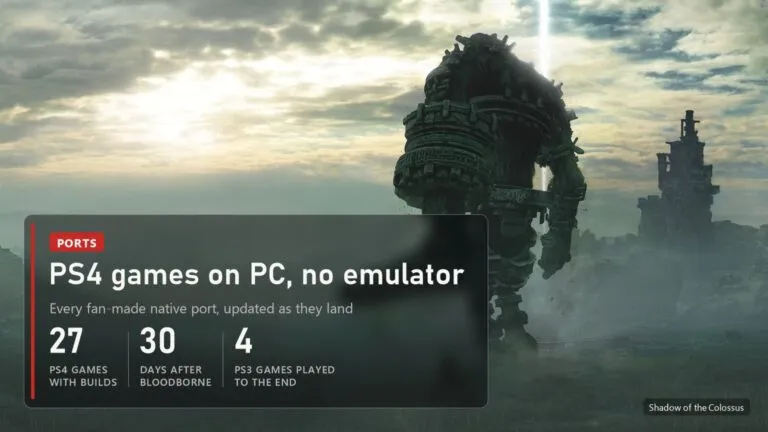 PS4 games on PC without an emulator: every port, from Bloodborne to Uncharted and GT Sport
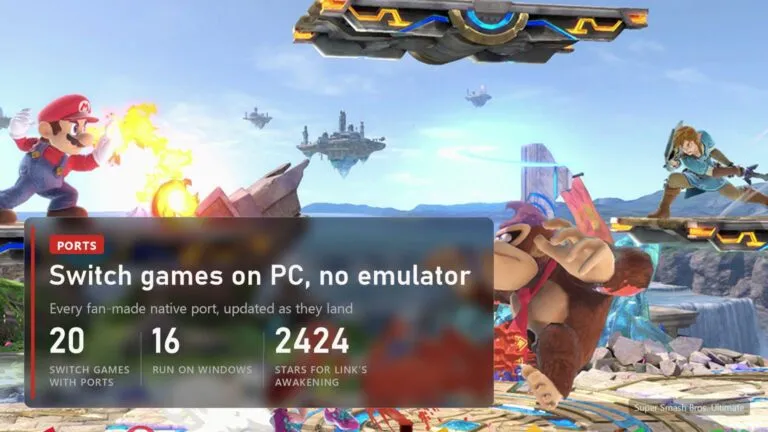 Switch games on PC without an emulator: 20 fan ports, from Zelda to Smash
 UFC 4 on PC: PORTHEON runs UFC 1-4 natively, UFC 5 and UFC 6 from PS5
 Bloodborne Native PC Port: Now on Windows Too, With Online Play and DLSS