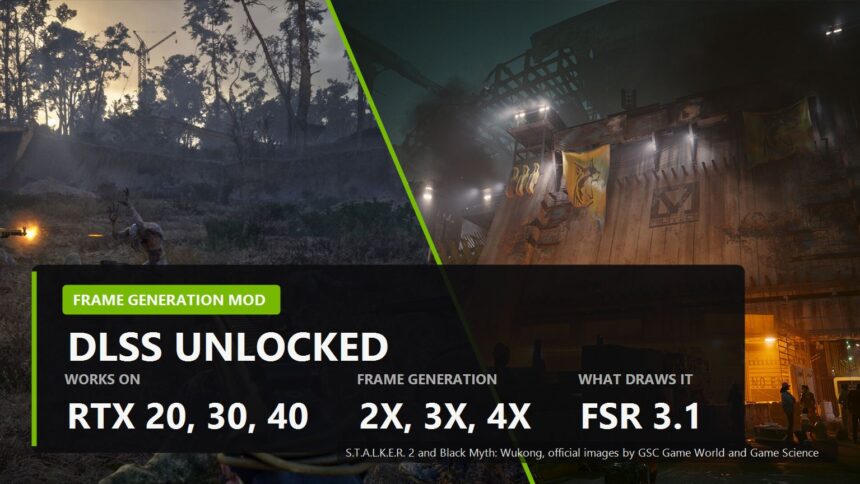
If you own an RTX 3070 you have spent two years watching NVIDIA hand frame generation to newer cards and then, this year, hand multi frame generation only to the RTX 50 series. A mod called DLSS Unlocked just handed all of it to you at once.
It works. It is also not quite what the headlines say, and the difference matters if you are about to install it tonight.
What DLSS Unlocked actually does on RTX 20, 30 and 40
The trick is not that NVIDIA's frame generation suddenly runs on old silicon. It does not. The mod intercepts the calls the game makes to DLSS frame generation and quietly answers them with AMD's FSR 3.1 instead. The game thinks it is talking to NVIDIA. The frames come from AMD.
That split is the whole story, and it lands differently depending on your card.
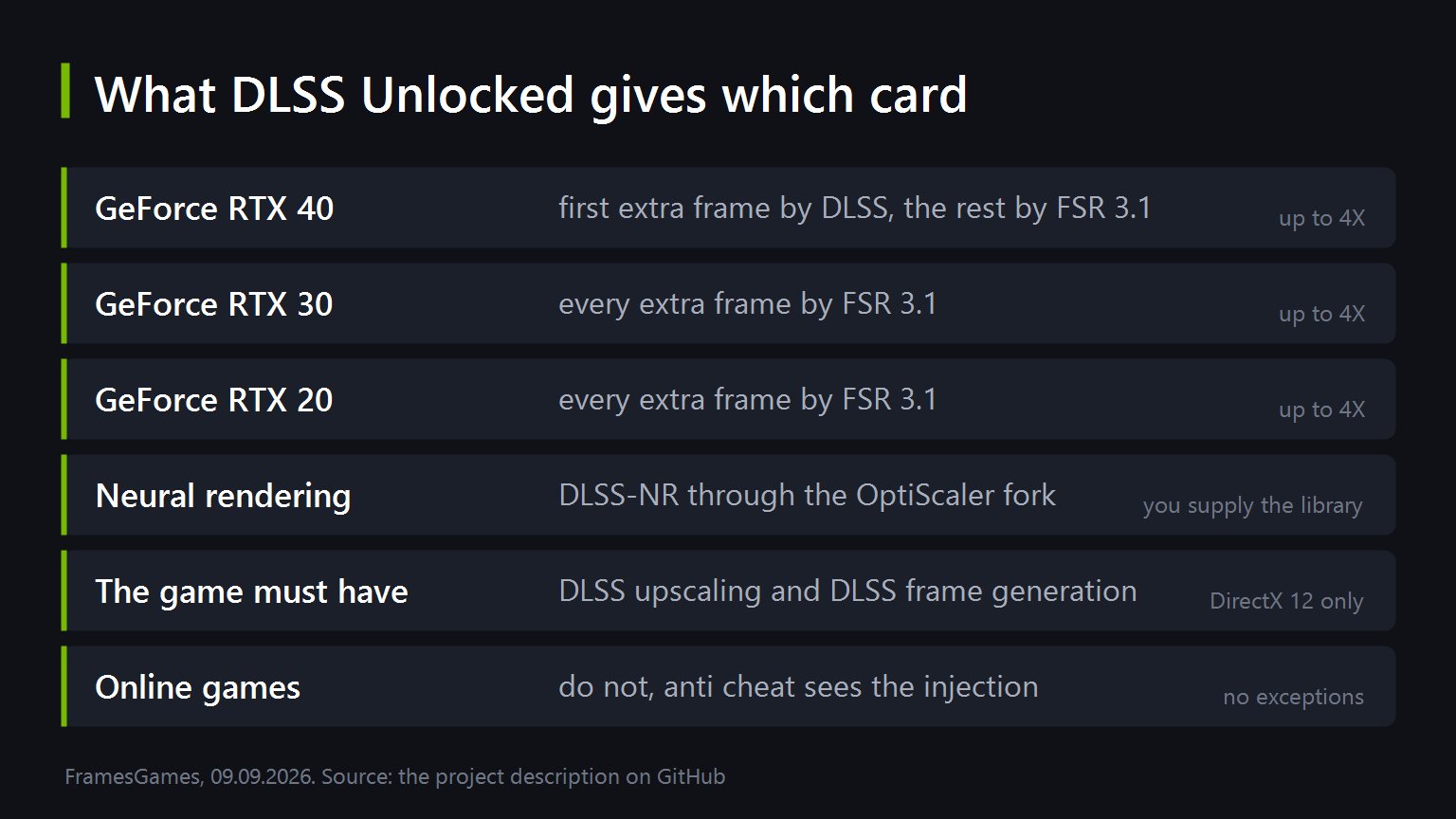
- RTX 40. The first generated frame is real DLSS frame generation, because your card can do that. Every frame after it comes from FSR 3.1.
- RTX 30 and RTX 20. Every generated frame is FSR 3.1. There is no DLSS frame generation in the chain at all.
- Neural rendering. The DLSS 5 part comes through a fork of OptiScaler. You have to bring the library yourself, and the project says so for legal reasons.
So the honest summary is not "DLSS 5 on your old card". It is closer to "your old card can now generate extra frames the way a Radeon does, while the game carries on believing it has a 50 series".
About that 6X number
Several write-ups say the mod pushes frame rates up to six times over. The project's own page says something else: multi frame generation at 2X, 3X and 4X. Four, not six.
We are not calling anyone a liar, the number probably comes from stacking the DLSS frame on top of the FSR ones on an RTX 40. But when the developer's own description lists three modes and stops at 4X, that is the number to plan around.
There is a second ceiling nobody mentions either. For multi frame generation to appear in the game's own graphics menu, the game has to support the feature natively. The mod does not conjure the option out of nothing.

What you need before you start
The requirements are narrower than the excitement suggests, and they rule out most of a Steam library.
- DirectX 12, no exceptions.
- The game must already have DLSS upscaling and DLSS frame generation. Not one of them. Both. If a game only has upscaling, this is not the tool for it.
- An installer or a folder of files. There is an exe wizard for Windows that asks for the folder with the game executable, and a zip for people who would rather see what goes where. Linux users take the zip and launch with a Wine override.
Two known problems are worth knowing before they surprise you. On Linux under Proton, opening the overlay can crash some DirectX 12 games outright, and the fix is to switch the overlay off in the settings file. And Capcom's RE Engine, the one behind Resident Evil Requiem, checks its own memory closely enough that you need REFramework alongside the mod just to boot. On those games the authors say to stay at plain 2X, because 3X and 4X trip over the engine's worker threads.
The rule that has not changed
Not in online games. Ever. Anti cheat sees a library being injected into the rendering path and bans, and it does not care that your intentions were about frame rates. Single player only, and preferably on a game you are not afraid to verify files on afterwards.
Worth noting who built this. It is not one person's clever hack, it is three projects stitched together: DLSS Enabler by Artur Graniszewski, OptiScaler by cdozdil, and the neural rendering fork by Dagherbou. DLSS Unlocked packages them so you do not have to assemble four mods by hand, and it re-checks the upstream projects every three hours. Which is more maintenance than some paid software gets.
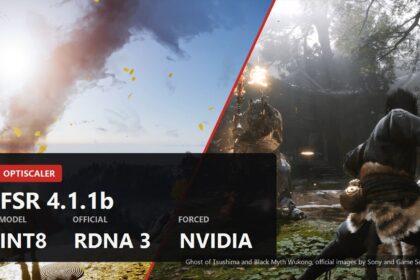
If your card is a Radeon rather than a GeForce, the equivalent conversation is a different one, and we went through it in the piece on FSR 4.1.1b on older cards.
Sources
The description of what the mod unlocks, the list of supported cards as GeForce RTX 20, 30 and 40, the multi frame generation modes of 2X, 3X and 4X, the split where an RTX 40 gets its first generated frame from DLSS frame generation and the rest from AMD FidelityFX FSR 3.1 while RTX 20 and 30 get every generated frame from FSR 3.1, the requirement that the game natively supports DLSS upscaling and DLSS frame generation, the requirement that the game natively supports multi frame generation for the option to appear in its menu, the DirectX 12 and Windows and Linux support, the exe installer and standalone zip formats, the Wine override for Linux, the automatic check of upstream releases every three hours, the overlay crash on Proton and its fix, and the RE Engine notes about REFramework and staying at 2X all come from the DLSS Unlocked project description on GitHub by ShyVortex. The credits to DLSS Enabler by Artur Graniszewski, OptiScaler by cdozdil and OptiScaler_DLSSNR by Dagherbou come from the same page. The requirement to supply your own patched DLSS 5 library was reported by Tom's Hardware on 8 September 2026, which also carried the figure of up to 6X; the project's own page lists 2X, 3X and 4X, and we have said so. The warning about anti cheat is the standing rule of every mod of this kind.