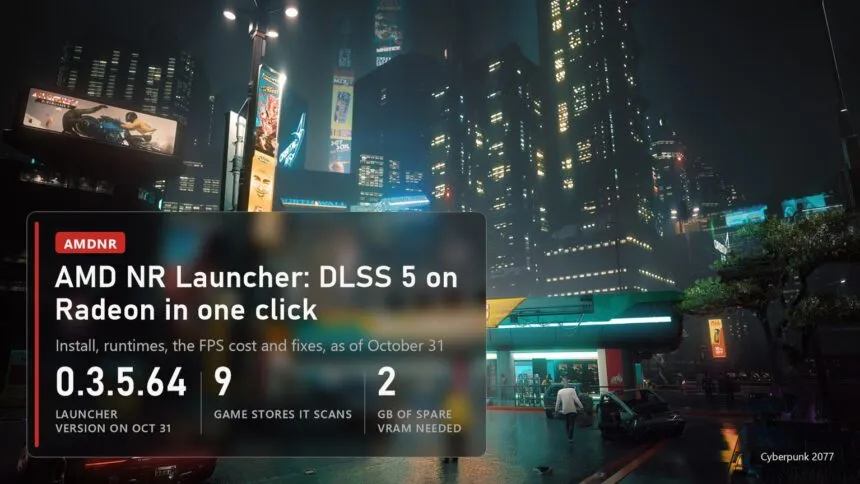
AMD NR Launcher, officially AMDNR Launcher, is the easiest way right now to get DLSS 5 neural rendering running on a Radeon. It's a free Windows program by a modder who goes by 3zwr1: it finds your games, installs a modified build of OptiScaler with the neural pass, downloads the runtime that suits your card, and removes all of it with one button. Below is how to install it, which settings to pick for your card, what it costs in frame rate and what to do when the game won't start. Everything is checked against Alpha 0.3.5.8R10 and launcher 0.3.5.64, released on October 31, 2026.
One thing first: this is an alpha, not a product from AMD or NVIDIA. Neither company supports it, and the README says plainly that you use it at your own risk. If you want the bigger picture of DLSS 5 on non-NVIDIA cards, including Intel Arc and the other mods, read our main DLSS 5 guide. This page covers the launcher only.
Which Radeon it runs on
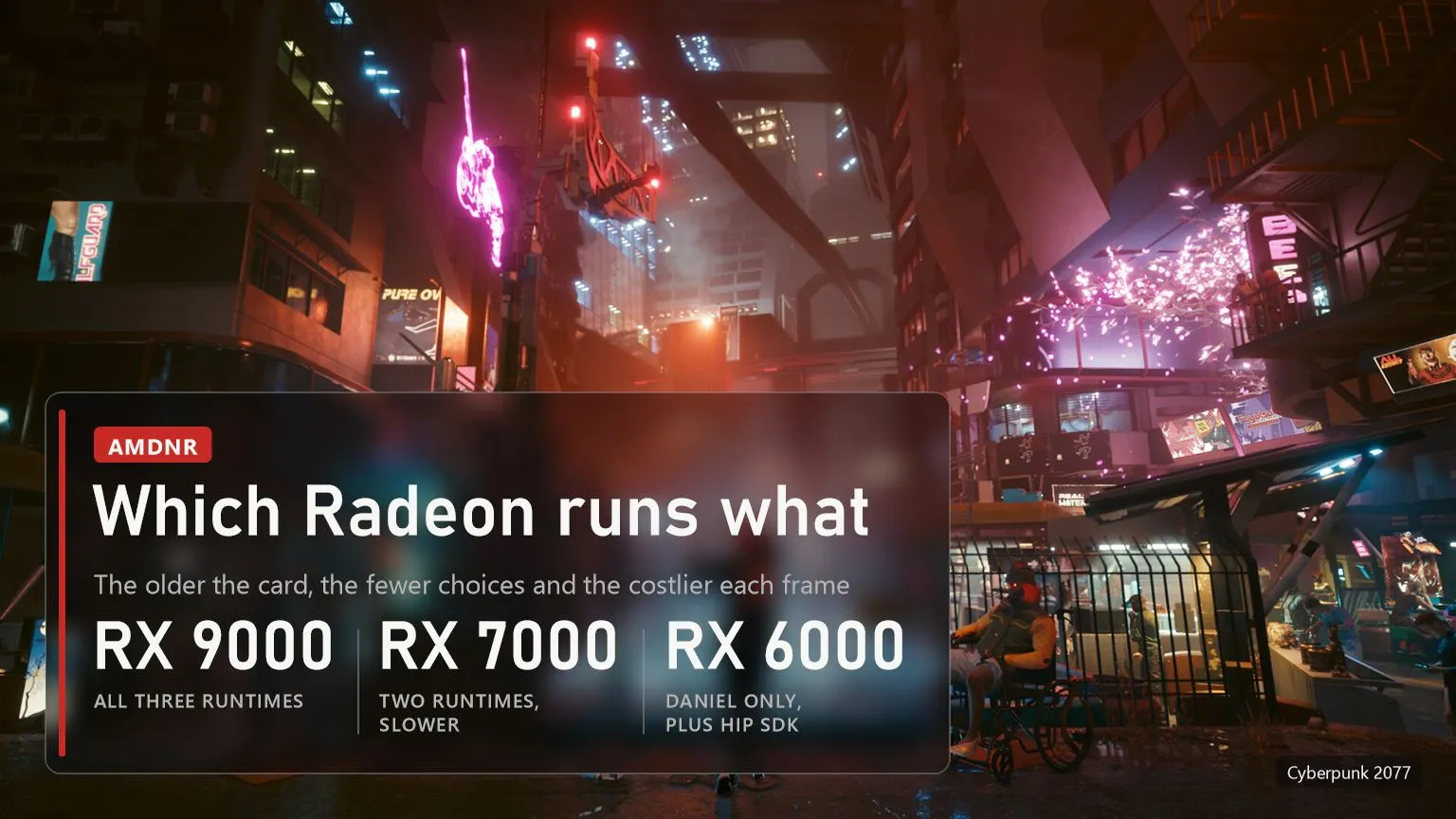
The launcher itself starts on any Windows 10 or 11 PC, but the neural pass needs a fairly recent Radeon, AMD Software: Adrenalin Edition 26.9.1 or newer and about 2 GB of spare video memory at 1080p render resolutions. AMDNR can drive three neural runtimes written by different people: lmxxf by Kien, Daniel Blanco's runtime (the author of DLSS-NR on AMD) and mochizuki, which the menu calls Mochi. What you get depends on the card.
| Graphics | Runtimes | What to expect |
|---|---|---|
| RX 9000 (RX 9070, 9070 XT, 9060 XT) | lmxxf, Daniel, Mochi | The best case. lmxxf is the default; PLAY ANYWHERE works only here |
| RX 7000 | lmxxf, Daniel | Works, but the network takes several times longer per frame; Fast mode is on by default |
| Radeon 8060S and 8050S (Strix Halo) | lmxxf | Supported, Fast mode on by default |
| ROG Ally and other Z1 Extreme, Z2, 780M and 890M handhelds | lmxxf | Experimental and slow |
| RX 6000 | Daniel | Only with AMD's HIP SDK 7.2 installed; lmxxf support is planned for 0.3.6 |
| Steam Deck and other RDNA 2 APUs | none | Neural rendering isn't supported |
The game matters too. It has to run on DirectX 12, DirectX 11 or Vulkan and have its own FSR 2 or newer, XeSS or DLSS in the settings: that's the call AMDNR hooks into. Games with none of those, which covers most titles from before 2020, go through PLAY ANYWHERE, more on that below.
Where to download it and how to install it
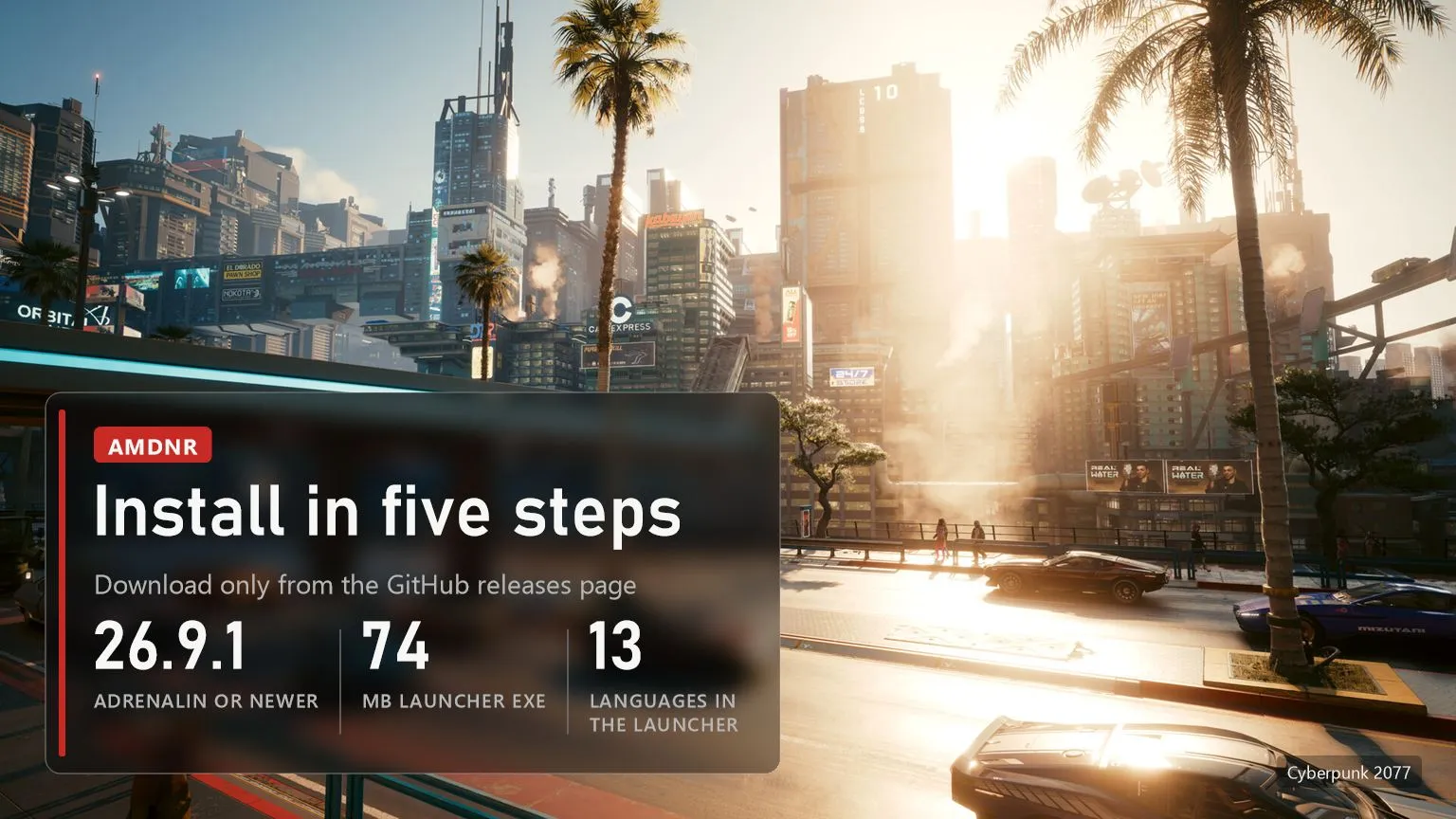
There is exactly one safe source: the releases page of the project on GitHub, github.com/3zwr1/AMD-NR---OptiScaler. The file is called AMDNR-Launcher.exe and weighs 74 MB. Search results for "amd nr launcher download" already turn up lookalike sites, and with mods like this a fake installer is a common way to get malware onto a PC.
- Update the driver. In AMD Software check that the version is 26.9.1 or newer. With an older one the network won't start.
- Download AMDNR-Launcher.exe from Assets of the latest release. Windows SmartScreen may warn on first launch; the release carries a SHA256SUMS.txt file if you want to check the download.
- Let it update and find your games. The launcher updates itself on the logo screen, then reads Steam, Epic, the Xbox app, Ubisoft Connect, the EA app, GOG, Rockstar, Battle.net and Amazon Games. If it picked the wrong .exe or none, use CHOOSE GAME .EXE.
- Press INSTALL on the game. The launcher chooses the file name the mod loads under, downloads the build and the runtime for your card, and its Doctor checks the result. The current mod package is about 535 MB.
- Start the game and turn on FSR (or XeSS, or DLSS) in its graphics settings. INSERT opens the AMDNR menu, HOME switches DLSS 5 on and off while you play.
The launcher is in thirteen languages, Russian included, but not Dutch or German: it follows your Windows language and falls back to English. UPDATE ALL refreshes every installed game at once, and UNINSTALL removes everything the mod put in the game folder, including logs and caches it wrote while the game ran.
Which runtime to choose
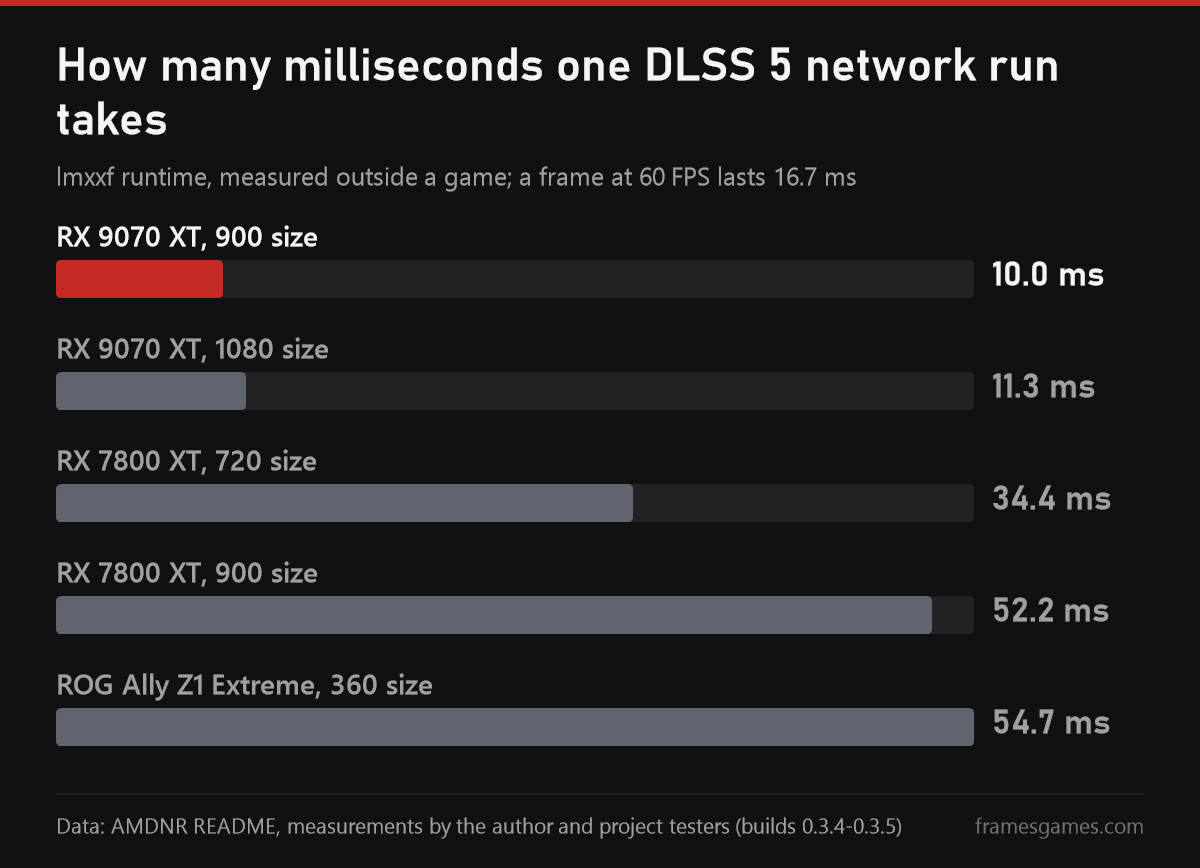
The chart shows why the card matters more than any setting. It's the time one run of the network takes in lmxxf, measured by the author and testers outside a game. On an RX 9070 XT that's 10 to 11 milliseconds, less than a frame at 60 FPS. On an RX 7800 XT even the smallest 720 size takes 34 ms, three times as long, and a ROG Ally needs almost 55 ms at a tiny 360 size. In a game the cost per displayed frame is lower, because with Model interleave the network runs every second frame, but the order between the cards stays the same.
- lmxxf is the default on RX 9000 and the one to use on RX 7000: it applies its edit one frame late, carried by motion vectors, so the frame never waits for the network. The price is ghosting behind fast objects. It's shorter than it used to be, but still there.
- Daniel (Daniel Blanco's runtime) is the only option on RX 6000. On RX 7000 the README advises against it: its same-frame mode costs a lot of time per frame on RDNA 3. Since 0.3.5.8 its peak video memory use in the author's controlled test dropped from 9.0 to 3.2 GB.
- Mochi (mochizuki) is the newest and runs single-pass only. AMDNR doesn't ship its weights: the launcher builds them on your PC from NVIDIA's own nvngx_dlssnr.dll version 310.9.16, which you need to take from a game you own (it came with an NBA 2K27 update). RX 7000 support has been pushed to 0.3.5.9.
What it costs in FPS
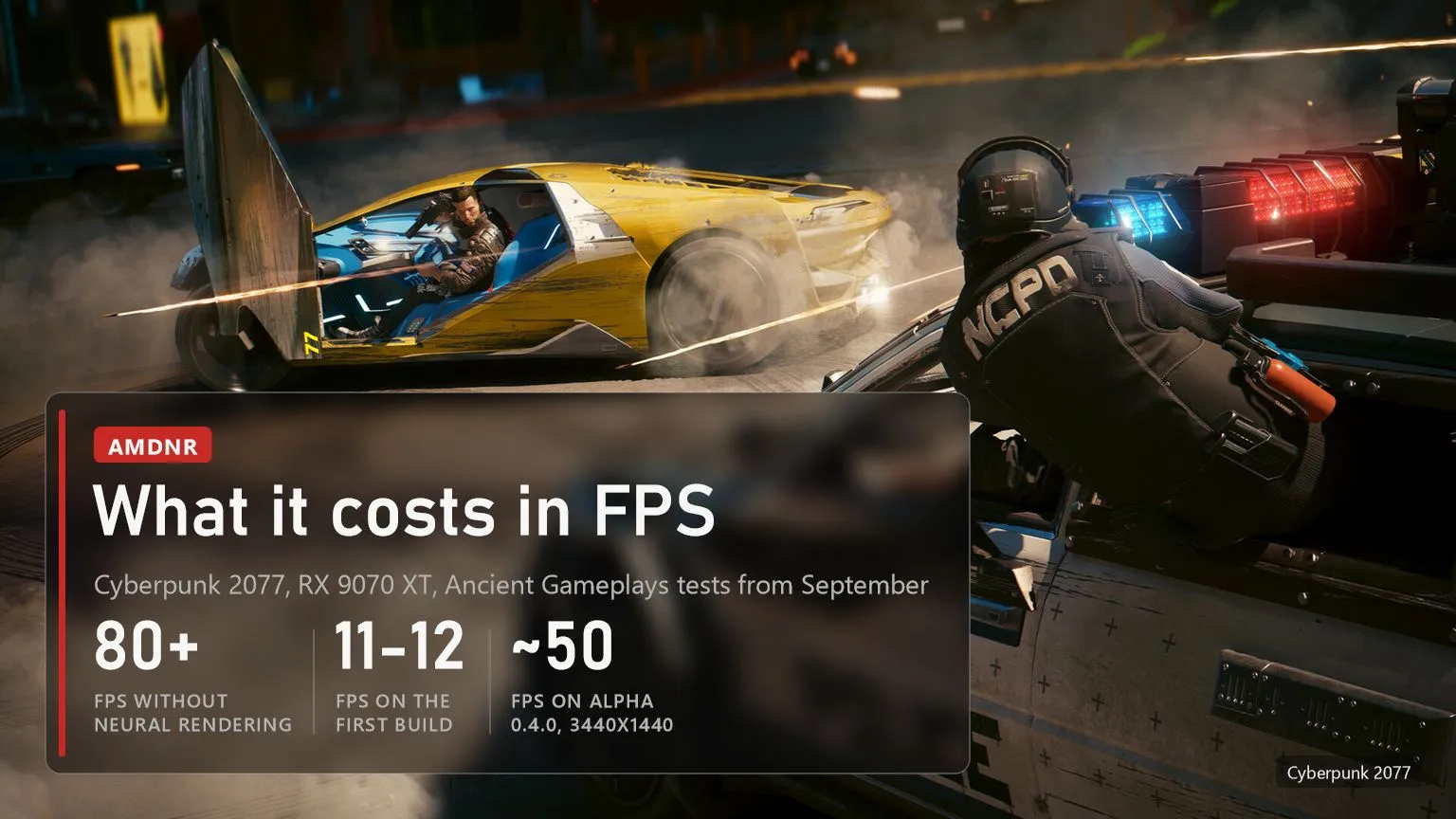
There are no independent tests of AMDNR as a whole yet. The closest thing is a series by the YouTube channel Ancient Gameplays on Daniel Blanco's runtime, which AMDNR now includes, as reported by Tom's Hardware on September 28. In Cyberpunk 2077 on an RX 9070 XT the game ran above 80 FPS without the neural pass, the first build dropped it to 11-12 FPS, a later one held about 30, and runtime alpha 0.4.0 reached about 50 FPS at 3440x1440. Those runs used different builds and settings, so read them as a trend rather than a head-to-head comparison.
The project's own data is a little more recent. In 0.3.5.2 a player measured Cyberpunk 2077 at 1440p with FSR Quality on an RX 9070 XT: snapping the network to the 900 size raised the result from 52.2 to 64.0 FPS with no visible difference in their test. So on the fastest Radeon, DLSS 5 still takes a noticeable part of the frame rate, and on an RX 7000 card expect a lot less. With a 60 FPS target, a 9070 XT is the realistic minimum.
PLAY ANYWHERE: older games without FSR
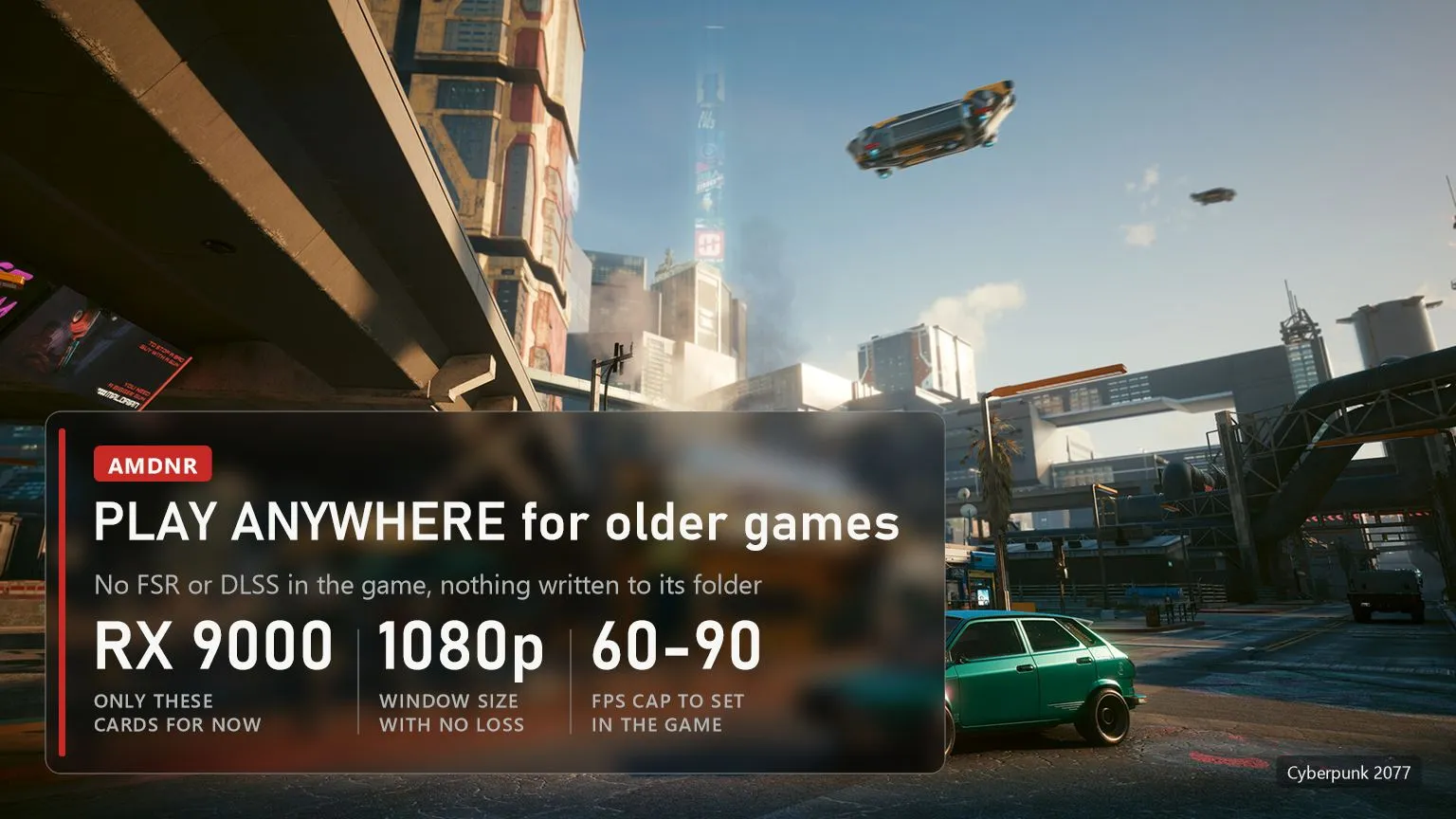
For games with no upscaler of their own the launcher shows PLAY ANYWHERE instead of INSTALL. It starts the game, captures its window with a modified build of the Magpie scaler, and runs the network on the finished picture, with nothing written into the game folder. It's a preview, and only RX 9000 cards get it so far; RX 7000 should follow once it's tested there.
Three things make it work better. Run the game windowed or borderless, not in exclusive fullscreen. Keep the window at 1920x1080 or smaller: that's the case where the network sees every pixel, a larger window gets scaled down first. And cap the game's own frame rate at 60-90 FPS, because the capture host runs the network once for every frame it shows. A captured window has no depth or motion vectors, so the host estimates motion itself, and some flicker in fast scenes is normal.
Settings worth changing
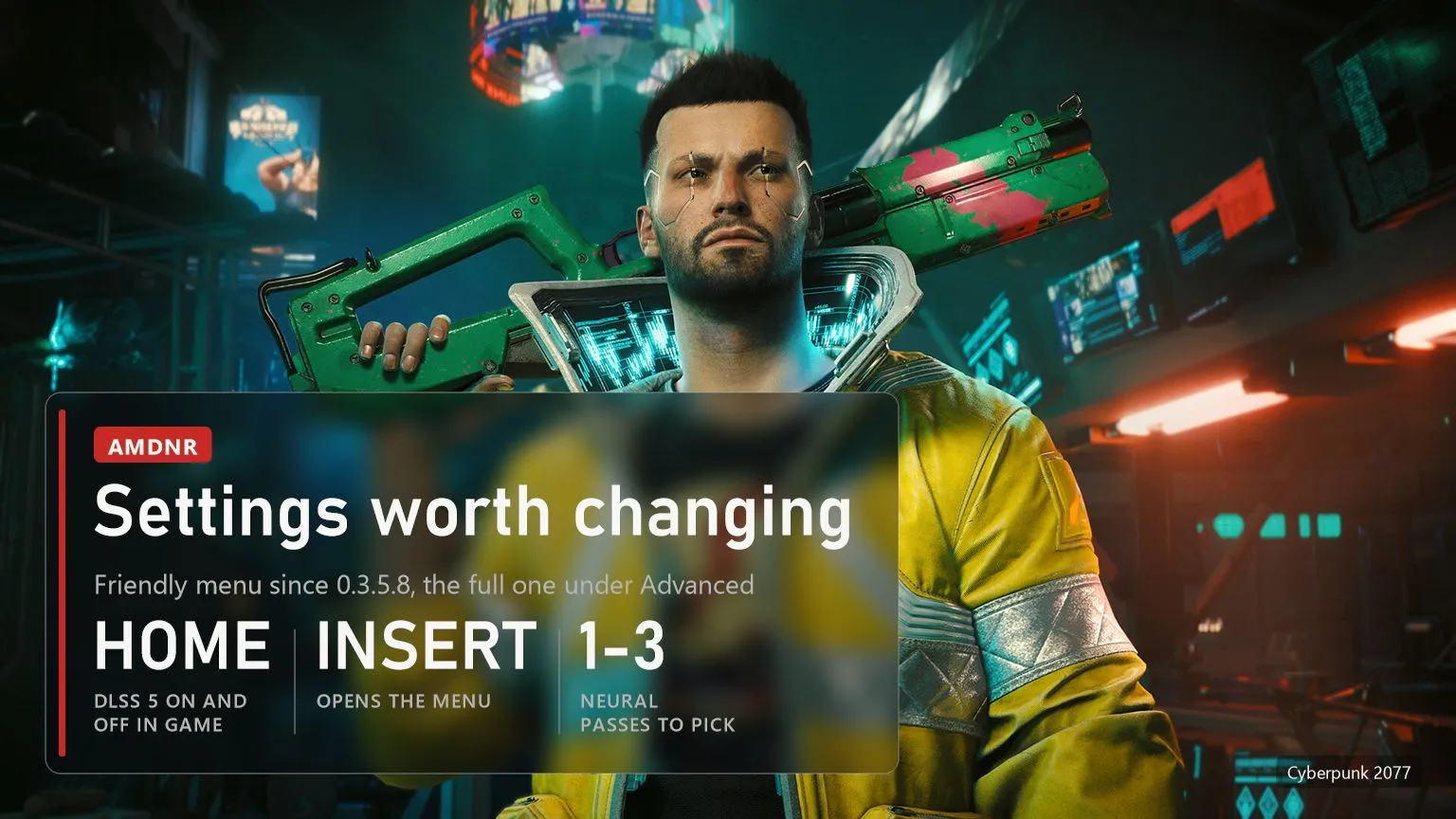
Since 0.3.5.8 the INSERT menu opens in a simpler Friendly view with neural rendering, upscaling and frame generation on one screen. The full menu is still there under Advanced. Out of the dozens of options, a handful actually change the experience.
- Quality preset. Quality, Balanced or Performance. Performance runs the network at 70% of the render resolution and is where RX 7000 owners should start.
- NR resolution. The same thing by hand, from small sizes up to 200%. If the screen flashes or the driver resets, lower this first.
- Neural passes. One to three on lmxxf and Daniel. Each extra pass makes the look stronger and costs another network run.
- Model interleave. The network runs every second frame, which gives a big frame-rate gain; the edit in between is carried by motion vectors.
- Fast mode. Runs the network one size smaller, about 29% less network time at 1080p with slightly softer fine detail. On by default on RX 7000 and handhelds, off on RX 9000.
- Reset all settings. In Advanced, with a backup of the old ones. Useful after experimenting, takes effect at the next game start.
Linux, RX 6000 and how it differs from OptiScaler
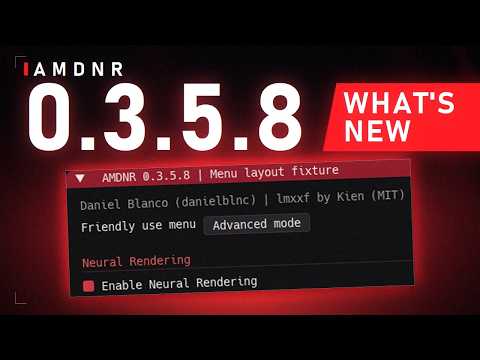 The video loads from YouTube (Google) when you press play. Privacy policy
Linux and Steam Deck. Neural rendering doesn't run there at all: both main runtimes rely on HIP from the Windows AMD driver, which Proton and Wine don't provide. Under Proton AMDNR works as a regular OptiScaler build with FSR 3.1 and FSR 4, and the launcher itself can start under Proton, but the author hasn't tested that.
RX 6000. It works through Daniel Blanco's runtime, but first install AMD HIP SDK 7.2 from AMD's site: the RX 6000 driver only carries the older HIP 6.4, and without the SDK the network won't load. AMDNR's own kernels for these cards are planned for version 0.3.6.
AMDNR or plain OptiScaler. AMDNR is a fork of OptiScaler under the same GPL-3.0 licence, with the neural pass, XeSS frame generation up to 6X (10X opt-in in DirectX 12 games) and FSR Ray Regeneration for games with DLSS Ray Reconstruction added on top. Plain OptiScaler doesn't do DLSS 5 at all; what's new there is in our OptiScaler v10 piece. Don't put both into one game folder. The same goes for Daniel Blanco's standalone mod: AMDNR already runs his runtime, and two mods in one folder load twice.
Is it legal. AMDNR ships no NVIDIA files: the runtimes are other authors' implementations of the network, and Mochi's weights are built from a DLL you already have. Still, it's an unofficial use of NVIDIA's technology that neither NVIDIA nor AMD has approved. The launcher's source is open to read but all rights reserved; the full mod source is promised with version 0.5.0.
When the game won't start or crashes
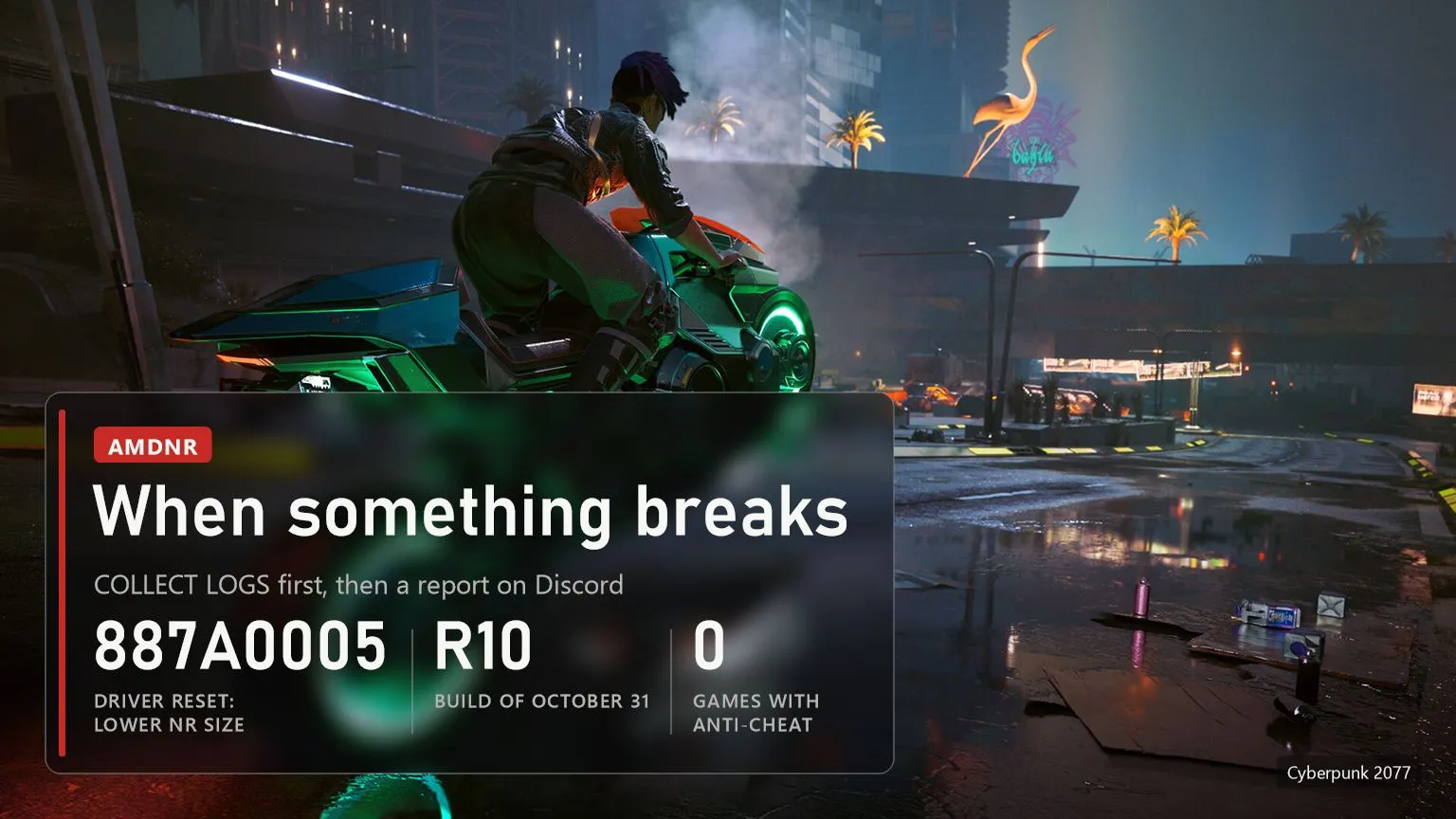
- No games with anti-cheat. The mod puts its own DLL into the game folder, and Easy Anti-Cheat or BattlEye can see that as tampering. A ban hits your account, not the modder's.
- The screen flashes and the driver resets (error 887A0005): the card can't keep up. Lower NR resolution or pick Performance. After repeated GPU faults AMDNR lowers or switches off the neural pass on its own.
- DLSS 5 doesn't kick in on a laptop: the game started on the integrated GPU. In Windows graphics settings set the game's .exe to High performance.
- Resident Evil Requiem crashes after 15-60 seconds: it needs REFramework to get past Capcom's anti-tamper. The README has the steps; PRAGMATA and Monster Hunter Wilds probably need the same.
- Mochi won't start after an update: update the game itself to R10 in the launcher, then press REPAIR. Rolling the game back to R9 doesn't help.
- Other mods. The launcher doesn't take over the loaders of RED4ext, Cyber Engine Tweaks and the like, it picks a different file name, so Cyberpunk mods keep working.
If none of that helps, press COLLECT LOGS on the game's page in the launcher, or Save report in the in-game menu. Either one writes a single zip with logs and settings, with your Windows user name and PC name replaced, which you post in the #bug-report channel on the project's Discord. The author fixes things fast: between October 27 and 31 alone there were nine R builds. Most of their notes end with "not yet confirmed in the game", so it's worth reading them before you update.
In short
- Download AMDNR-Launcher.exe only from the GitHub releases of 3zwr1/AMD-NR---OptiScaler.
- RX 9000 gets everything, RX 7000 works but slowly, RX 6000 only with the HIP SDK, Linux and Steam Deck get no neural rendering.
- The game needs its own FSR, XeSS or DLSS; for older games there's PLAY ANYWHERE on RX 9000.
- Expect to lose a noticeable part of your frame rate even on an RX 9070 XT.
- No anti-cheat games, and no second DLSS 5 mod in the same folder.
Sources
The AMDNR project on GitHub (3zwr1/AMD-NR---OptiScaler): README, release notes for Alpha0.3.5.2 through Alpha0.3.5.8R10 (October 31, 2026), the system requirements, the runtime list and the network-time measurements by the author and testers. The AMDNR 0.3.5.8 video on the project's YouTube channel.
Frame rates in Cyberpunk 2077: Ancient Gameplays tests as reported by Tom's Hardware (Kunal Khullar, September 28, 2026). Search queries: Google suggestions on November 1, 2026.
Images: official Cyberpunk 2077 screenshots from Steam.