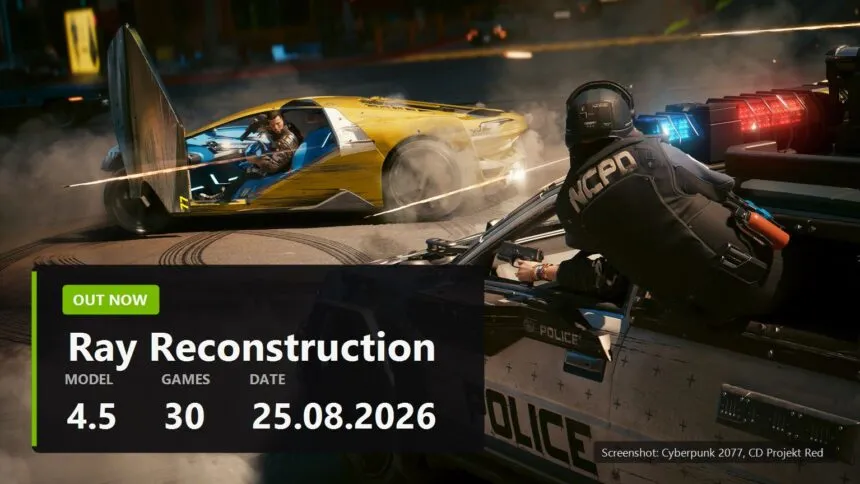
The second generation Ray Reconstruction model has been sitting in the NVIDIA app since 25 August, and you can grab it right now on any RTX card, a 2060 included. The official release is not due until September, so this is early access. You need Game Ready 580.88 WHQL or newer, which most people already have.
- What shipped, and why the driver has nothing to do with it
- How to turn it on, two minutes
- The toggle is greyed out. What to check, in order
- What NVIDIA promises, and the part I do not buy yet
- Thirty games, and not just the NVIDIA showcase
- Who gets nothing out of this
- What else was shown, and what to watch in September
What shipped, and why the driver has nothing to do with it
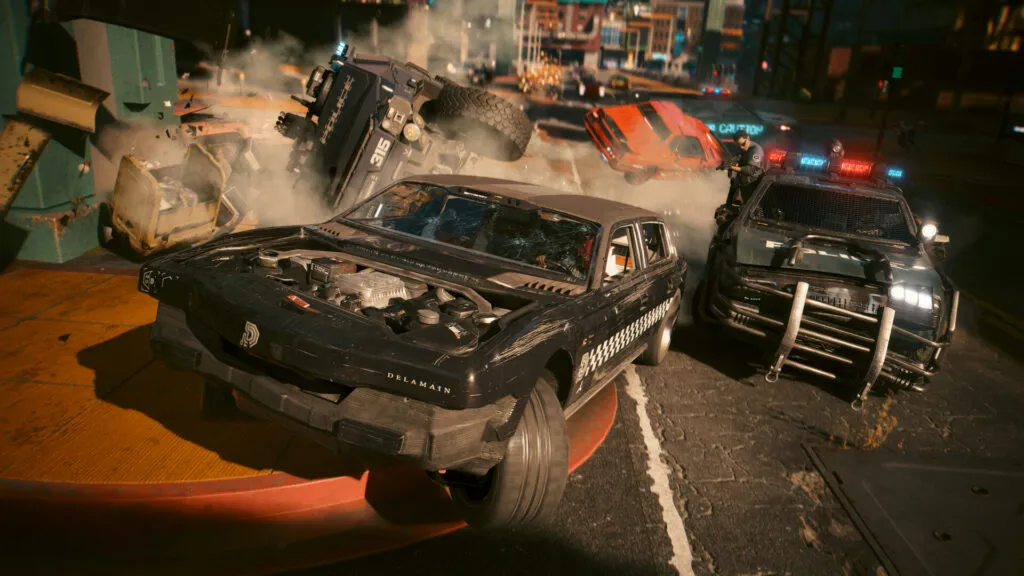
NVIDIA showed the updated Ray Reconstruction on its own stream ahead of Opening Night Live and opened access the same day. This is not a new upscaler and not a DLSS replacement. Ray Reconstruction is the denoiser for ray tracing, and it now sits inside one model together with super resolution: it reads the traced lighting and the frame reconstruction at once instead of fixing them one after another.
None of it arrives in the driver. Game Ready 616.56, released on 26 August for Star Wars Zero Company, Hell Let Loose: Vietnam and Resonance: A Plague Tale Legacy, does not switch the new model on by itself. A checkbox in the app does, and that is the part worth taking away from this news.
How to turn it on, two minutes
- NVIDIA app, Settings, About. Opt into Early Access releases and restart the app.
- Open Graphics and pick a game. For your whole library at once, use Global Settings at the top of the window.
- Driver Settings, find DLSS Override - Model Presets, set it to Custom.
- In the Ray Reconstruction drop-down pick Recommended or Preset F, then hit Apply.
Recommended is whatever NVIDIA considers right for that specific game, Preset F forces the new model. If the image goes wrong, put the preset back in the same menu. The rollback is instant and the driver stays untouched.
The toggle is greyed out. What to check, in order
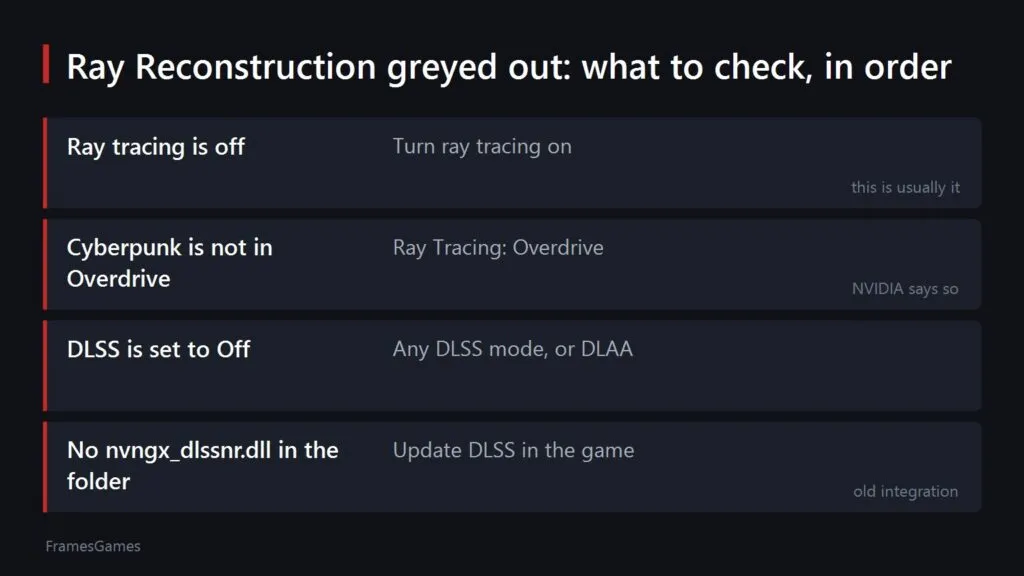
This is the most common complaint about Ray Reconstruction, and most of the time it is not a bug. The option is gated on other settings and the game never tells you which ones. Here is the order I would go in.
- Ray tracing is off. Ray Reconstruction does not add ray tracing. It replaces the hand tuned denoisers that ray traced effects need, so with ray tracing off there is nothing for it to clean up and the line stays dead. Turn ray tracing on first and look again.
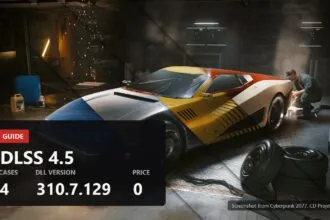
- In Cyberpunk 2077 the mode matters. NVIDIA puts it plainly: Ray Reconstruction lives in the Ray Tracing: Overdrive Mode. Medium or Ultra ray tracing is not enough, you need the Overdrive preset, the path traced one.
- DLSS itself is set to Off. Ray Reconstruction runs inside DLSS, so with the upscaler switched off the toggle usually stays locked. DLAA counts here, you do not have to upscale, but you do have to have DLSS active.
- The game folder has no nvngx_dlssnr.dll. Ray Reconstruction arrives as its own model file next to the usual nvngx_dlss.dll. An older integration ships only the second one, and then there is no line in the menu at all, greyed out or otherwise.
And one belief worth dropping. Plenty of people assume Ray Reconstruction needs an RTX 40. It does not. The compatibility table on NVIDIA's own DLSS page lists it on RTX 50, 40, 30 and 20. The fortieth series requirement belongs to Frame Generation, which is a different feature entirely.
The caveat is that the gate is written by each game rather than by NVIDIA, so a title can add a condition of its own. The four checks above hold everywhere I have looked, and Cyberpunk is the game people ask about, but if the option still refuses after all four, the answer sits in that game's settings and not in your driver.
What NVIDIA promises, and the part I do not buy yet
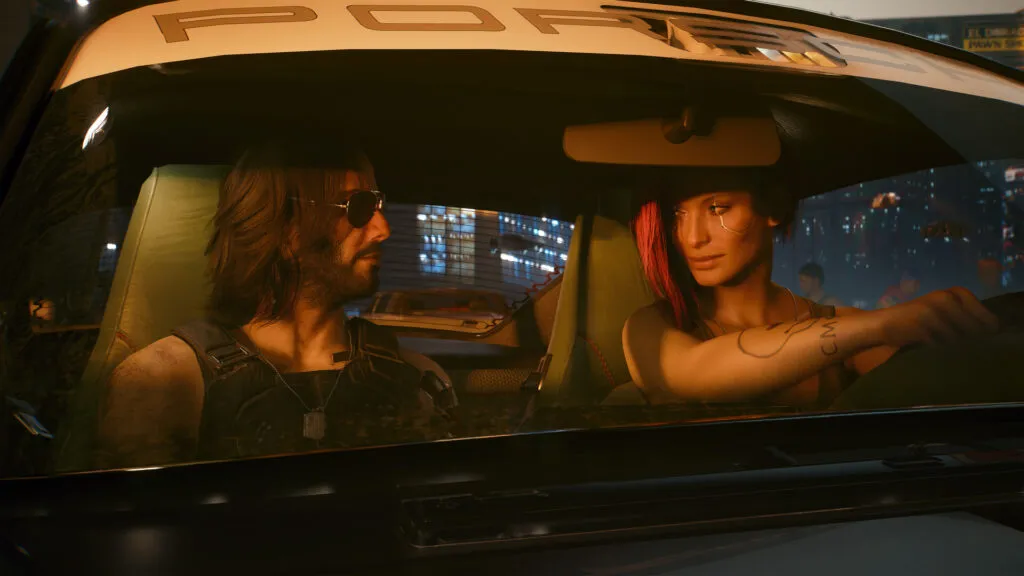
NVIDIA words it like this: the new 2nd generation model delivers 35 percent more compute capability and processes 20 percent more parameters, while maintaining similar performance to the previous model. The clearest example in the announcement is Indiana Jones and the Great Circle, with cleaner particles and virtually no ghosting behind falling snow.
I have no numbers of my own. One evening, one game, Cyberpunk. Puddle reflections and thin geometry like railings did come out cleaner, while the trail behind fast moving headlights is still there. The press quotes NVIDIA itself puts in the announcement talk about no real performance cost, and that is where I will wait: on RTX 20 and 30 cards the denoiser always cost frames, and I will not take that line on trust until somebody benchmarks a 2070.
Thirty games, and not just the NVIDIA showcase
At launch the forced override covers thirty games. Beyond the obvious Cyberpunk 2077, Alan Wake 2, Hogwarts Legacy and DOOM: The Dark Ages, the list holds Marvel Spider-Man 2, Resident Evil Requiem, Call of Duty: Black Ops 7, NARAKA: BLADEPOINT, War Thunder, Enlisted, Half-Life 2 RTX and Portal with RTX. Separately, studios are building the model straight into their own updates, and there the app checkbox is not needed at all.
Which games support which upscaler is a living list on its own: games with FSR 4. If the ray tracing machine is still being built, read the 4K build, where it is spelled out when the money for tracing pays off and when you are buying a menu option.
Who gets nothing out of this
Ray Reconstruction only does something where ray tracing or path tracing exists. No rays in the game, no work for the denoiser. In CS2, in Warframe, in any competitive raster title the checkbox will not change a single pixel, and come September there will be a queue of people asking why they see no difference. The place to check is the graphics menu of the game, not the app.
Second case for not rushing: if you play on an RTX 2060 or 3060 at 1080p and already keep ray tracing at the lowest setting to hold frame rates. The new model will raise quality, but nobody is giving those frames back.
What else was shown, and what to watch in September
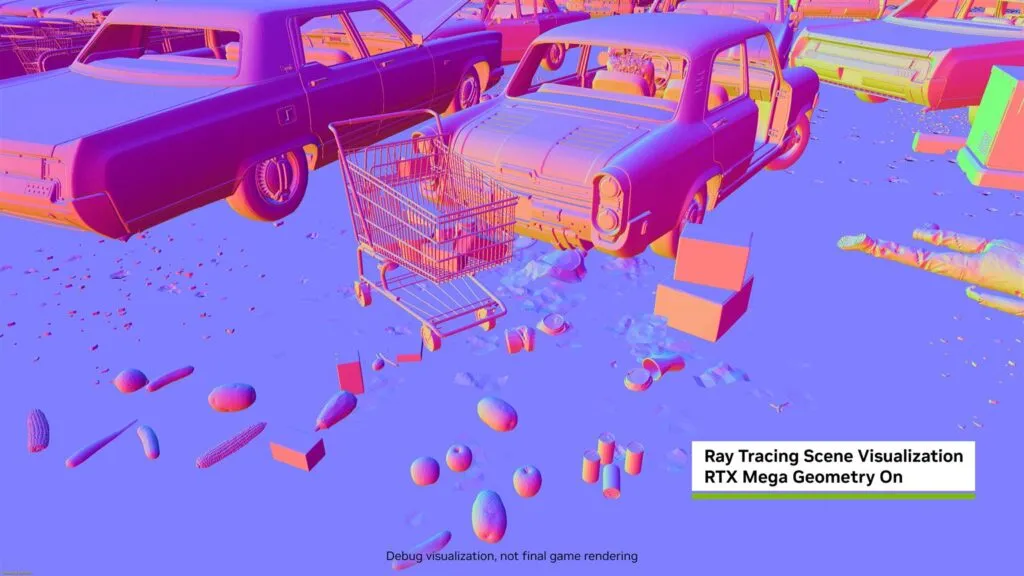
From the same announcement: Gears of War: E-Day ships on 6 October and picks up RTX Mega Geometry on top of DLSS 4.5, ray tracing and Reflex. CONTROL Resonant got a path tracing video and is now bundled with a selection of RTX cards, laptops and PCs. The 007 First Light update with path tracing and Ray Reconstruction lands on 15 September.
Two dates worth marking: the exit from early access in September, and 15 September, when 007 First Light gives the first honest chance to measure frames before and after on the very same scene. We will come back to that with numbers rather than quotes.
Sources
NVIDIA, Gamescom 2026: DLSS 4.5 Ray Reconstruction Out Now, 25.08.2026: nvidia.com/en-us/geforce/news/gamescom-2026-dlss-4-5-ray-reconstruction-release-announcements-trailers/. NVIDIA, GeForce at Gamescom 2026: nvidia.com/en-us/geforce/news/gamescom-2026-nvidia-geforce-rtx-dlss-4-5-announcements/. NVIDIA, STAR WARS Zero Company GeForce Game Ready Driver 616.56 WHQL, 26.08.2026: nvidia.com/en-us/geforce/news/star-wars-zero-company-geforce-game-ready-driver/.