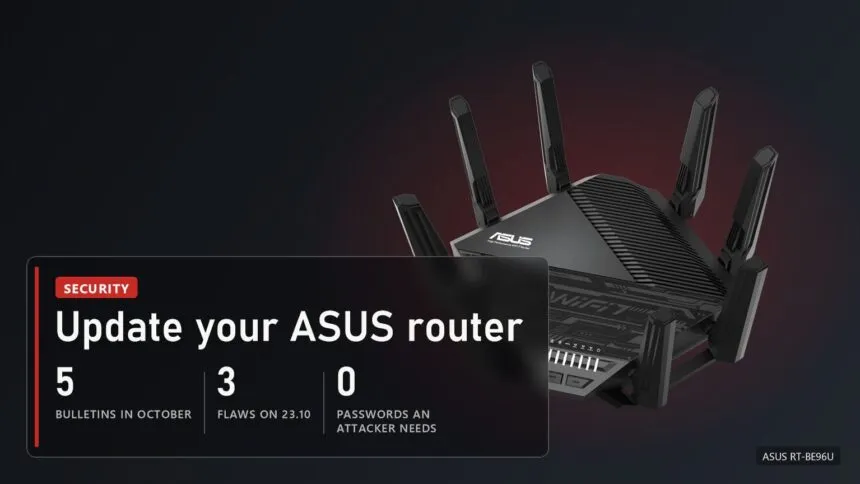
ASUS has pushed out another urgent router firmware update, its fifth router security bulletin this October. The latest, from 23 October, covers the 3.0.0.6_102 firmware series, which TechPowerUp says runs on ASUS's new Wi-Fi 7 routers. One of the three fixed flaws lets an attacker on an adjacent network get admin access to the router without any password. If you own an ASUS router, update it today. While you're at it, update Armoury Crate too: it got its own security patch on 20 October.
What was fixed on 23 October
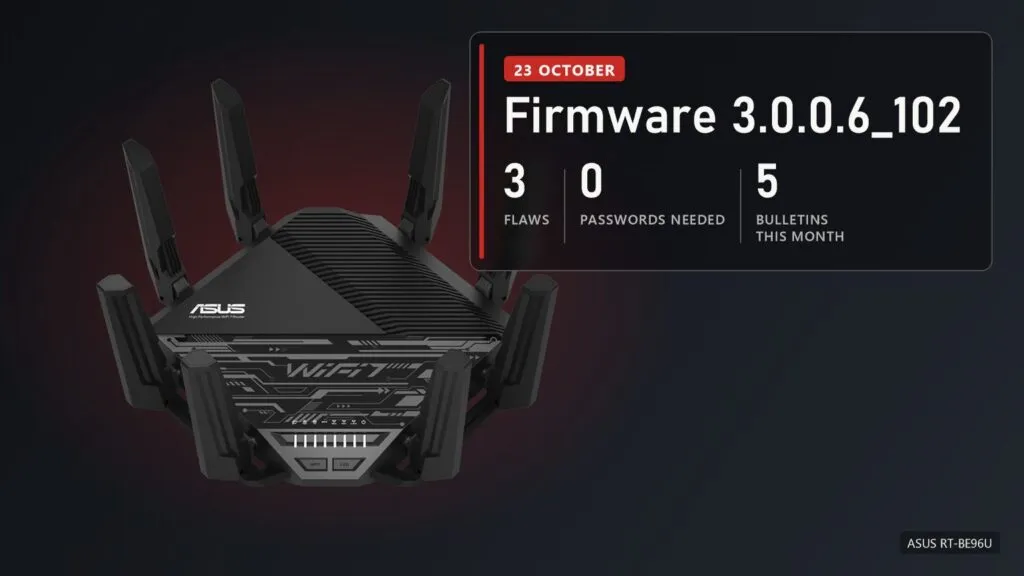
ASUS's bulletin lists three flaws, all rated High on the CVSS 4.0 scale:
- CVE-2026-93489, 8.7: the most dangerous of the three. The attacker only needs access to an adjacent network, with no password and nothing required from you. ASUS describes the bulletin as an improper authentication flaw that can hand out admin rights.
- CVE-2026-75779, 8.6: this one works over the network, not just from an adjacent one, but needs an active action from the user.
- CVE-2026-75775, 7.7: adjacent network again, but only under specific conditions.
"Adjacent network" sounds reassuring, but in practice it means your own Wi-Fi or LAN: guest access, a neighbour's laptop that still has the old password, or an infected device at home. The other October bulletins covered the same 3.0.0.6_102 series and the older 3.0.0.4_386 and 3.0.0.4_388 series, and the 20 October flaw in older routers can knock the device over or change its state.
How to check and update your router
- Version number. Open the router's web panel (router.asus.com from your home network) or the ASUS Router app and look at the firmware version. If it starts with 3.0.0.6.102, 3.0.0.4.386 or 3.0.0.4.388, check for an update.
- Updating. In the panel it's Administration, then Firmware Upgrade, where you can also turn on automatic updates. For a manual update, only take the file from your model's page on the ASUS site.
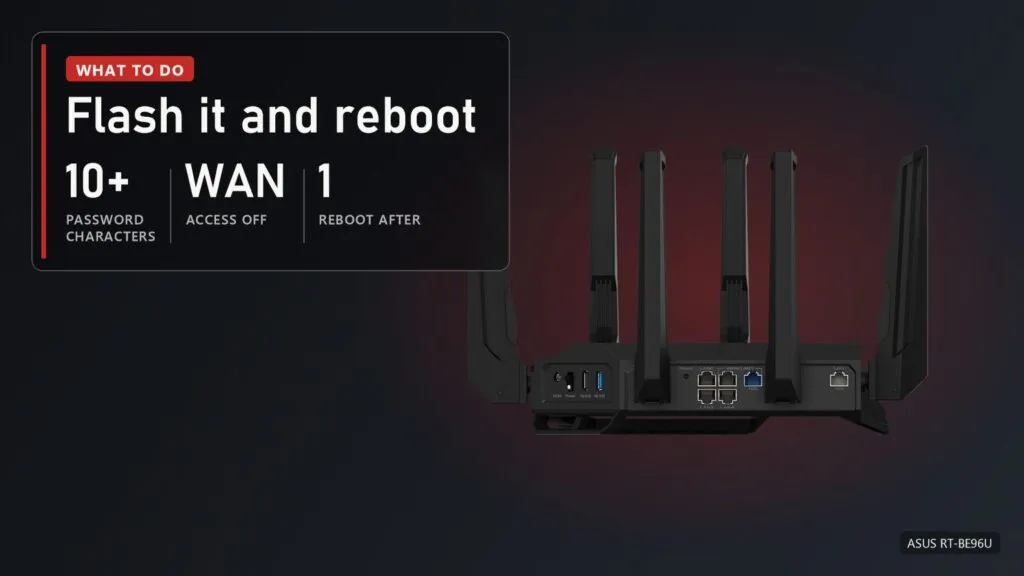
- If you can't update yet, ASUS advises turning off panel access from the internet (WAN), using admin and Wi-Fi passwords of at least 10 characters with numbers and symbols, keeping unknown devices off the network and removing unfamiliar app sessions.
- After flashing, reboot the router. ASUS asks for that specifically.
And Armoury Crate as well
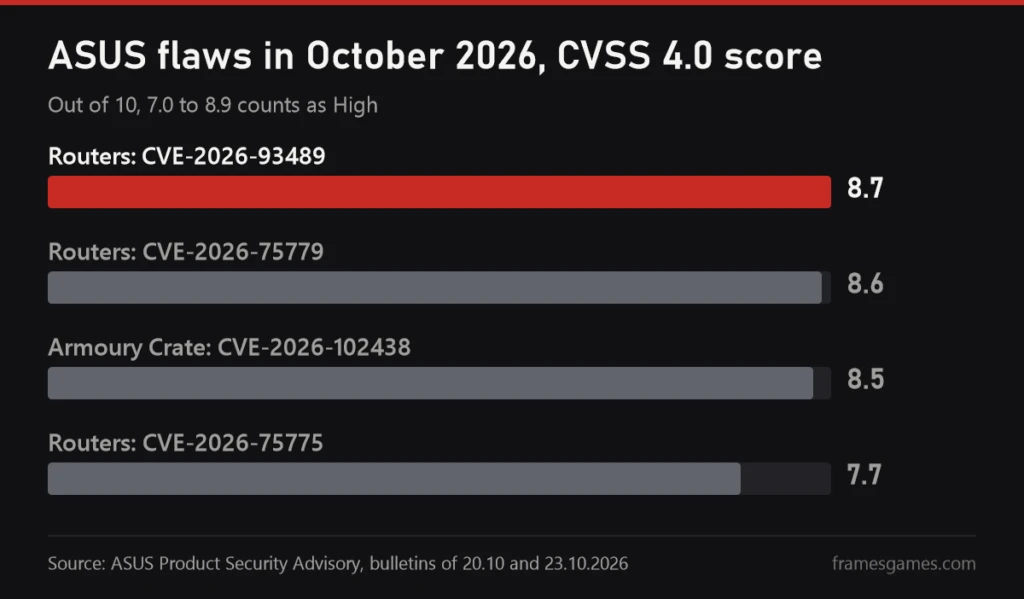
This one affects a lot of people with an ASUS motherboard, graphics card or laptop, since Armoury Crate ships with them. On 20 October ASUS fixed CVE-2026-102438 in Armoury Crate, rated 8.5. It's local: a program on your own PC running with normal user rights could gain wider access to the system. Affected are Armoury Crate 3.0.0 through 6.5.10 and Armoury Crate SE 2.1.17 through 2.2.17. You update it from inside the app: Settings, Update Center, Check for Updates.
Five router bulletins in one month is a lot even for ASUS, but the good news is that every one of them already comes with a fix. If you've been putting off a router update since the summer, now's the time. It's five minutes and one reboot.

Sources
ASUS Product Security Advisory: router firmware bulletins of 01.10, 07.10, 20.10 and 23.10.2026 and the Armoury Crate bulletin of 20.10.2026, CVE numbers, CVSS 4.0 scores, versions and mitigations. TechPowerUp, 24.10.2026: the 3.0.0.6_102 series and Wi-Fi 7 routers. Images: the ASUS RT-BE96U page on the ASUS site.