• TRENDING
  • Warframe
  • Game News
  • How-to
  • Games
  • Hardware News
  • CONTACT US
FramesGames
EN
  • ENEnglish
  • NLNederlands
  • Hardware
    • PC Builds
    • PC build calculator
  • Games
    • Reviews
  • How-to
  • News
    • Game News
    • Hardware News
  • Bookmarks
Reading: AMD Ships Adrenalin 26.9.1: Fixes Starfield and Apex Crashes on RX 9000
Share
FramesGamesFramesGames
Font ResizerAa
  • Adventure
Поиск
  • Hardware
    • PC Builds
    • PC build calculator
  • Games
    • Reviews
  • How-to
  • News
    • Game News
    • Hardware News
  • Bookmarks
Have an existing account? Sign In
Follow US

Home / News / Hardware News / AMD Ships Adrenalin 26.9.1: Fixes Starfield and Apex Crashes on RX 9000

Hardware News

AMD Ships Adrenalin 26.9.1: Fixes Starfield and Apex Crashes on RX 9000

Last updated: September 3, 2026 8:50 pm
David Freeman
Share
8 Min Read
Adrenalin 26.9.1 cover EN
SHARE

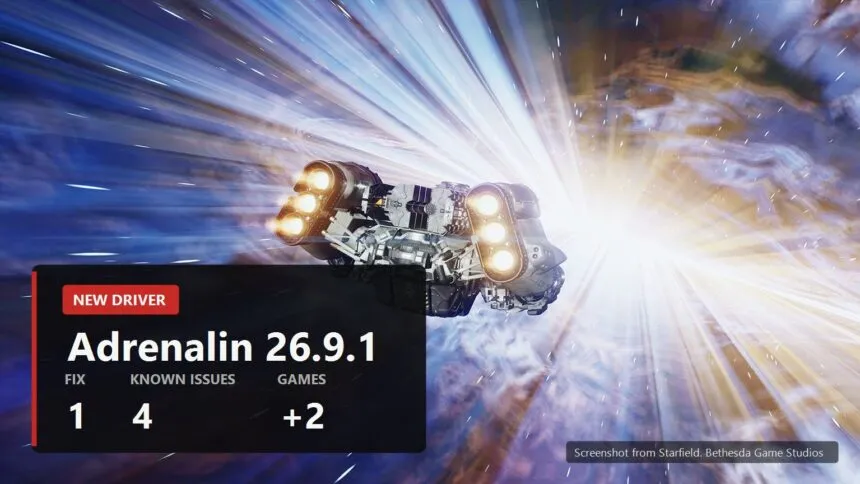
AMD put out Adrenalin Edition 26.9.1 on 3 September. It is a short release: one fix, two new games added to support, and four known issues. Which means the notes list more problems than repairs, and this is the case where the problems are the part worth reading.

Содержание
  • What got fixed: crashes in Starfield and Apex Legends
  • What was added to support
  • There are more known issues than fixes
  • This is Optional, not WHQL, and here is what that changes
  • Who is not on the compatibility list

Here is who should install it today, who should wait, and what to check the moment it is installed.

What got fixed: crashes in Starfield and Apex Legends
AMD Adrenalin 26.9.1
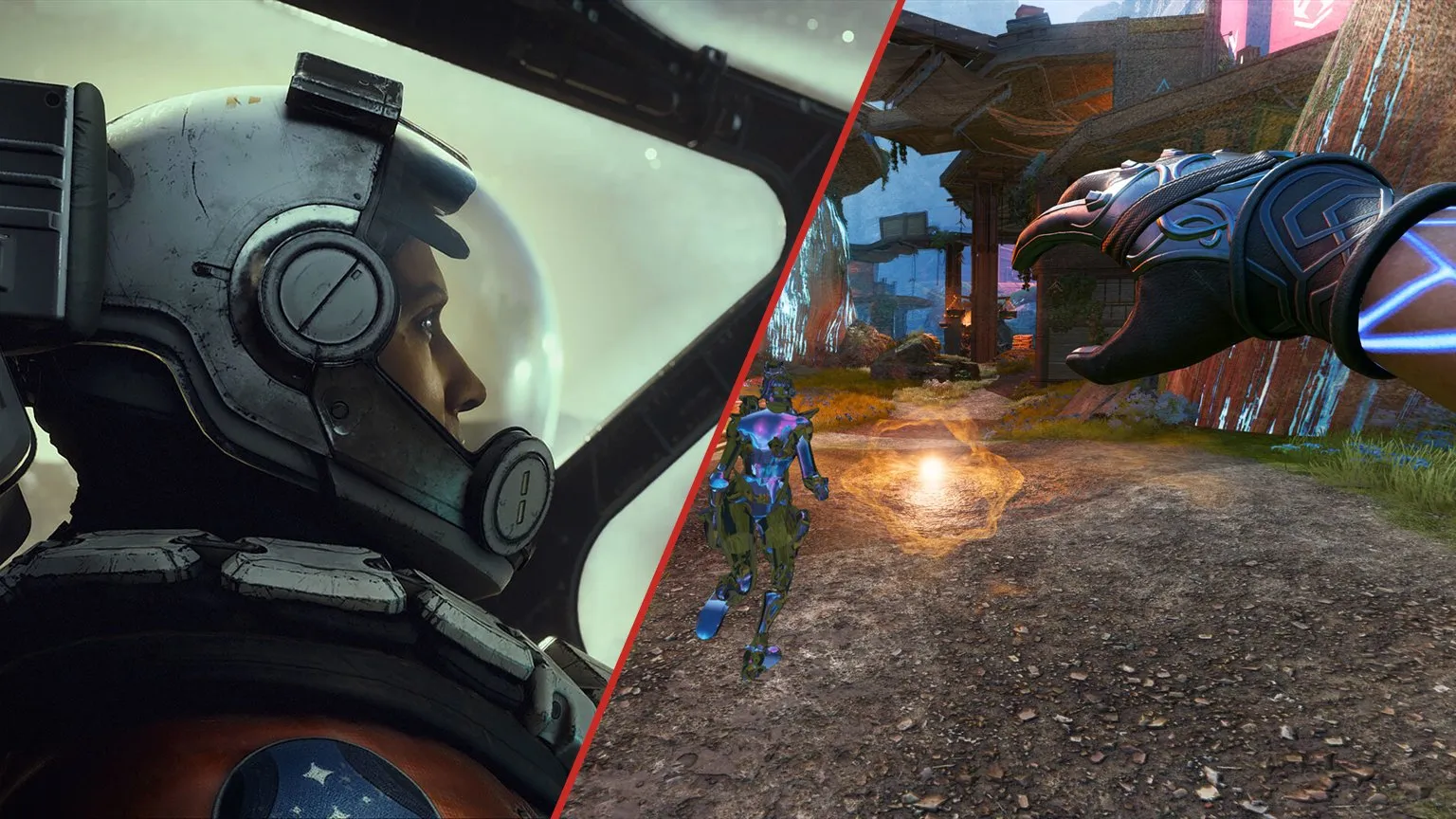
Screenshots from Starfield, Bethesda Game Studios, and Apex Legends, Respawn

There is exactly one fix, and it is a real one. AMD's wording: an intermittent game crash may be observed while playing Starfield and Apex Legends on Radeon RX 9000 series graphics products.

That is RDNA 4, the newest thing AMD sells: the RX 9070, 9060 and 9050. Crashes in two very popular games on the current flagship line had been going on for months, so owners of those cards want this release, and it is the only reason to hurry.

On every older generation, from the RX 5000 to the RX 7000, nothing changes in this release at all. If you are on one of those and playing happily, there is no reason to update today.

What was added to support

AMD Adrenalin 26.9.1
Screenshots from Onimusha: Way of the Sword, Capcom, and The Blood of Dawnwalker, Rebel Wolves

Two games: Onimusha: Way of the Sword and The Blood of Dawnwalker. Both recent, both exactly the sort of release a driver normally ships alongside.

We went through The Blood of Dawnwalker's requirements separately, with the full table including the video memory column that write-ups keep losing.

There are more known issues than fixes

AMD Adrenalin 26.9.1
Screenshot from Cyberpunk 2077. CD Projekt Red

This part of the notes is the most interesting one, and it is usually the part nobody repeats.

  • Installation can fail on the AI Bundle components. AMD says it plainly: in regions with limited access to HuggingFace and GitHub, installing those components may fail. The driver pulls part of itself from the internet, and if that route is blocked the installer trips over it.
  • Smart Access Memory may switch itself off on Windows 10. After the driver is installed. Silently. That is the feature giving the processor access to all of the video memory at once, and losing it costs frames.
  • Anti-Lag 2 shows as inactive after disabling frame generation in Resonance: A Plague Tale Legacy.
  • Cyberpunk 2077 and 4 GB cards. AMD reminds everyone the game recommends a minimum of 6 GB of video memory, and advises RX 9050 4GB owners to set graphics intensive features to low or off.

Of those four, the second one is what actually costs you frames. Smart Access Memory turns off without a single message, and you only notice it as a performance drop a week later. Check it straight after installing: the Performance section of the Adrenalin app, then Tuning, where the Smart Access Memory line lives. It works in tandem with Above 4G Decoding and Resizable BAR in the motherboard BIOS.

The first point deserves its own line. The AI Bundle is the part of the installer that pulls down components for local neural network features. With no access to HuggingFace and GitHub the installation can stall right there, and it will look like a broken driver rather than a network problem.

Read next

NVIDIA and AMD drivers cover EN
NVIDIA Drivers Stopped Being the Argument. And What the Hardware Scheduler Has to Do With It
How to set up AMD Adrenalin in 2026: every setting explained
FSR 4 and Redstone: every supported game and what you need to run it

This is Optional, not WHQL, and here is what that changes

AMD Adrenalin 26.9.1
Illustration by FramesGames

The word Optional is in the title of the release notes. It means the build did not go through Microsoft certification: AMD tested it itself and shipped it without waiting for anyone else's signature.

The practical difference is small but real. Optional builds arrive faster and more often, WHQL ones less often and after an extra round of checking. Neither guarantees anything will work on your machine: the recent NVIDIA episode, where a certified WHQL driver was pulled within hours over fan control, shows what that signature is worth fairly clearly.

AMD also repeats that rolling back to a previous version should be done with the AMD Cleanup Utility rather than installing over the top. Old advice, but it is in these particular notes for a reason, given the Smart Access Memory business above.

Who is not on the compatibility list

AMD Adrenalin 26.9.1
Illustration by FramesGames

The supported list is broad: RX 9070, 9060 and 9050, the whole RX 7000, RX 6000 and RX 5000 ranges, the professional Radeon PRO cards and the mobile variants, plus the integrated graphics inside Ryzen processors.

But two lines at the end of the notes are worth reading, because they cut out entire classes of device.

  • Handheld consoles are not supported at all. AMD states it directly: Adrenalin does not include support for handheld gaming devices, and users should get drivers from the manufacturer. That covers every handheld running an AMD chip, which is nearly all of them.
  • Laptops and all-in-ones: AMD recommends the vendor's driver. The build from AMD's own site is a reference driver with limited support for a specific model's features. If something breaks after installing it, the manufacturer's own package is the fix.

The short version. RX 9000 owners who were catching crashes in Starfield or Apex Legends should install it today. For everyone else this release offers nothing beyond support for two new games and can safely wait for next week. And if things play noticeably worse after installing, look at Smart Access Memory first rather than reinstalling the driver in circles.

Sources

Everything in this release comes from AMD's official notes for the Adrenalin Edition 26.9.1 driver, article number RN-RAD-WIN-26-9-1 on amd.com, last updated 3 September 2026. The same page carries the list of supported graphics cards, the lines about handheld devices and laptops, the recommendation to use the AMD Cleanup Utility when rolling back, and all four known issues in their exact wording. The explanation of Smart Access Memory and its relationship to Resizable BAR and Above 4G Decoding is ours. The Optional label is in the title of AMD's own notes.

Radeon RX 9070 XT passes the RTX 3080 in the Steam survey and becomes the top Radeon
Best CPU for Onimusha: 31 processors tested, and one Ryzen 9 falls apart
Windows 11 memory integrity turns on in October and can cost you FPS: how to check
DLSS 5 and frame generation on RTX 30 and 40: what the DLSS Unlocked mod really does
GPU sales grew against the season, and AMD gained seven points
Share This Article
Facebook Email Print
ByDavid Freeman
Follow:
David Freeman is the pen name behind FramesGames. Specs come from the manufacturer, test numbers only from benchmarks with a published method, and the charts are ours, with the source printed on the image.
Leave a Comment Leave a Comment

Leave a Reply Cancel reply

Your email address will not be published. Required fields are marked *

- Advertisement -
Ad imageAd image

Trending Stories

How-to

Lossless Scaling in 2026: what it fixes, who needs it, and the big lsfg-vk 2.0 update

September 10, 2026
Game News

Game Pass caps cloud gaming: 15 hours a month on Ultimate

September 8, 2026
Hardware News

AMD hits a record 46.5 percent of processors in the Steam survey

September 8, 2026
Onimusha sold a million copies on day one, cover
Game News

Onimusha Sold a Million Copies on Its First Day

September 8, 2026
How-to

What to play on a laptop RTX 4060

September 8, 2026
Which graphics card for 4K in September 2026, cover
Hardware

Which Graphics Card You Need for 4K in September 2026

September 8, 2026

You Might Also Like

PC GPU shipments in the second quarter of 2026, cover
Hardware News

PC GPU Shipments Rose 10 Percent While Prices Hit Records

September 7, 2026
DLSS 5 Swapper cover
Hardware News

DLSS 5 Swapper Puts Neural Rendering Into Games NVIDIA Never Listed

September 7, 2026
Hardware News

DLSS 5 Is Out. Half Your Frames Go To It, and Here Is What Comes Back

September 6, 2026
Hardware News

The GTA 6 look on Netflix lifted PS5 and Xbox sales by a third

September 5, 2026

Follow US on Social Media

Telegram

© 2026 FramesGames. All rights reserved.

FramesGames

Information

  • Contact
  • About
  • Editorial standards
  • Privacy Policy
  • Disclaimer
  • Cookie Policy (EU)
Manage Consent
To provide the best experiences, we use technologies like cookies to store and/or access device information. Consenting to these technologies will allow us to process data such as browsing behavior or unique IDs on this site. Not consenting or withdrawing consent, may adversely affect certain features and functions.
Functional Always active
The technical storage or access is strictly necessary for the legitimate purpose of enabling the use of a specific service explicitly requested by the subscriber or user, or for the sole purpose of carrying out the transmission of a communication over an electronic communications network.
Preferences
The technical storage or access is necessary for the legitimate purpose of storing preferences that are not requested by the subscriber or user.
Statistics
The technical storage or access that is used exclusively for statistical purposes. The technical storage or access that is used exclusively for anonymous statistical purposes. Without a subpoena, voluntary compliance on the part of your Internet Service Provider, or additional records from a third party, information stored or retrieved for this purpose alone cannot usually be used to identify you.
Marketing
The technical storage or access is required to create user profiles to send advertising, or to track the user on a website or across several websites for similar marketing purposes.
  • Manage options
  • Manage services
  • Manage {vendor_count} vendors
  • Read more about these purposes
View preferences
  • {title}
  • {title}
  • {title}
Welcome Back!

Sign in to your account

Username or Email Address
Password

Lost your password?