The Verified badge answers "will it start". It does not answer "will this be any good on a seven inch screen on a train". Elden Ring is Verified and honestly runs, and it also drains the battery in three hours and wants you sitting with it for hours. Balatro is Verified too, lasts eight hours and fits inside one trip on the metro.
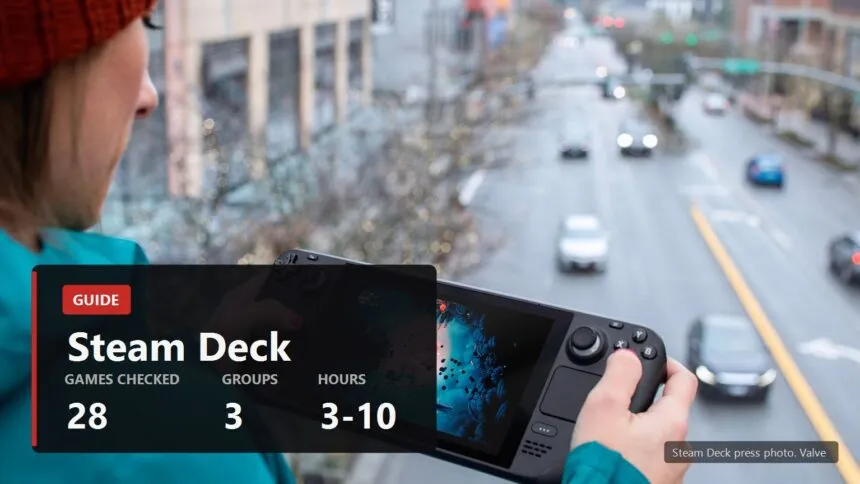
Hence this list. I checked every game's status through Valve's own compatibility reports on 1 September 2026, then sorted them by what they actually cost in hours and how they sit in a short session. If your question is whether your library will run at all, that is the neighbouring piece, the one about badges and anti-cheat.
What "suits the Deck" actually means
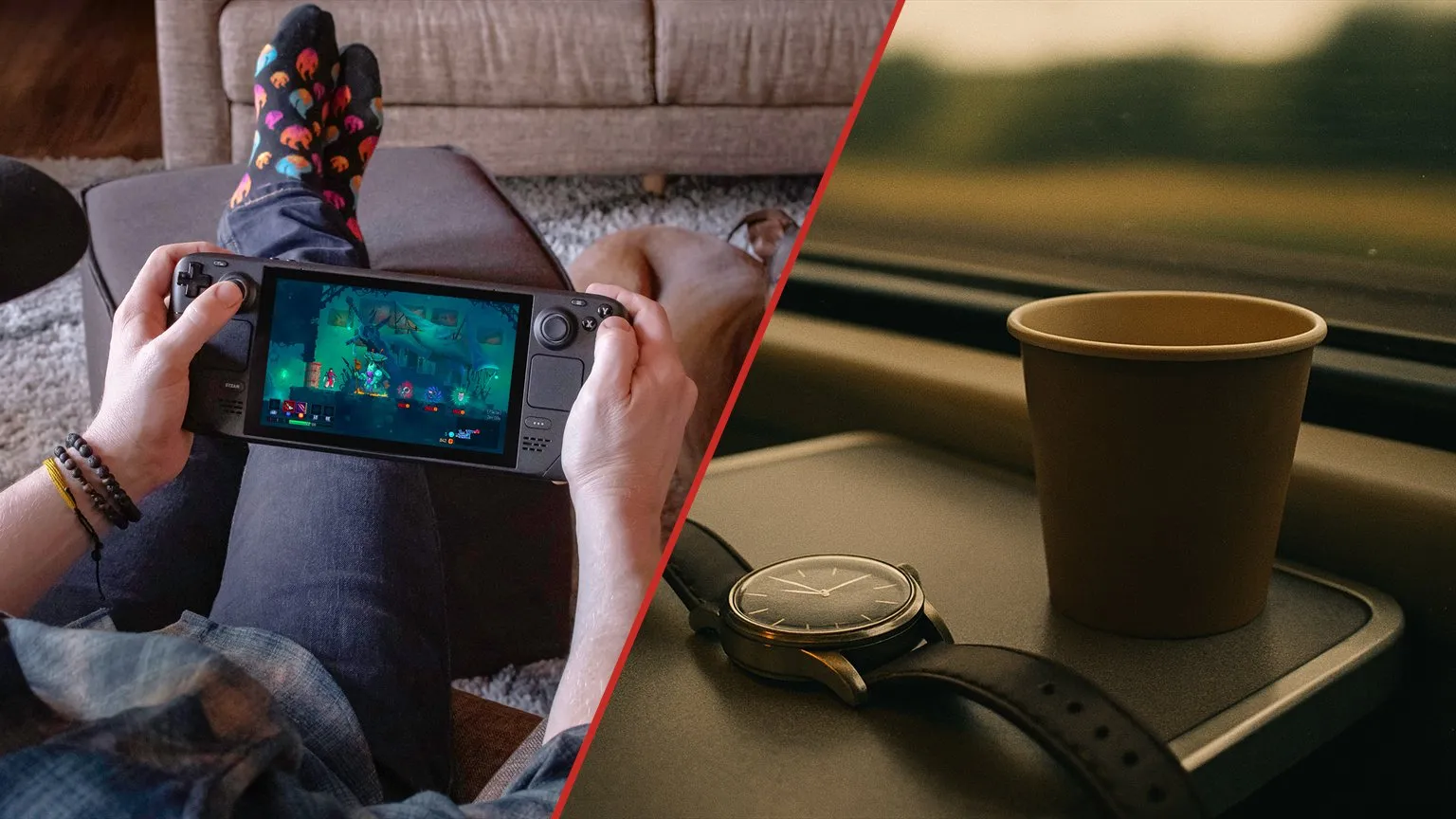
Three things, and Valve's badge checks none of them.
- Session length. A handheld gets picked up for twenty minutes. A game where twenty minutes is the walk to the next bonfire was not built for that, however well it runs.
- Power draw. The gap between a light and a heavy game on a Deck is not ten percent, it is threefold. Eight hours against three on the same device.
- Legibility. Seven inches does not forgive everything. Strategy games with small numbers and interfaces designed for a 27 inch monitor stay playable but stop being pleasant.
The Verified badge checks that it launches, that the text is readable and that the gamepad works. That is a lot, but it is about "will not break", not about "will be a pleasure".
How many hours each kind of game gives you
The arithmetic is simple and we went through it in detail: the OLED battery is 50 watt hours, the discontinued LCD had 40. Divide capacity by what the whole device is drawing and you get hours. That gives the three groups the list below is sorted into.
| Group | Device draw | Hours on OLED | What lands here |
|---|---|---|---|
| Light | 5 to 7 W | 7 to 10 | 2D, card games, turn based |
| Middle | 8 to 11 W | 4.5 to 6 | Indie action, isometric, older 3D |
| Heavy | 12 to 16 W | 3 to 4 | Modern big releases |
One caveat without which the numbers lie. The wattage slider in the quick access menu limits the chip, not the whole device: screen, memory and fan draw on top of it. Setting the cap to 6 W will not give you eight and a half hours, because the device is pulling closer to nine watts at that moment. The groups above are total draw, not the slider reading.
And to be straight about method: the grouping is ours, by class of load, not a lab measurement of each title. Your own number in your own game takes two minutes to get with the method from the battery piece, and it will beat any list written by somebody else.
Light: this is what the Deck is for
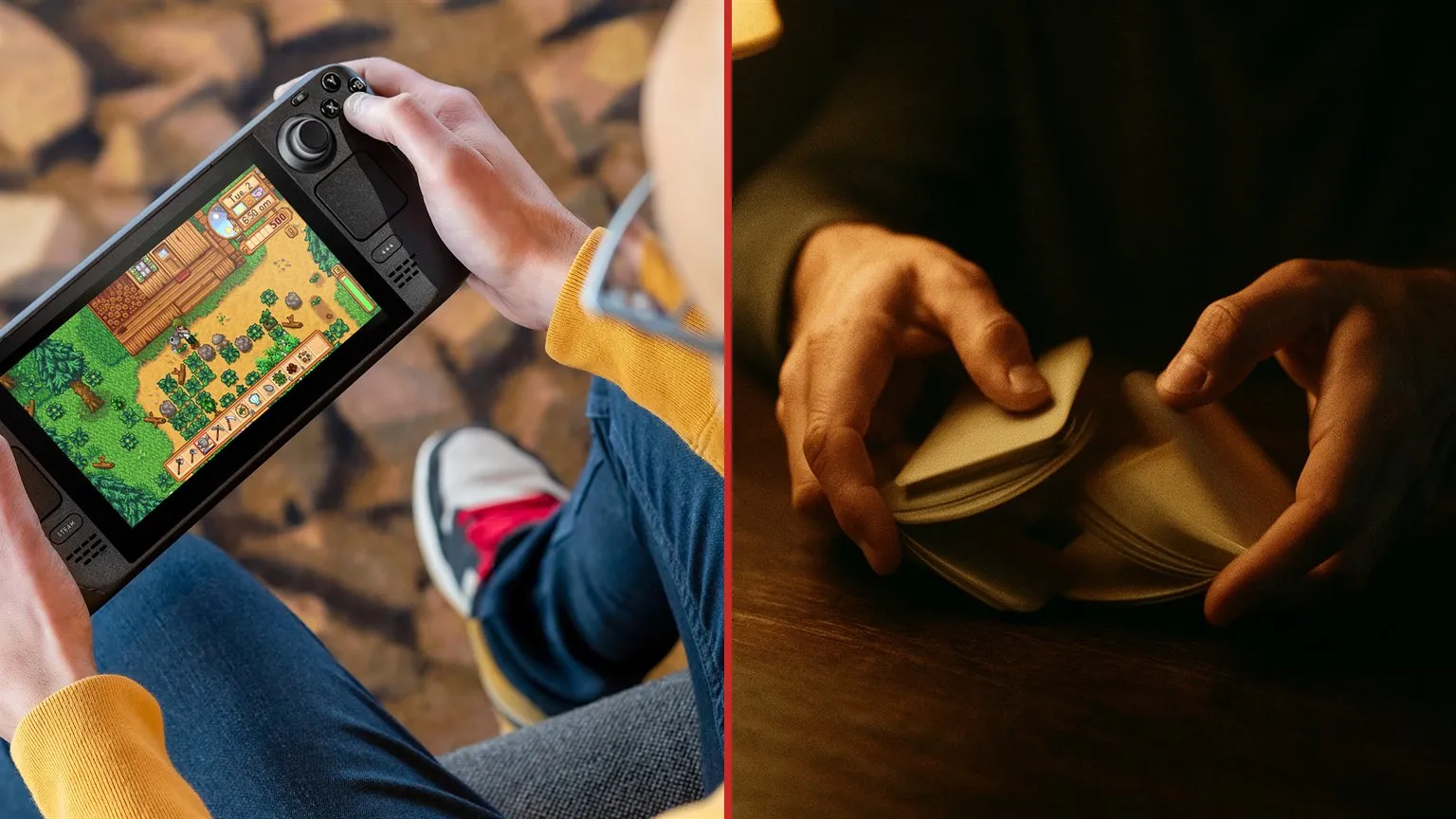
The games that turn a Deck from a small gaming PC into the thing it is actually good at: a device you switch on for twenty minutes and switch off without regret.
Balatro, 2024
A poker roguelike that looks like a spreadsheet and plays like a controlled substance. Runs of thirty to sixty minutes, all input reduced to picking a card, near zero load on the chip. Of everything here this is the one you can start on ten percent battery without worrying. Verified.
Stardew Valley, 2016
An in-game day is twenty real minutes and it ends by itself when the character goes to bed. A session boundary built into the game. Add a touchscreen that works in menus and sleep behaviour it survives without a single complaint. Verified.
Into the Breach, 2018
Turn based tactics on an eight by eight board. All the information fits on screen at once, no cursor needed, and you can stop mid turn without losing anything. If somebody had designed a game specifically for a seven inch screen and thumbsticks, it would look roughly like this. Verified.
Same group, all Verified as of 1 September 2026: Slay the Spire (2019), Vampire Survivors (2022), Terraria (2011), The Binding of Isaac: Rebirth (2014) and Return of the Obra Dinn (2018).
Middle: where most of a library sits
Four and a half hours, six at best. Enough for a commute both ways with room to spare, not enough for a flight.
Hades II, 2025
Runs of thirty to sixty minutes, and after a death the game returns you to the hub and effectively offers you the exit. The roguelike structure does more for handheld play than any optimisation could: you never abandon it halfway, because there is no halfway. Verified.
Hollow Knight: Silksong, 2025
A 2D metroidvania that looks on a Deck exactly the way it was meant to, and needs neither precise aim nor a fast mouse. One caveat: the hard sections are better attempted somewhere other than a moving bus. Verified, as is the 2017 original.
Disco Elysium, 2019
A game that is ninety percent reading, which is exactly why it works in the hands. The Deck holds it like a book, and sleep mode lets you close it mid dialogue and open it three days later. Verified.
Alongside them, all Verified: Dead Cells (2018), Celeste (2018), Cuphead (2017), Cult of the Lamb (2022), Don't Starve Together (2016), Persona 5 Royal (2022) and Sid Meier's Civilization VII (2025).
Civilization needs its own note. It is Verified and genuinely readable at seven inches, but it is a game where one turn drags in the next, and "ten more minutes" becomes an hour. The battery is a more honest limit here than your willpower.
Heavy: three hours, and sometimes worth it
Big games do run on a Deck, and run decently. The question is what you get back for three hours and a warm chassis.
Elden Ring, 2022
Verified, runs, looks respectable. And it sits badly in a handheld scenario, because the session is defined by the distance between bonfires rather than by your free time. Excellent docked at home, questionable on the move.
Cyberpunk 2077, 2020
The rare case of a big game that really is good on a Deck. Night City is cut into short jobs, stepping out between them is easy, and by 2026 the game has been polished into the state it should have shipped in. Verified.
Next to it sit Marvel's Spider-Man Remastered and Miles Morales (both 2022, both Verified): swinging across the city is a ten minute activity and it asks for nothing but the sticks.
What not to bring to a Deck
- Multiplayer shooters with kernel level anti-cheat. Some of them will not start on SteamOS at all, and no setting changes that.
- Anything marked Playable, unless you enjoy fiddling. Checked on 1 September: Forza Horizon 5, Titanfall 2, Warhammer 40,000: Space Marine 2 and Lethal Company carry exactly that status. Playable means you will fix something by hand: a mapping, a font or a resolution.
- Anything competitive. Sticks are not a mouse, and at seven inches you are playing against people sitting at monitors.
One surprise from the check: Undertale is still listed as Playable rather than Verified. A 2015 game that would run on a kettle. It is a decent illustration that the badge reflects one person at Valve testing one build, not physics.
How to check any game in a minute
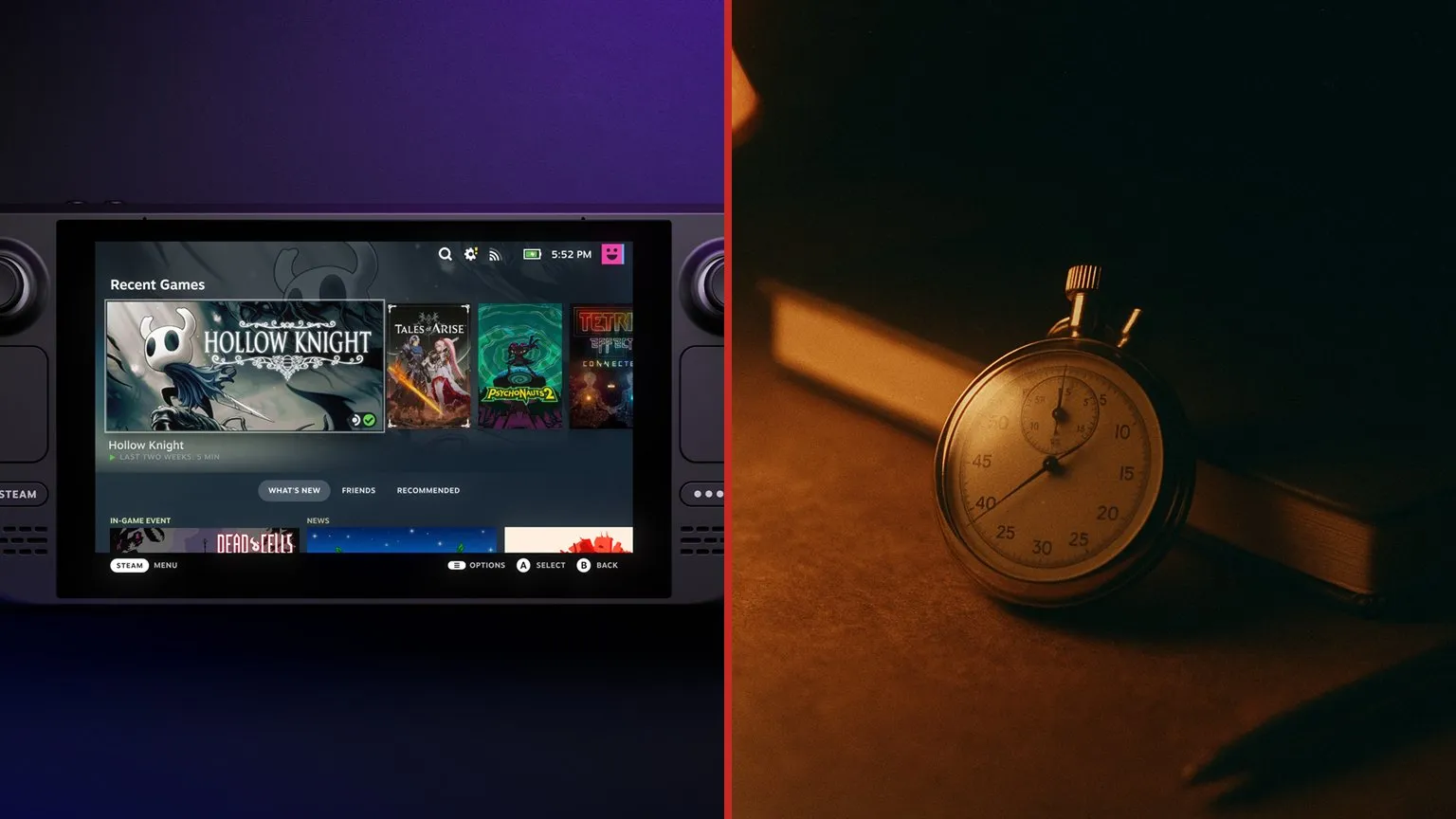
- Status. Open the game's Steam page and look at the Deck compatibility block. The same badge is visible in the library on the device itself, as a filter.
- Draw. Launch it, turn the performance overlay to its detailed mode and read the watts after a couple of minutes of play rather than on the first frame.
- Session. Ask yourself one question: how long from launch to a point where switching off costs nothing. If that is over twenty minutes, it is a home game.
My own conclusion after all this checking: the Deck wins not where it manages to run a big game, but where the game does not mind being switched off halfway. The list above is sorted by that, not by review scores.
Sources
The Steam Deck compatibility status of every game named here was requested from Valve on 1 September 2026 through the official compatibility reports on store.steampowered.com, which is also where the release dates come from. Battery capacity for both Deck models and the runtimes Valve claims: steamdeck.com/en/tech. Converting capacity into draw and sorting the games into three load groups is ours. The caveat that the power limit caps the chip rather than the whole device is covered in our piece on battery life. We do not carry over anybody else's per-game power measurements: a reader gets their own figure from the performance overlay in two minutes.